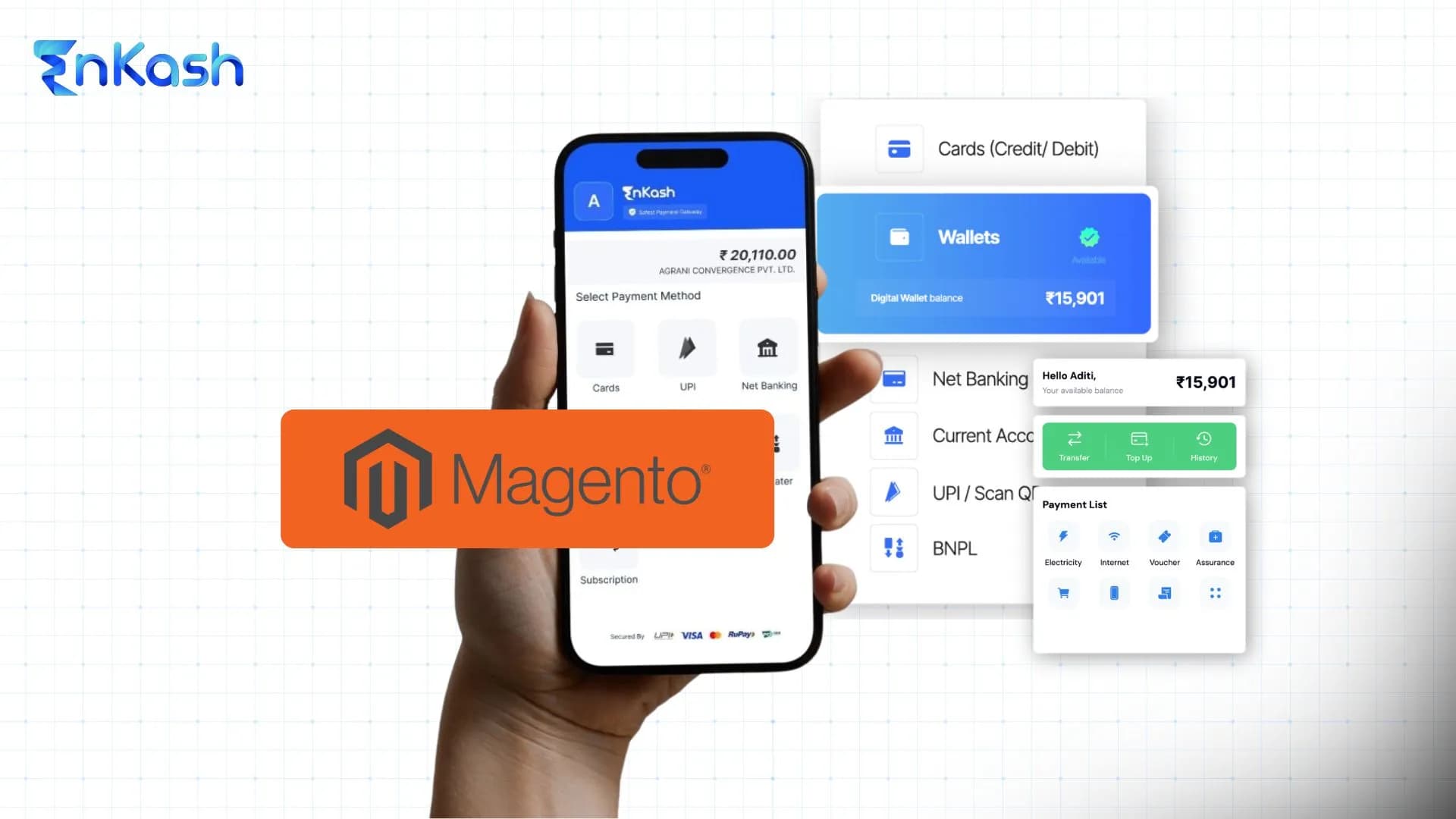
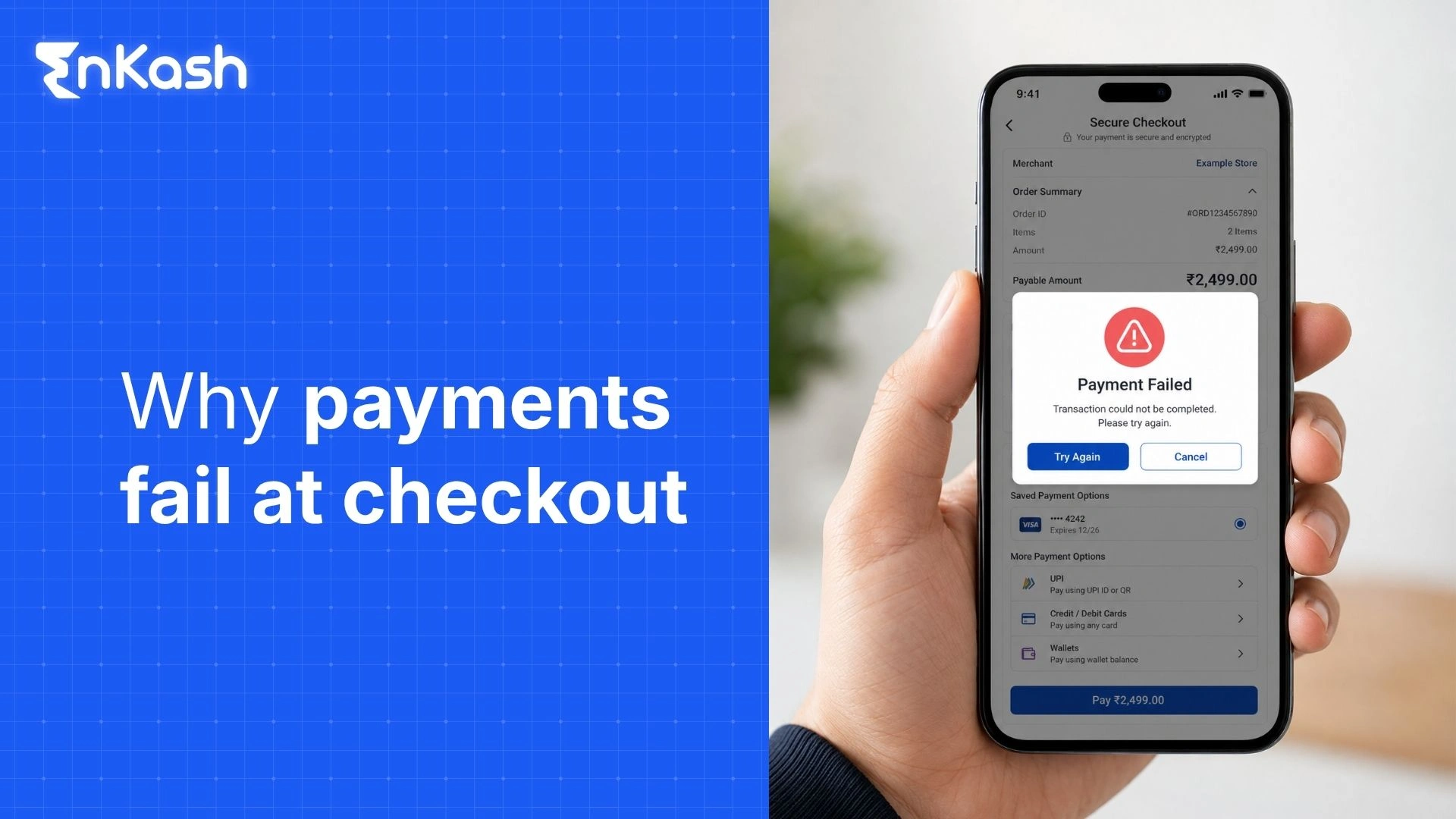
A Magento payment gateway connects a Magento Open Source or Adobe Commerce store with a payment processing platform, allowing customers to complete online transactions securely. Depending on the integration, it can support payment authorisation, transaction processing, payment confirmation, refunds, webhook updates, and settlement visibility.
For Magento stores in India, the gateway should support local payment preferences such as UPI, cards, net banking, digital wallets, and EMI-based payment methods. Merchants, therefore, need a gateway that supports local payment preferences while maintaining security, speed, and reporting visibility.
From Magento platform basics to how to add a payment gateway in Magento, this blog covers the payment setup journey, key comparison points, and the choice of the best payment gateway for Magento.
How Magento Powers E-commerce Store Operations
Magento is an e-commerce platform designed to help businesses create, manage, and scale online stores. It provides tools for product management, inventory control, order processing, promotions, customer management, and checkout operations.
Magento supports businesses ranging from small online stores to large enterprises managing thousands of products. The platform offers flexibility through extensions, APIs, custom themes, and third-party integrations.
Businesses use Magento because it allows greater control over:
- Product catalogues
- Pricing structures
- Customer segmentation
- Multi-store management
- Checkout customization
- Marketing campaigns
- Payment integrations
Magento Open Source and Adobe Commerce
Magento currently exists in two primary forms:
Magento Open Source
Magento Open Source provides the core e-commerce framework. Businesses can customize functionality using extensions and developer support.
Adobe Commerce
Adobe Commerce extends Magento Open Source with enterprise-grade commerce capabilities and additional business tools, depending on the edition and implementation.
Both versions support payment gateway integrations through extensions and APIs.
Why Magento Stores Need Reliable Payment Infrastructure
Magento can handle complex e-commerce operations, but payment processing remains a critical component.
Every payment transaction affects:
- Order creation
- Inventory updates
- Invoice generation
- Customer notifications
- Refund management
- Financial reconciliation
A weak payment setup can create inconsistencies between customer payments and store records. For this reason, selecting a payment gateway should be treated as a strategic e-commerce decision rather than a simple technical requirement.
Magento Payment Gateway Integration
Magento payment gateway integration is the process of connecting a Magento store to a payment service provider so customers can complete transactions securely.
How Magento Payment Gateway Integration Works
When a customer places an order, Magento and the payment integration pass the required order and payment data to the payment provider, depending on the checkout model. The gateway then communicates with the banking network or payment processor to verify and authorize the transaction.
The transaction flow generally follows these stages:
- Customer submits payment
- The payment gateway receives transaction data
- Authentication is completed
- Authorization is requested
- Transaction approval or decline is returned
- Magento updates the order status
- Settlement occurs according to provider timelines
Integration Methods Available
Magento supports several integration approaches.
Extension-Based Integration
Extension-based integration is the simpler route for many Magento merchants because the payment provider supplies a ready Magento module that can be installed and configured from the admin panel. Once credentials, mode, and callback settings are added, the store can start testing payments with lower development effort. This method suits standard checkout journeys where faster deployment, controlled cost, easier maintenance, and consistent payment workflows are important.
API-Based Integration
API-based integration gives the business stronger control over the payment journey. Developers connect Magento directly with gateway APIs and build custom payment behavior around checkout, order status, refunds, webhooks, and reconciliation. It works well for enterprise stores, marketplaces, subscription models, complex checkout journeys, and multi-vendor platforms that need tailored logic.
Hosted Checkout
Hosted checkout sends the customer to a gateway-managed payment page after the customer submits order details in Magento. It reduces payment page maintenance, shortens implementation work, and lowers the merchant’s direct security burden during checkout.
Embedded Checkout
Embedded checkout keeps the customer within the Magento storefront during payment. It can support smoother checkout continuity, better customer experience, and stronger brand control when the store has the technical setup to maintain it safely.
How to Add a Payment Gateway in Magento
Businesses evaluating how to add a payment gateway in Magento should follow a structured implementation process.
Step 1: Select a Payment Provider
Choose a provider that supports:
- UPI
- Credit cards
- Debit cards
- Net banking
- Wallets
- EMI options
Step 2: Complete Merchant Onboarding
Most providers require:
Step 3: Install the Magento Extension
Install the payment gateway extension using the provider’s recommended method, commonly through Composer or Adobe Commerce/Magento extension workflows, and then configure it from the admin panel.
Step 4: Configure Credentials
Enter:
- Merchant ID
- API credentials
- Secret keys
- Webhook URLs
- Callback URLs
Step 5: Test Transactions
Test:
- Successful payments
- Failed payments
- Pending payments
- Refunds
- Cancellations
Step 6: Activate Live Mode
Switch from sandbox mode to production mode only after testing is completed successfully.
How to Add a Payment Gateway in Magento 2
For Magento 2, businesses should follow the provider’s Magento 2 installation process and verify version, PHP, theme, checkout, and extension compatibility before going live.
Additional checks include:
- Magento version compatibility
- PHP compatibility
- Theme compatibility
- Check out customization compatibility
- Extension update history
A staging environment should always be used before deploying payment changes to a live store.
Why Magento Stores Need a Reliable Payment Gateway
A reliable payment gateway influences both revenue generation and operational efficiency.
Checkout Confidence and Payment Completion
A Magento store depends on checkout accuracy because every completed order passes through payment confirmation before fulfillment begins. Customers expect familiar payment options, quick authentication, and clear confirmation after paying. When the payment page loads slowly, redirects fail, or status messages appear unclear, buyers may abandon the cart or attempt payment again. Reliable payment infrastructure keeps the checkout journey stable and gives customers confidence that their money and order details are being handled correctly.
Accurate Orders, Refunds, and Invoices
Payment infrastructure also controls how Magento records orders after a transaction. A successful payment should update the order status, trigger invoice creation, and move the order into the right fulfillment stage. Failed or pending payments require separate handling because incorrect status mapping can cause shipping errors, duplicate support tickets, and confusion about refunds. A dependable setup helps the store maintain cleaner records across payments, cancellations, chargebacks, and refund requests.
Settlement Visibility for Finance Teams
Magento stores need payment data that finance teams can match with bank settlements, gateway reports, tax records, and refund entries. As order volume grows, manual checking becomes difficult and error-prone. A strong payment infrastructure provides the business with better visibility into transaction IDs, payment modes, fees, settlement dates, and refund status. This makes reconciliation easier and reduces the risk of missed entries during month-end reviews or accounting checks.
Security and Long-Term Store Reliability
Online payments involve sensitive customer and transaction data, which makes secure configuration essential for Magento stores. The store should use trusted payment modules, secure credentials, HTTPS, restricted admin access, and proper webhook handling. Payment systems also need regular testing after Magento updates, theme changes, or extension changes. A reliable setup protects customer trust, reduces operational disruption, and helps the business keep checkout working across devices, payment methods, and order volumes.
Top Magento Payment Gateways
The best payment gateways for Magento depends on business goals, customer locations, payment preferences, and operational requirements.
What to Compare Before Choosing a Gateway
Merchants should evaluate:
Payment Method Support
The gateway should support customer payment preferences.
Magento Compatibility
Magento extensions should be actively maintained and updated.
Refund Management
Refund workflows should be clear and efficient.
Reporting Features
Transaction visibility is important for finance teams.
Customer Support
Support quality becomes important when payment issues affect orders.
Magento Payment Gateway Options to Compare
| Payment gateway | Best suited for | Magento integration route | India payment modes | Refund and settlement support | Key evaluation point |
|---|
| EnKash Payment Gateway | Indian e-commerce businesses that need digital payment acceptance with reporting visibility | API-led or custom integration, subject to Magento setup and merchant enablement | UPI, cards, net banking, wallets, EMI, BNPL, QR, and payment links were enabled | Supports online payment tracking, refunds, settlements, and reporting workflows, subject to integration | Good fit for businesses that want payment acceptance along with finance visibility and business payment infrastructure |
| Razorpay | Indian e-commerce brands and digital-first businesses | Magento extension or API-based integration, subject to current plugin availability | UPI, cards, net banking, wallets, EMI, Pay Later, and other local methods | Refunds, settlements, dashboards, and webhook-based status updates | Strong payment method coverage and developer ecosystem |
| PayU | Online merchants, education platforms, service businesses, and e-commerce stores | Plugin or API-based integration, subject to Magento version compatibility | UPI, cards, net banking, wallets, EMI, and local payment options | Refund and settlement reporting available through dashboard/API, subject to setup | Broad payment acceptance and established merchant network |
| Cashfree Payments | API-driven e-commerce businesses and platforms needing automation | Plugin or API-led integration, subject to provider support and store configuration | UPI, cards, net banking, wallets, EMI, Pay Later, and other payment options | Refunds, settlements, and reconciliation support, depending on integration | Useful for businesses that need API-first payment operations |
| CCAvenue | Businesses that want wide payment coverage across Indian and international methods | Magento plugin or hosted checkout/API route, subject to compatibility | Cards, net banking, UPI, wallets, EMI, and several payment options | Refund, settlement, and transaction reporting available through provider systems | Known for broad payment option coverage |
| Paytm Payment Gateway | Indian merchants targeting wallet, UPI, and local payment users | Plugin/API integration, subject to Magento support and merchant approval | UPI, Paytm wallet, cards, net banking, EMI, and local methods | Refunds, settlements, and dashboard reporting, subject to setup | Strong local brand familiarity and consumer payment coverage |
| Stripe | Global e-commerce businesses and brands selling internationally | Magento extension or API-led integration, depending on region and setup | Cards and supported local payment methods depending on country availability | Refunds, disputes, settlements, and developer-led reporting | Better suited for global payment acceptance and international commerce |
| PayPal | Cross-border sellers and stores targeting international customers | Magento integration through extension or API route, subject to region and account setup | PayPal wallet, cards, and supported international methods | Refunds, disputes, and international payment reporting | Useful for international buyers who prefer PayPal |
| Braintree | Advanced e-commerce stores needing flexible card and wallet flows | API-led or extension-based integration, depending on setup | Cards, PayPal, and selected wallet/payment methods depending on availability | Refunds, settlements, vaulting, and payment reporting, subject to integration | Strong for stores needing flexible card and wallet payment architecture |
Note: Payment mode availability, Magento extension support, refund workflows, settlement reporting, and webhook behaviour can vary by provider, merchant approval, Magento version, region, and integration method. Merchants should verify current provider documentation and test the payment flow in a staging environment before going live.
EnKash Payment Gateway
For businesses evaluating a Magento payment gateway solution in India, EnKash can be assessed for digital payment acceptance, reporting visibility, refund handling, settlement tracking, and API-led integration support, depending on the Magento setup. A Magento store can assess EnKash based on the payment methods available for customers, the flexibility of the integration route, settlement visibility, reporting depth, refund handling, and support for business payment operations. This gives merchants a more complete view of how the gateway will perform after checkout, since payment success must be linked to order records, customer support, finance checks, and settlement tracking.
Common Magento Payment Gateway Integration Issues
Even properly configured systems can encounter payment-related challenges.
Incorrect API Credentials
Incorrect API credentials can stop a Magento payment gateway from connecting with the provider. Incorrect merchant IDs, secret keys, access tokens, or environment details may result in authentication failures, declined transactions, or connection errors. Merchants should verify every credential before moving the store to live mode.
Sandbox Configuration Left Active
A store may continue using sandbox settings after launch if the test environment is not properly switched. In such cases, real customer payments may fail or remain incomplete. The live environment, production credentials, webhook settings, and payment method approvals should be checked before accepting actual orders.
Webhook Failures
Webhooks carry payment status updates from the gateway back to Magento. When webhook communication fails, orders may remain pending, confirmations may be missed, and finance teams may struggle during reconciliation. Correct webhook URLs, secure keys, and server response settings help prevent status gaps.
Extension Compatibility Problems
Payment extensions must work with the active Magento version, PHP version, custom theme, and third-party modules. An outdated or poorly maintained extension can break checkout after updates. Testing payment flows in a staging setup reduces the risk of errors on the live store.
Checkout Conflicts
Custom checkout page changes can interfere with payment processing when scripts, theme overrides, or third-party extensions affect the payment page. These conflicts may stop buttons from loading, prevent redirects, or block payment method selection. Developers should examine checkout behavior across desktop and mobile before launch.
Payment Methods Not Displaying
A payment method may disappear from checkout when it is disabled, merchant approval is incomplete, or currency and country restrictions apply. Store-level settings should be checked alongside the gateway dashboard approvals to confirm that the method is active and available to eligible customers.
Pending Orders and Duplicate Payments
Magento orders can remain pending after a successful payment due to callback failures, webhook delays, or status-mapping errors. Customers may retry payment when confirmation is unclear, creating duplicate attempts. Clear status handling and transaction checks help protect both customer experience and order accuracy.
Refund and Performance Issues
Refund records should match across Magento, the gateway dashboard, settlement reports, bank entries, and accounting records. Any mismatch can cause support delays and accounting confusion. Slow payment pages can also reduce checkout completion, which makes page speed, server response time, extension performance, and mobile checkout testing important.
Conclusion
A Magento payment gateway plays a central role in e-commerce operations by connecting customer payments with order management, refunds, settlements, and financial reporting. Successful Magento payment gateway integration requires more than installing an extension. Businesses should evaluate payment methods, integration quality, reporting capabilities, refund workflows, security controls, and long-term scalability.
For merchants operating in India, selecting a strong Magento payment gateway is particularly important, as customer expectations now include UPI, cards, net banking, wallets, and seamless mobile checkout experiences. The best payment gateway for Magento is the provider that supports business growth while delivering reliable payment processing, operational visibility, and a smooth customer experience.
FAQs
What is a Magento payment gateway?
A Magento payment gateway is a payment processing connection that allows customers to pay online through cards, UPI, net banking, wallets, and other supported methods during checkout.
What is Magento payment gateway integration?
Magento payment gateway integration connects a Magento store with a payment provider so the store can process online payments, update order status, manage refunds, and receive transaction updates.
How to add a payment gateway in Magento?
Choose a payment provider, complete merchant onboarding, install the Magento extension, configure credentials, test payment scenarios, and activate live transactions after successful validation.
How to add a payment gateway in Magento 2?
Install a Magento 2-compatible payment extension, configure merchant credentials, enable payment methods, perform testing, and switch from sandbox to production mode after verification.
Which is the best payment gateway for Magento?
The best payment gateway for Magento depends on payment method requirements, integration quality, reporting capabilities, customer preferences, operational workflows, and business growth plans.
Why do Magento payment methods fail to appear?
Payment methods may be hidden due to configuration errors, incomplete merchant approval, currency or country restrictions, or compatibility issues within the Magento environment.
Why do Magento orders remain pending after successful payment?
Orders may remain pending when webhook communication fails, callback settings are incorrect, or payment status mapping does not update properly within Magento.
Does Magento support UPI payments?
Magento supports UPI payments when the selected payment gateway supports UPI and the integration is configured correctly in the store environment.
Is API integration better than extension-based integration?
API integration offers greater customization and flexibility. Extension-based integration provides faster deployment and simpler maintenance for standard e-commerce operations.
What should be tested before launching Magento payments?
Businesses should test successful transactions, failed payments, cancellations, refunds, webhook updates, mobile checkout experiences, order creation, and transaction reporting before launch.