Create, Track & Submit Expenses Now on WhatsApp.
A smart expense management platform that helps you manage expenses via WhatsApp, email, app, and more. Built to simplify reimbursements, petty cash control, and corporate spending.
No Missed Spends. No Manual Effort.

Expense Creation via Any Channel - Powered by Advanced AI
Capture expenses effortlessly - anytime, anywhere with intelligent automation across WhatsApp, email, app, and more.
Smart WhatsApp Submissions
Drop your receipt on WhatsApp. Our system instantly reads and auto-tags every detail - no app login needed.
Email & App Uploads
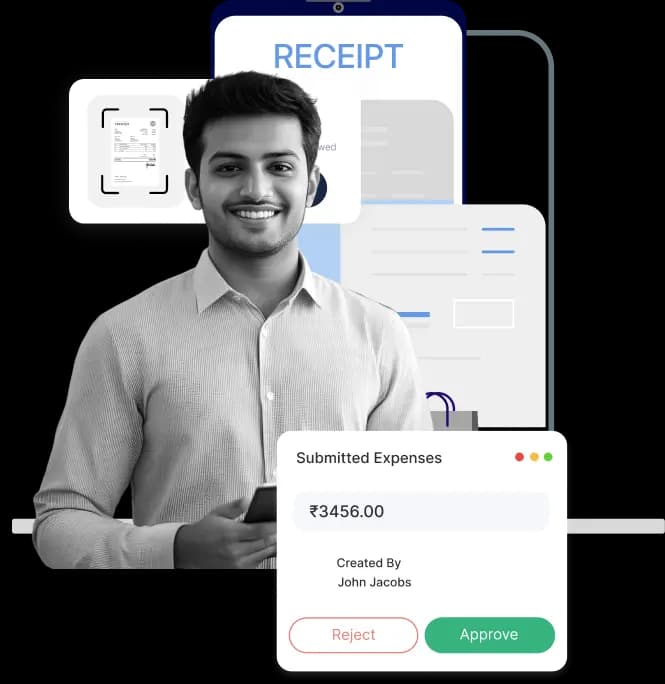
Forward receipts via email or upload through the mobile app—EnKash extracts and processes them instantly.
Intelligent OCR, Not Your Usual Scanner
Trained on 1,000+ receipt formats, our AI-powered OCR delivers 99% accuracy, even for complex or handwritten receipts.
Real-Time Expense Creation
Snap, send, and you're done. Expenses are auto-created with enriched data, ready for approval - anytime, anywhere.

Travel Requests & Per Diem – Plan Ahead, Stay Within Budget
Employees can create travel requests, claim per diem, and track every approval in one unified expense management system. With all travel plans, budgets, and reimbursements managed centrally, teams move faster while finance gets full visibility and tighter cost control.The result is smoother travel planning, cleaner documentation, and predictable spending across every trip.
Smart Travel Requests
Employees can raise travel requests by entering key trip details - destination, dates, and estimated costs, for faster planning and approvals.
Auto-Calculated Per Diems
Per diem amounts are auto-computed based on city tier, employee designation, and company travel policy—no manual work needed.
Policy-Aware Routing & Approval
Every travel request and per diem is validated against policies, with real-time flagging of exceptions and automated routing to approvers.
Integrated Budget Control
Finance teams gain full visibility into projected travel spends, helping them control budgets, ensure compliance, and streamline reimbursements.

UPI-Based Petty Cash – The Easiest Way to Manage Expenses
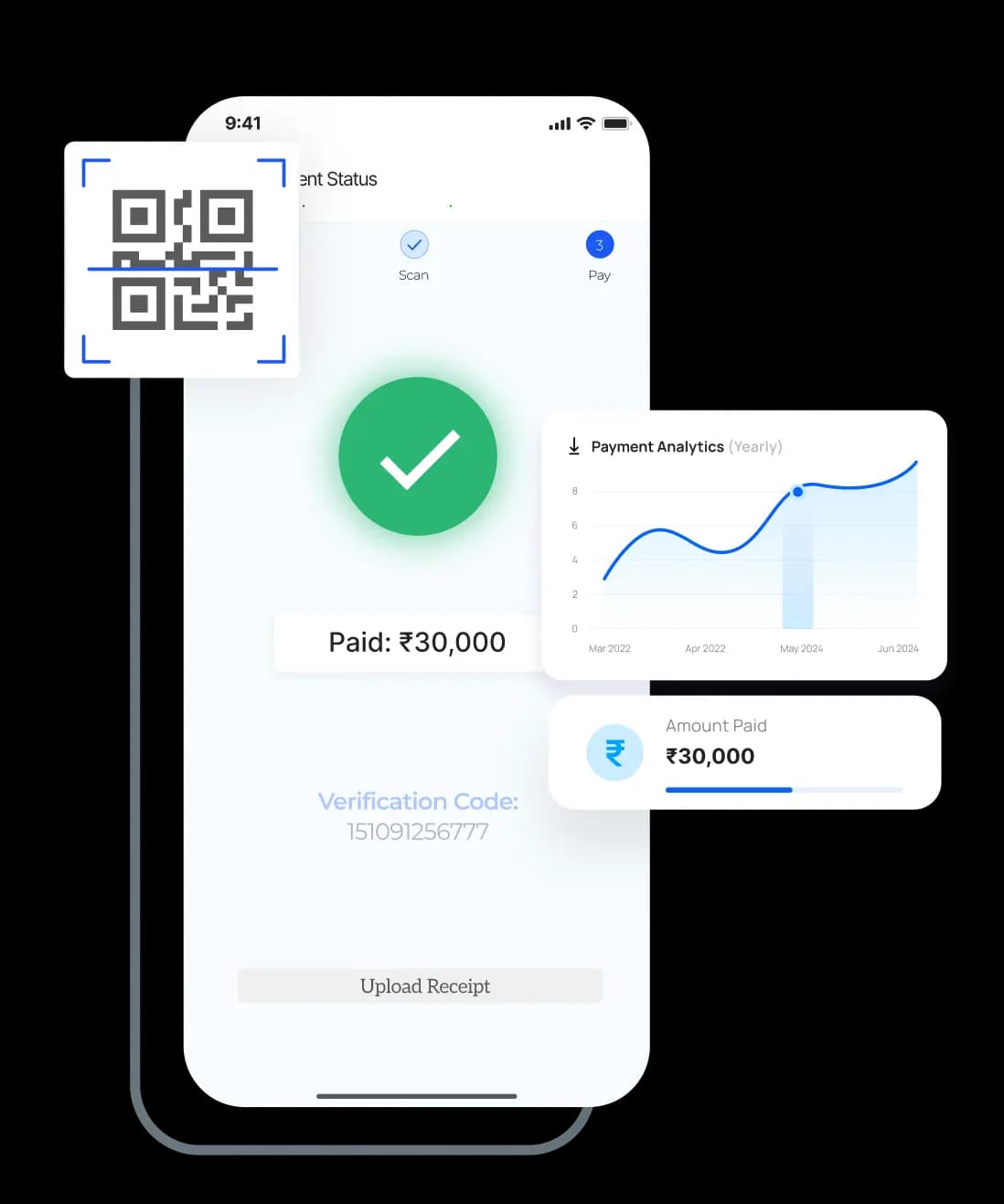
Built to eliminate manual registers, loose cash slips, and reconciliation delays, EnKash’s digital petty cash module lets teams record and manage expenses in real time. Every UPI-based transaction is instantly captured, synced with your expense management system, and routed through the right approval workflow for complete control and transparency.
Digital Wallets for Teams & Branches
Auto-assign digital wallets to control everyday spends across teams, instantly.
Controlled & Pre-Approved Limits
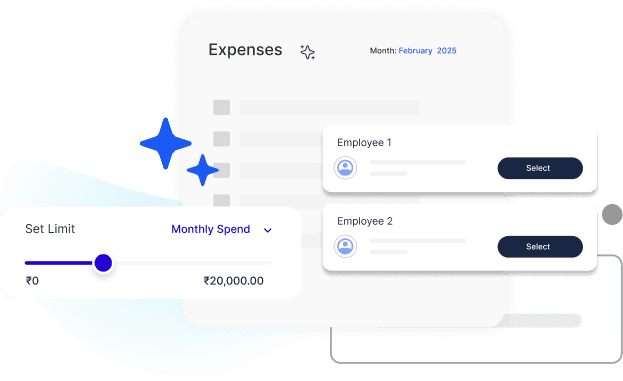
Set spending caps, and usage rules to prevent misuse or overspending.
Real-Time UPI Tracking
Every transaction is instantly recorded, no manual logging, no missed entries.
From Cash to Compliant
Convert untraceable cash into fully accountable digital transactions with complete audit trails.

Employee Reimbursements with Smart Wallets
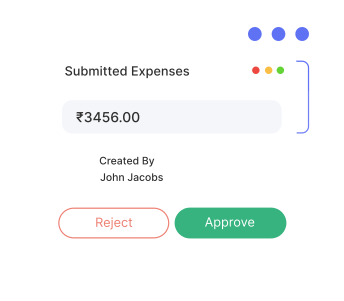
Employees can submit reimbursement claims in seconds, while finance teams track, verify, and approve them through the same unified expense platform. Every claim is validated, recorded, and processed with accuracy and compliance, enabling faster payouts and complete visibility across teams.
Tax-Saving, Pre-Configured Wallets
Get smart wallets with pre-set monthly limits for categories like travel and meals—aligned with your company’s policies.
Instant Access, No Bank Transfers
Once your claim is approved, funds are instantly added to your wallet, ready to use via EnKash cards.
Auto-Verified, OCR-Backed Claims
Just scan your receipts, AI-powered OCR takes care of accurate and fast claim validation.
Full Visibility & Year-Round Compliance
Track your balances, limits, and spends in real-time while staying compliant and audit-ready.
EMS Features in Spotlight
Corporate Card Transaction Sync
Sync card transactions instantly from partnered banks, ensuring accurate, real-time expense tracking without any manual uploads or delays.

Automatic Expense Creation from Cards
Card spends auto-create draft expense entries, letting employees review and submit with minimal effort.
GST Automation
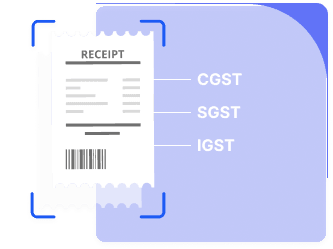
Automatically split CGST, SGST, and IGST, validate GSTINs, capture input tax to simplify GST filing, ensuring compliance, and easing audit processes.

Expense Itemization
Break down a single bill into multiple expense entries to ensure precise tracking, budgeting, and compliance
Multi-currency & Exchange Rate
Automatically calculate accurate, fast, and policy-aligned travel claims via GPS or manual entry on company-rate based calculations.
Mileage Tracking
Automatically calculate accurate, fast, and policy-aligned travel claims via GPS or manual entry on company-rate based calculations.
Pre-Approved Branch Disbursements
Disburse fixed budgets to branches or teams in advance, with real-time tracking and automated policy checks.
Custom Expense Categories & Tags
Define custom categories and tags to classify expenses accurately and enable precise reporting and analysis.
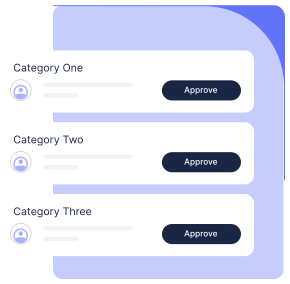
Smart Policy Enforcement & Approvals
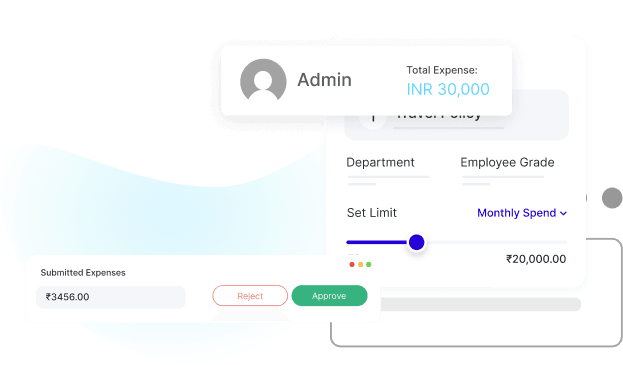
Control spending before it happens with automated policies that keep every transaction within budget. Set custom rules in your expense management platform to manage limits, approvals, and reimbursements without manual intervention. Automate routine checks, reduce policy violations, and give finance teams full control with zero extra effort.
Spend Analytics & Insights: Turn Every Rupee Spent into Actionable Insight
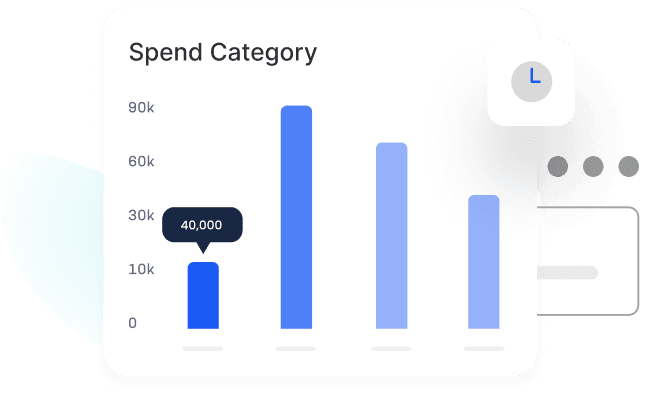
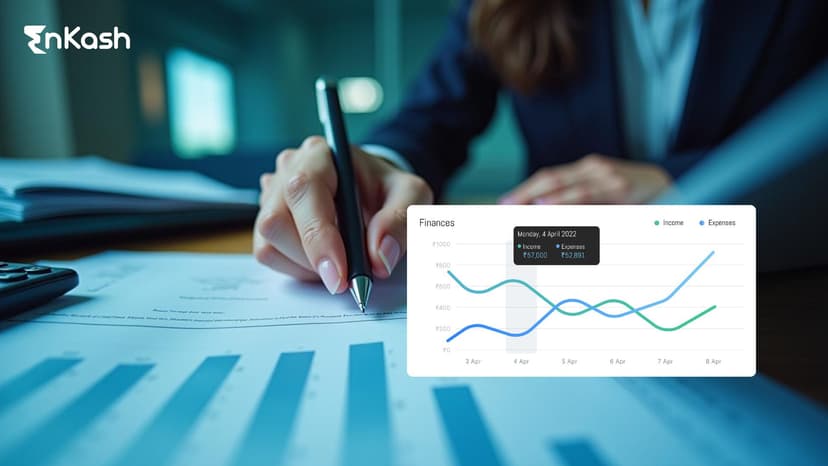
Real-Time Expense Overview
Get a live view of company-wide expenses with powerful filters. Drill down by department, project, or user to uncover patterns and make data-driven decisions instantly.

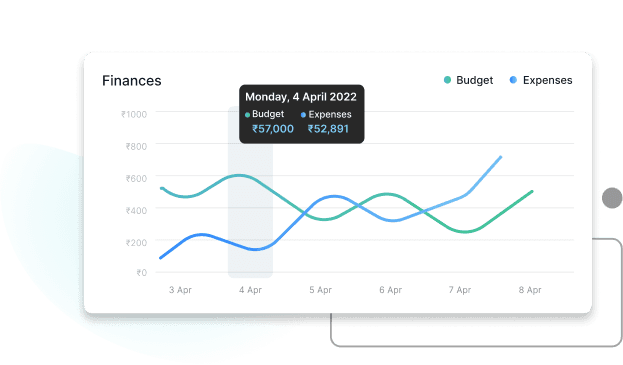
Budget vs. Actual Tracking
Track actual expenses against allocated budgets in real-time. Spot overruns early, optimize spending, and stay in control of every cost center without relying on spreadsheets.

AI-powered Predictive Spend Forecasting
Leverage AI to forecast upcoming expenses based on historical trends. Anticipate budget spikes, plan ahead, and make smarter financial decisions before costs hit the bottom line.

Custom Financial Reports
Create tailored reports with actionable financial metrics - budget utilization, compliance gaps, exception flags - delivered in your preferred format, ready for audits, reviews, and strategic decisions.

Identify User Behaviour and Patterns
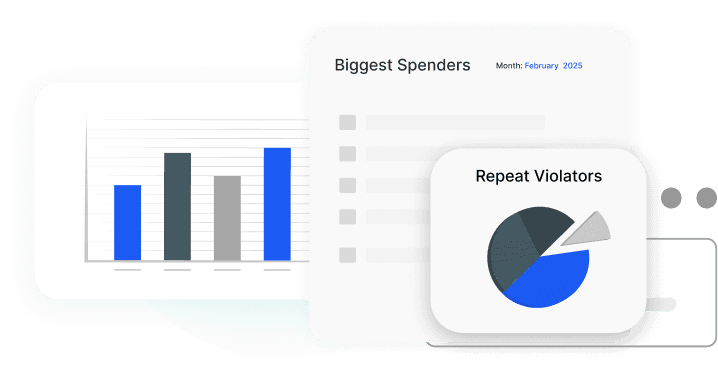
Identify your biggest spenders, repeat violators, and high-usage categories. Use these insights to refine policies, coach teams, and proactively reduce unnecessary costs.

One-Click Data Downloads
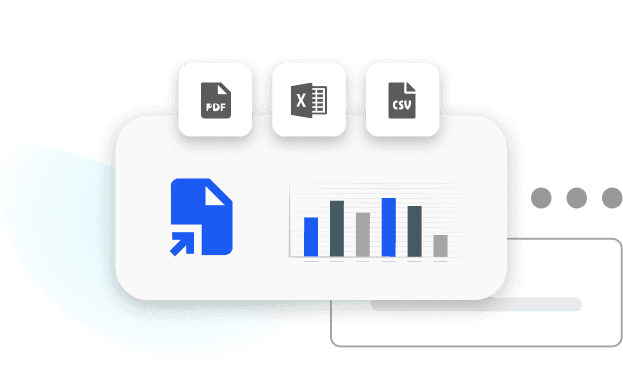
Export all reports and dashboards in multiple formats—PDFs for presentations, Excel for deep dives, CSVs for uploads—keeping your team and systems aligned effortlessly.

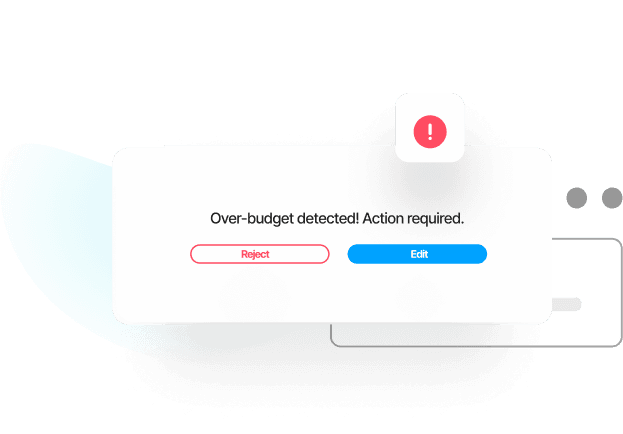
Instant Budget Overrun Alerts
Get instant alerts when actual spend exceeds budget thresholds. Stay informed in real-time, take corrective actions quickly, and avoid surprises at month-end.

Integrate with Ease. Connect Without Gaps.
ERP Integrations
Seamlessly connect EnKash EMS with leading ERPs like SAP and Oracle to automate expense syncing, approvals, and financial reconciliation.
HRMS & Payroll Sync
Integrate with HRMS platforms like Workday to auto-sync employee data, roles, and departments, and streamline payroll-linked reimbursements.
Accounting Tools Integration
Sync expenses with accounting tools like Zoho Books, Tally, or QuickBooks for faster ledger entries and simplified financial reporting.
API & Webhooks
Easily connect EnKash EMS to your systems via robust APIs for real-time sync of expenses and approvals.
Automated Journal Entry Mapping
Automatically map expenses to correct journal entries using business rules, saving hours in reconciliation and reducing accounting errors.
Custom Field Mapping That Fits Your Books
Map custom fields to your general ledger (GL) codes with precision—ensuring every expense aligns with your accounting policies.

Be Ready for Every Review with Confidence
One Platform. Every Use Case. Total Control.
IT & SaaS
E-commerce & Retail
Manufacturing
Logistics & Supply Chain
Consulting & Services
Pharma & Healthcare
IT & SaaS
No more scattered subscriptions, remote reimbursements, and cloud tool audits. Centralize expenses, automate approvals, and get real-time visibility. Empowering your finance team to stay agile without slowing down your product or people.
One Platform. Every Use Case. Total Control.
IT & SaaS
E-commerce & Retail
Manufacturing
Logistics & Supply Chain
Consulting & Services
Pharma & Healthcare
Build a leaner, smarter, & future-ready finance team
Frequently Asked Questions (FAQs)
Have more questions?
01. What is an expense management platform, and how does it work?
An expense management platform automates how companies capture, approve, track, and reconcile employee and business expenses. It eliminates manual processes and ensures compliance with policies and tax regulations.
02. Why should businesses use an automated expense management system?
Manual expense processes are time-consuming, error-prone, and hard to audit. An automated system like EnKash ensures faster reimbursements, better policy control, GST compliance, and real-time spend visibility.
03. Can employees submit expenses via WhatsApp or email?
Yes. EnKash allows expense submission through WhatsApp and email. Just snap a receipt and send it; it’s perfect for on-the-go teams.
04. Does EnKash support mileage and travel reimbursements?
Yes. Employees can log kilometers or use GPS for business travel. The system auto-calculates mileage claims and per diem allowances based on company policy.
05. What types of expenses can be managed with EnKash?
EnKash supports travel, meals, lodging, office supplies, petty cash, fuel, entertainment, vendor advances, multi-currency spends, and more across all departments and roles.
06. Is the platform suitable for startups, SMEs, and large enterprises?
Yes. EnKash is scalable - from lean startups to multi-location enterprises. You can customize policies, workflows, and integrations to match your size and complexity.
07. What is OCR in expense management?
OCR (Optical Character Recognition) automatically reads receipts and invoices, extracting details like merchant name, GSTIN, amount, and tax, reducing manual entry errors.
08. How to track expenses for small Business?
Small businesses can track expenses effectively by using tools like spreadsheets or expense management software. Start by categorizing expenses (e.g., rent, travel, utilities), saving all receipts, and recording transactions regularly. Using digital solutions helps automate tracking, generate reports, and ensure better control over cash flow and tax compliance.
09. Can I set different expense limits or policies for different departments or roles?
Absolutely. You can configure role-based, department-level, and geography-specific policies with custom approval workflows and budgets.
10. What is expense management software?
Expense management software is a tool that helps businesses track, manage, and control employee and company expenses efficiently, reducing manual work and improving cost visibility.
11. What is the price of the expense management system?
Talk to our sales team today for pricing details and to explore tailored plans designed for your business needs.
12. Does the EnKash Expense Management System integrate with HRMS, payroll, and accounting tools?
Yes. The EnKash Expense Management System integrates with major ERP, HRMS, payroll, and accounting platforms used by businesses across India. This helps you sync employee reimbursements, cost centres, and ledger entries automatically so finance teams avoid manual data entry and reconciliation. The result is faster closing cycles, accurate books, and a smooth flow of information across your finance stack.
13. What is an expense register and why is it important?
An expense register is a structured record where all business expenses are logged, categorized, and tracked in one place. It helps finance teams maintain accurate books, ensure compliance, speed up reconciliations, and stay audit-ready at all times. Using a digital system like the EnKash Expense Management System makes this process easier by capturing expenses in real time, preventing manual errors, and giving clear visibility into company spend.
14. What are the key features to look for in an expense management platform?
A good expense management platform should help businesses automate expense capture, enforce spending controls, and improve compliance. Key features include: - Smart receipt capture with OCR - Automated approval workflows - Petty cash and UPI-based expense controls - Employee reimbursement tracking - GST-ready expense records for Indian businesses - Spending policy enforcement - Real-time analytics and reporting - Integrations with ERP, HRMS, payroll, and accounting tools The EnKash Expense Management System offers all these features in one unified platform so finance teams can reduce manual work, close books faster, and maintain complete visibility into company spending.
15. Can expense management systems reduce fraud and misuse?
Yes. A modernexpense management system significantly reduces fraud, policy violations, and misuse by adding automation, visibility, and real-time controls. It prevents duplicate claims, incorrect reimbursements, and unapproved spending.
Key ways an expense management system reduces fraud include:
- Automated receipt verification with OCR
- Policy checks before expenses are submitted
- Real-time spend limits and budget controls
- Role-based approvals and audit trails
- Duplicate claim detection
- GST-ready records for accurate tax compliance
- Centralized petty cash and UPI-based expense logs
With the EnKash Expense Management System, finance teams can catch anomalies early, eliminate manual errors, and maintain strong internal controls across every expense category.
16. Is payroll reconciliation easier with automated expense management?
Yes. Automated expense management speeds up payroll reconciliation by syncingreimbursements, removing manual work, and improving accuracy. EnKash makes this process seamless for growing businesses.
17. How does real-time analytics in expense management software improve financial decision-making?
The system offers live dashboards showing budget vs. actuals, category-wise spends, user behavior, and forecasted trends—helping businesses make data-driven decisions.
18. How does EnKash help with GST compliance?
EnKash auto-captures GST breakup ( CGST, SGST , IGST ) validatesGSTINs,and stores input credit data, making your tax filings audit-ready and accurate.