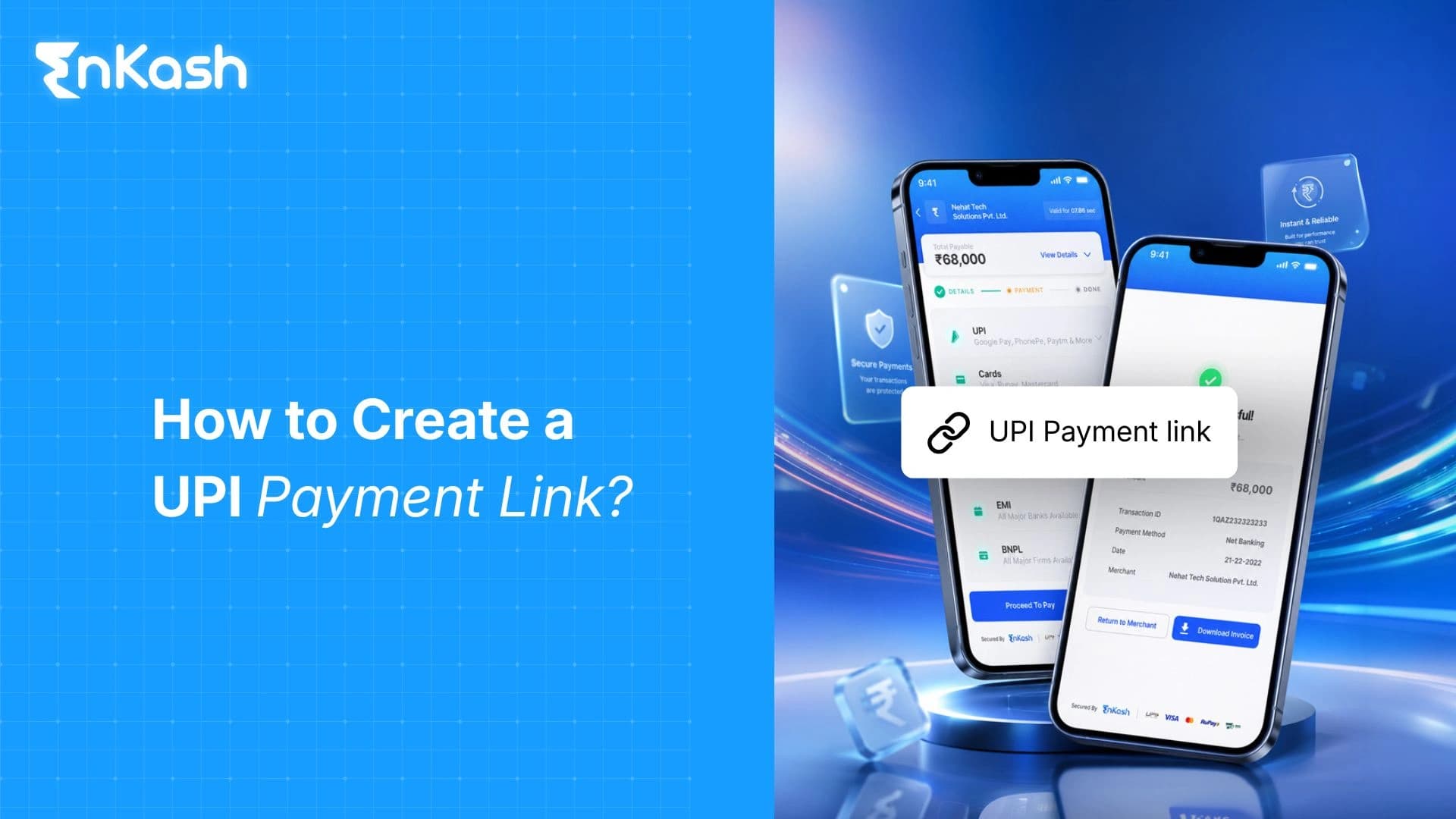
Imagine sending an invoice through WhatsApp. Without a link, the customer may need to copy your UPI ID, enter the amount, add a payment note, and send a screenshot afterward. A payment link combines those scattered steps into one request that can be placed inside an invoice, email, SMS, or chat.
Once payment is approved, the provider records its result against that link. To find out what each payment is for, the finance team checks the invoice number or reference ID and the status indicates whether the payment has gone through, is still in progress, has not worked or has run out of time.
What is a UPI Payment Link
A UPI payment link is a special web address which can be generated using a merchant's dashboard or by means of an API. The business has to enter the amount, the purpose of the payment, the customer's information, and the invoice or order reference. The customer taps the link, reviews the merchant and amount, selects a compatible UPI app, and authorizes the transaction there with a UPI PIN. No bank account number or IFSC code needs to be entered.
A UPI intent link directs a mobile customer towards a supported UPI app. A hosted payment link may first open the provider’s checkout page, where UPI can appear alongside cards, netbanking, or wallets.
How a Payment Link Works
A payment link handles two jobs at once. It gives the customer somewhere to pay and leaves the business with a record it can trace.
The business starts by entering the amount requested and the reason for collecting it.
Customer details and the relevant invoice or order reference are added to the same request.
The system creates a unique URL from this information and quietly sets up the related payment record.
The customer may receive that link on an invoice or through email, SMS, WhatsApp, or an ongoing chat.
Opening it brings up a secure payment page or moves the customer into a supported UPI app.
Before going ahead, the customer sees who will receive the money, how much is due, and what the charge covers.
UPI approval remains inside the app and requires the customer’s UPI PIN.
The provider records successful, failed, and pending attempts. Once the payment and settlement are confirmed, finance can connect the money to the invoice or order it was intended to clear.
Ways Businesses Can Create Payment Links
For an occasional invoice or collection, automation may be unnecessary. The provider dashboard lets someone enter the amount, due date, customer details, and invoice reference, then send the link. It may offer expiry, reminders, or part payment. Businesses can use the payment service provider guide to compare fees, controls, and settlement terms.
Payment Link API
If the invoice or order begins inside billing, booking, or order-management software, an API can produce its payment link. A distinct reference remains attached to every request. Webhooks report payment, failure, or expiry to the software that raised it.
UPI Deep Link
A UPI deep link carries the request into the customer’s payment app. It supplies the merchant VPA, name, amount, reference, note, and currency. Even then, the app response cannot show that funds reached the business. The business’s bank or payment provider must confirm the status.
How to Create and Share a Payment Link
The steps below show how to create a payment link, review its details, and share it through the right channel.
Onboard the merchant using its legal business name, verified documents, and the approved bank account designated for settlement.
Set the link for the collection itself: fixed or open amount, single or repeat use, part payment, or a mandate.
Give each request a relevant invoice, order, booking, or customer reference so its receipt remains easy to trace afterwards.
Add the amount due and describe what the customer is paying for in plain, familiar language.
Ask only for details that the business genuinely needs to issue records, confirm service, or complete the order.
Where the provider allows it, set an expiry date, minimum amount, reminders, and rules for repeat use.
Check the merchant name, amount, reference, and confirmation message exactly as the customer will see them.
Send the link through an invoice, email, SMS, or a verified WhatsApp payment link message that also explains the request.
Do not rely on a screenshot after payment. Confirm the final result through the dashboard, webhook, bank record, or provider report.
Types of Payment Links
Link type | How it works | Suitable use | Key control |
|---|
Fixed-amount | Merchant sets the value | Invoices and deposits | Payer cannot edit amount |
Open-amount | Payer enters the value | Variable dues | Clear payment purpose |
One-time | Closes after one success | Single orders | Prevents reuse |
Reusable | Accepts repeat payments | Standard services | Capture payer reference |
Partial-payment | Records parts of the total | Milestone invoices | Track remaining balance |
Mandate-linked | Starts mandate approval | Subscriptions | Consent and cancellation |
Bulk-generated | Creates distinct links in batches | Fees and mass invoicing | Validate source data |
Practical Business Use Cases
Professionals and Service Firms
Consultants, agencies, freelancers, and repair businesses can request an advance, collect a milestone, or send the final balance through email or chat. Linking the request to a job or invoice makes the receipt easier to trace than a screenshot.
Social Sellers and Online Brands
Many orders are agreed inside WhatsApp, Instagram, or another conversation. A payment link for business gives the buyer a proper payment page, while the invoice or order note records what was sold, the agreed price, and the customer.
Education, Events, and Registrations
Institutes and organizers can issue links for course fees, tickets, applications, or registrations. Bulk creation is helpful when every participant needs a separate amount or reference, because the receipt can return to the correct student, attendee, batch, or booking.
Field Sales and Receivables
A sales representative can send the request after confirming an order, while finance can place another link inside an overdue reminder. The accounts receivable process should name who creates the request, checks payment, and posts the receipt.
Security and Compliance Checklist
The customer should recognize the business, understand the charge, and complete payment without sharing confidential credentials.
Use an HTTPS page on a recognizable domain, with the merchant name clearly visible.
Show the amount, purpose, invoice reference, contact route, and relevant refund terms.
Complete onboarding with genuine records and the correct business settlement account.
Never request a UPI PIN, one-time password, screen share, or remote device access.
Disable outdated links when the amount changes or the payment is no longer due.
Give dashboard access only to staff who currently need it.
Check the provider or bank status before releasing goods, service, or a receipt.
Keep only the customer information required for a real business or legal purpose.
Tracking, Settlement, and Reconciliation
Closing the payment app does not always close the transaction. A request may remain active, pending, failed, expired, canceled, partly paid, refunded, or fully paid, so finance should rely on the provider or bank record rather than a screenshot.
The record should carry the link ID, invoice reference, transaction ID, amount, payment time, settlement reference, refund status, and failure reason. Webhooks can send changes into billing software, while reports confirm what reached the bank. Clear collection follow-up methods also stop reminders once payment is posted.
Conclusion
A payment link may spare someone from typing payment details, yet that convenience means little if the request cannot be traced. The merchant name, amount, reference, expiry, payment status, and eventual settlement must agree before the collection can be closed correctly.
EnKash lets businesses prepare payment links manually through the dashboard or automatically through its API. A link can be included in an invoice, emailed, texted, or shared over WhatsApp and other channels. The platform also lists part payments, bulk generation, webhooks, and reporting. Businesses should choose according to request volume and the work involved in matching receipts.
FAQs
Does opening a UPI payment link debit the customer automatically?
No, a tap only brings up the payment request. The customer still checks who is being paid and how much, chooses the relevant account, and enters authorization within the UPI app. Until then, no debit occurs.
Can a business cancel a payment link after sharing it?
If no payment has been made, many platforms allow the link to be canceled, deleted, deactivated, or expired through their dashboard or API. Once money has been received, canceling the link changes nothing. A refund must be handled separately where applicable.
Can the same payment link collect money from several customers?
Yes, but only if the provider allows an open or reusable link. Sharing the URL is straightforward; sorting the receipts is not. Each payment needs payer, invoice, or order details, and identical dues may be clearer on separate links.
How are refunds handled for payments made through a link?
The merchant initiates the refund from the provider dashboard or API. Funds go back by the route originally used, within the timeline that applies. The refund reference should remain attached to the corresponding transaction record.
Can payment links be generated and sent in bulk?
Yes, provided the platform offers API creation or spreadsheet uploads. EnKash can generate links in bulk from XLSX or CSV files. Staff should validate the customer details, amount, and unique reference in every row, then remove duplicates before sending.