When you join a new company, one of the first things HR asks for is your UAN. For many people, the number is not readily available. It may not have been shared earlier, or the records are not easy to access.
At this stage, it becomes difficult to decide whether to create a new UAN or check if one already exists. Without clarity, both actions happen. A new number gets created even when one is already linked, or older accounts remain unconnected. A UAN is meant to stay the same across jobs and connect all PF accounts to a single record. When this is not handled correctly at the start, problems follow.
This blog explains how a UAN is created, when a new one is actually required, and how to check or retrieve it correctly before taking any action.
What is a Universal Account Number
A UAN number (Universal Account Number) is a 12-digit identifier issued by the Employees’ Provident Fund Organisation (EPFO) to individuals who contribute to the Employees’ Provident Fund in India. It serves as the primary reference through which EPFO organises and tracks a member’s provident fund records.
Each time a person joins a new employer covered under EPF, a separate PF member account may be created. Instead of maintaining disconnected records, EPFO links these accounts to the same UAN. This ensures that contribution history, transfers, and claims remain connected to a single profile throughout the employee’s working life.
The UAN also enables access to EPFO’s digital services. Members use it to sign in to official portals, check contribution updates, manage personal details, submit transfer requests, and complete withdrawal procedures when eligible.
EPFO assigns the UAN after verifying identity details submitted during employment onboarding. Once issued, the number remains associated with the member permanently, even when employment changes.
Importance of UAN
Supports Accurate Identity Verification
The UAN helps the EPFO verify who is accessing provident fund services. When a member logs in, updates details, or raises a request, the system checks the UAN to confirm the identity behind the action. This reduces incorrect submissions and ensures that account-level changes are processed only for the right individual.
Reduces Record-Level Errors
Employers upload data regularly, and employees update personal information over time. The UAN gives EPFO a fixed reference point to match these updates to the correct member profile. This lowers the chance of inconsistencies, prevents mismatched entries, and supports regulatory requirements for maintaining clean and validated records.
Enables Smooth Digital Access
Many PF-related services now operate through digital platforms, and the UAN is the key that unlocks them. Members rely on it to review their information, submit requests, or check the status of ongoing actions. By linking the user to the correct profile on EPFO’s systems, the UAN makes routine tasks faster, simpler, and more reliable.
Benefits of UAN
Gives Members a Single Access Point for Key Services
The UAN makes it easier for employees to use EPFO’s online tools without relying on an employer for routine checks. Once the number is active, members can view account information, review contribution updates, and monitor service status directly through official platforms. This reduces delays and keeps important details within easy reach.
Helps Maintain Consistent Personal Information
When a member updates personal details, the UAN ensures these changes flow correctly through EPFO’s systems. This keeps information such as name, date of birth, and contact details aligned across the services that depend on accurate records. Clean data reduces verification issues when submitting future requests.
Simplifies Claim and Transfer Processes
Submitting a withdrawal or moving funds from one employer-managed account to another becomes simpler when actions are linked through the UAN. The identifier allows EPFO to process requests with fewer checks because the member has already been validated. This shortens processing time and improves the predictability of outcomes.
Supports Long-Term Account Visibility
Members can return to their account at any stage of their career and still access older information tied to the same UAN. This long-term visibility helps them track their provident fund outlook more clearly, even if records span several years and multiple organisations.
Documents Required to Generate UAN Number
To generate a UAN, EPFO requires accurate identity details that match government records. The primary document used for verification is Aadhaar, as it provides name, date of birth, and demographic information needed for system checks. Since Aadhaar-based authentication underpins most EPFO workflows, the details must match exactly to avoid delays during validation or activation. The information is checked against the database maintained by the EPFO before a UAN is issued or linked.
Supporting Documents Shared Through the Employer
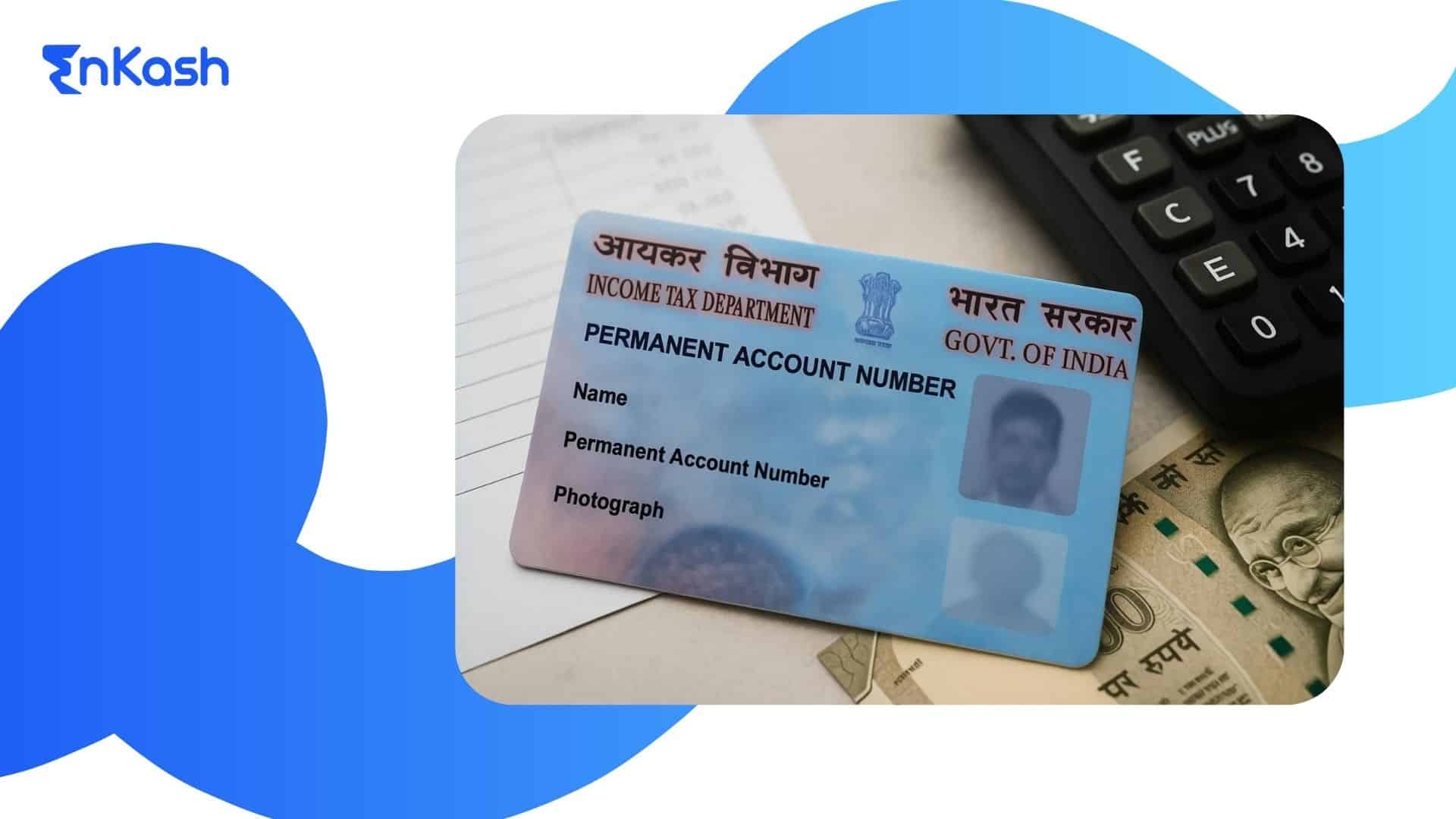
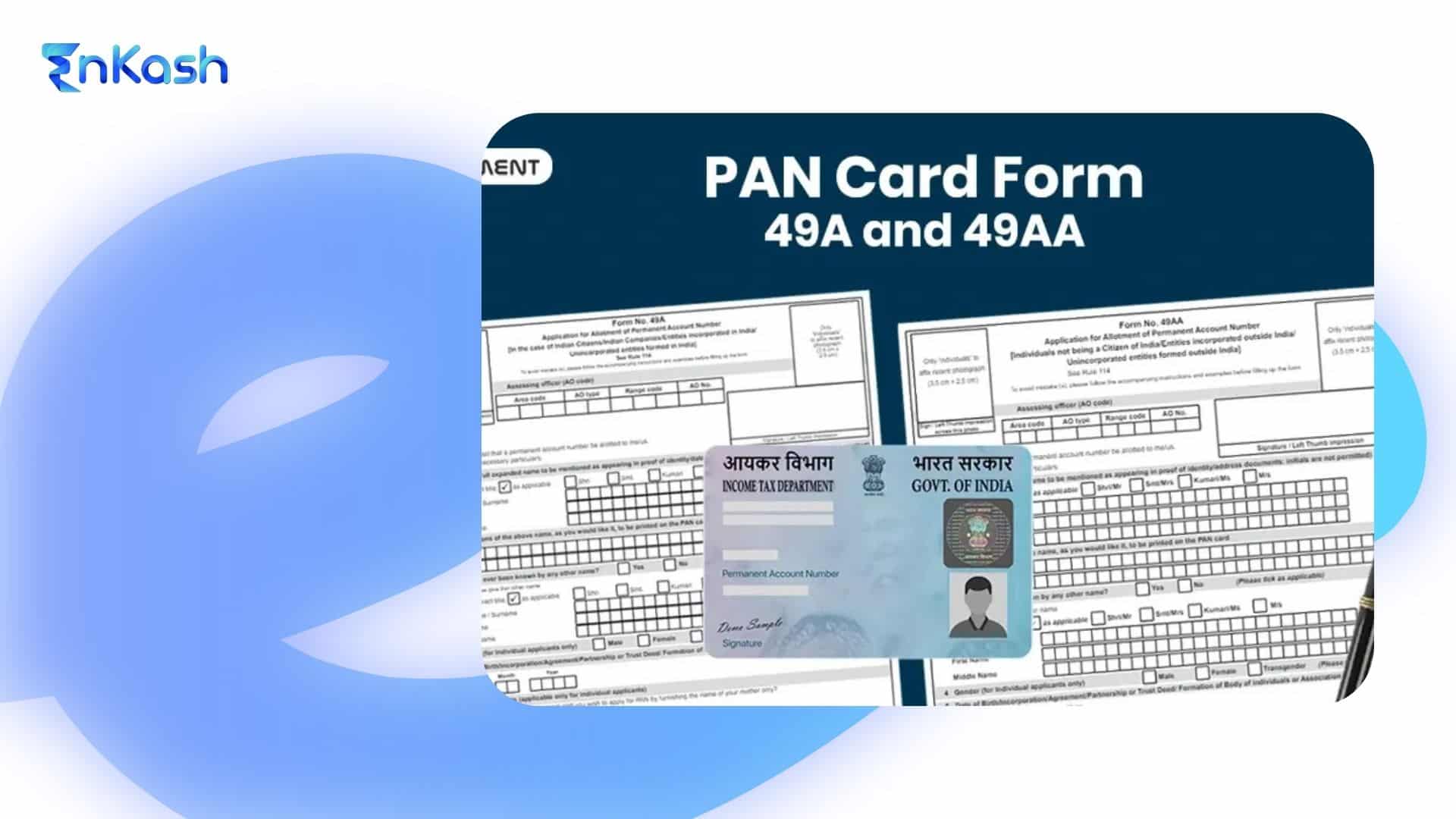
When a UAN is created at the time of joining an organisation, the employer submits employee information to EPFO. This typically includes PAN for tax-related identification, bank account details for claim settlements, and employment information required by statutory filing systems. These details must be correct because they become part of the member’s official PF record. Employers follow the guidelines provided on EPFO’s unified portal to upload this information accurately.
Even though activation is a separate step, having the right documents ready helps avoid mismatches when the member logs in for the first time. The mobile number linked with Aadhaar must be active to receive OTPs. Bank account details should be consistent if the member plans to raise claims. Ensuring accuracy across these fields makes later tasks such as KYC updates or service requests simpler and faster, because EPFO systems validate each detail before processing any action linked to the UAN.
How to Get a New UAN Number
A new UAN is created only when a person enters the EPF system for the first time. It is not issued again with every job change.
In most cases, the employer generates the UAN during onboarding. Employee details are submitted through the EPFO portal. The system checks existing records using Aadhaar and other identifiers. If no match is found, a new UAN is created. If a match exists, the same UAN is linked to the new employer. Because of this, checking existing records becomes necessary before expecting a new UAN. If a number is already linked to the details, creating another one leads to duplicate records and issues in tracking contributions and transfers.
In certain cases, individuals can request a UAN through official platforms. This requires Aadhaar verification and access to a registered mobile number. The system runs validation checks before assigning any number to avoid duplication. A new UAN is not based on request alone. It is issued only after confirming that no existing record is linked to the individual’s details.
How to Confirm that a UAN does not Already Exist
Before attempting to obtain a new number, it is important to confirm that one has not been issued earlier. Members often worked in previous organisations where a UAN was created but never shared. Official services allow the user to check for an existing UAN by verifying basic identity information. This prevents multiple profiles under the same name and helps EPFO maintain accurate records.
Read more: How to Link Aadhaar with PAN Card: Process, Status Check, and Latest Guidelines
How to Find Old UAN Number
Using Official UAN Lookup Services
Members can recover an older UAN by using the official lookup options provided by EPFO. These services request basic identity information and match it with records stored in the central system. If the details align with the information already registered, the correct UAN is displayed to the member. This method is useful when someone has changed jobs or no longer has access to their earlier joining documents.
If the number was created during an earlier job, the payroll or HR team from that organisation can confirm it. Employers maintain registration records that include Member IDs and the assigned UAN. After verifying the person’s identity, they can share the number for continued use. This is helpful for individuals who are unsure whether a UAN was generated in past employment.
Reviewing Older Salary Slips and Digital Records
Many companies include the UAN on payslips or digital onboarding forms. Members who keep copies of these documents can often find the number without additional steps. Old payroll files, archived emails, and internal employee portals may also list the UAN. This option works well for people who maintain personal employment records.
Government-linked platforms such as UMANG allow members to access supported EPFO services after completing identity checks. During recovery, the system verifies the submitted information and identifies whether an existing UAN is associated with those details. If a match is found, the member can view the number. These platforms focus on retrieval and do not create new UANs during this process.
Steps to Take After Finding the Old UAN
Once the number is recovered, the member should activate it through official channels. Activation enables access to account information, service requests, and personal detail updates. It is also important to review Aadhaar, mobile number, and bank details for accuracy, since these fields influence future EPFO transactions.
How to Link Aadhaar With UAN
Why Aadhaar Needs to be Linked with Your UAN
Aadhaar linking helps EPFO confirm a member’s identity before approving any request. When Aadhaar details match the information stored in the UAN profile, it becomes easier for the system to process transfers, claims, and updates. This step also reduces mistakes that can occur when personal information is inconsistent across records.
What to Check Before You Start the Linking Process
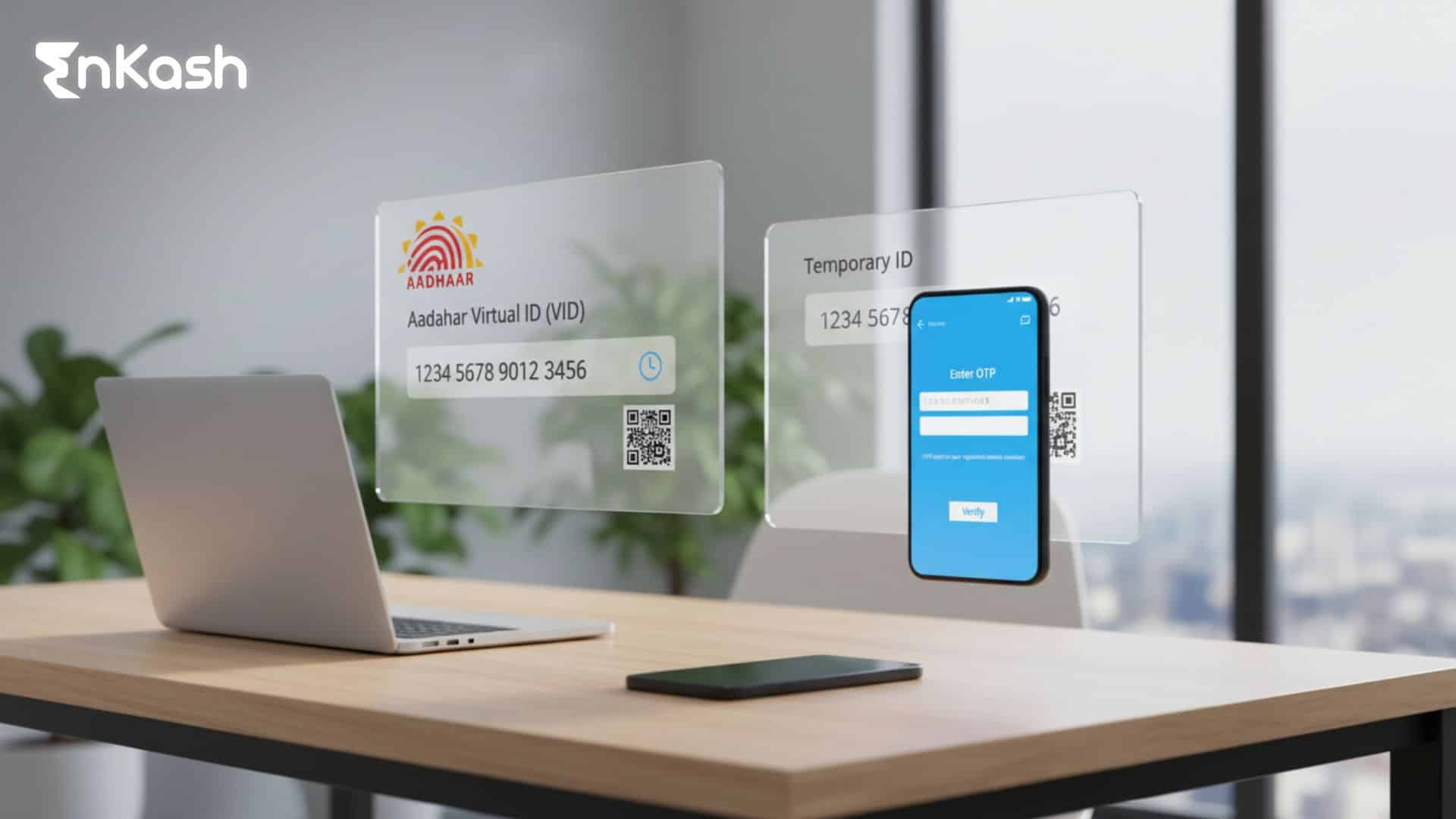
Members should first review their basic details. The name, date of birth, and mobile number stored in Aadhaar should match the information in the UAN profile. The mobile number linked to Aadhaar must be active, as verification relies on OTPs. If any detail does not match, it is best to correct the information before beginning the linking process.
How to Link Aadhaar Through EPFO’s Online System
An Aadhaar number can be linked to a UAN through EPFO’s online services. The member enters the UAN, Aadhaar number, and other required fields. An OTP is sent to the mobile number registered with Aadhaar. Once the OTP is confirmed, the system checks the details and updates the Aadhaar field when everything matches. This method is commonly used by members who prefer accessing services through EPFO’s web platform.
Applications such as UMANG also support Aadhaar linking. After entering the required details, the system verifies the information through EPFO. If the identity matches, the Aadhaar field in the UAN profile is updated. This is a helpful option for members who find mobile apps easier to use.
How to Confirm that Aadhaar Linking is Complete
After submitting the request, members should check their UAN profile to confirm that Aadhaar shows a verified status. If the update does not appear or an error is shown, the issue may be due to mismatched details. Correcting those fields and submitting the request again usually resolves the problem.
How to Download UAN Card
What the UAN Card Shows
The UAN card provides a quick view of the important details associated with your Universal Account Number. It displays your name, UAN, and basic profile fields in one place. Many members keep it as a handy reference when switching jobs or updating information.
What You Should Have Ready Before Downloading
To download the card, your UAN must be active, and your profile details should be correct. The information shown on the card is pulled directly from your account, so it's helpful to review your profile before generating the card.
How to Download the Card From the Online Portal
After signing in, members can open the section where the UAN card is available. The system generates a digital copy that can be saved immediately. This step is usually completed after actions like Know your UAN, activation, or Aadhaar verification.
Common Issues and Troubleshooting Across UAN Services
- A discrepancy in the spelling of your name in Aadhaar and your UAN profile can stop verification.
- A wrong date of birth in either record can cause the system to reject updates.
- Incorrect gender details or missing fields may also block account actions.
Problems With Mobile Number or OTP Delivery
- OTPs may fail if the mobile number linked with Aadhaar is inactive.
- Network delays can slow OTP delivery during peak hours.
- Using an unregistered Aadhaar number will prevent verification from starting.
- Entering personal details that do not match EPFO records can stop the UAN recovery process.
- Forgotten passwords can be reset only if the registered mobile number is active.
- Old employment details may be required if the system shows no matching records.
Aadhaar Linking and Profile Update Issues
- Aadhaar linking may fail when demographic details do not match the UAN profile.
- Requests can remain pending if verification has not been completed through EPFO.
- Bank account updates may fail if the account holder's name differs from the name stored in UAN records.
When System Access Is Limited
- Scheduled maintenance on digital platforms may temporarily stop access.
- Using unofficial websites can lead to incorrect inputs or attempted logins on non-secure pages.
- If repeated errors appear, it is safer to retry later or check through UMANG, which often mirrors essential services.
Conclusion
The Universal Account Number gives every member a reliable way to manage provident fund information across their working life. Once you know where to get a UAN Number and complete a UAN number check, you gain steady control over your account. Using the know your UAN option helps you confirm that the information linked to your profile matches what is stored in official records. With the right steps, members can review deposits, update personal information, submit transfer requests, and prepare claims without relying on outdated paperwork. The system is designed to give each person a clear identity that works across digital platforms. When you understand the steps involved, it becomes easier to manage your account correctly and maintain clear records that support future requirements.
FAQs
What details should match for the system to recognise my account during verification?The system relies on your name, date of birth, Aadhaar-linked mobile number, and identity information to match your profile. If any field differs from what is stored in the official database, the verification may not proceed. Reviewing these details before starting a request helps the system recognise your account correctly and reduces the chances of repeated attempts or locked access.
Why does the portal ask for my Aadhaar-linked mobile number during account actions?The portal uses the Aadhaar-linked number because this contact has already been verified under national identity rules. It enables secure delivery of OTPs and confirms that the person requesting access is the true account holder. Using the Aadhaar-linked number strengthens authentication and helps ensure that identity-sensitive actions are completed safely on official digital platforms.
What should I do if my information does not match during identity checks?If a mismatch appears, review your documents to identify which detail is incorrect. Updating personal records through the correct channels helps the system accept your information during future checks. Identity fields must match exactly because the system uses them to confirm that the request belongs to the right individual, especially for sensitive actions like claims or transfers.
Can employment changes affect my ability to access my account?Employment changes do not stop access, but incomplete information from previous employers may delay certain updates. If older details were never corrected or transferred, the system might require additional verification before accepting new requests. Keeping personal information accurate and ensuring earlier employment data is reflected correctly helps maintain uninterrupted access across all stages of your career.
What if I no longer use the mobile number registered during my earlier employment?A number that is no longer active can slow down account-related tasks because OTPs cannot reach you. The best approach is to update your contact information through official recovery or profile correction options. This ensures that future identity checks are completed without delays and helps protect your account from unauthorised access.
Why do some profile updates take longer to reflect on the portal?Certain updates require system-level validation before they appear on the member dashboard. Fields linked to identity or bank information undergo additional checks to prevent incorrect entries from being stored. Processing times vary depending on the type of request, but reviewing your information beforehand ensures that updates are accepted without repeated corrections or verification failures.
What should I check if my passbook does not show recent entries?Delayed entries usually occur when employer-uploaded data has not yet been processed by the system. In such cases, ensuring that your employment details have been correctly submitted and verified is important. If all records are accurate and the data still does not appear, waiting for the next processing cycle often resolves the issue. Reviewing your information first avoids unnecessary follow-up requests.
Why does the system sometimes display a temporary access error?Temporary errors commonly appear during maintenance periods or when servers experience high activity. In these situations, the platform blocks certain actions until system performance stabilises. Retrying after some time or checking through supported government apps helps restore access. These interruptions are usually brief and are part of routine system upkeep.
What happens if my profile shows an incomplete KYC status?Incomplete KYC means that one or more documents have not been verified or accepted. Reviewing fields such as Aadhaar, PAN, or bank information helps identify where the issue occurred. Once corrected, the system revalidates the details and updates the status. Completing KYC makes future requests faster because the platform does not need additional checks.
How can I keep my account secure while using digital services?Security begins with using only official platforms and avoiding the sharing of personal details with unknown sources. Keeping your Aadhaar-linked mobile number active, protecting OTPs, and storing downloaded documents safely also help maintain privacy. Checking your profile regularly allows you to identify incorrect entries early and ensures that all activities performed through digital services remain accurate and secure.