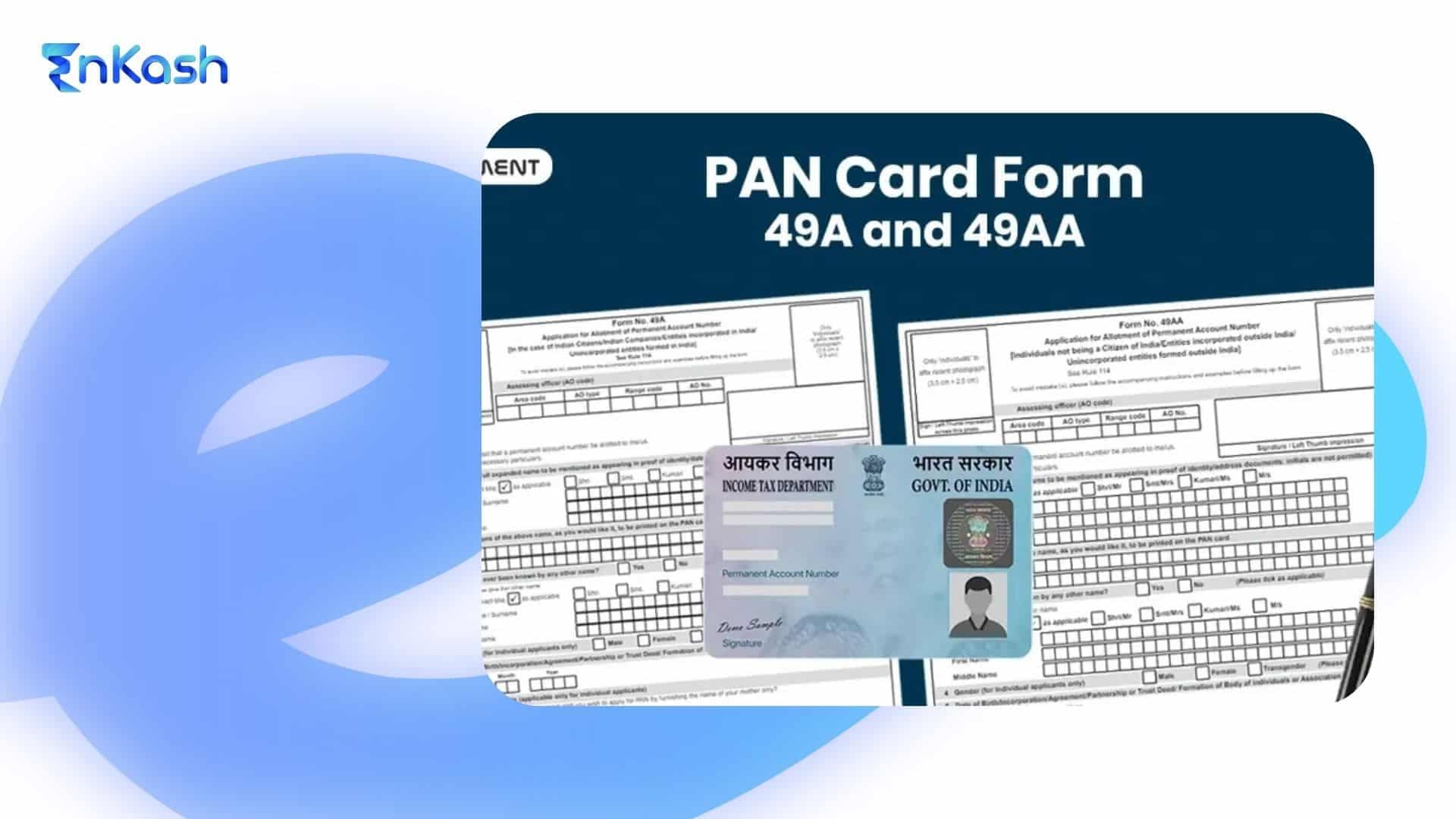
The online PAN application process has simplified how individuals and businesses apply for a PAN card by offering a clear, digital, and verifiable submission route. The online PAN application system guides applicants through checks that protect accuracy across financial platforms. A person starting a new PAN card application can complete the entire flow on an authorised portal, where each detail is matched with the documents they submit.
This blog explains how to apply for a PAN online, what supports clean verification, and how a new PAN card application moves through review and approval. The aim is to help readers understand the process with confidence and reduce uncertainty during each step.
What is a PAN Card?
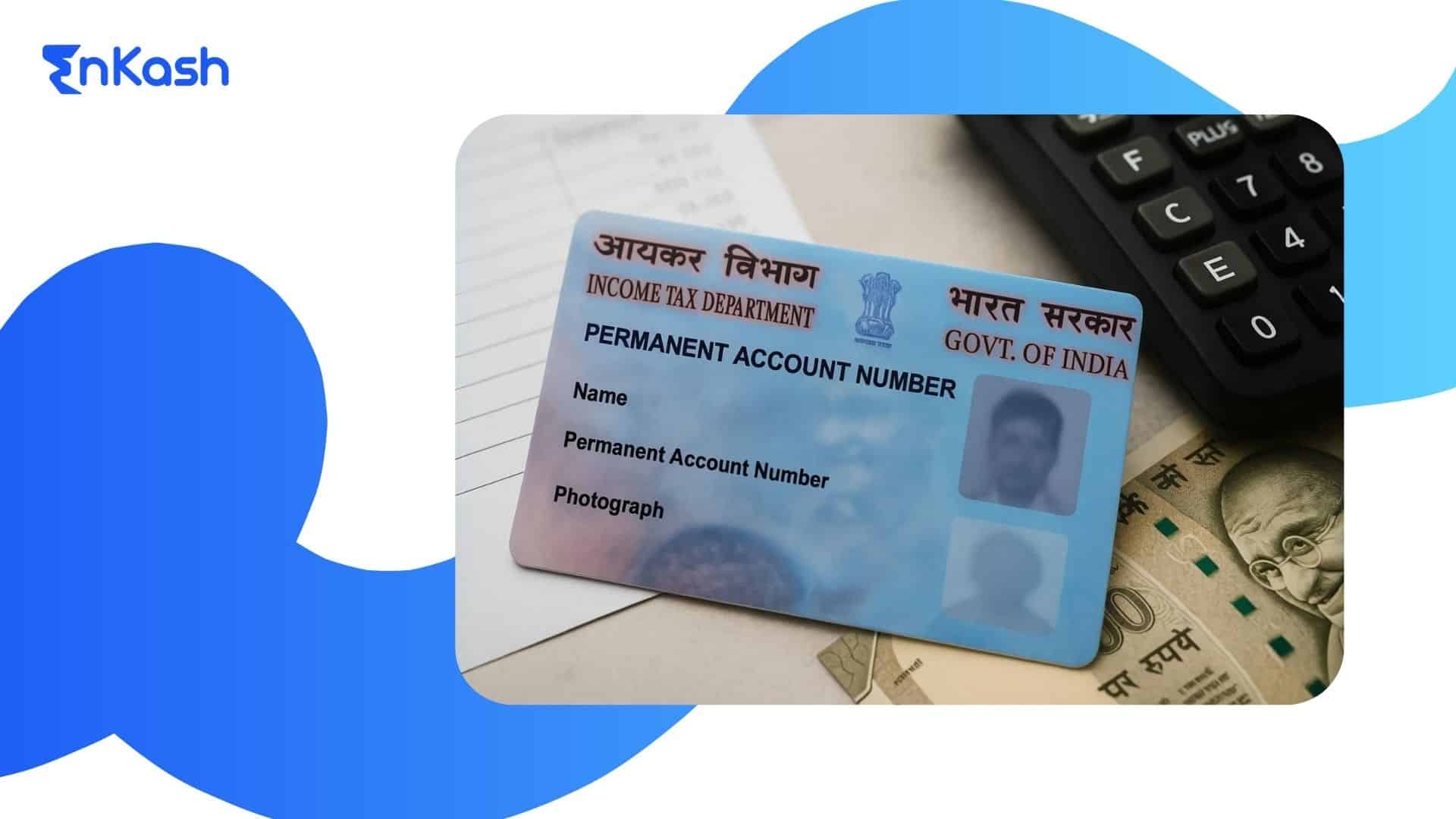
A PAN card serves as a stable financial identifier for anyone who interacts with the Indian tax system. The number printed on the card links a person or an entity to records managed by income tax authorities, and this link supports verification whenever financial activity requires clear identification. The card helps maintain accuracy across banks, investment platforms, and government portals because the same number remains linked to the holder throughout their lifetime.
A PAN card becomes essential when people manage income, open accounts, or complete transactions that require reliable identity checks. It also strengthens compliance by helping agencies align financial details with the correct profile. The purpose of the PAN card is clear. It creates a traceable financial identity that supports consistent recognition across the entire system.
How to Apply for a PAN Card Using an Aadhaar Card
PAN card can be easily made with a simple and fully online process. Start by visiting the official portal of Income Tax Department of India or the e-filing website, choose the option for “Instant PAN through Aadhaar,” and enter your Aadhaar number. After that, authenticate your details using the OTP sent to your Aadhaar-linked mobile number. Your basic information such as name, date of birth, and address will be auto-fetched from Aadhaar, so you just need to verify it and submit the application. Once submitted, a PAN is generated instantly in most cases and can be downloaded as an e-PAN, while the physical card may be sent later if required.Begin the Aadhaar-Based Application
Applicants who want a quicker process can start their request through the Aadhaar-enabled route. The portal identifies this option clearly and guides the user toward a paperless flow that reduces the number of documents required. This method suits individuals whose Aadhaar details match their identity records without discrepancies.The applicant provides essential information such as name, contact details and Aadhaar number. The system uses these details to prepare the profile for verification. Accuracy at this stage helps prevent delays during authentication or data checks.Verify Identity Through Aadhaar OTP
The portal sends a one-time password to the mobile number linked to the applicant’s Aadhaar. Entering this code confirms the identity of the person submitting the request. This digital check replaces physical signatures and reduces the time needed for verification.Upload Supporting Documents Only If Needed
Most details are pulled directly from Aadhaar, which limits the number of uploads. However, if certain details require clarification, the system may request documents that support the information entered by the applicant. This selective requirement helps maintain smooth processing.Review the Details and Complete the Submission
Before final submission, the applicant reviews the information displayed on the screen. This helps catch errors that may create mismatches in the profile. Once confirmed, the request is processed, and the applicant can receive the digital version of the card before the physical version arrives. Applicants who choose this method can complete their PAN card application using Aadhaar-based OTP authentication without physical paperwork, provided they are resident individuals eligible for the Aadhaar e-KYC route.Who Can Apply for a PAN Card Online?
Individuals Applying for a Fresh PAN
Residents who need a verified financial identity can begin a PAN card application through the online system. This includes people starting income-based activity, students preparing for future financial use, and adults who want a stable identifier for banking or investment services.
Minors Supported by a Guardian
A minor can receive a PAN when a guardian provides the required documents and completes digital verification. This allows the child’s financial records to stay accurate when investments, gifts, or long-term assets are involved.
Non-Residents with Financial Activity in India
Non-residents may file a new PAN card application online when they earn income in India or hold assets that require documented reporting. Their supporting records must align with verification standards to ensure smooth processing.
Foreign Citizens with Taxable Interests
Foreign individuals can submit a digital request when they earn taxable income in India. The online system recognises their details once approved documents are uploaded.
Businesses and Startups with Valid Records
Registered entities and startups may apply for PAN online when their incorporation documents and authorised signatory details meet the requirements. This route helps them establish a traceable financial identity for compliance and filings.
Types of PAN Application
New PAN Card Application
A new PAN card application is used when a person or entity does not hold any previous PAN number. This route suits first-time applicants who want a verified financial identity for banking, income reporting or investment activity. The system reviews identity details, address records and date of birth documents before assigning the number. People who choose this option complete a digital submission that creates a fresh entry in the financial network.
Duplicate or Reprint PAN
A duplicate or reprint request is used when the physical card is lost, damaged or unreadable. This option does not create a new number. It simply issues a fresh card with the same credentials. The applicant submits a PAN card application through the reprint section and completes verification so the system can send a replacement to the registered address.
PAN Correction or Update
A correction request is required when the details on the existing card do not match official records. This may include name spellings, date of birth issues or mismatched identity entries. Applicants begin the correction process online, upload the required documents and confirm the updated details so the system can revise the profile without changing the existing number.
e-PAN Download
An e-PAN is a digital copy of the card that holds the same value as the physical version. People use this option when they want faster access to their credentials after completing an online PAN application. Once the verification is approved, the system generates a downloadable version that applicants can store on their devices. It helps users access their identity details without waiting for the printed card to arrive.
Read more: How to Link Aadhaar with PAN Card: Process, Status Check, and Latest Guidelines
Documents Required for PAN Card Application
Identity Proof
Applicants must provide a document that clearly shows their name and photograph. Accepted options include voter identity cards, passports and driving licences. These records help the system confirm that the person submitting the request matches the details entered in the online PAN application.
Address Proof
A valid address record is required so the system can maintain accurate regional information. Utility bills, bank statements, passports and government-issued letters can support this step. Each document must reflect the current residence, since the physical card or communication will be sent to this address when needed.
Date of Birth Proof
A document showing the applicant’s date of birth is essential for verification. Birth certificates, school records, government-issued identity cards, and passports are accepted. Accurate birth details help prevent mismatches during financial checks, where age affects reporting requirements.
Additional Documents for Minors
When a minor applies, the guardian’s identity and address records are included. These documents confirm the relationship and allow the system to maintain a clean record until the applicant becomes an adult and updates their details.
Documents for Foreign Citizens and Non-Residents
Foreign applicants must submit documents recognised in their country of residence, along with any records required for identity checks within India. This ensures that their PAN card application aligns with the verification framework used for global applicants.
Documents for Businesses and Entities
Registered entities must submit incorporation papers, authorised signatory details, and proof of business address. These records help maintain accuracy during filings and financial compliance-related tasks.
What is a PAN Card Token Number?
A PAN card token number is a unique reference code generated when an applicant begins an online request. The system generates this token number after initial details and contact verification are completed, and it acts as a marker that stores the progress made during the application.
The token helps the system recognise the applicant’s session, so the information already entered does not need to be repeated. This is useful when the applicant wants to pause the process or complete additional steps later. The number also helps the portal retrieve saved data during verification or corrections. Applicants must keep this number secure, since it allows them to resume their online PAN application at any point before final submission.
How to Use PAN Card Token Number
The token number allows applicants to reopen an unfinished form through the official portal. They enter the number on the retrieval page, and the system restores the saved information so they can continue without restarting the process. The token also helps when documents need to be uploaded later or when the applicant wants to review details before submitting. People who use the number correctly can manage their PAN card application with fewer interruptions, which creates a smoother path to completion.
Fees for New PAN Card Application
The fee for a new PAN card application depends on the type of request and the delivery method selected. Applicants who opt for Aadhaar-based e-PAN may receive the digital PAN at no cost, while physical PAN cards or non-Aadhaar applications involve a prescribed fee displayed during submission. Those who request a printed card pay an additional fee for dispatch to their registered address. Charges may vary for applicants living outside India, as international delivery requires a higher service cost. The portal displays the exact fee during the online PAN application, allowing applicants to review the amount before making the payment.
Read more: How to Search GST Number by PAN: Verify Vendors’ GSTIN Quickly
How to Track PAN Card Application Status
Use the Acknowledgment Number to Check Progress
After completing an online PAN application, applicants receive an acknowledgment number. This number is used on the tracking page of the official portal. Entering it allows the system to display the current stage of the request and confirm that the submission has been received.
Understand the Processing Stages
The system updates the application status as it moves through review, document verification and number allotment. Each stage reflects the checks required to ensure that the details entered match the submitted documents. Tracking helps applicants stay informed without contacting support.
Track Digital and Physical Delivery Separately
Applicants who plan to get a PAN card online receive the digital version first, once the number is issued. Those who request a physical card must wait for dispatch, which is shown as a separate update in the tracking section.
Identify Delays or Required Actions
If the status shows a pending review or a request for additional documents, the applicant can follow the instructions provided on the portal. Clearing these steps ensures that the PAN card application does not face unnecessary delays during processing.
In Summary
Completing the process to apply for a PAN card online provides applicants with a structured and efficient way to set up a verified financial identity. The digital system guides users through checks that support accuracy and help the authorities match every detail without confusion. A careful review of documents, clear information and timely uploads create a smoother path toward approval. Once the number is issued, applicants can get a PAN card online and begin using the digital version for banking, investments and compliance activities. Applicants who prepare documents in advance and respond promptly during verification can avoid delays and complete the process smoothly.
FAQs
1. Can the entire application process be completed without visiting a centre?Yes. The digital system allows applicants to complete identity checks, submit documents and make payments online. Physical visits are required only when the authority needs additional verification or when certain records do not match the information entered during the application.
2. How long does it take to receive the digital version after approval?The digital copy is usually released soon after verification is completed. Processing time varies based on document clarity and response to verification requests. Applicants can monitor progress through the status page, which updates as each stage of review is completed by the system.
3. What happens if my Aadhaar details do not match the information I enter?Mismatched details may interrupt the application flow, since the portal checks identity information against official records. Applicants should correct the Aadhaar details before attempting the process again to prevent rejection or requests for additional documents during review.
4. Can corrections be made during a fresh application?Major corrections require a separate correction application. However, minor discrepancies may sometimes be flagged during verification and clarified before PAN allotment. A correction process must be completed independently to ensure that changes are reviewed carefully without interfering with the routing or verification steps linked to a new submission.
5. Can I complete the application on a mobile device?Yes. Most authorised platforms support mobile users, allowing them to upload documents, review details and submit payment from a smartphone. Clear images and stable connectivity help the process move forward smoothly without repeated uploads or disruptions.
6. What if I lose my acknowledgment number after submission?Applicants can recover their details by using the email address or mobile number entered during the request. The portal provides a retrieval option that restores access to the acknowledgment, allowing continued tracking without restarting the process.
7. Will the system reject a submission if the signature image is unclear?It may. A blurred or poorly captured signature can prevent the system from validating the applicant’s identity. Uploading a clean, readable signature helps avoid delays and reduces the chance of additional verification steps.
8. What should I do if I already have a number but no longer have the card?Applicants should request a replacement rather than submit a new application. The authority will issue a fresh copy without generating a new number, keeping previous records intact and preventing duplicate entries in the system.
9. How should I proceed if the payment fails during submission?The applicant can attempt payment again through the same portal or choose another available method. Saved session data allows the request to resume from the point of interruption without requiring new information or document uploads.
10. Is the digital version accepted for verification at banks and other institutions?Yes. The digital copy carries the same recognition as the printed version and is accepted for onboarding, verification, and compliance steps, provided all personal details match the records stored in the authority’s database.