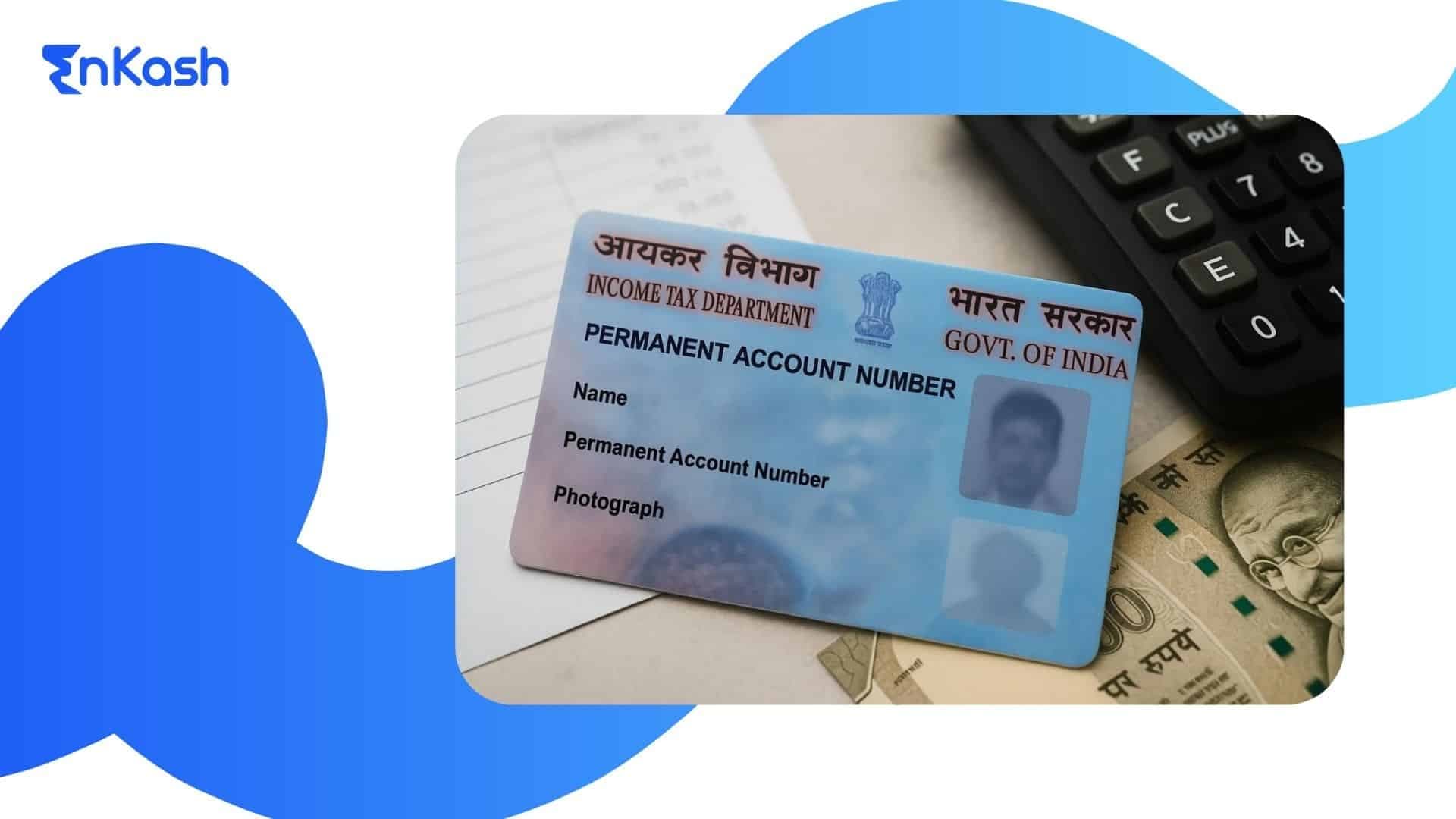
A PAN card contains personal details that are used across banking, taxation, and financial verification processes in India. People rely on this document for banking, income reporting, identity checks, and verification across digital platforms. Any incorrect detail can interrupt these activities, so keeping the information accurate becomes essential. A clear update process helps individuals correct data without facing delays in routine tasks. Platforms like NSDL and UTIITSL have created digital pathways that reduce paperwork and shorten timelines, making updates easier for most users. Aadhaar-based verification supports many PAN updates for resident individuals by enabling faster identity verification, subject to eligibility and data matching. People use these services when they need a name correction, a PAN address update, a change in date of birth, or a simple adjustment to contact details. An accurate PAN card update keeps all linked records consistent and removes friction from activities that depend on verified identity details.
What Is a PAN Card Update?
A PAN card update allows a person to revise personal information stored in the tax records that support financial identification in India. The system recognises that details can change over time, so the update process keeps the information up to date. The update feature focuses on the accuracy of data that various institutions depend on for verification. When a change is requested, the system checks the revised detail against valid documents before approving it. This ensures that the updated record continues to meet regulatory standards. The request can involve a minor correction or a complete refresh of selected fields, yet the underlying number stays unchanged. The process simply updates the data linked to that number. Service providers use this refreshed information to complete identity checks, confirm transactions, and maintain compliance across their platforms. This keeps financial interactions steady and reduces issues caused by outdated or mismatched information.
When Do You Need a PAN Card Update?
People request a PAN card update
when the information printed on the card or stored in the database does not match their current details. These gaps create verification issues during banking, KYC checks, or digital authentication. The update process helps align records with accurate personal data.Name Change or Spelling Correction
A change in legal name or a spelling error in the existing record can interrupt verification, so people revise the details to match supporting documents.Address Shift Requiring a PAN Address Update
A move to a new location makes a PAN address update necessary to keep communication accurate and avoid delivery issues.Incorrect Date of Birth or Father’s Name
Any mismatch in these fields must be corrected, since banks and financial platforms rely on these inputs for identity confirmation.PAN Card Mobile Number Update for Authentication
Updating the mobile number during a PAN correction ensures accurate contact details for communication and Aadhaar-based authentication during verification.Need for a Fresh Photo or Signature
People update these when the existing image or signature is unclear, outdated, or rejected during identity checks.Read more: PAN Card For Business: Everything You Need To KnowPAN Card Details That Can Be Updated
A PAN card update
allows specific fields to be corrected or refreshed so the information aligns with verified documents. Each field serves a separate purpose in identity validation, and the update system supports these revisions through a structured review.Name Details
People update their name when it legally changes or when the existing record contains an error that affects identification across financial platforms.Father’s Name
A correction is made when the spelling or format in the current record does not match official documents used for verification.Date of Birth
This field must remain accurate, since several financial services depend on it for confirmation before approving transactions or requests.Any mismatch is corrected to maintain uniformity across identification systems.PAN Address Update
A PAN address update refreshes the communication details linked to the card, ensuring accurate delivery of documents.PAN Card Mobile Number Update
A PAN card mobile number update helps users receive authentication codes linked to digital services.PAN Card Photo Update
A PAN card photo update replaces an unclear or outdated image.PAN Card Signature Update
A PAN card signature update helps resolve signature-mismatch issues during verification.What Are the Documents Required for a PAN Card Update?
A PAN card update is approved only after the system verifies the documents linked to the revised details. Each update type has a specific set of proofs that help confirm identity and maintain accuracy across financial platforms in India. These documents must match the information entered in the request, and the name, date of birth, and address must appear clearly to avoid delays.Identity Proof
A valid proof supports corrections related to personal information. The details on the document must match the revised data provided in the request.Address Proof
People submit this when they need to refresh their residential information. The document must clearly display the correct address along with the individual’s name.Date of Birth Proof
This proof confirms the updated date of birth. It must come from a recognised authority and reflect the exact details in the request.Supporting Documents for Mobile, Photo, and Signature Updates
Updates related to mobile number, photo, or signature require clear files that meet platform guidelines. These files help verify that the revised information matches the individual requesting the change.Aadhaar-Based Verification
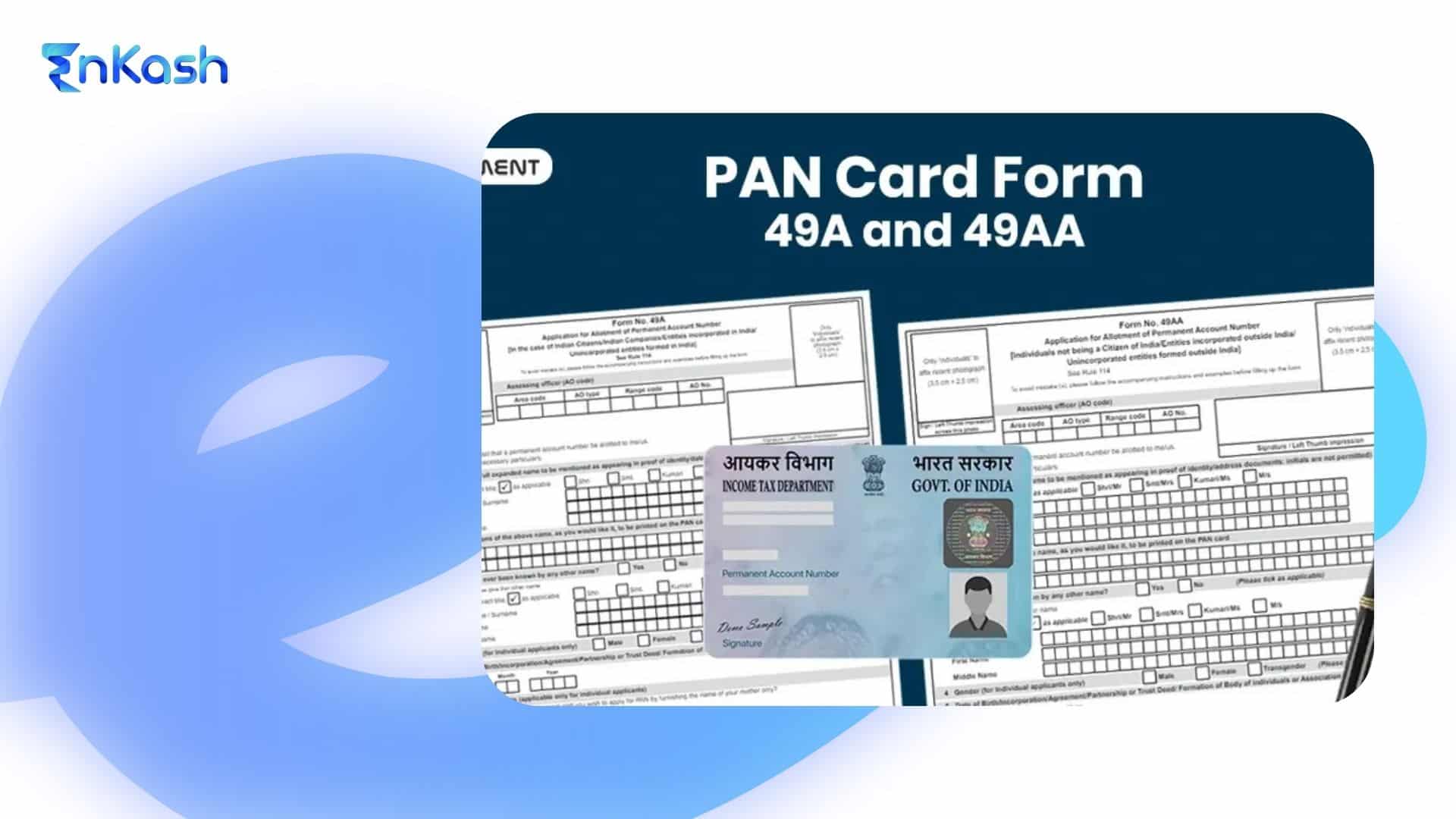
Aadhaar verification simplifies many updates by confirming identity through an authenticated match, reducing the need for multiple supporting documents.The PAN update form is a structured document that helps applicants share revised personal information with the system in a clear and organised way. It captures only the fields that need correction, so the request stays focused and easy to validate. People use the PAN update form when existing records contain spelling errors, outdated information, or details that no longer match official documents. The form supports revisions related to identity, address, birth information, and other personal data that must remain accurate for financial verification. Each entry submitted through the form is checked against supporting documents to confirm authenticity. The form does not change the permanent number assigned to the applicant. It updates the information linked to that number so platforms can maintain reliable identity records. This structured design helps reduce processing errors and supports smooth verification across services that rely on accurate data.
Filling out the form requires careful attention, as the information entered must match the supporting documents exactly. The applicant starts by entering the existing number and marking the specific fields that need correction. Every revised detail should appear in the same format as the document submitted for verification. A clear photograph and a neat signature are placed in the designated spaces to support identity confirmation. Any inconsistency can slow down the process, so the applicant reviews the entries before moving ahead. The form also asks for current contact details so the platform can share updates or alerts about the request. Once everything is confirmed, the form is submitted for verification, allowing the system to check the revised information and move the request forward.
How to Update PAN Card Online through NSDL?
Updating information through the NSDL platform follows a structured path that guides the applicant from the first step to final submission. The system is designed to keep the process clear, and each stage carries its own set of checks that support accurate data entry.
Visit the NSDL Portal
The applicant begins by visiting the official platform that manages correction requests. The site provides a dedicated section for updating personal details linked to the existing number.
Select the Correction or Update Service
The next step is choosing the service created for people who want to revise their information. This section highlights the fields that can be updated in the request.
Enter Existing Details and Begin the Application
The applicant enters the current number and other basic data, then moves to the page that captures corrected information. The platform shows clear fields for each detail that needs to be changed.
Upload Supporting Documents
The applicant uploads proofs that match the revised information. The files must be clear and readable so the system can verify them without delay.
Submit Updated Photo or Signature If Required
People who need a new photograph or signature upload the files in the format requested by the platform. Clear files help avoid rejection during verification.
Pay the Processing Fee
The system calculates the fee based on the applicant’s location and selected services. Payment is made via the digital options available on the site.
Complete Aadhaar-Based Verification
Identity confirmation is completed through an Aadhaar-based check. The platform guides the applicant through the authentication steps.
Receive Acknowledgment Number
After submitting the request, the system generates a unique acknowledgment number. This number helps the applicant track progress and understand the stage of the update request.
PAN Update Using Aadhaar
Aadhaar-based verification helps the system quickly confirm identity and reduce the number of documents required for a correction request. The process works smoothly when the revised details match the information stored in the Aadhaar database. This method supports personal detail updates when the revised information matches Aadhaar records, which can reduce processing time in eligible cases.
Start the Aadhaar-Based Option
The applicant selects the Aadhaar-based path during the update request. The platform checks the fields marked for correction and prepares them for verification.
Authenticate with the Linked Mobile Number
A confirmation code is sent to the mobile number connected to the Aadhaar record. Entering this code allows the system to verify identity through a secure match.
Allow the System to Validate Details
Once the code is confirmed, the platform reviews the updated fields against Aadhaar records. A successful match moves the request to the next stage without requiring additional documents.
How to Update PAN Card Mobile Number Online
Updating the mobile number linked to the card supports PAN card update online
requests by helping the system deliver authentication codes without interruption. The process focuses on confirming the correct contact details and ensuring they match the identity of the applicant. A clear and accurate entry helps prevent delays during verification.Begin the Mobile Number Update Request
The applicant selects the option to revise the registered contact details. The platform provides a dedicated field for entering the new number, and the system checks the format before proceeding.Verify Identity through Aadhaar-Based Confirmation
The platform sends a confirmation code to the mobile number connected to the Aadhaar record. The applicant enters this code to help the system validate identity. This step ensures that the request is made by the correct person.Submit the Request for Review
After entering the revised number and completing authentication, the applicant submits the verification request. The platform checks the details and updates the record once everything matches. Clear information supports a smooth update and helps maintain access to services that depend on valid contact details.Read more: How to Link Aadhaar with PAN Card: Process, Status Check, and Latest GuidelinesPAN Address Update
A change in residential location requires a new entry in the record to keep the address current across financial and verification systems. This update helps ensure that communication and document delivery reach the correct place, and it supports identity checks that depend on accurate location details.
The applicant selects the address update option and enters the revised residential information. Every detail must match the document used as proof.
Upload the Required Address Document
The applicant uploads a clear document containing their name and complete address. This helps the system confirm that the revised information is valid.
Submit the Request for Review
The platform checks the new address against the document and updates the record when everything aligns. This keeps communication reliable and reduces issues linked to outdated details.
PAN Card Photo Update
A photo update helps keep the card aligned with the applicant’s current appearance, which supports clear identification during verification. An unclear or outdated image can create issues during checks, so replacing it with a fresh, accurate photograph helps ensure smooth processing across financial and service platforms.
Upload a Clear and Recent Photograph
The applicant selects the photo update option and uploads a recent image that meets the platform’s size and clarity guidelines. A high-quality file reduces the chance of rejection.
Submit the Request for Verification
After the photograph is uploaded, the system reviews it to ensure it matches the applicant’s identity details. Once confirmed, the platform updates the record, enabling future checks to proceed without interruption.
Also read: How to Link Aadhaar to Voter ID Online: Steps and How to Check Voter ID Aadhaar Link Status
PAN Card Signature Update
A signature update helps resolve mismatches that appear during verification on banking platforms, government systems, or financial services. An unclear or outdated signature can delay request processing, so refreshing it ensures the identity check remains smooth and reliable.
Upload a Clear and Legible Signature File
The applicant selects the signature update option and uploads a clean, high-quality image of the revised signature. The file must show the signature clearly without shadows or distortions.
Submit the Request for Verification
Once the signature is uploaded, the platform reviews it to confirm that it matches the applicant’s details. After the system completes the check, the record is updated, and the refreshed signature supports consistent verification across various services that rely on accurate identity inputs.
How to Check PAN Card Update Status?
Checking the progress of an update request helps the applicant understand where the process stands and whether any further action is needed. The platforms that handle corrections provide clear status messages that reflect each stage of review. Using the right reference number makes the PAN card update status check simple and reliable.
The applicant enters the acknowledgment number received at the time of submission. The system uses this number to display the current stage of the request. The page may show that the details are under review, waiting for document confirmation, or approved for the next step.
Applicants who used this route enter the coupon number or application reference number to track progress. The system shares updates related to document checks, data validation, printing, and dispatch. This helps the applicant follow the request without contacting support.
Understand the Meaning of Status Messages
Status messages guide the applicant through the process. “Under review” means the system is validating information. “On hold” signals that clarification or documents are required. “Approved” confirms that the request has passed verification. “Dispatched” shows that the updated card is on its way. These messages help the applicant interpret the outcome of the PAN card update status check with clarity.
Conclusion
Accurate information supports smooth activity across financial and digital systems, and a timely PAN card update helps prevent issues during verification. People can complete a PAN update whenever their personal details change, and the process becomes faster when the information is reviewed carefully before submission. Platforms that support PAN card update online allow applicants to correct data, upload documents, and track progress without visiting a centre. These steps help maintain a reliable identity record and reduce delays that appear when details do not match official documents. Anyone who spots an error or needs to refresh personal information can begin the update promptly and strengthen the identity profile used across banking, taxation, and government services.
FAQs
1. Can I request a PAN card update if my Aadhaar details are already correct?Yes, you can request an update even when Aadhaar details are correct. The update helps when banking platforms, government services, or digital systems show verification errors due to older PAN records. Updating the information aligns both databases and improves the accuracy of future checks.
2. What happens if my PAN update request shows repeated authentication errors?Repeated errors indicate a mismatch between the information you entered and the records stored with verification agencies. Reviewing the spelling, date of birth, and personal details usually resolves this problem. If the mismatch continues, submitting clear documents through the correction route helps move the request forward.
3. Can a PAN update be cancelled after the request is submitted?Most platforms do not allow cancellation once the request enters verification. The system begins document checks immediately. If a mistake was made, a fresh request can be submitted after the current one completes. Reviewing entries before submission prevents delays and avoids the need for a second request.
4. Will a delayed PAN update affect account openings or digital onboarding?Yes, delays may affect onboarding because financial platforms rely on accurate records for identity checks. When details do not match, the system may hold the request. Updating the information early ensures smooth access to banking, payments, and services that depend on verified identity data.
5. Can I apply for a new card if my update request is still in progress?A new request is usually held until the existing one completes. Platforms process updates in sequence to avoid conflicting records. Waiting for the current request to finish helps maintain consistency and prevents errors that occur when two correction requests overlap.
6. Do I need to update all details if only one field has changed?No, only the field that requires correction needs to be updated. The system allows selective changes, so the applicant does not need to revise unrelated information. This keeps the process simple and reduces the time taken for verification and approval.
7. How do I know if my acknowledgment number is valid for tracking?A valid acknowledgment number loads the status page without errors. If the number shows no result, it may be entered incorrectly, or the system has not updated the request yet. Rechecking the digits and trying again after some time usually resolves this issue.
8. Will the update process change my existing PAN number?No, the number remains the same. The update only refreshes the personal details stored in the system. This keeps the identity framework stable while ensuring that the information linked to the number is accurate and ready for verification across financial and government platforms.
9. Can I update my PAN if my documents carry different name formats?Yes, the update can be completed, but the system will use the exact name shown on the primary document. Aligning all records before submitting the request helps avoid delays, since mismatched formats may require re-verification or additional proof.
10. What should I do if my PAN update request stays “under review” for many days?A long review period signals that the system is validating documents or checking mismatches. Waiting for the platform to complete the review is usually sufficient. If the status does not change after a reasonable period, contacting customer support with the acknowledgment number helps clarify the delay.