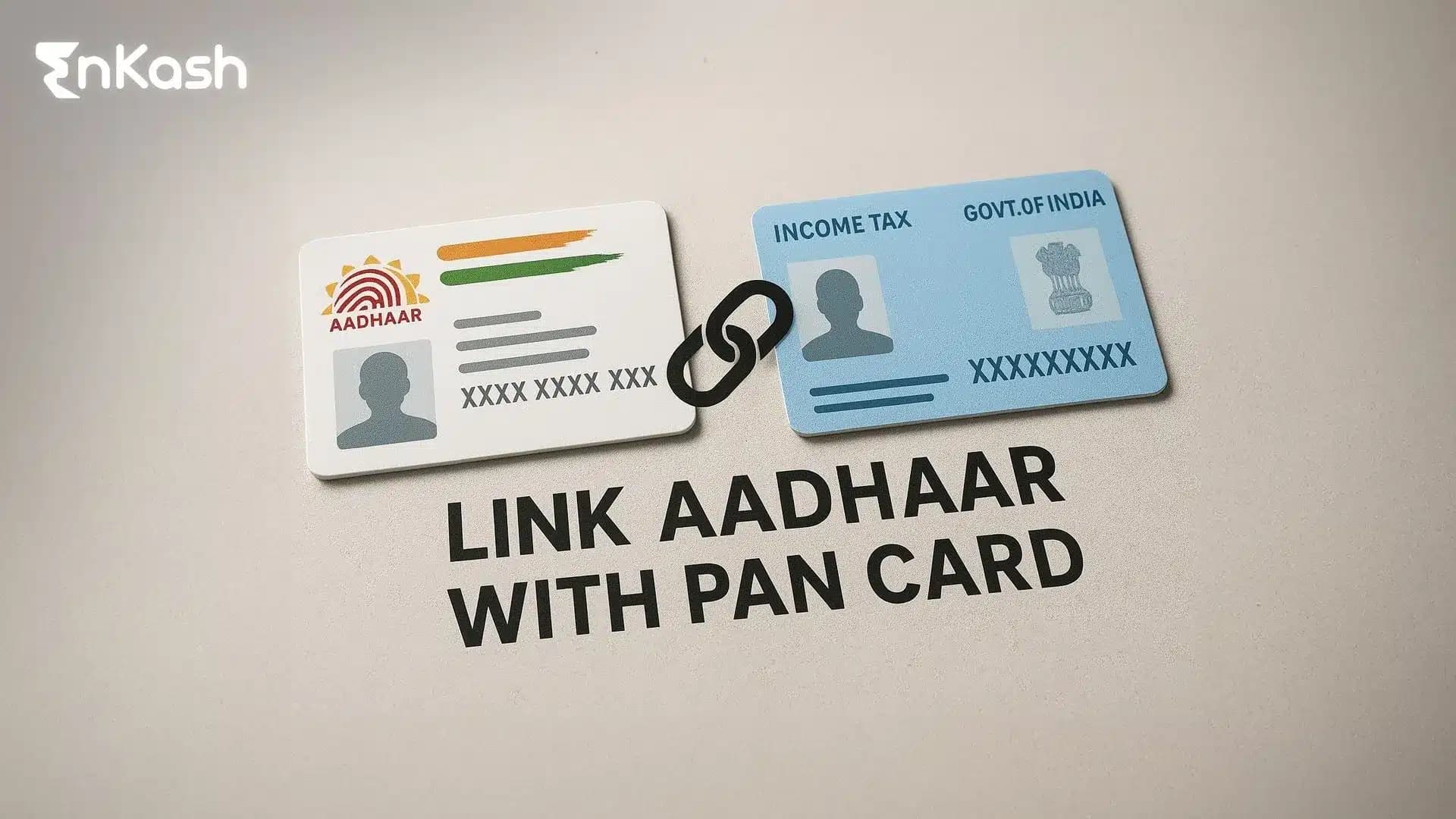
Aadhaar–PAN linking is required for individuals who were allotted PAN as on 1 July 2017 and are eligible to obtain Aadhaar. If not linked by the due date, PAN can become inoperative, which can affect return filing and many PAN-based verification processes. This requirement guides people to review their information and complete the update on time, as an inoperative Permanent Account Number can interrupt filings, investments, and basic banking requests.
People who plan to update their records usually search for a simple way to begin and want clear guidance on how to link Aadhaar with PAN from start to finish. The online route appeals to many users since the Aadhaar card link with the PAN card online process stays orderly when both documents carry matching details. This article outlines the method, the status check steps, and the latest rules that make the update easy to navigate.
What Is Aadhaar–PAN Linking?
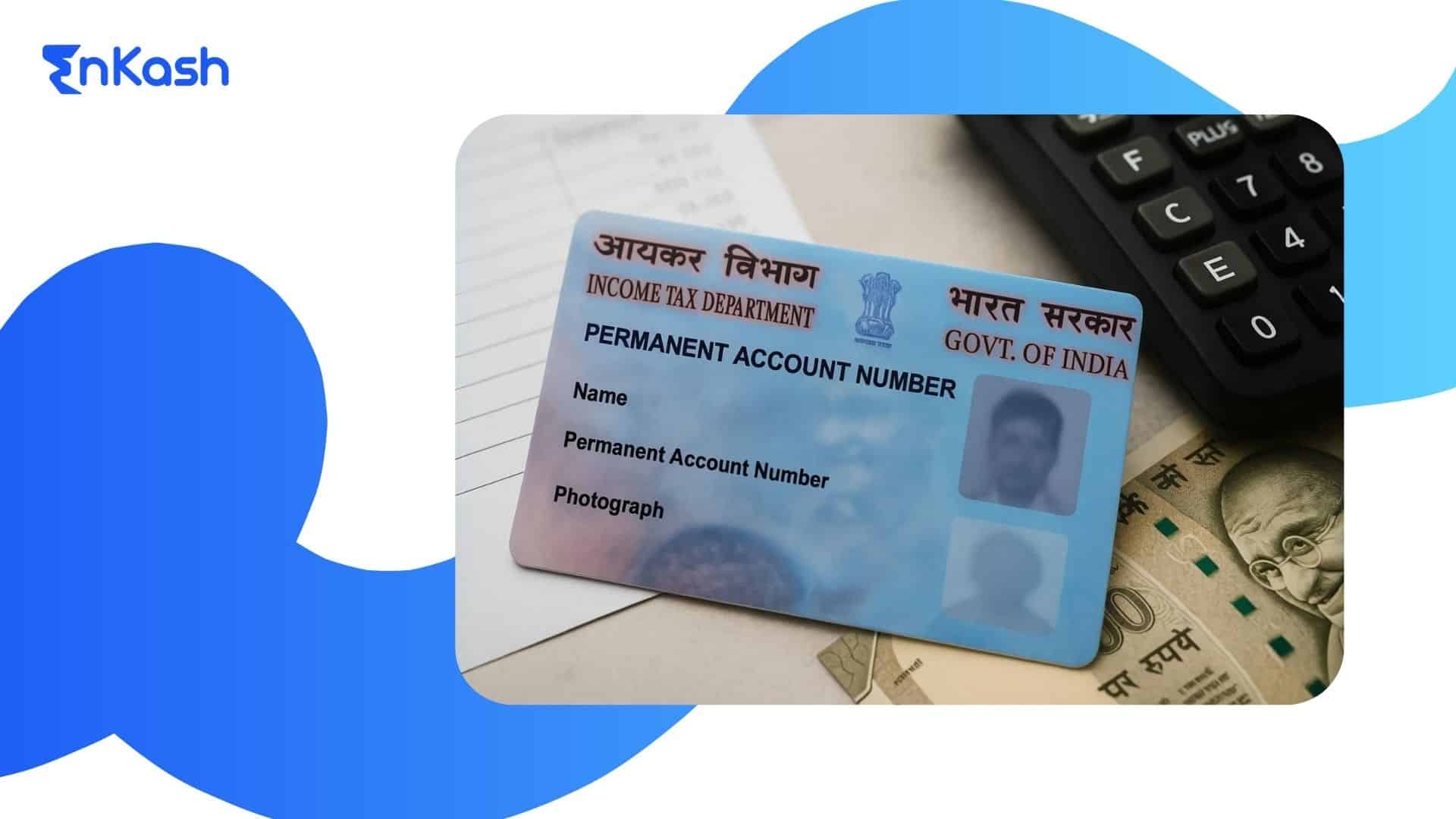
Aadhaar and PAN records hold different pieces of identity data, and the linking requirement brings these details together to create a single point of verification for tax-related work. The Income Tax Department uses the link to confirm that each PAN belongs to the correct individual, which reduces errors during filing and helps maintain accurate records across financial systems in India.
People who complete the update make it easier for the system to validate their information when they submit returns or carry out tasks that rely on identity checks. The update also supports people who use the Link Aadhaar with PAN service through digital channels, since linked records create fewer interruptions during later steps. Once the linking is complete, the information flows smoothly across platforms, which keeps tax filing, communication and basic financial tasks predictable for users who rely on a stable identity match.
Eligibility and Exemptions
Who Needs to Complete the Linking
Taxpayers who hold both Aadhaar and PAN must complete the update to keep their financial records active. The rule applies to individuals who earn income in India and use their PAN for filing, investing or carrying out financial checks. The link ensures that the system recognises their identity during verification and keeps their tax profile valid.
Categories Exempt from Linking
Some groups do not need to finish this requirement. Aadhaar–PAN linking is not mandatory for individuals who are: (1) residing in Assam, Jammu and Kashmir, or Meghalaya, (2) non-resident as per the Income-tax Act, (3) aged 80 years or more at any time during the previous year, or (4) not a citizen of India. These exemptions allow people who fall outside the regular filing base to use their documents without completing the link.
Cases Where Linking May Not Proceed
Linking may pause when Aadhaar and PAN show mismatched details. Differences in name, date of birth or gender can interrupt verification and prevent the system from accepting the request. Users can correct their records first and then complete the Link Aadhaar with PAN process with a smoother flow.
Documents and Details Required Before Linking
Aadhaar and PAN Details
Users must keep their Aadhaar and PAN numbers ready before they begin the update. These details form the core of the linking request, and the system checks both records carefully to confirm that they belong to the same individual. Clear and accurate information helps the Aadhaar card link with the PAN card online process move steadily.
Mobile Number Registered with Aadhaar
A working mobile number linked to Aadhaar is needed for verification. The system sends a code during the update, and this step confirms that the user requesting the link has valid access to their Aadhaar record.
Before starting the update, users should confirm that their name, date of birth and gender appear the same on both records. Any mismatch can delay the Link Aadhaar with PAN request, so reviewing details beforehand helps avoid interruptions and keeps the process predictable.
How to Link Aadhaar with PAN Online?
Users can complete the update through a clear online flow on the income tax portal, and the steps below explain how to proceed with the Aadhaar card link with PAN card online request smoothly:
Visit the Income Tax Portal
Users begin the update by visiting the income tax website, where the service for linking is placed on the main page. The portal provides a direct form that accepts Aadhaar and PAN details, which helps users start the request without searching through multiple sections.
The form asks for both numbers and displays a prompt that reminds users to review their details before moving ahead. Correct information supports a smoother Aadhaar card link with PAN card online flow and prevents delays that may appear when records do not match.
Check for Data Match
The system compares name, date of birth, and gender across both records. A clear match allows users to move to the payment stage, while a mismatch triggers an alert. This step protects the integrity of the Link Aadhaar with PAN process and reduces identity-related errors.
Pay the Linking Fee
Users complete a small payment before the request is accepted. This payment is made through the tax portal, and the receipt confirms that the charge has been processed. Once this stage is cleared, the portal allows the user to proceed to verification.
Verify Using the Code Sent to the Mobile Number
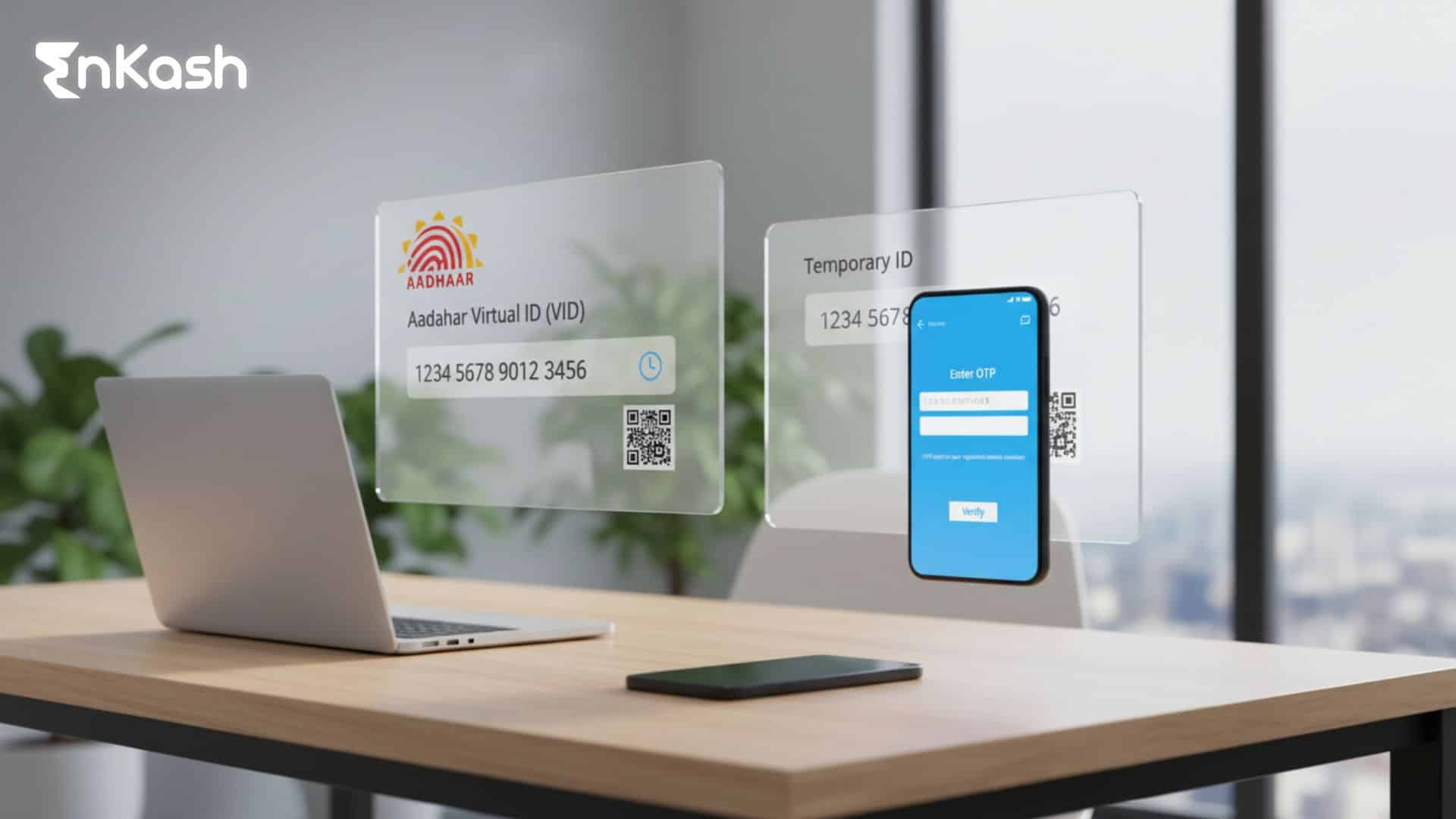
A code is sent to the mobile number registered with Aadhaar. Entering the code verifies the OTP as prompted on the portal and authorises the linking request. This step strengthens the identity check within the system.
Submit the Request and Wait for the Update
After the verification code is approved, users can submit the linking request. The portal shows a confirmation message that acknowledges the update. The final link is completed after the system reviews all details, and users can later check the status through the portal to ensure the update is active.
Read more:
What is a Bank Identification Number?Link Aadhaar Card with PAN via e-Pay Tax
A payment is required to activate the linking process, and the e-Pay Tax service helps users complete this part without visiting any other platform.
Why Users Need the e-Pay Tax Step
Users must complete a payment before the system accepts their linking request, and the e-Pay Tax service provides a direct way to make this payment. This route supports the digital flow and prepares the account for the Link Aadhaar with PAN update without additional steps.
How to Access the e-Pay Tax Service
Users can open the income tax portal and select the e-Pay Tax option from the main page. The service displays a set of categories, and users can choose the one that relates to Aadhaar and PAN linking. The platform guides the user through each stage in a simple manner.
Steps to Complete the Payment
The portal asks for basic details, and once these are confirmed, users can select their preferred payment method. The system accepts multiple options and generates a receipt once the payment goes through. The receipt confirms that the charge has been recorded and allows the user to proceed with the linking request.
Common Issues and How to Avoid Them
Payment delays may appear when network activity is high or when bank approval takes time. Users can wait for the receipt or check the status before trying again. A successful payment clears the path for the Aadhaar card link with PAN card online process and helps the linking move ahead without interruption.
How to Link PAN Card with Aadhaar Using SMS
People who wish to understand how to link Aadhaar with PAN in the simplest possible way can start the process through a text message. This method suits users who prefer a short and clear flow without opening the portal.
The income tax department shares the exact structure for the message. Users must enter their Aadhaar number and PAN in the same order shown in the instructions and send them to the designated number. When this format is followed, the system places the PAN Link with Aadhaar request correctly and sends a confirmation message to the user.
Points to Keep in Mind
- The SMS route helps in basic cases but cannot clear issues that arise when personal details differ across both records.
- Errors may appear when information on Aadhaar and PAN differs from each other.
- Users who receive a rejection can switch to the portal, which provides detailed checks at each step.
- The digital flow helps users review their information before placing the request again.
How to Check Aadhaar–PAN Link Status
Users who complete the request may want clarity on how to check if PAN is linked with Aadhaar
, since this helps them plan their tax-related tasks with confidence. The income tax portal provides a clear method to review the update and confirm the current stage.Steps to Check the Status on the Portal
Users can follow these steps to view their Aadhaar link with PAN status
through the portal:- Open the income tax website and select the option for Aadhaar and PAN status.
- Enter the Aadhaar number and PAN in the fields shown on the screen.
- Submit the request and wait for the system to load the response.
- View the final status, which may show active, pending or under review.
- Save the result if needed for reference during later tasks.
How to Understand the Status Messages
An active status means the link has been completed, and the user can continue with regular filings. A pending status shows that the system is still reviewing the request. A failed status may appear when personal details do not match or when the payment has not yet been updated in the system. Users can correct their records or complete the payment again and then repeat the check to ensure the request moves forward without further delays.Also read: What is Risk-Based Authentication and How Does It Work?Latest Government Guidelines and Compliance Rules
Current Rules Shaping the Linking Requirement
The government now places strong emphasis on completing the Link Aadhaar with PAN update for individuals who use their PAN for tax-related activity. The linking rule helps the system confirm identity details and reduces errors that may appear when tax records are reviewed. Users who rely on their PAN for filings or financial checks must complete the update to keep their information active.
Fee and Approval Structure
The department requires a payment before the system accepts the request. This payment must be made through the portal, and the process moves forward only after the receipt has been generated. A confirmed payment allows the system to begin its review and accept the link when all details match across both records.
Impact of Missing the Deadline
Missing the linking deadline may cause the PAN to shift into an inactive state. This can disrupt filings, pause financial transactions and delay identity verification during important tasks. Users can restore the link once the payment is completed and the records show a clear match.
Guidelines for Users Updating Their Records
Users who face mismatches between Aadhaar and PAN need to correct their details before placing a new request. The system accepts the link only when the information matches, which supports reliable verification and keeps the update process steady for those completing the Aadhaar link with PAN requirement.
Read more: What is Udyam Registration? Eligibility and Step-by-Step Process for MSMEsWhat Happens if Aadhaar Is Not Linked with PAN?
Impact on Tax Filing
Users who delay the Link Aadhaar with PAN update may find their PAN marked as inactive. This affects return submission because the system cannot confirm the user’s identity, which leads to delays in assessments and interruptions during filing.
Restrictions on Financial Transactions
Banks, investment platforms and other regulated entities rely on PAN validation to clear requests. When the link is missing, transactions may pause since the system cannot match the identity details with confidence. These pauses continue until the update is completed and the PAN becomes active again.
Effect on TDS and Compliance
An inactive record can affect TDS deductions, and users may face delays when claiming credits or refunds. Clear and verified information helps the system process these checks correctly, which is why completing the update matters for routine compliance.
Restoring the Link After Delay
Anyone returning to the process after a failed attempt may need a step by step guide on how to link Aadhaar with PAN so they can place a fresh request with accurate details. The system reviews the request after payment is completed and activates the PAN when the link is validated. Completing the update on time helps users maintain smooth access to tax services and financial platforms.
Aadhaar–PAN Linking Errors and Practical Solutions
Payment Reflected Late on the Portal
Some users complete the payment but do not see an immediate update on the portal. This delay can appear when the bank’s response takes time. Users can wait for the receipt to reflect or check the status again before placing a fresh request.
The system may pause the linking when Aadhaar and PAN show different details. A correction is needed when names, dates of birth or gender entries do not match. Users can update their records through the authorised platforms and then continue the process once both documents carry identical information.
Code Not Received on the Registered Mobile Number
Users sometimes face delays in receiving the verification code. A weak network or an outdated mobile number can cause this issue. Updating the mobile number linked to Aadhaar or retrying after a short wait usually resolves the problem.
Aadhaar Already Linked to Another PAN
The system rejects the request if Aadhaar is already linked to a different PAN. Users must resolve the duplicate entry first. The concerned service platforms provide a path to correct this issue so the user can proceed with a clean record.
Security and Data Protection Best Practices
Users should begin the update only through the official income tax e-filing portal (incometax.gov.in) or authorised services. These platforms keep personal data secure and protect the linking request from misuse.Keep Login Details Confidential
People must avoid sharing their login credentials with anyone. Safe sign-in habits reduce the risk of unauthorised access during the linking process.Protect the Verification Code
The code sent to the mobile number linked with Aadhaar should be entered only on the portal. Sharing it with others may compromise identity checks.Avoid Unverified Websites
Several websites claim to support the linking process, but they may not be secure. Users should rely only on trusted government channels when completing the update.Final Thoughts on Completing the Aadhaar–PAN Link
The requirement to link Aadhaar with PAN has become a steady part of tax compliance, and users benefit when the update is completed with accurate details. The process stays predictable when the steps are followed through the official channels, and each method guides the user with clear instructions. People who want clarity on how to link Aadhaar with PAN can rely on the portal, the e-Pay Tax service, or the SMS route, based on their comfort. Completing the update on time helps users avoid interruptions during filing, strengthens identity checks, and keeps their financial profile ready for routine tasks.
FAQs
1. Can I link my records if my Aadhaar mobile number has changed?Users can still complete the update after changing their mobile number, but they must finish the Aadhaar mobile update first. The verification code is sent only to the number stored in Aadhaar, so the linking request moves ahead once the new number is active.
2. What should I do if my PAN shows inoperative during a transaction?An inoperative PAN can pause financial checks until the user completes the link and the system validates the update. Restoring the connection helps the platform confirm identity details and clears the way for regular transactions across tax and banking systems.
3. Can the linking request fail even when details appear correct?A request may fail due to server delays, payment confirmation lags or temporary issues within the verification system. Users can review their information, wait for the payment receipt and try again once the portal shows stable activity.
4. Is linking needed if I do not file regular returns?The rule applies to users who hold both documents, even when returns are not filed every year. Completing the link keeps the PAN ready for future transactions and prevents interruptions if the user decides to file later.
5. What happens if my Aadhaar name has an extra character or spacing?Minor differences in spelling or spacing can interrupt the linking request. Updating either record through the authorised platforms helps the system match the details accurately and allows the request to move forward.
6. Can I complete the update without internet access?Users without a stable internet can place their initial request through SMS, although complex issues cannot be resolved through that route. The online flow may still be needed when the system requires detailed checks or additional verification steps.
7. How long does it take for the link to reflect after payment?The portal may take some time to display the updated status, since bank confirmation and internal checks must be completed first. Users can revisit the status page after a short gap to confirm whether the linking has been processed.
8. What if I enter the wrong PAN or Aadhaar number by mistake?The system rejects the request when incorrect numbers are entered. Users should review their details, correct the information, and submit a new request. Accurate entries help the system verify the identity and complete the update smoothly.
9. Can senior citizens complete the linking through assisted channels?Senior citizens who prefer guided support can visit authorised centres where staff help them place the request. This path supports users who are not comfortable with online steps and ensures the linking is completed with the correct details.
10. Is there a reliable way to understand how to link Aadhaar with PAN before starting?Users who want a clear overview of how to link Aadhaar with PAN can rely on the instructions shared on the income tax portal. These steps outline the process in a simple manner and help users avoid mistakes before placing the request.