Identity verification appears in many onboarding journeys across banking, payments, lending platforms, insurance portals, and government-linked services. People want a method that protects personal data while still allowing Aadhaar-based authentication. This interest pushes high search volume around Aadhaar virtual ID, VID generation, generate VID, and how to get a VID number, because users want a safer alternative to sharing an Aadhaar number during e-KYC and other verification flows. Aadhaar Virtual ID supports this need with a temporary number issued by UIDAI that works inside the Aadhaar authentication ecosystem. Users search for it when they want quick validation without exposing their Aadhaar number during every interaction. This becomes relevant for anyone completing onboarding for regulated financial products, updating existing accounts, or granting one-time identity consent on platforms that follow UIDAI guidelines. This blog focuses on real user intent. It explains how a VID number works, why the feature matters, and how to generate a VID through official UIDAI channels. Every explanation follows UIDAI-backed information, ensuring reliability for readers who require precise and compliant identity details. The sections ahead break down the meaning of Aadhaar virtual ID, supported generation routes, and practical usage points that help users complete verification securely in India.
What is Aadhaar Virtual ID
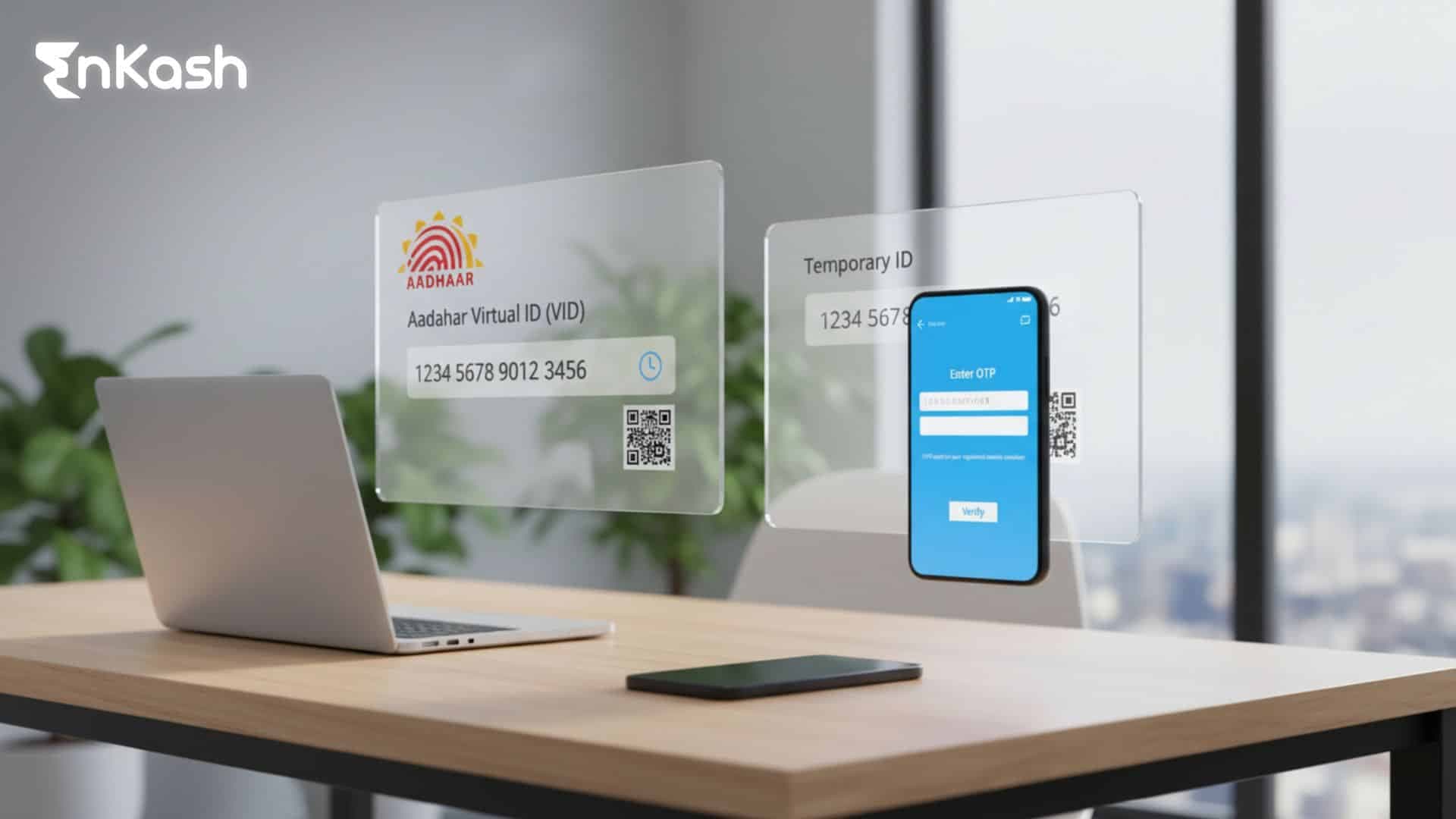
An Aadhaar Virtual ID is a UIDAI-issued 16-digit temporary number that links to an Aadhaar number for authentication in supported platforms. It replaces direct Aadhaar sharing in many verification journeys and gives users a controlled identifier that helps protect sensitive personal information. People search for What is a VID number, VID number, and Virtual ID number because they want a clear explanation that connects privacy requirements with everyday verification tasks. UIDAI defines a VID as a revocable identifier that cannot reveal the Aadhaar number associated with it. This design supports privacy by preventing reverse derivation, which means even when a platform receives a VID, the Aadhaar number remains hidden. The structure helps users complete e-KYC and authentication while reducing exposure of primary identity details during financial or regulatory procedures. A VID has predictable characteristics that are easy to understand. It always contains sixteen digits. It can be replaced by the Aadhaar holder whenever required. It operates entirely within the UIDAI authentication ecosystem and does not serve as a separate ID card or standalone proof of identity. It represents a masked version of Aadhaar information intended for secure use. UIDAI provides official ways to create, retrieve, and replace a VID through the portal, mAadhaar app, and SMS-based requests. These are the only approved channels for anyone searching for a VID generator or attempting to generate a VID. Users should rely exclusively on UIDAI pathways, as external tools or unofficial websites cannot issue a valid VID.
Importance of Aadhaar Virtual ID
Helping Users Protect Their Aadhaar Number During Verification
Aadhaar appears in many verification journeys, which increases the need for a controlled way to share identity details. A Virtual ID number helps reduce exposure of the Aadhaar number during e-KYC, lending checks, insurance onboarding, telecom verification, and other regulated interactions. The VID acts as a temporary substitute that limits the spread of Aadhaar numbers across platforms, thereby strengthening privacy for individuals who complete repeated verification cycles.
Banks, NBFCs, fintech apps, and insurance platforms rely heavily on Aadhaar-based checks for identity confirmation. A VID number adds an additional safeguard to these processes by allowing users to submit a temporary identifier instead of their Aadhaar number. This helps maintain the accuracy of identity checks while reducing unnecessary data exposure. Platforms that follow UIDAI guidelines can authenticate users using VID in a secure, compliant manner.
Allowing Users to Control When and Where Their Identifier Is Used
A key strength of VID is its users’ ability to replace it whenever needed. A regenerated VID removes access to the previous identifier and helps the Aadhaar holder maintain tighter control over their verification trail. This flexibility becomes important for users who engage with many financial or service platforms and prefer a mechanism that limits long-term visibility of their Aadhaar-linked interactions.
VID supports verification in a way that minimises long-term data retention by relying on platforms. UIDAI advises regulated entities to avoid storing Virtual ID numbers, as each VID can be replaced by the user. This creates a verification experience that leaves limited residual information linked to the Aadhaar ecosystem. Users benefit from an added layer of privacy without disrupting the standard authentication process.
Strengthening India’s Digital Ecosystem With Safer Identity Flows
Aadhaar-based verification powers a significant share of digital services in India. Introducing VID generation into this environment helps balance convenience with user protection. Financial apps, government portals, and service providers can complete mandatory identity checks while giving users a privacy-aware alternative. This supports smoother adoption of digital services because individuals can verify identity with confidence in the underlying safeguards.
What are the Ways to Generate Aadhaar Virtual ID
Generating VID Through the UIDAI or myAadhaar Portal
The UIDAI portal and the myAadhaar platform provide a structured online route for VID generation. Users can access the official website, complete identity verification via OTP, and request a new Virtual ID whenever required. This method works well for individuals who prefer browser-based interactions, want a clear verification path, and have reliable internet connectivity linked to their registered mobile number.
Generating VID Through SMS Using the Registered Mobile Number
UIDAI supports an offline-friendly option that allows users to create or retrieve a VID number through SMS. This method works without internet access and depends entirely on messages sent from the registered mobile number. Users who want a quick way to request or refresh their identifier can rely on this approach because it delivers the updated VID directly through UIDAI’s official response system.
Generating VID Through the mAadhaar Mobile Application
The mAadhaar app provides a mobile-focused route for generating VID requests. Users who manage multiple Aadhaar-related tasks through their smartphones can open the app, verify ownership through OTP, and create or replace a Virtual ID with ease. This approach is effective for individuals who prefer app-based services or regularly handle Aadhaar-linked updates within the UIDAI ecosystem.
Choosing the Method That Matches the User’s Convenience
Each user can select the option that best suits their internet access, comfort with digital platforms, or the availability of their registered mobile number. Portal-based access suits structured KYC tasks, SMS-based access supports quick requests, and app-based access enables users who prefer unified Aadhaar services on a single mobile interface.
How to Generate Aadhaar Virtual ID Online
Step 1: Visit the Official UIDAI or myAadhaar Portal
Begin by opening the UIDAI website or the myAadhaar service page using a trusted device. Users should avoid unofficial websites, as only the UIDAI provides a valid VID generator. The portal displays a range of Aadhaar services, and the Virtual ID feature appears under the Aadhaar authentication tools.
Step 2: Access the Virtual ID Generation Option
Navigate to the section dedicated to VID generation or Aadhaar authentication services. The portal presents a simple form that requires the Aadhaar number and a security captcha. This form acts as the starting point for creating a fresh VID number or retrieving an existing one.
Step 3: Enter Aadhaar Number and Complete the Captcha
Users must provide their Aadhaar number exactly as printed on their Aadhaar card. The captcha must match the characters displayed on the screen. This step ensures the request was initiated by a real user and not an automated system.
Step 4: Request an OTP for Identity Confirmation
Once the details are submitted, UIDAI sends a one-time password to the registered mobile number. The OTP becomes the verification link between the user and the Aadhaar profile. Entering the correct OTP confirms ownership and unlocks the next part of the Virtual ID process.
Step 5: Select Generate or Retrieve VID
After OTP validation, the portal displays two options: create a new VID or retrieve an existing one. Choosing the generate VID option creates a fresh 16-digit virtual ID number, while the retrieve option displays the current active identifier linked to the Aadhaar number.
Step 6: Submit the Request and Wait for Confirmation
After the user selects the preferred action, UIDAI processes the request instantly. A confirmation message appears on the screen, and UIDAI sends the newly generated or retrieved VID directly to the registered mobile number. This message contains the active Virtual ID that users can apply for authentication or e-KYC.
Step 7: Check the SMS for the Active Virtual ID
The confirmed VID number arrives through an official UIDAI SMS. Users can store this message temporarily for upcoming verification tasks. If the VID is replaced in the future, this number becomes inactive, and the newly generated one becomes the only valid identifier for authentication.
How to Generate Aadhaar Virtual ID Through SMS and Registered Mobile Number
Prepare the Registered Mobile Number Linked With Aadhaar
The SMS method begins with the user confirming that the mobile number in use matches the one linked to their Aadhaar profile. UIDAI validates every request by checking the sender’s number against the Aadhaar database, which means the command will fail if the number is not updated. Once the correct mobile number is ready, the user can proceed with the request.
Enter the Command to Generate a New Virtual ID
To request VID generation, the user types GVID <last four digits of Aadhaar> in the phone’s messaging app. This command must follow the correct spacing and digit order because UIDAI reads the message exactly as typed. The user should double-check the digits before sending the request to ensure the system correctly recognises the Aadhaar reference.
Send the SMS to UIDAI’s Official Short Code
The typed command must be sent to UIDAI’s designated number. Once the SMS is delivered, UIDAI’s system receives the request and begins matching the sender’s mobile number with the Aadhaar records. This verification step confirms ownership before the Virtual ID is created. No internet connection is required during this stage.
Wait for UIDAI to Generate and Dispatch the VID
After verification, UIDAI processes the request and issues a new VID number. The new identifier replaces any earlier Virtual ID linked to the Aadhaar profile. The updated VID is then sent directly to the user via an automated SMS, becoming the only active Virtual ID for future authentication or e-KYC tasks.
Retrieve the Current VID Through a Separate SMS Command
If the user wants to recover the existing Virtual ID number, they can send RVID <last four digits of Aadhaar> to the same UIDAI number. The system repeats the mobile verification step and returns the active VID through SMS. This retrieval method helps users who misplace the earlier message or want to confirm the current identifier before using it in a verification flow.
Check for Common Issues That Can Block the Request
Certain problems can disrupt the process. Incorrect command spacing, incorrect Aadhaar digits, or using a non-registered mobile number will cause the request to fail. Network-related SMS delays can also interfere with timely responses. If repeated attempts do not succeed, the user can switch to the portal or mAadhaar app, as UIDAI allows alternate channels for generating and retrieving the Virtual ID.
Store the Received VID for Upcoming Verification
Once UIDAI sends the updated VID number, the user can temporarily save the message for onboarding or authentication. The Virtual ID remains valid until the user replaces it again through one of the authorised methods. Storing the message in a secure location helps maintain a smooth verification process across platforms that support VID-based authentication.
How to Generate Aadhaar Virtual ID Through the mAadhaar App
Install the Official mAadhaar App on a Secure Device
The process begins with downloading the mAadhaar app from the official app store. Users should confirm the publisher before installing, because UIDAI is the only authorised provider of Aadhaar-related applications. After installation, the app needs permission to function correctly, including access to the registered mobile number for OTP verification. The user must keep the SIM card linked to Aadhaar active during the entire process.
Create or Access the Aadhaar Profile Within the App
When the app opens for the first time, it prompts the user to create a profile by entering an Aadhaar number and verifying the mobile number via an OTP. If a profile already exists, the user can access it directly. This profile acts as the identity layer inside the app and enables access to services such as VID generation, retrieval, and Aadhaar updates.
Navigate to the Virtual ID Service Section
After setting up the profile, the user can open the services section inside the app. The mAadhaar interface contains several Aadhaar-related tools, including authentication services. The generate VID or retrieve VID option appears in this service list. Opening this section loads a screen dedicated to Virtual ID actions.
Select the Generate VID Option for a New Identifier
Choosing the generate VID option prompts the app to confirm the user’s identity once again. The app displays a brief instruction that the Virtual ID will replace any older identifier linked to the Aadhaar number. The user must continue only if they want a fresh VID number for upcoming verification tasks.
Complete OTP Verification for Identity Confirmation
Before the Virtual ID is issued, UIDAI requires one final identity check. The app sends an OTP to the Aadhaar-linked mobile number. Entering this OTP inside the app verifies ownership and unlocks the VID issuance step. This safeguard ensures that only the Aadhaar holder can generate or replace the identifier.
Receive the Newly Generated VID Through the App and SMS
Once OTP verification is successful, UIDAI processes the request and creates a new Virtual ID number. The app displays a confirmation message on the screen, and UIDAI sends the same VID through SMS for reference. This ensures the user can access the identifier even if the app session is later closed.
If the user only needs to recover the active Virtual ID, they can select the “Retrieve VID” option instead of generating a new one. The app verifies identity through an OTP, and UIDAI returns the existing VID instantly. This feature helps users who rely on the app for Aadhaar-managed tasks and want immediate access without using the SMS route.
Handle App-Specific Challenges During VID Generation
Some users experience issues with mAadhaar due to outdated app versions, incorrect profile details, or restricted device permissions. Network variations can delay OTP delivery. These issues can be resolved by updating the app, enabling required permissions, or resending the OTP after a short interval. If the app remains unresponsive, switching to the portal or the SMS method provides an approved alternative.
Difference Between Aadhaar Number and Aadhaar Virtual ID (VID)
| Parameter | Aadhaar Number | Aadhaar Virtual ID (VID) |
|---|
| Purpose | Permanent identity number issued by UIDAI and used across government, financial, and regulatory systems. | Temporary identifier created by UIDAI to allow authentication without revealing the Aadhaar number. |
| Format | Twelve-digit unique number assigned during Aadhaar enrolment. | Sixteen-digit random number generated by the Aadhaar holder. |
| Permanence | Fixed for life and cannot be modified or replaced. | Can be generated, retrieved, or replaced by the user whenever required. |
| Control | Cannot be altered by the user and remains constant across all services. | Fully controlled by the user, with the ability to refresh the identifier at any time. |
| Privacy Level | High exposure risk when shared widely because it reveals a permanent identity reference. | Designed for privacy, preventing direct disclosure of the Aadhaar number during authentication. |
| Derivability | Linked directly to the biometric and demographic data of the holder. | Cannot reveal or derive the Aadhaar number, even when processed by compliant systems. |
| Usage in e-KYC | Used as the primary identifier for Aadhaar-based verification. | Works in supported journeys as a substitute for Aadhaar during authentication. |
| Storage Rules for Agencies | Agencies follow Aadhaar Act rules for secure handling of Aadhaar numbers. | UIDAI advises agencies to avoid storing VID because users can replace it at any time. |
| Regeneration Capability | No regeneration possible for the Aadhaar number. | Users can regenerate at their convenience, making it useful for privacy-sensitive tasks. |
| Dependency on Registered Mobile | Required for OTP-based authentication in many flows but remains unchanged. | Entirely dependent on the registered mobile number for generation, retrieval, and replacement. |
Conclusion
The idea behind Aadhaar Virtual ID is simple yet powerful. Users need a way to complete Aadhaar-based verification without exposing their permanent identifier every time, and the Virtual ID Number delivers exactly that. It gives every Aadhaar holder a controlled layer of privacy that fits naturally into digital onboarding, e-KYC, and regulated authentication flows across India. This matters because identity checks sit at the core of many financial and service journeys, and users deserve a method that protects them while keeping the process efficient. UIDAI designed VID with that intent, and the system works because the Aadhaar holder decides when the identifier is created, retrieved, or replaced. This flexibility strengthens trust in digital verification, allowing individuals to interact confidently with platforms that follow authorised Aadhaar-based processes. When used correctly, a refreshed VID becomes a clean starting point for each verification cycle, giving users meaningful control over how their identity travels across services. The overall experience shows that VID generation is not simply a technical step. It represents a privacy-first approach within India’s digital identity framework, helping individuals complete essential tasks while keeping their permanent Aadhaar number protected.
FAQs
1. What happens if a service provider asks for Aadhaar but supports Virtual ID-based verification? When a platform supports Virtual ID-based verification, the user can submit their Virtual ID instead of the Aadhaar number. The system processes authentication through UIDAI without revealing the Aadhaar number to the platform. This approach helps reduce unnecessary exposure of permanent identity details and offers a safer verification route while still allowing the service provider to complete its required KYC checks. 2. Can a Virtual ID be linked to multiple authentication requests within a short period? A Virtual ID can be used for repeated authentication requests across different platforms, as long as the user keeps the identifier active. Platforms handle VID in the same manner as Aadhaar during verification, which allows multiple checks within the same period. Users who prefer a fresh start can regenerate a new VID after completing their current verifications to maintain stronger privacy control. 3. What should a user do if their Virtual ID does not work during an online verification attempt? If a Virtual ID fails during verification, the issue often relates to system mismatch, expired identifiers, or outdated records on the platform side. Users can first retrieve the active VID to confirm the correct number. If the identifier remains valid, they can regenerate a new one and retry. When the issue persists, the platform may require an updated e-KYC session using UIDAI’s latest authentication gateway. 4. How long does UIDAI take to issue a Virtual ID after a request is made? UIDAI processes Virtual ID requests almost instantly. Once a user submits a portal request, app request, or SMS command, the system verifies the mobile number and generates the identifier in the same session. The updated VID arrives by SMS and reflects immediately in the UIDAI backend. This real-time generation allows users to proceed with authentication or e-KYC without any extended waiting period. 5. What should a user check before attempting to retrieve an existing Virtual ID? Before retrieving a Virtual ID, the user should confirm that the registered mobile number is active and capable of receiving SMS messages. The Aadhaar digits entered in the command or portal field must match the actual Aadhaar number. Users should also confirm that they are using official UIDAI channels because third-party tools cannot provide access to Virtual ID records or Aadhaar services. 6. Does a Virtual ID expire automatically if the user does not replace it for a long time? A Virtual ID does not deactivate simply because time has passed, and it remains valid until the user chooses to generate a new one. UIDAI maintains the identifier as active unless a replacement request is made. Users who perform verification across multiple platforms may choose to refresh their VID periodically to maintain privacy, but inactivity does not disable the existing identifier. 7. What should a user do if their mobile number linked with Aadhaar has changed recently? If a user changes their mobile number, CIDR updates take effect only after the Aadhaar update request has been processed at an enrolment center or update facility. Until the new number becomes active in UIDAI’s records, the user cannot generate or retrieve Virtual ID through that number. Completing the Aadhaar mobile update is essential because all VID actions rely on OTP-based validation from UIDAI. 8. Can a Virtual ID be used on platforms that still request the Aadhaar number for record-keeping? A Virtual ID can function in supported authentication flows, but some platforms require the Aadhaar number for backend linking or regulatory compliance. In such situations, the platform decides whether VID alone satisfies the verification framework. If VID is not accepted, users may be required to share additional details. The acceptance of VID depends entirely on the platform’s integration with UIDAI’s systems. 9. What happens when a user mistakenly enters the wrong last four digits of Aadhaar during an SMS request? If the last four digits of Aadhaar are incorrect in an SMS command, UIDAI cannot match the request with the correct Aadhaar profile. The system rejects the request, and no identifier is issued. Users should double-check the digits before sending the message to avoid repeated failures. Correct input ensures the system recognises the Aadhaar reference and processes the VID request accurately. 10. How can users verify that the Virtual ID they received belongs to their Aadhaar profile? Verification occurs through UIDAI’s OTP-based confirmation. When a user retrieves or generates a VID, the system sends the identifier only to the registered mobile number linked with Aadhaar. This ensures the Virtual ID aligns with the correct profile. Users can test the VID by initiating a supported authentication flow, where UIDAI confirms whether the Virtual ID matches their Aadhaar credentials.