India’s identity system operates at a national scale, and the Unique Identification Authority of India has confirmed that, as of September 2025, more than 142.76 crore Indians now hold a valid Aadhaar card. UIDAI also reported that authentication activity for the financial year 2024 to 2025 crossed 2,707 crore transactions. These figures illustrate how deeply Aadhaar supports digital access, financial verification, and public service delivery in the country. The data referenced here comes directly from UIDAI’s official performance reports.
People use Aadhaar for banking verification, mobile connections, enrolments across welfare platforms, and a range of services that rely on accurate identity records. Many users also prefer a digital copy, which makes guidance on Aadhaar card download and E-Aadhaar download important for everyday use. This blog walks through every major aspect and simplifies each action so that readers can handle their Aadhaar details with clarity.
You will find stepwise guidance for updates, status checks, address changes, and the link between Aadhaar and PAN. Each section stays practical and focused on real needs within India’s digital ecosystem. The intention is to help you understand how Aadhaar works in daily life and how to keep your information accurate and secure as services continue to expand across the country.
What Is an Aadhaar Card? Purpose, Features and Eligibility
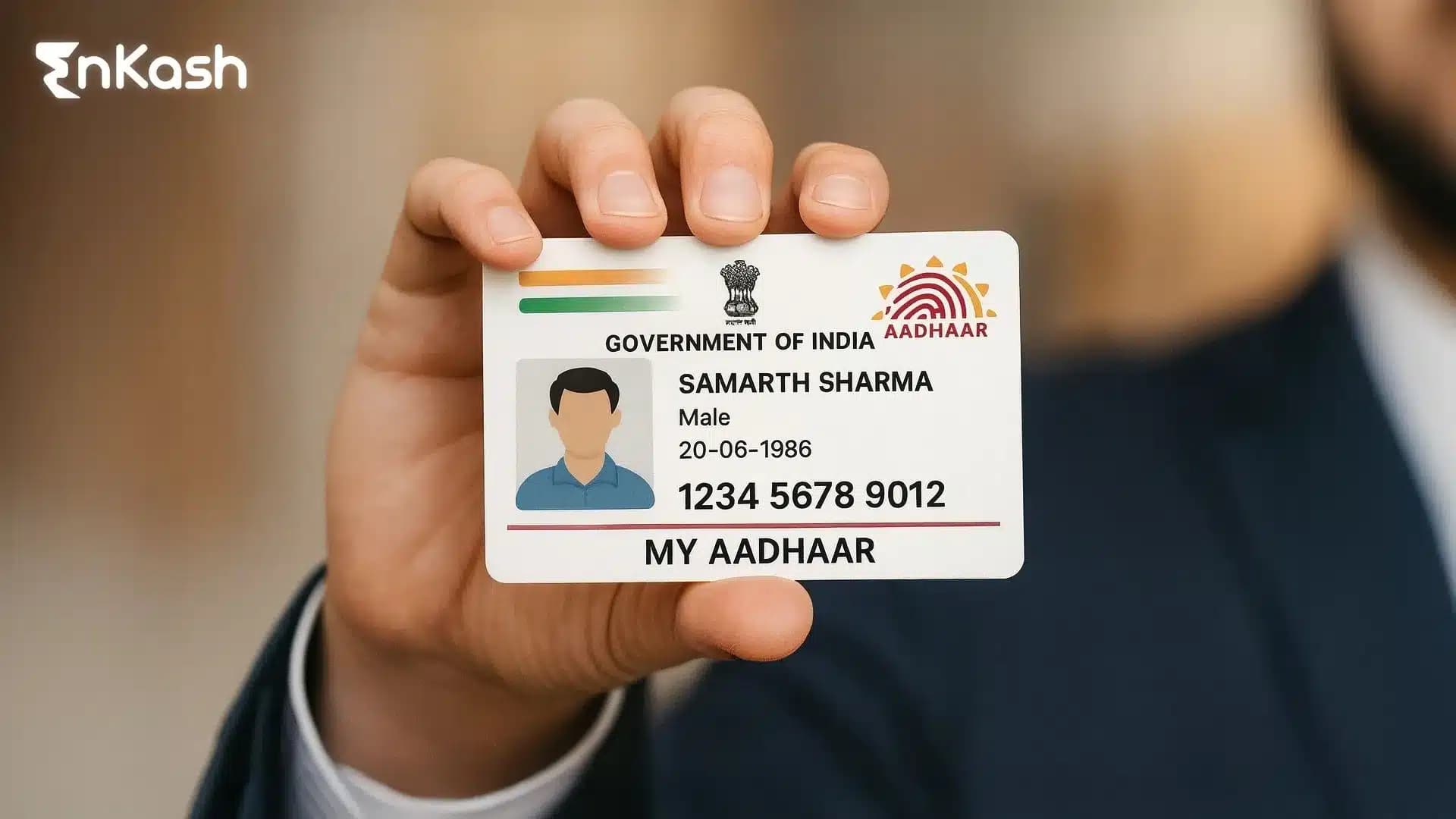
An Aadhaar card is a nationwide identity document issued by UIDAI. It contains a unique twelve-digit number that links a resident to verified demographic and biometric information. This structure helps public and private platforms verify identities reliably. The Aadhaar system also supports digital processes that reduce manual checks and improve consistency across services.
The card includes basic details such as name, date of birth, gender and address. UIDAI captures fingerprints and iris data during enrolment, which helps ensure accurate identity verification across different touchpoints. A resident can use Aadhaar for banking verification, telecom onboarding, government programmes, and several online services that require quick identity confirmation.
Any resident of India, including minors with consent from a parent or guardian, can apply for Aadhaar. Enrolment is free, and UIDAI manages the entire process across permanent centres and authorised service points. The card does not replace existing documents, but it supports them by providing a standard identity reference that works across most digital and financial platforms in the country.
UIDAI provides Aadhaar in several formats, so that people can choose the version that fits their daily needs. The standard paper letter is issued after enrolment and remains valid across all major verification points in the country. UIDAI also offers a PVC card that has a stronger material and a compact layout. Many people prefer this format because it stays intact during regular use and fits easily in a wallet.
Digital access plays a major role today, and UIDAI supports this through the e-Aadhaar download feature. This version is a secure digital file that contains the same details as the physical card.
The file can be stored on a mobile device and opened with a password that protects private information. UIDAI also provides a masked version, where the first eight digits of the Aadhaar number are hidden. This helps users share their identity safely during situations that require limited disclosure.
All formats carry equal validity as long as the information is correct and updated. Indians can access these versions through the UIDAI website, the authorised mobile application or service centres equipped to print Aadhaar. These access points make it convenient for users to manage Aadhaar in a way that matches their personal and digital routines.
How to Access Your Aadhaar Account Through the UIDAI Login System
UIDAI provides a secure login system that helps Indians manage their identity details online. The structure is simple and relies on a mobile-based one-time password to protect access. The steps below explain the entire process clearly and simply:
Enter Your Aadhaar Number or Virtual Identification Number
A user begins by typing the twelve-digit Aadhaar number or the virtual identification number on the login page. This step helps UIDAI identify the profile linked with that number. It also prepares the system to send a verification code to the correct mobile number. This step supports tasks such as profile checks, status updates and Aadhaar card services.
Receive the One-Time Password on the Linked Mobile Number
UIDAI sends a one-time password to the mobile number linked with Aadhaar. This measure ensures that only the rightful holder gains access. The user must enter this password within a short window. This security layer protects services connected to Aadhaar login, including updates and requests for digital files.
Open the Dashboard After Authentication
The system guides the user to a personalised dashboard after the password is verified. This dashboard provides services such as Aadhaar card downloads, address updates, profile details, and request tracking. Each service is labelled clearly so users can navigate without confusion.
Use Available Services Without Visiting a Physical Centre
The dashboard allows users to manage information remotely. They can request changes, review submitted forms, and access digital documents such as E-Aadhaar download. This structure reduces the need for in-person visits and supports the digital identity framework across India.
How to Download Your Aadhaar Card Through Approved UIDAI Options
UIDAI offers several ways for people to access a digital version of their identity record. These options support situations where a physical card is unavailable or when a service requires a digital file. Each method below works through a clear verification process that protects personal information.
Download with Your Aadhaar Number
People who have their twelve-digit number can request a secure file through the official portal. UIDAI sends a one-time password to the mobile number linked with the profile. After the password is verified, the system allows the user to proceed with the Aadhaar card download request.
Download with the Enrollment Identification Number
People who recently completed enrollment can use their enrollment identification number. This number appears on the acknowledgement slip issued during registration. Once it is entered, UIDAI shares a one-time password on the linked mobile number. The correct code gives access to the downloaded file.
Download with the Virtual Identification Number
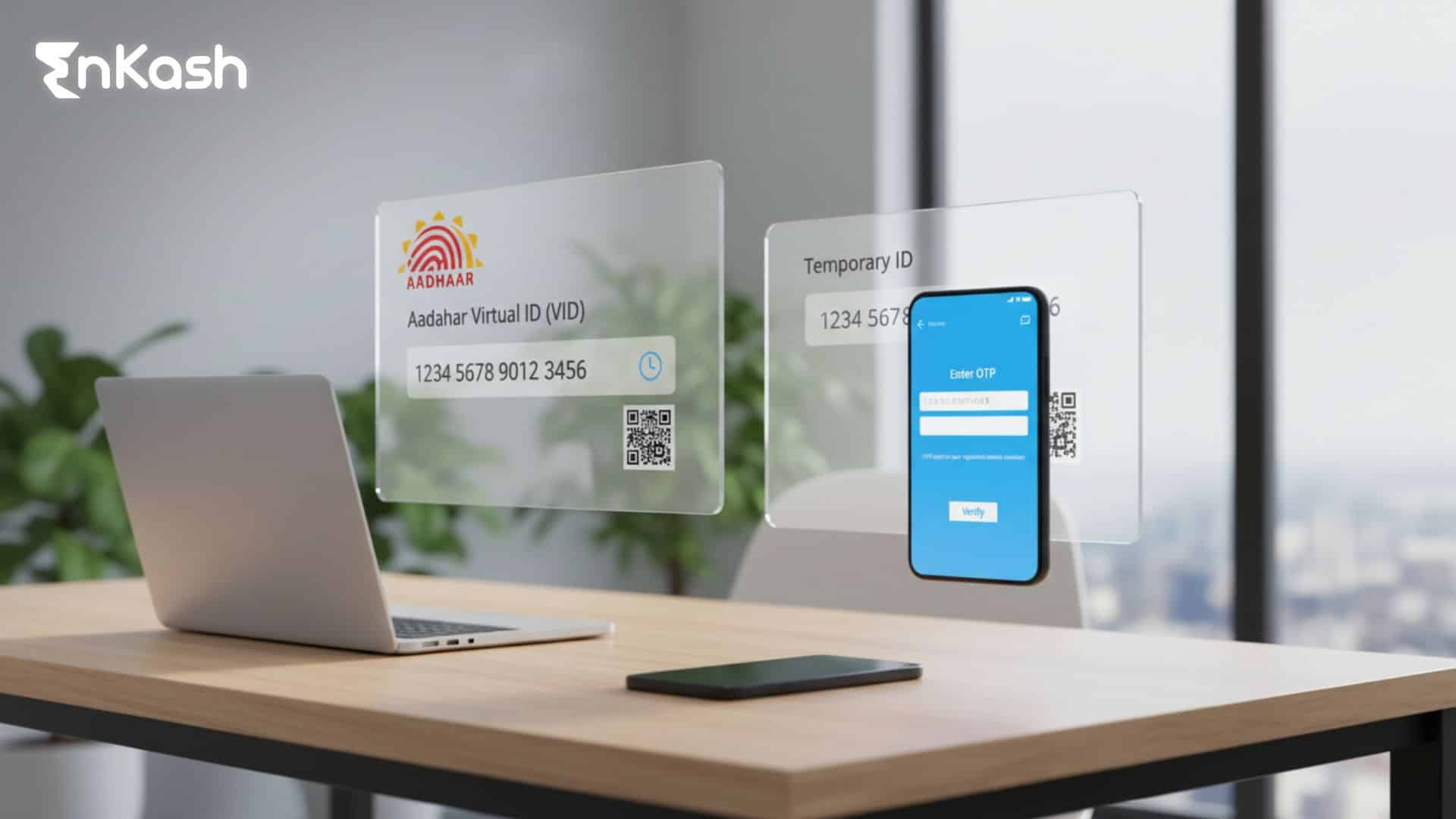
Some people prefer using the virtual identification number because it limits exposure to the full Aadhaar number. UIDAI accepts this number for verification and sends a one-time password for confirmation. Once the system verifies the request, the user can download the digital file connected with their profile.
Download Using Registered Mobile (via UID/EID retrieval)
This option helps people who do not remember their Aadhaar number or enrolment ID. A user enters the mobile number linked with Aadhaar in the “Retrieve UID/EID” service on the UIDAI portal. UIDAI sends the Aadhaar number or enrolment ID by SMS to that registered mobile. The user then goes to the e-Aadhaar download page, enters the received Aadhaar number or EID, verifies the OTP, and downloads the digital file.
Understanding the Password for the Digital File
The digital file remains protected with a password that follows a fixed pattern. This structure ensures that information linked with Aadhaar login and related services stays secure. The file will open only after the password is typed exactly as required.
Read more: What is NPCI? Services of the National Payment Corporation of India
What Is Aadhaar Password and How Does It Protect Your Digital File
People who download the digital version of their identity record receive a protected file. UIDAI locks this file with a password so that sensitive details remain safe during online access. The password follows a fixed pattern that simply combines personal information.
Why UIDAI Uses a Password for the Digital File
UIDAI protects every digital document to prevent unauthorised access. This safeguard supports people who use services that rely on identity proof, Aadhaar login, and verification checks. The password adds a layer of control, particularly when the file is stored on shared devices or transferred through messaging platforms.
How the Password Is Structured
The password uses a predictable pattern. It is created by joining the first four letters of the user’s name, written in upper case, with the year of birth. This pattern keeps the structure simple while ensuring that the file does not open by accident. People must enter the password exactly as required, without changes in spacing or order.
Opening the File Without Errors
A user must enter the complete password to unlock the digital file. Any mistake in spelling or sequence will prevent access. Careful entry helps people open the document without delays, which supports tasks such as Aadhaar card verification, service enrolment, and status updates.
How to Update Aadhaar Card Through UIDAI Services
People can update their Aadhaar details when information changes or needs correction. UIDAI supports online updates for selected fields and centre-based updates for records that require physical verification. The steps below explain the entire process:
Check the Fields That Can Be Updated Online
UIDAI allows people to update their address and selected demographic details through the online portal, subject to the latest rules. Other fields – such as name, date of birth, mobile number, or email – may still require an in-person visit to an Aadhaar centre, depending on UIDAI’s current guidelines. These updates require valid documents that match the new information. The portal guides users through each stage with clear instructions.
Prepare the Correct Documents Before Starting the Update
Every update request must match a document approved by UIDAI. Users need clear files that show the latest information. Correct documents reduce delays and help the system process the Aadhaar card update smoothly.
Submit the Update Request Through the Secure Portal
The user logs in with a one-time password and selects the field that needs correction. The system asks for supporting documents, which must be uploaded in a clear format. The request moves to review once everything is submitted.
Visit a Service Centre for Biometric or Sensitive Changes
Some details cannot be updated online. People must visit an authorised centre when they need changes to their name, date of birth, or biometric information. Staff members collect the details, record supporting documents, and submit the request for verification.
Track the Request Until UIDAI Completes the Review
Every update receives a unique number. This number helps the user track the request through the Aadhaar update status page. Tracking keeps the user informed about progress and final confirmation.
Also read: What is CVV? Meaning, Full Form, Code & Security Role in Cards
How to Change Address in Aadhaar Card Through UIDAI
A change of address is a routine part of life, and Aadhaar needs to reflect the shift. UIDAI allows this update through a guided online process that feels manageable once the correct documents are in hand. The explanation below highlights how the process unfolds from start to finish:
Check the Address Proof Accepted by UIDAI
UIDAI accepts a fixed list of documents for address changes. These include utility bills, rental papers, bank statements, and other records that show the correct address. People must choose the document that reflects their current place of stay.
Use the Online Portal to Start the Request
The user enters the Aadhaar number or virtual identification number and logs in with a one-time password. The portal displays the address update section with a direct prompt to begin the request. This step prepares the system for document upload.
Upload a Clear Copy of the Address Document
The document must be readable and match the details entered by the user. UIDAI reviews this file during verification, so the image must show complete information. A clear upload helps reduce delays for the Aadhaar card address change request.
Confirm the Details Before Submitting the Request
The portal displays the updated address for the user to review. This confirmation step helps prevent mistakes. After the user approves the information, UIDAI moves the request to the verification stage.
Track the Update Through the Status Page
UIDAI assigns a unique number to every request. People can enter this number on the status page to check progress. This feature supports those who want real-time clarity on their Aadhaar update status after submitting new address details.
How to Check Aadhaar Enrollment Status After Registration
After registration, many people look for a simple way to confirm what stage their details have reached. UIDAI supports this through a direct status page that works with the enrollment identification number. The steps below show how to check
Aadhaar status and interpret the update.
Find the Enrollment Identification Number on the Slip
The enrollment identification number sits on the acknowledgement slip issued at the registration centre. It carries the timestamp and a unique code that helps UIDAI locate the record. A user needs this number because the system uses it to pull the correct Aadhaar enrollment status from the database.
Open the Enrollment Status Page on the UIDAI Website
The user enters the enrollment identification number on the designated page and completes a short verification step. A security code appears on the screen, and the user must type it correctly. These actions allow UIDAI to confirm that the request for checking Aadhaar status is valid.
View the Current Stage of Processing
The system presents the latest outcome once the details match. It may show that the record is under review, or it may display a message confirming that the Aadhaar number has been generated. The user reads the update and understands the stage without waiting for a call or message.
Follow the Instructions If the Status Suggests a Delay
There are times when processing takes longer than expected. A user can return to the page after a short gap and check again. If the message remains unchanged for an extended window, the person can visit an authorised service point for guidance.
How to Find Aadhaar Seva Kendra for UIDAI Services
People who need in-person Aadhaar support can visit an authorised centre called an Aadhaar Seva Kendra. These centres follow a structured process, which helps users complete updates, corrections, and verification tasks without confusion. The following pointers explain how to locate a centre and understand what it offers.
Use the UIDAI Locator to Find a Nearby Centre
UIDAI provides an online locator that helps people search for centres by area, city or pin code. The user enters basic details, and the system presents a list of authorised points. People who search for how to find the Aadhaar centre near me get a clear result through this feature, as it removes uncertainty and guides them to the right centre.
Check the Services Available at the Selected Centre
Each Aadhaar Seva Kendra offers specific services. A user may find support for biometric updates, demographic corrections, or requests connected with the Aadhaar card. The portal displays this list before the user decides to visit. This check prevents unnecessary trips and helps people reach the centre that matches their needs.
Review the Operating Hours Before Visiting
Centres follow a fixed schedule that may vary by location. UIDAI updates these hours on the portal. People can review the timings and plan their visit without facing long waits.
Book an Appointment When the Portal Shows Availability
Some centres allow appointment booking through the UIDAI portal. This option reduces waiting time and helps users complete tasks faster. People who book in advance complete verification and updates in a more organised setting.
How to Link PAN with Aadhaar Through the Official Portal
The link between the PAN and Aadhaar supports smooth tax operations. The update works best when the details on both records match. UIDAI and the income tax portal offer a guided method that keeps the steps simple. The steps mentioned below help users complete the Aadhaar PAN link request without confusion.
Step 1. Check That the Aadhaar and PAN Details MatchBefore starting the request, a user confirms that the name and date of birth match on both documents. A mismatch slows the update. This check helps the system verify the Link Aadhaar with PAN request smoothly.
Step 2. Open the Official Income Tax PortalThe user visits the income tax portal and selects the link Aadhaar option on the home page. The portal displays two fields for the PAN and the Aadhaar number. The user enters both numbers carefully and moves to the next screen.
Step 3. Complete the Verification PromptThe portal presents a short verification step. A security code appears, and the user types it exactly as shown. This action confirms that the request is valid and prepares the system for authentication.
Step 4. Approve the Request with the One-Time PasswordA one-time password reaches the mobile number linked with Aadhaar. The user enters the password on the portal. The system checks the number, confirms the identity and moves the request to the linking stage.
Step 5. View the Confirmation Message on the ScreenOnce the system verifies the details, the portal displays a confirmation message. This message means the Aadhaar PAN link request has been accepted. The updated status may take some time to appear on the income tax records, but the link becomes active after successful verification.
Step 6. Resolve Any Errors Shown on the ScreenIf the system flags an error, the portal provides guidance. The user may need to correct the mobile number, update Aadhaar details or recheck the spelling on the PAN. These adjustments help complete the request without repeating the entire process.
What Is Udyog Aadhaar and How It Shifted to Udyam Registration
Many people still search for what is udyog Aadhaar, even though the system has now moved to Udyam Registration. Udyog Aadhaar once offered small businesses a quick way to create a basic identity record through a single form. The government replaced it with Udyam Registration to create a stronger, more accurate framework for micro, small, and medium enterprises. The new system verifies details through linked databases and helps businesses receive benefits without manual checks. People can still view old Udyog Aadhaar records, but all new registrations take place on the Udyam platform. This shift creates a cleaner process for verification, compliance, and future updates.
Security and Privacy of Aadhaar Card
- UIDAI protects Aadhaar information through strong encryption that shields personal data from misuse.
- Access to stored records stays controlled, which helps prevent unauthorised activity.
- People can lock their biometrics to block any attempt at verification without their approval.
- Masked Aadhaar offers partial visibility of details, which supports safer sharing during routine checks.
- UIDAI provides virtual identification numbers that reduce the need to reveal the full Aadhaar number.
- Good practices, such as secure downloads and careful sharing habits, help people use the Aadhaar card safely.
- UIDAI updates its security measures to match the growing digital activity across the country.
In Summary
Aadhaar plays a central role in daily verification, service access, and financial compliance across the country. People who understand how to manage their details move through digital processes with far greater ease. Simple steps such as checking updates, correcting information, and using secure options for Aadhaar card download or e-Aadhaar card download help maintain accuracy through every stage. UIDAI has built a system that guides people with clear instructions, steady safeguards, and predictable service routes. When information stays correct and protected, the Aadhaar record becomes a reliable support for identification, benefits, and long-term digital growth.
FAQs
1. Why does Aadhaar sometimes fail during authentication?Some offline services accept Aadhaar without a linked mobile, but most digital Aadhaar features need an active mobile number for OTPs. People can try again after checking these factors. If the issue continues, UIDAI suggests updating biometrics or verifying the registered mobile number.
2. Can I use Aadhaar as my only proof of identity during financial checks?Aadhaar works as a strong identity document, but some financial institutions may ask for additional records depending on their compliance rules. People usually present Aadhaar first, and the officer confirms whether another document is needed for full verification.
3. What should I do if my Aadhaar number appears in an unauthorised message?People should avoid responding to unknown messages and never share sensitive details. UIDAI does not request such information through personal communication channels. Reporting the message to official helplines helps prevent misuse and supports safer use of the Aadhaar card.
4. Can I use Aadhaar without linking a mobile number?Some services may work without a mobile link, but most digital features require one-time passwords. A linked number allows downloads, updates, and checks such as Aadhaar status. Updating the mobile number through a service centre opens access to the full set of features.
5. Does a mismatch in my name affect service delivery?A name mismatch between Aadhaar and other documents can delay verification. People may need to correct the spelling or update Aadhaar details before using the document for compliance checks. A clean match supports smoother processes during applications and digital enrolments.
6. How long does it take for Aadhaar updates to reflect across services?UIDAI may take a short period to verify and approve updates. Once the change appears in the Aadhaar card, linked platforms usually sync the information automatically. Some services may refresh data more slowly, so people check once more before relying on the updated record.
7. Can my Aadhaar number be used for tracking my location?No. UIDAI does not use Aadhaar numbers for tracking activity or movement. The system verifies identity, but it does not monitor a person’s location. This structure protects privacy and keeps authentication limited to authorised checks only.
8. Is digital Aadhaar accepted everywhere?Yes. The digital file carries the same validity as the physical card. People use the e-Aadhaar download option for banking, travel checks, and service enrolments. The file must open correctly with the assigned password for officials to complete verification without delay.
9. What happens if I forget the password to open my digital Aadhaar?The password follows a fixed pattern, so the user can recreate it anytime. It uses the first four letters of the name and the year of birth. Entering this correctly helps unlock the document and prevents the need for a fresh Aadhaar card download.
10. Does Aadhaar share my information with private companies?No. UIDAI does not share personal data with private entities. Verification works through secure systems where the response confirms only the result, not the full details. This setup protects individual information and limits access to authorised platforms that meet compliance requirements.