A payment setup in CS-Cart affects checkout speed, order accuracy, refund handling, payment-status updates, and the finance team’s daily review. Settlement visibility depends on the payment gateway and integration used. The platform can handle product catalogs, carts, vendors, shipping, taxes, and order records, yet the buying journey still depends on a working payment route. A buyer reaches the checkout with intent. The store earns revenue only when the payment method accepts the transaction and the order moves into the correct status.
For Indian businesses, this setup needs practical thinking. Customers may expect UPI, cards, net banking, wallets, bank transfer, cash on delivery, and clear refund communication, depending on the payment gateway and store configuration. Marketplace owners also need a view of vendor orders, commissions, and payout records. The following sections explain CS-Cart payment methods, gateway setup, the CS-Cart payment flow, and the role of the CS-Cart API in connected payment workflows.
What is CS-Cart
CS-Cart is an e-commerce platform for creating online stores and multi-vendor marketplaces. Store owners can manage products, categories, prices, taxes, shipping, promotions, customers, checkout settings, and order processing from the administration panel.
Store and Marketplace Use Cases
A standard store has one merchant selling directly to customers. The admin team controls the catalog, payment methods, delivery settings, order statuses, and customer communication. Payment configuration primarily involves collecting from the buyer and matching the order against settlement reports.
A multi-vendor marketplace adds another layer. Different sellers may receive orders through the same storefront. The marketplace owner must review vendor allocation, commissions, refunds, payout logic, and payment reporting. A payment setup for this model requires cleaner records, as a single customer checkout may involve multiple vendors.
Why Payment Configuration Needs Care
Payments affect checkout, inventory handling, fraud review, invoices, refunds, and accounting. A poor setup can mark paid orders as open, keep failed orders active, or hide payment choices at checkout. A clean configuration reduces manual follow-up and provides operations teams with a clear path from order creation to bank settlement.
What Are CS-Cart Payment Methods
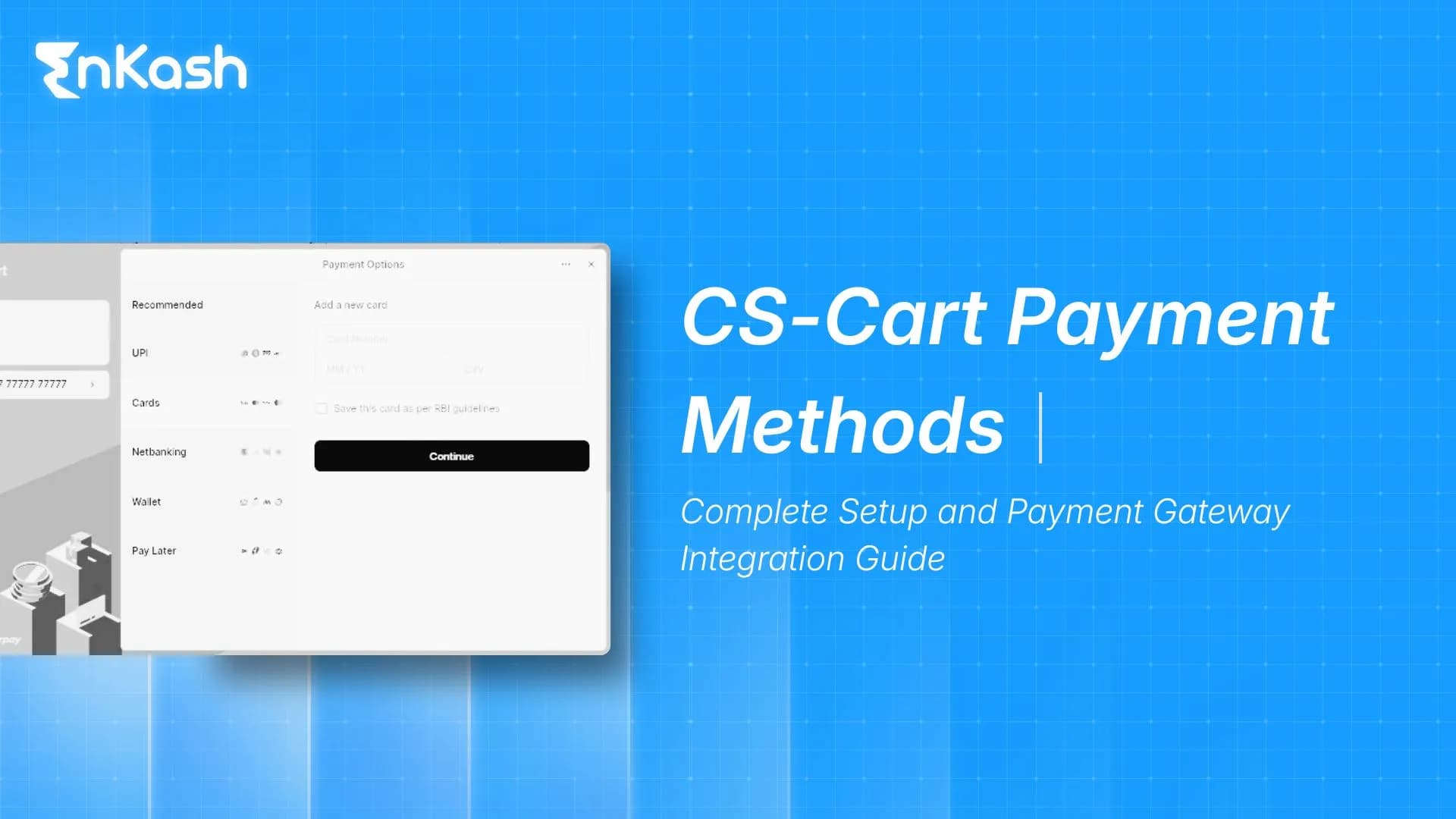
CS-Cart payment methods are the checkout options customers use to pay for an order. They can include online processors, offline/manual methods, redirect-based flows, card-based methods, wallets, and provider-led options, depending on the payment processor, add-on, and store setup. The method selected by the customer determines how payment data is processed, how the order is updated, and when fulfillment can begin.
Online Payment Methods
Online payment methods connect the store with a processor or payment gateway. These may include EnKash, Stripe, PayPal, 2Checkout, Authorize.Net, WorldPay, Opayo, eWAY, Nochex, iDeal, and other supported processors or add-ons, depending on region and store version.
For India, a merchant should look beyond the gateway name. UPI, debit cards, credit cards, net banking, wallets, refund handling, settlement reports, and mobile checkout performance need review before launch. A store checking payment gateways in India should also assess onboarding, support, dashboard clarity, and reconciliation data.
Offline and Manual Payment Methods
Offline methods do not complete real-time authorization through an online processor. They may include bank transfer, cheque instructions, phone ordering, cash on delivery, or manual credit card collection, only where legally permitted, securely configured, and compliant with applicable card-data handling requirements.
Manual methods need precise instructions. Bank details, payment reference guidance, verification timelines, and customer support contact points should be clear. The order should proceed only after the team confirms payment via reliable internal records.
Payment Method Rules and Restrictions
Payment options can be limited by customer group, storefront, shipping method, location, currency, order value, or internal rules, depending on the CS-Cart setup and add-ons used. For example, cash on delivery may be available only in certain regions. Bank transfer may be offered only to approved wholesale buyers. These restrictions should be tested from a customer account because admin-side visibility does not always match storefront behavior.
Payment Categories and Checkout Display
Payment methods should be arranged in a way that customers can understand without contacting support. Cards, e-wallets, bank transfer, and cash-on-delivery options can be grouped or named clearly in the checkout area.
Icons, descriptions, and payment instructions help buyers choose the right option without guessing. Surcharges, taxes on surcharge amounts, and method-specific instructions should be checked before launch because small configuration errors can change the total amount displayed to the buyer.
Which Payment Gateway is Used in CS-Cart
There is no single gateway fixed for every CS-Cart store. A merchant can use supported processors such as EnKash, PayPal, Stripe, Authorize.Net, 2Checkout, WorldPay, Opayo, eWAY, and other compatible payment options, depending on region, store version, add-ons, and provider availability.
Many merchants ask which payment gateway is used in CS-Cart because they expect one default answer. The practical answer is different. The right gateway depends on the required payment modes, customer geography, refund needs, settlement reports, integration route, and support quality.
Indian merchants comparing best payment gateways should check UPI coverage, card acceptance, refund tools, settlement reporting, reconciliation fields, onboarding, and support quality before choosing.
How to Integrate a Payment Gateway on CS-Cart
Setting up a payment gateway in CS-Cart requires both business readiness and technical configuration. The store should have active policies, secure checkout, an approved merchant account, correct credentials, and tested payment behavior before accepting real orders.
Choose the Provider and Payment Modes
Start with the customer base. A retail store in India may need UPI, cards, net banking, and wallets. A marketplace may need stronger reporting around vendor orders and refunds. A business-to-business store may rely on bank transfer or card payment for smaller orders.
The provider should offer the payment modes your customers use, clear documentation, settlement reporting, refund handling, and dependable support. Pricing should also be assessed in light of transaction charges, refund costs, settlement timelines, and reporting effort. A review of payment gateway pricing can help finance teams compare total payment costs with greater context.
Inside the administration panel, the store team can go to payment methods, add a new method, select the processor, enter a customer-facing name, set status, add descriptions, define surcharges where applicable, and configure access by user group or storefront. The customer-facing name should be simple. Labels such as Pay Online, Credit or Debit Card, UPI, Bank Transfer, Wallet Payment, or PayPal are easier to understand than internal processor names.
Enter Credentials and Processor Settings
An online processor may require a merchant ID, client ID, secret key, API key, token, salt, webhook secret, or account-specific fields. These credentials connect CS-Cart with the payment provider. Test credentials should remain in the test environment. Live credentials should be added only when the gateway account is approved and the store is ready for real transactions.
The gateway must return the buyer and payment response to CS-Cart after the payment attempt. Redirect routes, callback paths, webhook handling, and order status mapping need attention. A successful payment should move the order into the correct paid or processed status. A failed payment should not trigger fulfillment. A pending payment should wait for review or later confirmation.
Test Before Launch
Testing should include successful payment, failed payment, canceled payment, browser closure, retry payment, mobile checkout, refund, duplicate attempts, and reconciliation against gateway records. Marketplace stores should also test vendor allocation, commission records, refund impact, and payout entries.
Custom Processor or Add-On Route
Some stores need a processor that is not available as a ready payment option. In that case, developers may build a payment processor as an add-on or through a custom integration. This route needs extra care because the processor logic must create the payment request, handle the customer redirect or embedded payment screen, receive the gateway response, validate the transaction, and update the order safely. Custom work should be tested after every platform, theme, hosting, or gateway-side update.
Use CS-Cart API for Connected Workflows
The CS-Cart API helps connected systems interact with store data, such as orders, products, customers, and payment methods. It can support custom integrations for accounting sync, ERP connections, fulfilment dashboards, customer support tools, and reconciliation reports when implemented properly. The CS-Cart API is different from a payment gateway API. The store API manages e-commerce data. The gateway API typically handles payment authorisation, authentication, transaction status, refunds, and communication with the processor or acquiring/payment network, depending on provider capabilities. Access should be limited to authorized users, with keys stored securely and reviewed when staff or vendors change.
How the CS-Cart Payment Flow Works
CS-Cart flow of Payments starts when a customer adds products to the cart and reaches checkout. The flow continues through payment selection, authorization, response handling, order status update, fulfillment, and reconciliation.
Cart and Checkout Stage
The customer adds products and begins the checkout process. CS-Cart calculates the order value, shipping charges, taxes, discounts, and available payment options. Payment methods appear only when the customer, storefront, currency, shipping choice, and order conditions match the rules configured in the admin panel.
Payment Selection and Authorization
The customer selects a method such as card, UPI, wallet, net banking, PayPal, bank transfer, or cash on delivery. Online methods send the payment request through the chosen processor. The buyer may enter card details, approve UPI, log into net banking, or complete wallet authentication. The gateway then returns a result such as success, failure, pending, cancellation, or error. Delayed responses can occur in bank- or network-led payment journeys, making callback handling important.
Response Handling and Order Status
After the payment attempt, the buyer returns to the store, and the gateway may send a server-side confirmation. CS-Cart uses the response to update the order. If the payment is successful, the order can move forward. If payment fails, fulfillment should stop. If the status remains pending, the order should stay under review. Order statuses guide warehouse teams, vendors, customer support, and finance teams. Incorrect mapping can create dispatch errors, customer disputes, or missing revenue entries.
Reconciliation and Settlement Review
The final part of the CS-Cart payment flow occurs after checkout. The merchant compares store orders with gateway transactions and bank settlements. This review should cover order ID, transaction ID, payment amount, payment gateway fee, refund status, settlement date, and bank credit. Marketplaces may also review vendor balances and commissions.
Common CS-Cart Payment Issues and Fixes
Payment issues in CS-Cart can come from credentials, processor configuration, add-ons, shipping rules, status mapping, callback failures, mobile browser behavior, or customer-side payment declines. A structured review finds the cause faster than repeated test orders.
Payment Method Not Visible at Checkout
A payment method can be active in the admin area but hidden from buyers. Check storefront assignment, user group access, shipping dependency, currency, country, product rule, order value condition, and method status. Test with a normal customer account because admin sessions can mask storefront restrictions.
Payment Fails After Redirect
Redirect failures may come from wrong credentials, expired keys, incorrect test or live mode, inactive payment modes, SSL issues, or blocked callback paths. Review the gateway dashboard, order notes, server logs, and payment processor settings. The selected modes must also be active in the gateway account.
Paid Order Remains Open
A paid order may remain open when callback delivery fails, webhook settings are wrong, the store URL is unreachable, or the response cannot be validated. Check callback URLs, server response codes, firewall rules, gateway logs, and order history. A clear payment gateway integration check can prevent this issue during launch.
Failed Payment Marked Successful
This can cause fulfillment without confirmed collection. Review status mapping, response validation, transaction ID, order notes, and admin activity. Custom processors should verify signatures and final transaction status before marking an order as paid. Teams should also understand the difference between a gateway and a processor through a payment gateway vs. a processor review.
Duplicate Orders or Duplicate Charges
Duplicate records can appear when a buyer refreshes the checkout page, retries payment, returns from a delayed gateway page, or clicks the payment button multiple times. Compare order ID, transaction ID, amount, customer details, and timestamp before fulfillment or refund action. Payment buttons should prevent repeated submission where possible.
Refund Mismatch
A refund may be processed in the gateway dashboard, but it is not reflected clearly in the store record. The reverse may happen when staff updates the order manually before gateway confirmation. Refund checks should cover gateway refund ID, order status, customer message, inventory impact, vendor impact, and accounting entry.
CS-Cart API Access Problems
CS-Cart API errors can occur when access is disabled, credentials are wrong, permissions are insufficient, endpoint paths are incorrect, or server rules block requests. Confirm that the correct admin user has API access, the key is active, and the connected system has only the permissions it needs.
Conclusion
CS-Cart payment methods decide how customers complete payment and how the business records each transaction. The setup should align with customer expectations, local payment behavior, marketplace needs, refund workflows, and financial reporting.
The answer to which payment gateway to use in CS-Cart depends on the store’s region, supported processors, customer payment methods, add-ons, and reporting needs. For Indian merchants, UPI, cards, net banking, wallets, refunds, settlement data, and reconciliation should be part of the payment decision.
A reliable setup needs method selection, credential accuracy, callback configuration, status mapping, transaction testing, and settlement checks. CS-Cart API can support connected reporting and finance workflows, but it should remain separate from gateway-side payment processing. With a tested CS-Cart payments flow, stores can reduce failed checkouts, avoid order-status confusion, and make payment records easier to audit.
FAQs
1. What are CS-Cart payment methods?
CS-Cart payment methods are checkout options customers use to pay for an order. They can include online gateways, cards, wallets, bank transfer, cash on delivery, PayPal, Stripe, and manual payment instructions.
2. Which payment gateway is used in CS-Cart?
The answer depends on the store setup, the region, and the provider's support. CS-Cart can work with gateways such as PayPal, Stripe, Authorize.Net, 2Checkout, WorldPay, and Opayo, as well as compatible add-ons.
3. How do I add a payment gateway in CS-Cart?
A payment gateway can be added from the CS-Cart admin panel by creating a payment method, selecting the processor, entering gateway credentials, setting return URLs, mapping order statuses, and testing transactions before accepting live payments.
4. How does CS-Cart's flow of payments work?
The CS-Cart payment flow begins when a customer reaches checkout, selects a payment method, completes authorization, and returns to the store. The gateway response then updates the order status for processing, review, or failure handling.
5. What is the role of CS-Cart API in payment workflows?
CS-Cart API helps connected systems access store data such as orders, customers, products, and payment methods. It can support accounting sync, reconciliation, fulfillment dashboards, customer support tools, and custom reporting workflows.
6. Why is a payment method missing at the CS-Cart checkout?
A payment method may be missing at CS-Cart checkout due to its disabled status, storefront rules, user group access, shipping restrictions, location settings, currency mismatch, product conditions, or an incomplete processor configuration.
7. Why does a paid CS-Cart order remain open or pending?
A paid CS-Cart order may remain open or pending when the gateway callback fails, webhook settings are wrong, the return URL is incorrect, or the store does not receive a valid final payment response.
8. How can Indian merchants choose CS-Cart payment methods?
Indian merchants should choose CS-Cart payment methods based on UPI, debit cards, credit cards, net banking, wallets, refunds, settlement reporting, mobile checkout reliability, support quality, and reconciliation requirements.
9. Is CS-Cart API the same as a payment gateway API?
CS-Cart API manages the e-commerce store data, including orders and payment method records. A payment gateway API handles payment authorization, transaction status, authentication, refunds, and communication with the processor.
10. How can CS-Cart payment failures be reduced?
CS-Cart payment failures can be reduced by using correct credentials, enabling active payment modes, configuring callbacks, testing mobile checkout, reviewing order logs, avoiding plugin conflicts, and monitoring failed transactions after launch.