









Key Takeaways
- Multi-location utility management starts with mapping every consumer account to the correct branch, legal entity, cost centre, and owner.
- Finance needs one monthly view of bills received, due dates, missing bills, payment status, and unresolved exceptions.
- Missing bills, changed consumer numbers, duplicate periods, failed payments, and branch closures should move into a separate exception process.
- Utility costs should be compared between similar locations and against each site's own historical pattern.
- The right utility bill payment software gives finance a common view across locations without depending on separate portals, spreadsheets, and branch records.
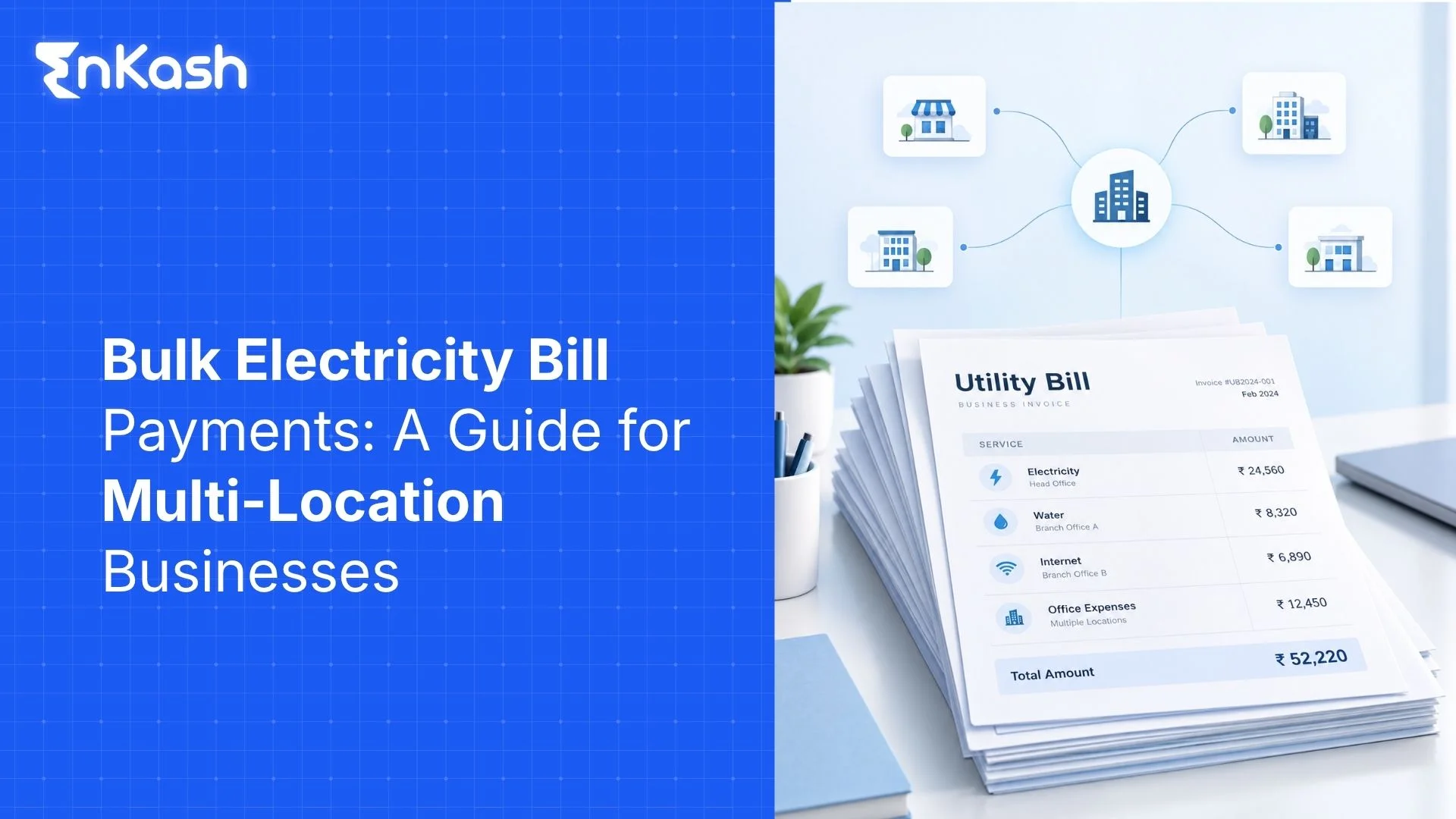
A business operating across several locations may be handling electricity, water, broadband, gas, and telecom accounts for every site. The difficulty starts when each bill has a different consumer number, due date, provider, and local contact.
Utility bill payment software gives finance a common place to organize these accounts and follow the monthly payment cycle. Proper management starts much earlier, though. Account records need to be accurate, missing bills need attention, and branch costs need enough context before they are compared. This guide covers the full multi-location process.
Why Multi-Location Utility Bills Become Difficult to Manage
Utility bill handling gets more complicated as a business adds locations. Each site may deal with different providers, consumer numbers, billing dates, and local contacts. Finance then has to bring all of that into one monthly process without losing track of what belongs where.
Bills come in different ways: Some reach finance by email, some stay on provider portals, and others come through branch teams or physical copies. Missing bills are easy to overlook.
Account details can change: A meter may be replaced, a branch may shift, or a new consumer number may be issued. Old records can remain active if those changes are not updated.
Payment records may be scattered: The branch may have the bill, finance may have the bank reference, and the final status may remain with the provider.
Location records need regular upkeep: Each utility account should be mapped to the correct branch, owner, biller, consumer number, and accounting reference. Due dates and payment statuses should then be tracked against individual bills.
Start With a Location-to-Account Register
Build one account register before trying to centralize the monthly process.
For every utility connection, record:
- Branch, office, plant, warehouse, or store name
- Legal entity responsible for the expense
- Utility category
- Biller or service provider
- Consumer, service, or account number
- Meter reference where relevant
- Expected billing cycle
- Cost centre or internal accounting code
- Local account owner
- Finance owner.
The register should reflect active connections. Once a closed branch's final bills are settled, deactivate its utility accounts from future payment runs while retaining the historical records. Add a replacement consumer number before the next cycle starts.
Keep older references in the historical record. Replacing an account number without retaining the earlier reference can make previous bills harder to trace later. Ownership also needs to be clear. Branch teams may learn first about a meter replacement or provider change. Finance needs that update before the next bill enters the payment queue.
How Should Multi-Location Utility Bills Be Managed Each Month
A common monthly process gives head office a company-wide picture without taking every local task away from branch teams.
Bring Bills Together
Collect current bills through one agreed process. Bills for supported accounts may be fetched digitally from the relevant biller or payment network. Other bills may come through uploads or an internal submission process. The important part is visibility. Finance should know which expected bills have arrived before payment work begins.
Match the Account
Check each bill against the account register. Consumer number, location, provider, billing period, and cost centre need to point to the same connection. Changed account details should be corrected here instead of being discovered during reconciliation.
Create a Due-Date Calendar
Utility providers do not follow one company-wide billing calendar. Create a monthly view showing what is due and when. The same view should flag an expected bill that has not arrived. A missing bill deserves attention before its normal due date passes.
Decide Who Acts
Set out the part handled locally, and the part handled centrally. A branch may confirm a connection change or disputed reading. Finance may control approval and payment release. Defined ownership reduces duplicate action and prevents bills from remaining unresolved.
Record Payment Status
Keep a current status against each bill. Track each bill by workflow and payment status—for example, missing, held for review, pending payment, paid, or failed. The transaction reference should stay with the bill record once payment begins.
Close the Cycle
Match the bill, payment reference, and accounting entry before closing the month. Open exceptions remain visible for follow-up. Cleared bills become the historical record for that location and billing period.
How Should Businesses Track Exceptions Across Locations
Routine bills should move through the monthly process with minimal manual intervention. Bills with exceptions should be surfaced separately, so finance teams can investigate them without disrupting the normal payment queue. Proper utility bill tracking software can keep these cases away from the normal payment queue.
Common exceptions include:
- An expected bill has not arrived
- The amount differs sharply from recent periods
- The same billing period appears twice
- The consumer number has changed
- A branch has closed or moved
- The payment remains pending
- The payment has failed
- Another team has already paid the bill
- The bill copy or payment proof is missing
A useful exception record needs the location, utility account, issue, due date, owner, and current action. This also makes recurring problems easier to spot. Several missing bills from one location may indicate a problem with local reporting, account mapping, or the bill-fetch process. Repeated failures for the same account call for a closer check of the account or payment process.
How Should Utility Costs Be Compared Across Locations
Cross-location utility bill management becomes useful once the account and payment records are clean. Raw totals alone give finance very little context.
A better review looks at the following areas:
Set a Baseline
Start with each location's own history. Compare the latest electricity, water, broadband, or telecom cost with previous billing periods. Several months give a better reference than one bill. Seasonal demand, occupancy changes, or production cycles may affect individual periods.
Compare Similar Sites
Group locations that operate under reasonably similar conditions. A small administrative office should not be compared directly with a large warehouse based on electricity spend alone. Store format, floor area, opening hours, equipment, occupancy, and operating activity can all influence utility use. Comparison becomes more useful when branches have similar operating profiles.
Track Cost Movement
Look at how the amount changes over time, not only which branch has the largest bill. Finance can track total utility spend by location, spend by utility type, current amount against earlier periods, and average bill value. A sharp increase deserves a closer look when the operating conditions have barely changed. The increase may result from higher consumption, tariff changes, arrears, billing adjustments, or an account issue.
Review Exception Costs
Late fees, duplicate payments, repeated payment failures, and unresolved billing disputes can create financial or operational costs beyond normal utility consumption. Track those amounts separately. A branch with ordinary electricity use can still have weak payment control if late charges keep appearing. Exception counts also add context. Several held or failed bills at one location may tell finance more about the local process than the total spend figure does.
What Should Utility Bill Payment Software Handle
Effective utility bill payment software should address the operational problems created by multiple locations instead of simply adding another payment screen.
Look for capabilities that match the company's operating process:
- Location and utility-account onboarding
- Branch or business-unit tagging
- Bill fetching for supported providers
- Due-date and billing-period visibility
- Searchable bill history and bill copies
- Role and approval controls
- Single and bulk payment options
- Paid, pending, and failed status tracking
- Exception alerts
- Reconciliation records
- Reports by location or provider
- ERP or accounting integration where required
Account lifecycle controls matter too. Check whether the platform supports onboarding new connections, updating consumer references, deactivating old accounts, and retaining historical records. Coverage matters as much as the feature list. Check the actual billers, utility categories, locations, payment methods, integrations, and approval setup needed by the business before selecting a product.
Utility Bill Payment Software Businesses Can Consider
Several platforms serving Indian businesses support multi-location utility-bill workflows. The comparison below looks at publicly documented capabilities across bill fetching, location management, approvals, payment tracking, reconciliation, analytics, and integrations. Product capabilities were reviewed from the respective providers' public websites as of September 2026 and may vary by configuration, biller, or commercial arrangement.
| Software | Key Capabilities | Multi-Location and Control Features | Data, Payment and Integration Features |
|---|---|---|---|
| 1. EnKash | Built around centralized business utility management through Bharat Connect. Supported bills can be auto-fetched with amount, due date, billing cycle, official bill copy, and structured bill data. | Location-level mapping, branch tagging, maker-checker workflows, role-based access, smart filters, and centralized finance oversight. | Single and bulk payments, payment-bill linkage, live paid/pending/failed status, OCR-linked bill copies, reconciliation records, and ERP/accounting APIs. EnKash also provides alerts for failed bill-copy retrieval, bills stuck in processing, and overdue items. |
| 2. Paytm Enterprise Bill Payments | Focuses on consolidating corporate utility bills into one dashboard. Bill amount and due-date information can be fetched for supported accounts. | Location management for shops, warehouses, offices, and other sites, with filtering by location, provider, and due date. | Multiple bills can be selected for payment together. The platform also covers approvals, reports, and reconciliation workflows. |
| 3. Bulkpe | Covers utilities and other recurring business bills through a centralized dashboard, with automatic fetching of supported amounts and due dates. | Branch onboarding, organization and location-level controls, owner/approver/viewer roles, maker-checker workflows, and configurable payment conditions. | Real-time paid/pending/failed tracking, automatic matching of payments with bills, audit exports, ERP integration, APIs, and cost-centre fields. |
| 4. Vayana BillsToPay | Strong utility-data depth. The platform fetches bill PDFs, retains historical data, and can extract 30 to 80 bill parameters for supported accounts. | Bulk or individual site onboarding, pan-India biller coverage, maker-checker controls, site-specific status, and threshold alerts for unusual bills. | ERP synchronization, automatic bill validation, payment-status records, reconciliation, audit trails, consumption data, and payment flexibility through the platform or integrated ERP process. |
| 5. Genie Bazaar | Combines utility payment with wider location-level financial operations. Supported utility bills can be auto-fetched through its BBPS-integrated setup. | Bulk location onboarding, configurable approvals, cost-centre allocation, branch-level spend views, and budget tracking. | Payment history, digital receipts, variance alerts, month-on-month analysis, budget-versus-actual tracking, ERP exports and wider platform integrations with accounting and enterprise systems. |
The right choice depends on the accounts the business actually manages. Biller coverage, number of locations, approval structure, data requirements, integrations, and month-end reconciliation process should guide the evaluation.
In Summary
A growing location network creates more utility accounts, more due dates, and more chances for information to get scattered. The practical answer is a system where finance can see each account in context and follow what happens from bill arrival through payment and final closure. Utility bill payment software can bring that visibility into one place. With better records across branches, finance can catch missing items earlier, review cost movement with better context, and close each billing cycle with fewer unresolved entries.
FAQs
Can businesses manage utility bills from different states in one system?
Yes, where the selected platform covers the relevant billers and service locations. A centralized system can keep accounts from several states under the same business view. Actual bill fetching and payment availability depend on the provider network available through that platform.
Can prepaid and postpaid electricity accounts be managed together?
They can be managed in the same business process where the software supports both account types and the relevant electricity provider. Prepaid recharge and postpaid billing follow different payment flows, so each connection needs the correct account setup.
Can branch teams review bills without controlling payment?
Yes, where the software includes role-based access. A branch user may be given access to their branch's utility accounts and permission to review bills, while payment authority remains with central finance or another designated approver. Payment authority can remain with central finance or another designated approver.
Can utility bill data connect with accounting or ERP software?
Yes, where an API or supported integration is available. Bill details, payment status, transaction references, cost-centre fields, or accounting information may move between systems. The exact data available depends on the product and integration.
How should shared-office utility bills be recorded?
Keep the external utility bill under the location and legal entity responsible for the account. Any split between departments, teams, or occupants should then be handled through the company's internal allocation process. Retain the original bill with the allocation record for future checking.