Key Takeaways
- A business utility-payment workflow may cover electricity, water, gas, broadband, telecom, and other supported bills.
- Automation starts with bill collection and can continue through approval, payment, status checks, and reconciliation.
- Mandates and standing instructions suit simpler recurring accounts. Larger setups may need centralized payment or ERP/API connections.
- Finance teams should define approval, access, and exception controls before payments are automated.
- EnKash brings multi-location utility accounts, approvals, payments, and reconciliation into the same operating flow.
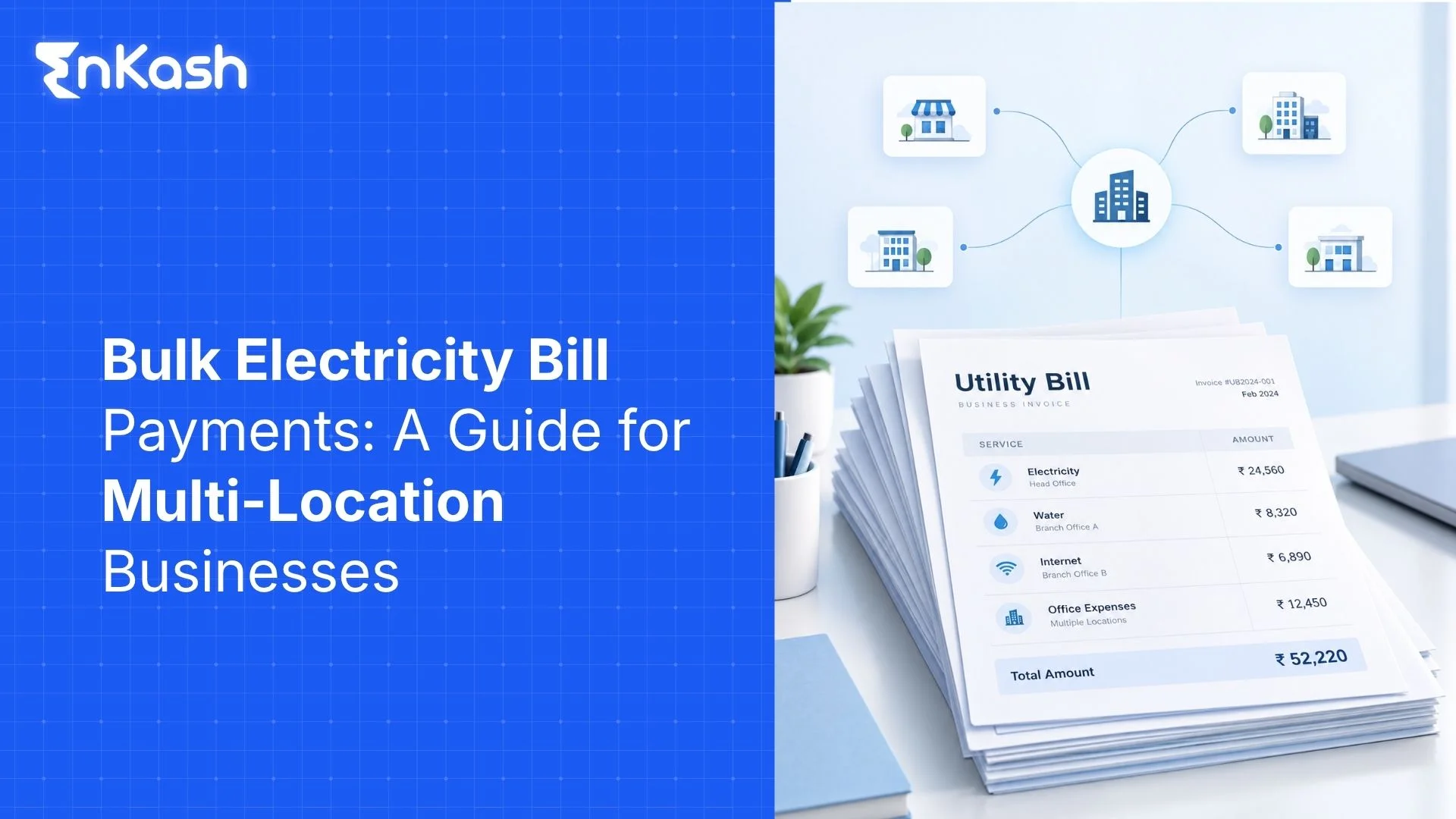
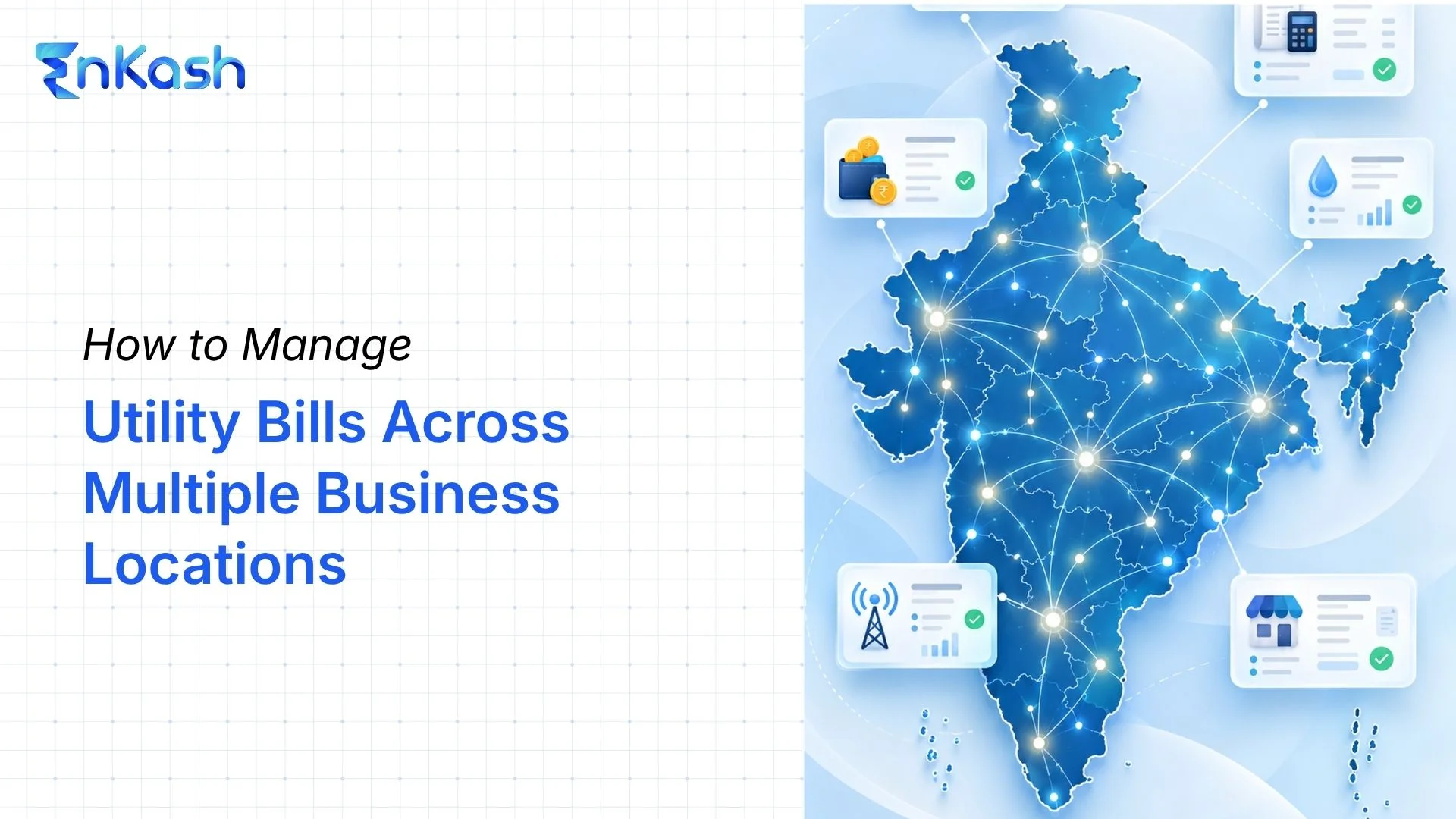
Utility payments become harder to manage once a business has several locations. An electricity bill may reach one branch today. Another site may send its broadband bill tomorrow. Telecom charges may reach finance later in the week. Each account carries its own consumer number, due date, amount, and approval trail.
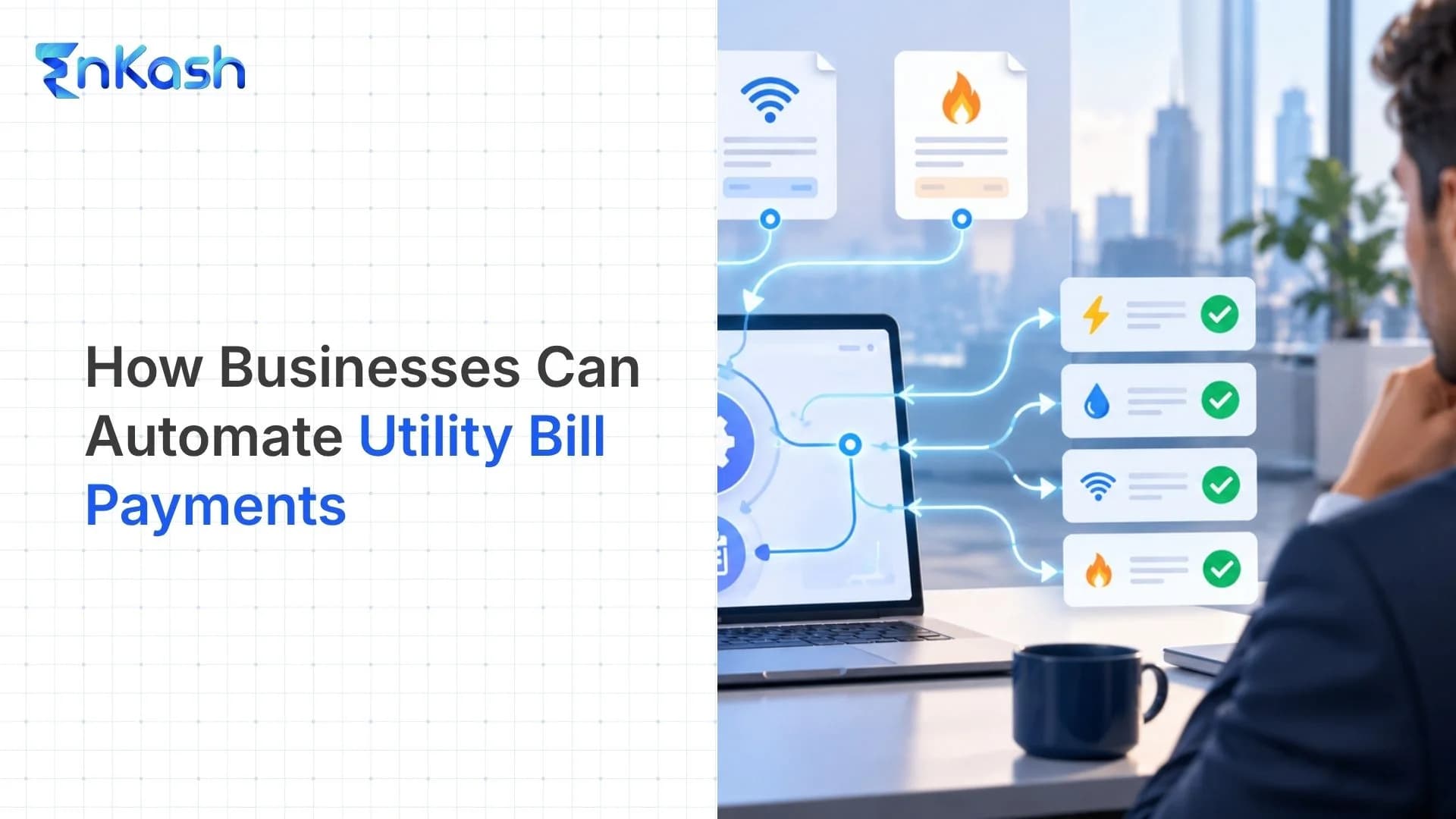
Automated bill payment reduces the amount of chasing involved in that cycle. Instead of handling each bill separately, the business creates a repeatable workflow covering bill collection, validation, approval, payment, status tracking, and reconciliation. It covers bill collection, checking, approval, payment release, status tracking, and closing the entry. The sections ahead cover how the process works in India. They also cover payment setups, finance controls, and the EnKash workflow. This guide focuses specifically on automating outgoing utility bill payments for businesses—not automating customer subscription collections.
What Is Automated Bill Payment for a Business?
Automated bill payment means moving selected bill-payment tasks into a configured digital process. The simplest version may be a standing instruction for a predictable monthly charge. A broader business setup pulls the latest bill and links it to the correct location. The bill then moves through approval, payment, and recording.
Human review can remain part of the workflow wherever the business requires it. A company may be comfortable letting a regular internet bill move under a set rule. A large electricity bill may be held until finance checks the amount. The configured workflow determines which steps run automatically and which require human review.
Which Utility Bills Can Businesses Automate?
The list depends on the billers available through the chosen payment setup. For Indian businesses, common categories include:
- Commercial Electricity bills for offices, stores, plants, warehouses, and other sites
- Water charges linked to business premises
- Piped gas accounts
- Broadband and internet connections
- Postpaid mobile and telecom bills
- Prepaid utility accounts where the biller and payment channel permit recharge or validation.
Reliable automation starts with accurate utility-account master data. Consumer numbers, branch names, legal entities, billers, and internal cost centres need to be mapped correctly. Using the wrong account reference risks sending a valid payment to the wrong utility account.
How Does Utility Bill Automation Work?
For a business, utility bill automation is a workflow that takes each bill from account identification and bill fetch through approval, payment, status tracking, and reconciliation.
- Add the utility account: Record the biller, consumer number, location, and any internal code used by finance. The same record may also carry a branch, plant, property, or cost-centre tag.
- Bring in the current bill: With a supported biller, the latest bill is fetched digitally. Without that connection, finance uploads the bill or uses another approved process.
- Check what needs attention: Finance reviews the amount, billing period, due date, arrears, and any unusual jump before payment. Higher-value bills go to approval where the company has set that rule.
- Release the payment: Once the required checks are complete, the payment is scheduled or initiated through the chosen channel. The payment date follows the due-date policy used by the business.
- Confirm the transaction status: Paid, pending, failed, or reversed are different outcomes. The transaction reference and bill status need to stay with the account record.
- Reconcile and close the accounting entry: The amount paid is matched with the bill and the accounting entry. A mismatch moves back for review instead of disappearing into the month-end reconciliation pile.
Under the RBI’s 2024 Bharat Bill Payment System (BBPS) Directions, the ecosystem now branded as Bharat Connect requires the bill to be fetched before payment is initiated for bill-payment transactions routed through the platform. For prepaid services, the platform validates the customer’s relationship with the biller before the transaction proceeds.
Which Automation Setup Works for Different Businesses?
Payment design changes with scale. Bill volume, payment value, branch count, approval levels, and accounting software all affect what is practical.
| Automation setup | Useful for | How it operates | Main control to set |
|---|
| Standing instruction or recurring mandate | A smaller set of predictable utility accounts | An eligible recurring charge is paid under a mandate or standing instruction | Funding account, mandate value, validity, and review date |
| Bharat Connect (BBPS)-enabled centralized bill payment | Businesses handling several supported billers or locations | Current bills are fetched and paid through participating bill-payment channels | Correct biller mapping, approval ownership, and payment status |
| ERP or API-connected automation | Larger finance operations with high bill volume | Bill data and payment records move between the payment system and internal finance software | Data mapping, user access, exception handling, and reconciliation rules |
UPI AutoPay can support recurring payments such as electricity and mobile bills where the payer’s bank/app and biller support the facility. These payments remain subject to the applicable RBI e-mandate and authentication requirements. For high-value or highly variable enterprise utility bills, a centralized workflow with bill-level approvals may therefore be more suitable than relying on a recurring mandate alone For large or highly variable utility bills, an approval step before release gives finance another control point.
What Should Finance Teams Control Before Automating Utility Payments
Finance should automate utility payments only after account records, approval limits, access rights, and exception rules are clearly set internally.
These four controls deserve attention before the first automated payment run.
Utility Account Records
Each consumer number should point to the right location, biller, legal entity, and cost centre. Closed branches need to be removed from future runs. A replaced meter or new account number also needs an update before the next bill enters the system.
Approval Levels
Bills do not all need the same approval path. A regular broadband charge may stay within an agreed monthly range. A factory electricity bill may vary significantly from one billing cycle to another. Finance should set approval levels around bill value and account type.
Access and Payment Rules
A bill payment automation policy should state who can add or edit accounts, approve bills, and release payments. The permitted bank account or payment source should also be clear. Failed and pending transactions need separate handling rules.
Account Change Checks
A recurring payment should not keep using details that belong to an old setup. Branch transfers, closed locations, changed billers, and new consumer numbers all need to be updated. If the previous transaction still shows pending, verify its final status before initiating another payment.
How EnKash Automates Utility Bill Payments for Businesses
EnKash centralizes business utility accounts, bills, approvals, payments, and payment-status tracking across business locations. Companies map branches or sites, add utility details, and auto-fetch supported bills from authorized billers. Finance spends less time collecting bills from different teams.
The bill record carries the amount, due date, billing period, location information, and available bill copy. The bill then moves through the configured business approval workflow. Maker-checker controls and role-based access let finance decide who prepares, reviews, and releases the payment.
Payments can be made individually, in bulk, or through configured Auto Pay options. EnKash also has APIs for ERP and accounting connections. With those integrations, bill data and payment-status information move between systems without rebuilding the same record by hand.
After automated bill payment, the payment record remains linked with the bill. Paid, pending, and failed statuses remain visible for review and reconciliation. Finance gets a cleaner trail from the original utility account to the final transaction.
What Should Businesses Measure After Automation?
Finance teams should track performance across multiple billing cycles to assess whether automation is reducing manual work, payment exceptions, and reconciliation effort.
These checks give finance a clearer view of how the process is working:
Bills Collected Automatically
Check how many utility bills enter the system without finance teams following up with branches or manually checking emails and biller portals. Compare that share with the old process. If manual collection remains high, automation has removed little of the original workload.
Approval Time by Bill
Track the time from bill receipt to final approval. Separate routine bills from bills held for checks. Long approval time can push payments close to the due date, even when the payment step itself is automated.
Payment Problems Logged
Count failed, pending, reversed, and duplicate transactions. Include late fees and bills pulled out for manual review. Repeated cases show where finance keeps stepping back into the payment process.
Exceptions by Location
Look at branches, plants, or offices separately. Repeated account mismatches at one location may point to old consumer details. Frequent delays may point to local approval gaps. Add reconciliation time here as well, including how long finance takes to match a paid bill with the accounting entry.
Final Thoughts
The value of utility-payment automation becomes visible both during day-to-day payment operations and during month-end reconciliation. Finance has fewer scattered payment records to chase when bills, approvals, transaction status, and reconciliation stay inside the same workflow. A simple mandate may be enough for a small account set. Businesses handling several locations may need central processing or system connections. The right setup is the one that follows the company’s existing finance controls instead of creating a parallel finance process.
FAQs
1. Can a business pause an automated payment when a utility bill is disputed?
Yes. The important control is keeping a disputed bill away from the normal batch. Where an approval or hold function exists, finance can stop release, check the charge with the utility provider, and put the bill back into payment only after the dispute is cleared.
2. What happens if an automated utility payment fails after the account is debited?
The first job is tracing the payment already made. Bharat Connect transactions carry a transaction reference ID. Finance should verify that transaction’s final status before initiating another payment. Bank and utility records may not update together, so a second transfer made too quickly can become an unnecessary duplicate.
3. Can prepaid electricity accounts be included in utility payment automation?
Prepaid utility accounts can be automated where the biller and payment platform support prepaid or recharge transactions. For prepaid services, the Bharat Connect/BBPS platform validates the customer relationship with the biller before the transaction proceeds. Coverage therefore depends on what the chosen biller setup actually offers.
4. What should happen to automated payments when a branch closes or its consumer number changes?
Do not let the next schedule run against the old account. Pause or remove it, then review closing charges, deposits, refunds, and any replacement consumer number. The master record has to be corrected before automated payment starts again.
5. How should a business handle a refund or reversal from a utility provider?
A refund should close the loop with the original bill. Match the incoming amount to the earlier payment and adjust the accounting entry it affected. If the utility later raises the amount again, handle it as an exception instead of allowing an automatic repeat payment.