India’s push toward connected digital services has made identity verification smoother for people who rely on secure documents each day. Aadhaar plays a central part in this shift because it helps banks, insurers, telecom providers, travel platforms, and government portals confirm identity with clarity. Many users prefer a digital copy since it is easy to store and quick to share when a service asks for proof.
Downloading your Aadhaar card online is simple when your mobile number is linked. The UIDAI allows Indian residents to download e-Aadhaar using an Aadhaar number, Enrolment ID, or Virtual ID through OTP verification. This guide explains the exact steps to download Aadhaar safely using official UIDAI platforms.
What is an Aadhaar Card?
An Aadhaar card is a document that carries a 12-digit unique identification number issued by the Unique Identification Authority of India (UIDAI), a statutory body of the Government of India. It is issued to residents of India after verifying their demographic and biometric details.
The Aadhaar card carries demographic data, a secure quick response code, and a digital signature that confirms its authenticity. The system also supports Aadhaar login, which helps users access their profile, request updates, and check linked information in a clear and guided manner.
Read more: What is a Bank Identification Number?
Download Aadhaar Through the UIDAI Portal
You can easily download your Aadhaar card online through the official UIDAI portal by following these steps:
Step 1: Visit the
official UIDAI website to download the Aadhaar Card.
Step 2: Click on the “Download Aadhaar” option on the homepage. You will be redirected to a new page in a separate tab.
Step 3: Select the identification method through which you want to download Aadhaar. Aadhaar can be downloaded using any one of the following options:
- Aadhaar Number (12-digit)
- Enrolment ID (EID) (28-digit)
- Virtual ID (VID) (16-digit)
- Service ID (SID) (28-digit)
Step 4: Enter the selected identification number in the required field.
Step 5: Enter the captcha code and click on “Send OTP”. You will also get an option to choose whether you want a masked Aadhaar or a regular Aadhaar.
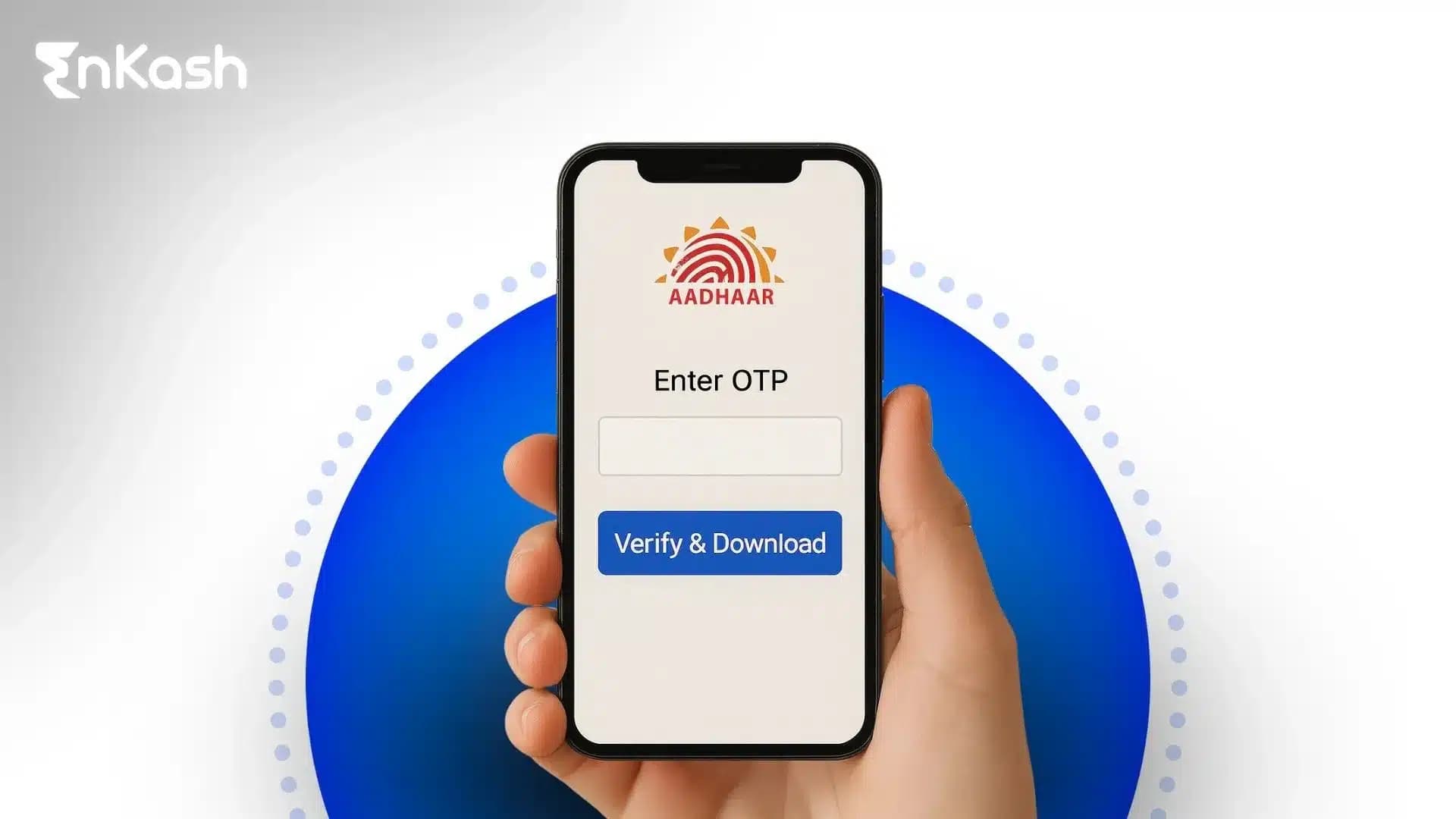
Step 6: Enter the OTP received on your registered mobile number. After successful verification, you can download your Aadhaar in PDF format.
By following these steps, you can download your Aadhaar card easily through the UIDAI portal without visiting any Aadhaar centre.
Download Using Aadhaar Number
You can download your Aadhaar card online using your Aadhaar number by following these simple steps:
Step 1: Visit the official UIDAI portal.
Step 2: Click on the “My Aadhaar” option available on the homepage.
Step 3: From the menu, click on “Download Aadhaar”.
Step 4: Select “Aadhaar Number” as the identification method and enter your 12-digit Aadhaar number along with the captcha code in the required fields.
Step 5: Click on “Send OTP”, enter the OTP received on your registered mobile number, and proceed to download your Aadhaar card.
There is an option of Masked Aadhaar, which allows you to download an Aadhaar card that shows only the last 4 digits of the Aadhaar Card
Step 6: Once you have downloaded the Aadhaar Card, open the Aadhaar PDF using the 8-digit password, which is formed by the first four letters of your name in capital letters followed by your year of birth (YYYY).
By following these steps, you can easily download your Aadhaar card online through the UIDAI portal without visiting any Aadhaar centre.
Download Aadhaar Using Enrolment ID
You can download your Aadhaar card online using your Enrolment ID (EID) through the official UIDAI portal by following these simple steps:
Step 1: Visit the official UIDAI website.
Step 2: Click on the “My Aadhaar” option available on the homepage.
Step 3: From the menu, select “Download Aadhaar”.
Step 4: Choose “Enrolment ID (EID)” as the identification method and enter your 28-digit Enrolment ID, along with the date and time of enrolment mentioned on your acknowledgement slip.
Step 5: Enter the captcha code and select whether you want to download a masked Aadhaar or a regular Aadhaar.
Step 6: Click on “Send OTP”, enter the OTP received on your registered mobile number, and proceed to download your Aadhaar card in PDF format.
Download Through the mAadhaar Application
You can also download your Aadhaar card using the mAadhaar mobile application, which is the official app provided by UIDAI. This method is convenient and allows you to access Aadhaar services directly from your smartphone.
Step 1: Download and install the mAadhaar app from the Google Play Store (for Android users) or Apple App Store(for IOS users).
Step 2: Open the app and select your preferred language to continue.
Step 3: Register your Aadhaar by entering your 12-digit Aadhaar number and verifying it using the OTP sent to your registered mobile number.
Step 4: Once Aadhaar is added, go to the “Download Aadhaar” option within the app.
Step 5: Choose whether you want a regular Aadhaar or a masked Aadhaar, and confirm the request using OTP.
Step 6: After verification, your Aadhaar will be downloaded and available within the app in digital format.
Using the mAadhaar app allows you to securely access your Aadhaar anytime, without needing to visit the UIDAI website or an Aadhaar centre.
Download Aadhaar Via Umang App
You can download your Aadhaar card online using the UMANG (Unified Mobile Application for New-age Governance) app, an official government platform that provides access to UIDAI services in one place. You can download Aadhaar card using Umang App by following these simple steps:
Step 1: Install the UMANG app from the Google Play Store or Apple App Store.
Step 2: Log in using your registered mobile number and verify with OTP.
Step 3: Search for UIDAI services and select “Download Aadhaar”.
Step4: Enter your Aadhaar number / Enrolment ID / Virtual ID.
Step5: Verify using OTP and download your Aadhaar in PDF format.
Steps to Download Aadhaar via DigiLocker
Step 1: Open the DigiLocker app or visit the DigiLocker website.
Step 2: Sign in using your registered mobile number or Aadhaar-linked credentials.
Step 3: Go to the “Issued Documents” section.
Step 4: Select UIDAI from the list of issuers.
Step 5: Choose Aadhaar Card and consent to fetch the document.
Step 6: Your Aadhaar will be downloaded and stored securely in DigiLocker. You can view or share it whenever required.
Aadhaar Download Without Registered Mobile Number
Downloading Aadhaar without a registered mobile number is not possible directly online because UIDAI requires OTP verification for security and identity confirmation. However, there are official alternatives provided by UIDAI to help you access or download your Aadhaar.
UIDAI uses OTP-based authentication to ensure that Aadhaar data is accessed only by the rightful holder. Since OTPs are sent to the mobile number linked with Aadhaar, downloading Aadhaar online without a registered mobile number is restricted.
If your Aadhaar is not linked to a mobile number, you can follow one of these official methods:
1. Visit an Aadhaar Seva Kendra or Enrolment CentreYou can visit the nearest Aadhaar centre with a valid identity proof. After biometric verification, officials can help you update your mobile number or provide an Aadhaar printout.
2. Update Mobile Number FirstOnce your mobile number is updated and linked to Aadhaar, you can download Aadhaar online through:
- UIDAI portal
- mAadhaar application
3. Use Aadhaar PVC Card ServiceAfter the mobile number update, you can order an Aadhaar PVC Card online, which does not require repeated OTP access after delivery.
Important NoteUIDAI does not allow Aadhaar download without OTP verification through any third-party websites or unofficial platforms. Always use UIDAI-authorised channels to avoid misuse or fraud.
Download Aadhaar Using Name and Date of Birth
UIDAI does not allow direct Aadhaar download using only name and date of birth. However, if you have misplaced your Aadhaar number or Enrolment ID, UIDAI provides an official way to retrieve your Aadhaar number using your name and date of birth, after which you can download Aadhaar online.
Step 1: Retrieve Aadhaar Number Using Name and DOB- Visit the official UIDAI website
- Click on “Retrieve Lost or Forgotten EID/UID” under the My Aadhaar section
- Select Aadhaar Number (UID)
- Enter your full name, date of birth, and registered mobile number
- Verify using the OTP sent to your mobile number
Once verified, your Aadhaar number will be sent to your registered mobile number.
Step 2: Download Aadhaar Using the Retrieved Aadhaar NumberAfter retrieving your Aadhaar number, you can download your Aadhaar card by:
- Visiting the UIDAI Download Aadhaar page, or
- Using the mAadhaar mobile application
- OTP verification is mandatory to complete the download.
Important NoteAadhaar download is always OTP-based. Name and date of birth are used only to retrieve the Aadhaar number, not to directly download the Aadhaar card.
What is a Masked Aadhaar Card?
A Masked Aadhaar Card is a secure version of the Aadhaar card in which only the last four digits of the Aadhaar number are visible, while the remaining digits are hidden. It is issued by UIDAI to protect an individual’s privacy and prevent misuse of Aadhaar details.
Masked Aadhaar is equally valid for identity verification in most cases and is recommended for sharing Aadhaar details safely, especially online or with third parties.
Aadhaar masking helps users share their identity details with limited exposure. The digital file hides part of the Aadhaar number but keeps the quick response code and the verified signature intact. This allows platforms to check authenticity without revealing sensitive information. People use the masked version when they want controlled disclosure during travel checks, account setup, or verification steps linked to financial platforms.
Troubleshooting Aadhaar Download Errors
Users may face errors while downloading their Aadhaar card from the UIDAI myAadhaar portal, and most issues occur due to simple data mismatches or temporary technical interruptions.
Common reasons for Aadhaar download errors include:- Incorrect Aadhaar number, Enrollment ID (EID), or Virtual ID (VID) entered
- OTP sent to a mobile number that is no longer active or not registered with Aadhaar
- Server delays or high traffic causing slow loading or page timeouts
- CAPTCHA failing to validate, or the download button is not responding
Quick actions that usually fix Aadhaar download issues:- Refreshing the browser or reopening the download page
- Retrying the CAPTCHA or visual verification challenge
- Clearing browser cache and cookies
- Starting a fresh session after a short wait to avoid server congestion
If the problem persists, users should visit an Aadhaar Seva Kendra, where the staff validate identity using biometric authentication, and users can update their registered mobile number if required. Guidance is provided to complete the Aadhaar card download without confusion.
Security Practices for Safe Aadhaar Handling
- Use Only Official Platforms
Users should complete the Aadhaar card download through the myAadhaar website since third-party pages may expose sensitive information. This reduces the risk of data misuse during verification.
- Store the Digital File Securely
The downloaded file contains a verified signature and a quick response code, so it should be saved in a protected folder on a personal device. This keeps the document accessible without creating unnecessary exposure.
- Share Aadhaar With Care
Platforms that request identity checks sometimes accept masked versions. Choosing that option limits disclosure and keeps essential details private.
- Enable Biometric Lock
The biometric lock inside myAadhaar prevents unauthorized authentication attempts and strengthens overall identity protection.
Conclusion
Aadhaar gives users a steady way to confirm identity across financial platforms, government services, and day-to-day digital checks. The steps for Aadhaar card download online remain clear when the correct identification details, registered mobile number, and secure code are available. Users who prefer privacy select the masked version, while those who want complete visibility choose the full file. People who need help with updates or authentication complete the process at an Aadhaar Seva Kendra. The e-Aadhaar card download supports fast verification, simple storage, and reliable access, which helps users manage tasks that rely on accurate identity information.
FAQs
1. How can someone confirm that their downloaded Aadhaar file is genuine?Users can open the file and scan the quick response code with the official verification tool on the myAadhaar platform. The page confirms authenticity by matching the digital signature and core details. This check helps prevent misuse and ensures the document is accepted across services.
2. When should a user choose the masked version of Aadhaar?Masked Aadhaar works well when a service needs identity proof but does not require the full number. People use it during travel checks, vendor onboarding, rental agreements, or low-risk digital submissions where partial disclosure keeps sensitive information protected.
3. Why does the portal show an error even when the details seem correct?Most errors appear due to mismatched data, an outdated mobile number, OTP-expiry, or a temporary server delay. Clearing the browser, completing a fresh visual challenge, or trying again after a short pause usually resolves the issue. Users with repeated failures visit a service center for assistance.
4. What should a user do if their Aadhaar information has changed since registration?Users visit the myAadhaar portal to check which updates can be completed online. Fields requiring biometric confirmation are handled at an Aadhaar Seva Kendra. Updating details before requesting an Aadhaar card download online helps avoid mismatches during verification.
5. How long can a user rely on their downloaded Aadhaar copy?The digital file stays valid as long as the information remains accurate in the Aadhaar database. If the user updates their mobile number, address, or demographic details, a new e-Aadhaar card download gives them an updated copy that aligns with the current record.