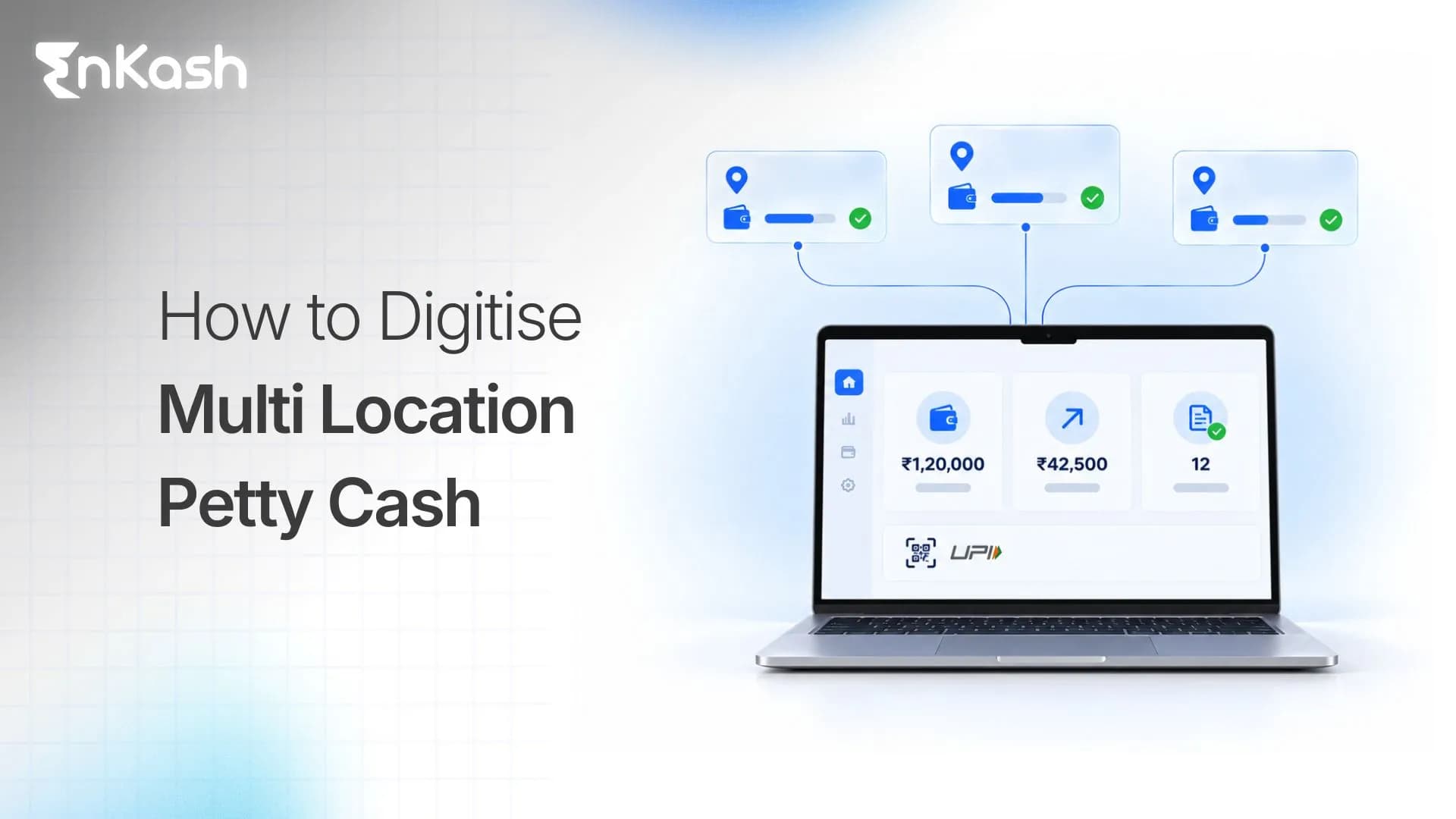
A business with multiple stores, branches, warehouses, or offices handles several small operational expenses every day. One location needs funds for an urgent repair, another purchases stationery, and another pays a local vendor for routine supplies.
Individually, these expenses are small. Across dozens or hundreds of locations, however, keeping track of who spent what, where the money went, and whether the expense followed company policy becomes much more difficult.
When every location handles petty cash differently, finance teams spend more time collecting records, checking expenses, tracking balances, and reconciling branch-level spending.
Digitising multi-location petty cash brings these activities into a more structured process. Local teams get an approved way to handle day-to-day expenses, while finance teams retain control over budgets, spending rules, and records.
This blog explains how businesses can move from manual petty cash management to a digital setup across multiple locations.
What Does It Mean to Digitise Multi-Location Petty Cash?
Digitising multi-location petty cash means managing the complete petty cash process digitally, from allocating funds and making payments to recording expenses, collecting receipts, and reconciling transactions.
Instead of handing out physical cash or transferring money to employees and tracking expenses separately, businesses can assign budgets to locations and employees, provide approved payment methods such as UPI or cards, and record each transaction against the right branch and expense category.
Simply transferring money to an employee's personal bank account does not fully digitise petty cash. The transfer is digital, but the business still depends on the employee to record the expense, submit supporting documents, and complete the reconciliation process.
A digital petty cash system can connect each payment with its expense details, applicable spending policy and supporting receipt. Transaction information can be captured automatically, while employees may still need to upload receipts or provide the business purpose for an expense.
Read more about petty cash management.
Why Does Petty Cash Become Harder to Manage Across Multiple Locations?
A single office with a small petty cash fund and one designated custodian may be able to manage expenses through a simple register.Once the same process spreads across many locations, finance teams have to manage multiple budgets, users, expenses, and records at the same time.
The first problem is visibility. Head office can allocate money to a branch, but without a central system, it often has to wait for an update before knowing how much has been spent or how much is still available.
Collecting and verifying supporting documents adds to the workload.. Payment records, bills, and expense details can reach finance at different times, which means teams have to match them manually before an expense is verified and reconciled.
Fund allocation can also become uneven. One location can hold more money than it needs while another runs short and requests an additional transfer. Without branch-level visibility, finance teams have limited information to determine whether existing budgets are too high, too low, or being used differently.
As transaction volumes increase, finance teams have more expenses to verify, more branch balances to track, and more exceptions to review. This makes a manual petty cash process increasingly difficult to manage consistently.
Traditional vs Digital Multi-Location Petty Cash
| Process | Traditional petty cash | Digital petty cash |
|---|
| Fund allocation | Finance teams withdraw cash or transfer money manually. | Finance teams allocate funds digitally against defined budgets. |
| Branch budget | Branches track budgets through spreadsheets or registers. | The system records a defined budget for each location. |
| Employee payment | Employees use cash or personal payment methods. | Employees use approved business-controlled payment methods. |
| Spending rules | Finance teams usually check policies after the expense occurs. | Defined rules can be applied before or during the transaction. |
| Expense recording | Employees or custodians enter expenses manually. | The payment can create an expense record automatically. |
| Receipt management | Employees submit paper receipts or share them through email or messaging apps. | Employees attach receipts digitally to the relevant expense. |
| Visibility | Finance teams depend on periodic branch reports. | Finance teams can review branch-wise spending centrally. |
| Replenishment | Branches manually request additional funds. | Businesses can follow defined replenishment schedules or rules. |
| Unused funds | Excess funds can remain with individual branches. | Finance teams can identify unused balances and adjust or reallocate funds where the system supports it. |
| Reconciliation | Finance teams manually match transactions and receipts. | The system can match records and highlight exceptions for review. |
| Reporting | Finance teams consolidate multiple files. | The system can produce branch, employee, and category-level reports. |
Digitization therefore changes more than the payment method. It changes how petty cash moves from allocation to spending, documentation, and reconciliation.
Before You Digitise Multi-Location Petty Cash: A Quick Checklist
Before changing the existing process, finance teams should have clear answers to the following questions.
| Area | Question |
|---|
| Locations | Which branches, stores, offices, or other locations use petty cash? |
| Users | Which employees are allowed to spend at each location? |
| Expenses | Which types of expenses qualify for petty cash? |
| Budget | How much should each location receive? |
| Limits | What should the maximum employee and transaction limits be? |
| Payment | Should employees use UPI, cards, or both? |
| Policy | Which merchants, categories, and transaction types should be allowed? |
| Documentation | Which bills or receipts must employees submit? |
| Exceptions | Who should approve transactions that fall outside standard rules? |
| Replenishment | When and how should additional funds be allocated? |
| Accounting | Which cost centre and account should each expense use? |
| Reporting | Which branch-level metrics should finance teams review regularly? |
Answering these questions before implementation helps the business create a consistent process across locations instead of digitising different branch-level practices as they are.
How to Digitise Petty Cash Across Multiple Locations
Businesses do not need to change the entire petty cash process at once. A better approach is to understand how expenses are currently handled, decide which expenses should remain within petty cash, and introduce digital processes in stages.
Step 1: Map the Current Petty Cash Process
Start by understanding how petty cash is being used across different locations.
Finance teams should record the monthly petty cash requirement for each branch, the employees or custodians responsible for spending, common expense categories, average transaction values, payment methods, approval processes, receipt submission methods, and accounting practices.
This exercise also shows how spending differs across locations. A retail store and a warehouse, for example, can have very different petty cash requirements, so applying the same budget and rules to both does not always make sense.
The objective is to understand the existing process before deciding what should change.
Step 2: Decide Which Expenses Should Remain Petty Cash
Before digitising the process, businesses should define which expenses genuinely belong in petty cash.
Petty cash is generally suitable for low-value, frequent, or urgent operational expenses that need to be handled locally. These include stationery, courier charges, minor repairs, local supplies, and other approved incidental expenses.
Planned purchases, larger vendor payments, and expenses that require formal procurement should follow the relevant payment or approval process instead.
| Expense | Suitable payment process |
|---|
| A branch needs a small urgent repair. | Process the expense through petty cash. |
| A location needs low-value operating supplies. | Process the expense through petty cash. |
| A branch needs to pay a small courier charge. | Process the expense through petty cash. |
| An employee uses personal funds for an approved expense. | Process the expense as a reimbursement. |
| A team needs to purchase a planned laptop. | Process the purchase through procurement or accounts payable. |
| A branch has a recurring large vendor invoice. | Process the invoice through vendor payments or accounts payable. |
| An employee needs to book business travel. | Process the booking through the company's travel and expense process. |
Each business should set its own petty cash threshold based on its operating model, internal policies, and approval structure. This keeps petty cash focused on genuine day-to-day operational expenses instead of turning it into a general payment route.
Step 3: Create a Location-Wise Budget Structure
Once eligible expenses are defined, the next step is to decide how much each location and user should receive.
A multi-location budget structure can follow this hierarchy:
Company petty cash budget → Region → Branch or location → Employee or custodian
For example, if a branch receives a monthly petty cash budget of ₹30,000, the business can allocate ₹15,000 to the branch manager, ₹10,000 to an operations executive, and ₹5,000 to an administrative employee.
These figures are only an example. Actual allocations should reflect the spending needs and policies of the business.
Budgets should also reflect actual spending patterns rather than being identical across every location. If one branch consistently uses ₹30,000 a month while another typically spends ₹10,000, the allocation should reflect that difference.
Transaction history can then help finance teams identify locations that regularly receive excess funds or repeatedly run short.
Step 4: Replace Cash and Personal UPI With Business-Controlled Payment Methods
Employees need an approved way to make petty cash payments without depending on physical cash or personal bank accounts.
UPI-based petty cash can help employees pay local merchants through supported UPI QR codes without using their personal bank accounts.. Businesses can use UPI-based petty cash, prepaid cards, or a combination of payment methods depending on where and how employees spend.
UPI can suit QR-based merchant payments, while cards can work better for online purchases or card-accepting merchants. The payment method should match the type of expense rather than forcing every petty cash transaction through the same channel.
Step 5: Apply Spending Controls Before the Transaction Happens
In a manual petty cash process, finance teams often check whether an expense followed policy only after the money has already been spent.
A business-controlled petty cash platform can enforce supported spending rules before a payment is completed. Depending on the payment instrument and provider, these may include transaction limits, merchant-category restrictions and permitted spending times.
Businesses can set controls that:
- Set a maximum amount for each transaction.
- Restrict spending to permitted merchant categories.
- Allow only approved transaction types.
- Define the time periods during which spending is allowed.
- Define an approval process for requests that exceed standard limits or require a temporary policy change.
These controls serve a different purpose from the budgets defined earlier.
For example, a branch can have ₹30,000 available for the month while each individual transaction is limited to ₹5,000.
The budget defines how much an employee or location is authorised to spend. Spending controls determine how that budget can be used, while the available balance shows how much funding remains.
Step 6: Capture Receipts When the Expense Occurs
A payment record alone does not establish why an expense was incurred or whether it followed company policy. Finance teams also need the supporting document and business context behind each expense.
Employees should submit the relevant bill or receipt as close to the transaction as possible through the company's expense management system or another approved digital channel.
The expense record should contain details such as the transaction date, amount, merchant, employee, branch, expense category, business purpose, receipt, and approval status.
Capturing this information at the time of spending reduces the need to chase employees for documents several days or weeks later. It also gives finance teams a more complete record when the expense reaches reconciliation.
Read more about expense tracking.
Step 7: Define Rules for Replenishment and Unused Funds
Once budgets are in place, businesses also need a clear process for topping them up and handling unused balances.
Instead of waiting for branches to send ad hoc requests whenever funds run low, finance teams can define how and when replenishment happens.
For example, a branch may have a monthly spending limit of ₹20,000. Depending on the funding model, the business can allocate that amount in advance, replenish it periodically, or release additional funds after approval. Unused balances should be carried forward, reduced, or reallocated according to the company's funding policy.
These figures are illustrative, and each business should set funding rules according to its own requirements.
Temporary increases can also be approved when a branch has a short-term requirement, such as an event, urgent repair, or unusually high operating expense.
Businesses using an imprest model can replenish only the amount spent so that the petty cash balance returns to its approved level.
Read more about the imprest cash system.
Step 8: Create Central Visibility Across Locations
Once transactions are recorded digitally, finance teams should be able to review petty cash across locations without collecting separate spreadsheets from every branch.
A central view should help finance teams see:
- Spending by branch, employee, and expense category.
- Available and unused balances across locations.
- Transactions with missing supporting documents.
- Policy exceptions and frequently used merchants.
This information makes comparisons between similar locations more useful.
For example, if three stores consistently spend much more on repairs than other stores of a similar size, finance or operations teams can investigate the reason instead of discovering the difference only during month-end consolidation.
Step 9: Automate Reconciliation and Prepare Expenses for Accounting
The next step is to connect payment records with expense details and the information required for accounting.
A digital petty cash process can link the transaction amount, receipt, expense category, branch, employee, policy status, and accounting code within the same record.
Transactions with complete information can move through the normal reconciliation process, while finance teams focus on exceptions that require attention.
These exceptions can include:
- A required receipt is missing.
- The submitted receipt amount does not match the transaction.
- The expense has been assigned to the wrong category.
- The transaction does not have the required approval.
- The same supporting document has been submitted more than once.
This approach reduces the need to manually check every petty cash entry across every branch and gives finance teams a more focused list of transactions that require review.
Read more about maintaining a petty cash book.
Example: How a Digital Petty Cash Transaction Works
Consider a retail business that allocates ₹30,000 in monthly petty cash to one of its stores.
The store manager needs to pay ₹1,200 to a local vendor for an approved repair.
The payment follows this process:
- The manager uses the approved business payment method to pay the vendor.
- The system checks the applicable spending limits and records the transaction.
- The available balance is updated to reflect the payment.
- The manager uploads the repair receipt and provides any required expense details.
- The expense is mapped to the store and relevant expense category.
- Once the required information and approvals are complete, the expense can be reconciled and prepared for accounting.
Finance teams can review the transaction alongside other store expenses without waiting for a separate petty cash statement.
The exact level of automation depends on the payment platform, expense-management configuration and accounting integration.
Step 10: Test the Process Before a Full Rollout
Businesses with a large branch network do not have to move every location to the new process at the same time.
A pilot across a small mix of locations helps identify operational issues before a wider rollout. The pilot should include branches with different spending patterns, such as a high-volume location, a smaller branch, a location that regularly pays local vendors, and one that generates frequent reimbursement claims.
During the pilot, finance teams should review whether employees can make the required payments, whether branch budgets are appropriate, how often transactions are restricted, whether receipts are submitted on time, and whether employees continue to use personal funds.
Finance teams should also track reconciliation exceptions and identify policies that need adjustment.
Once the process works consistently across the pilot locations, the business can extend it to the rest of the network.
How EnKash Helps Businesses Digitise Multi-Location Petty Cash
EnKash brings petty cash payments and controls into one system for businesses operating across multiple branches, stores, offices, or teams.
With EnKash, businesses can:
- Allocate funds centrally: Finance teams can assign petty cash budgets to employees, stores, or branches from a central system. Budgets can also be structured at store, city, or region level based on how the business operates.
- Set spending limits before payment: Businesses can define daily, monthly, and per-transaction limits, along with merchant-category restrictions and other usage rules. This helps finance control how allocated funds are used before the money is spent.
- Enable UPI-based petty cash payments: Employees can make branch-level payments through UPI QR from the EnKash app instead of relying on physical cash or personal accounts. Each UPI transaction is recorded with details such as the merchant, amount, and timestamp.
- Capture receipts and expense details: Payment information is recorded automatically, while employees can submit supporting receipts through supported mobile or WhatsApp workflows.
- Track branch spending in real time: Finance teams can see branch-wise petty cash spending from a single dashboard instead of waiting for individual locations to submit reports. Transaction-level records can also be downloaded for further review.
- Reduce manual reconciliation: Every payment is recorded automatically, giving finance teams a digital transaction trail for review and reconciliation across locations.
This gives branch teams an efficient way to handle routine expenses while finance keeps control over budgets, payments, and branch-level spending.
Learn more about EnKash petty cash management.
Conclusion
Digitising the process gives local teams a practical way to handle day-to-day expenses while keeping budgets, payments, receipts, and transaction records connected. For finance teams, the real benefit is being able to manage petty cash across locations without relying on separate cash registers, spreadsheets, and repeated month-end follow-ups.
Frequently Asked Questions
1. Is digital petty cash the same as employee reimbursement?
No. Digital petty cash uses company-provided funds for approved expenses, while reimbursement happens after an employee has spent personal money and submits a claim to the company.
2. Can a business use physical and digital petty cash at the same time?
Yes. A business can move locations to digital petty cash in stages while retaining physical cash for situations where digital payments are not practical. The company should define when each method can be used and how both types of spending are recorded.
3. Who should manage petty cash in a multi-location business?
Central finance teams should define budgets, policies, and reporting requirements, while designated employees at each location handle approved day-to-day expenses. The exact ownership structure depends on the size and operating model of the business.
4. How often should branch petty cash budgets be reviewed?
Businesses should review budgets periodically using actual spending patterns, replenishment frequency, unused balances, and policy exceptions. Locations that consistently run short or retain excess funds are strong candidates for budget adjustments.
5. What should a digital petty cash audit trail contain?
A digital petty cash audit trail should connect the transaction amount, date, employee, location, merchant, expense category, receipt, approval status, and any policy exception associated with the payment.
6. Can employees use UPI for all petty cash expenses?
UPI can be used for supported merchant payments, subject to the payment platform's controls and transaction limits. If a vendor does not accept the approved payment method, the business should provide an alternative payment or exception process.