Key Takeaways
- Businesses turn to automated disbursements when individual bank entries become difficult to manage at higher payment volumes.
- A payment instruction begins inside the business system, while the actual transfer moves through the supported financial network.
- Supplier payments, reimbursements, seller settlements, refunds, commissions, and similar obligations can all create outgoing payment requirements.
- NEFT, RTGS, IMPS and UPI can support different business payout needs, subject to the capabilities, limits and operating rules of the selected bank or payout provider.
- Failed or uncertain transactions should be checked by status before another transfer is attempted.
- Unique business references or idempotency controls can help prevent duplicate payout instructions when retries or repeated submissions occur.
- Reconciliation connects the final transfer result with the payable recorded by finance.
- Provider selection should cover eligibility, charges, funding arrangements, operating limits, documentation, and service support.
A finance team can manage a few transfers by entering them individually. The work changes once supplier invoices, employee claims, seller settlements, refunds, and commissions start reaching the payment queue together. Every transfer needs the right beneficiary, amount, approval, reference, and final result. A payout process brings those obligations into a controlled digital flow, reducing the need to recreate each payment manually. In the sections ahead, this blog covers how automated disbursements work, where businesses use them, which Indian payment methods can support them, how unsuccessful transfers are handled, and what teams should review before integration.
What is a Payout API?
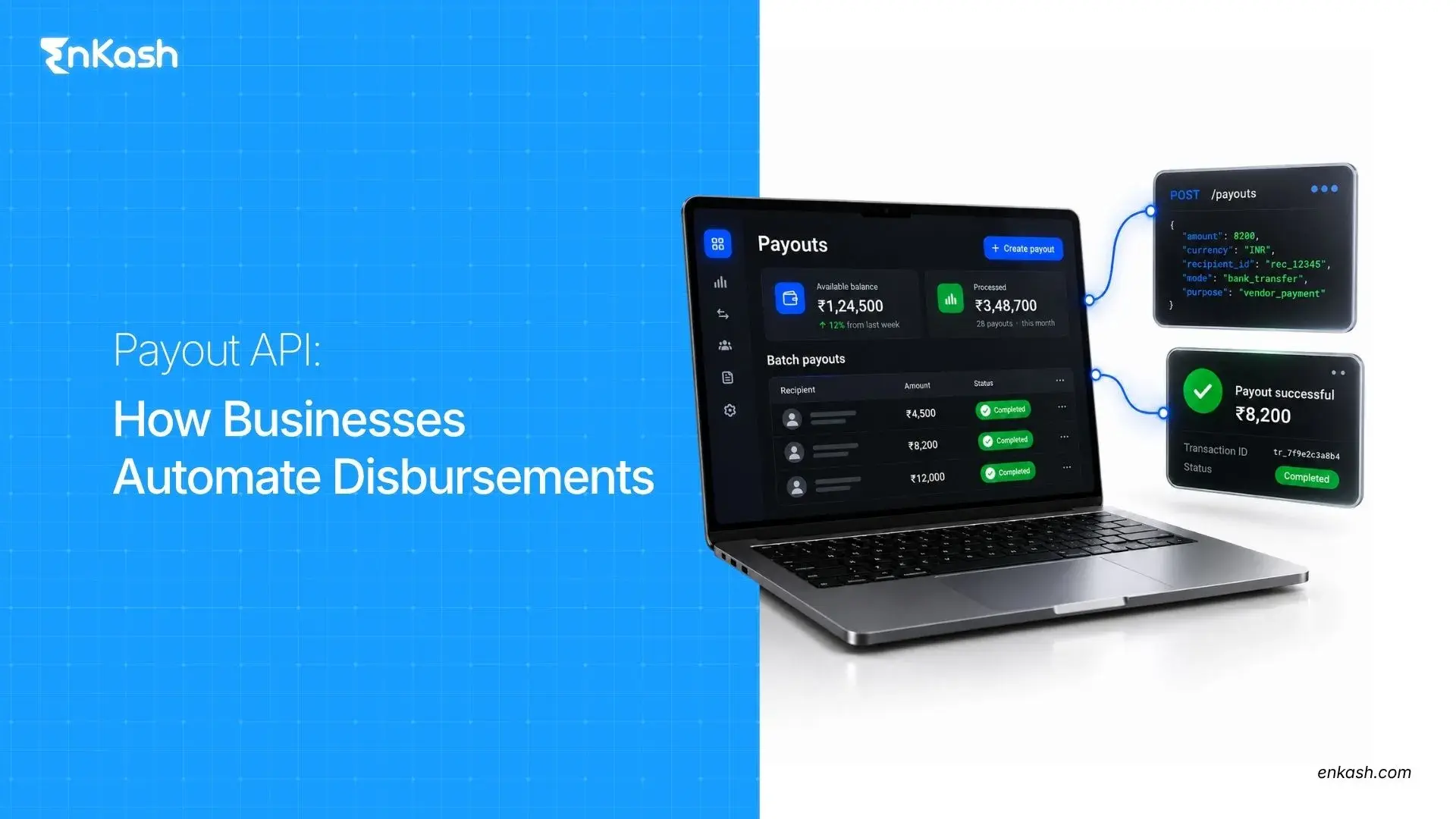
A payout API gives business software a defined way to send outgoing payment instructions to a payout or banking service programmatically. The business creates the instruction, the connected payout platform or banking service receives it, and the beneficiary is the person or organization meant to receive the money.
Sending an instruction confirms only that the payment request has entered the process. The money still has to move through the relevant financial infrastructure before a final result becomes available.
The word payout also appears in other financial settings. Payouts in insurance can describe money released after an eligible insured event, while a claim payout refers to the amount paid against an accepted claim. Business disbursements use the term differently. Here, the concern is how an amount approved by the business reaches the intended recipient.
How Does Automated Payout Processing Work?
An outgoing payment usually begins before any transfer is created. Finance may first approve an invoice, expense claim, seller settlement, refund, or commission. Once that obligation is ready, the system needs enough information to turn it into a valid payout instruction.
The normal flow can be understood through the following stages:
- Create the payment obligation: The internal record identifies the recipient, amount, reason for payment, and business reference.
- Identify the beneficiary: The application links the approved obligation with the recipient's bank account, UPI ID or other supported payout details.
- Check the required information: Missing account details, invalid fields, or incomplete references should be caught before submission.
- Apply the required approval or release control: The payment should move forward only after the authorised workflow confirms that it is ready for submission.
- Send the payment instruction: The application passes the request to the configured payment service through the approved connection.
- Record the first response: The service may accept the request for processing or reject it when the request cannot proceed.
- Capture the final result: The business later receives the transfer outcome through a response, status check, or supported notification method.
The first response is useful as an acknowledgment of what happened at submission. Finance should rely on the confirmed transfer result before treating the underlying obligation as settled.
Where Can Businesses Use Automated Disbursements?
Automated disbursement becomes useful wherever a business repeatedly owes money to identifiable recipients. The business reason differs by use case, but the payment requirement is the same. An approved amount has to reach the correct beneficiary. Several everyday business situations create this need.
Vendor and Supplier Payments
A supplier invoice becomes payable after purchasing, verification, and internal approval are complete. The approved amount can then move into the payment queue for the supplier.
Employee Expense Reimbursements
Employees may use personal funds for approved travel, local transport, supplies, or other business expenses. Once the claim has been checked, the accepted amount becomes payable to the employee through reimbursement.
Marketplace Seller Settlements
A marketplace may collect money from customers before working out the amount due to each seller under its commercial terms. Those settlement rules determine how to calculate payout values before a seller payment is created.
A canceled order, accepted return, customer credit, or approved incentive can create an obligation to send money back to the customer.
Partner Commissions and Gig Payments
Approved commissions and completed service assignments can create amounts payable to agents, partners, contractors, or gig workers.
What Are the Business Benefits of Payout Automation?
Manual transfers consume time in small pieces. An operator copies beneficiary details, enters the amount, adds the payment reference, checks the instruction, and repeats the same work for the next recipient. The workload grows quickly once dozens or hundreds of payments reach finance together.
A well-designed payout process can change that workload in several ways:
- Less repeated data entry: Approved payment information can move from internal records without being entered again for every transfer.
- Greater processing capacity: Finance teams can handle larger payment volumes without increasing manual work at the same pace.
- Consistent payment handling: Similar obligations can move through the same approval and submission rules.
- Better transaction visibility: Finance can keep payment information connected with the business record that created the obligation.
- Fewer internal delays: Approved payments can move toward submission without repeated preparation at each step.
Automation does not remove financial control from the process. Beneficiary management, approval authority, exception handling, and review remain necessary.
Which Payment Methods Can Automated Payouts Support in India?
Businesses in India can use several domestic payment systems for outgoing transfers. The method available for a specific payout depends on the service being used, the recipient details, the amount, and applicable operating rules.
The main options serve different transfer requirements:
| Payment Method | How It Works for Business Transfers |
|---|
| NEFT | NEFT operates 24x7x365 and processes transactions in half-hourly settlement batches |
| RTGS | RTGS processes eligible transfers individually in real time, operates 24x7x365, and has a minimum transaction value of ₹2 lakh. |
| IMPS | IMPS supports immediate interbank transfers 24x7. NPCI states a per-transaction limit of ₹5 lakh for most channels, although individual banks or payout providers may set lower operating limits. |
| UPI | UPI supports real-time transfers through participating UPI infrastructure. |
NEFT and RTGS both operate throughout the day, although their settlement structures differ. IMPS supports immediate interbank movement, while UPI can use supported recipient identifiers within participating infrastructure.
A business should confirm the methods, transaction limits, and operating availability offered through its chosen setup before deciding how payments will be sent.
How Are Failed Payouts, Retries, and Reconciliation Managed?
Payment problems need careful handling because an uncertain transfer cannot safely be treated like a clear failure. The next action depends on what the system actually knows about the payout at that moment.
Understanding Payout Statuses
A transaction may appear as pending, processing, successful, failed, rejected, or reversed. Labels can vary across systems, though each status should indicate what is currently known about the transfer.
Handling Unsuccessful Transfers
Some requests fail before processing because required information is missing or invalid. Another request may pass those checks and fail later during transfer processing. The corrective action should follow the recorded reason and current status.
Preventing Duplicate Payouts
Retries become risky when the earlier result remains uncertain. A second transfer can pay the beneficiary twice if the first instruction actually proceeded.
Use a unique business reference or idempotency key for each underlying payment obligation where the payout API supports it. Before retrying an uncertain transaction, check the existing payout status rather than sending a new instruction blindly.
Reconciling Payment Records
Reconciliation closes the loop between the transfer and the finance record. The confirmed result should be matched against the original payable so finance can identify completed items, unresolved payments, reversals, or missing entries.
How to Integrate Automated Disbursements Into Business Software?
Integration works better when the internal payment process is clear before development begins. Teams should know where approved payables originate, which fields are required, who can authorize them, and what result must return to finance.
The integration typically involves five areas:
- Obtain authorized access: The business receives the credentials and environment access required for the permitted integration.
- Set up authentication and security: Store API credentials securely, use encrypted communication, restrict access to authorised systems or users, and apply any IP allowlisting, token or certificate controls required by the provider.
- Map the payment data: Internal recipient details, amounts, references, and related fields need to match the required request structure.
- Build system communication: The application should support request submission, synchronous response handling, status retrieval and asynchronous notifications such as webhooks where available. Webhook signatures or equivalent verification controls should be validated according to the provider's documentation.
- Test before going live: Teams should test successful requests, unsuccessful requests, permissions, error handling, and environment configuration before production use. They should also test duplicate submission, timeout/unknown-state handling, retry behaviour, and webhook or status-update processing.
The integration should keep the original payable connected with the transfer created from it. That link becomes important when finance later checks payment and accounting records.
What Should Businesses Check Before Choosing a Payout Provider?
Provider evaluation should begin with the business payment model. Strong technical capability alone does not make a service suitable for every disbursement operation. Recipient type, transaction volume, funding arrangements, and internal controls can all change what the business needs. The review should cover multiple areas.
- Business eligibility: Confirm that the intended activity and disbursement use case are supported.
- Commercial terms: Review transaction charges, billing arrangements, and any additional service costs.
- Funding arrangement: Understand whether the setup uses prefunding, maintained balances, or another permitted funding model.
- Transaction profile: Compare expected volumes and limits with the business's average payout amount and payment frequency.
- Transfer limits: Confirm minimum and maximum transfer values for each supported payment rail, along with any per-transaction or daily limits applied by the provider.
- Service support: Review escalation channels, maintenance communication, and incident handling.
- Technical documentation: Integration material should be detailed enough for testing, implementation, and later maintenance.
A suitable provider should support the payment operation the business actually runs, including its volume, controls, funding approach, and technical requirements.
How EnKash Supports Automated Business Payouts
EnKash supports beneficiary management, individual and batch payouts, transaction tracking, connected banking, and reconciliation. Businesses can register beneficiaries, initiate individual or batch transfers, and check transaction status from the same payout workflow.
Choose the Right Funding Model for Business Payouts
The way a payout is funded depends on the EnKash setup being used. A payout API workflow may use a configured payout account or funding arrangement, while EnKash Connected Banking allows businesses to link existing bank accounts and initiate payouts directly from those accounts without first loading money into a wallet.
Connected Banking can support payout access through rails such as UPI, IMPS, NEFT and RTGS, but the exact payment methods, transaction limits and availability can depend on the connected bank, account configuration, beneficiary details and applicable operating rules. Businesses should therefore evaluate the funding model and payment rails available for their specific setup rather than assuming every payout route works identically.
EnKash's payout workflow can be viewed in three stages:
Set Up Beneficiaries
Businesses can create and maintain beneficiary records before approved transfers are initiated.
Process and Track Payments
Single and batch payouts can be processed, while transaction references and recorded statuses provide visibility into payment progress.
Review and Reconcile Payments
Connected Banking, payout status searches, and automated reconciliation files can give finance teams clearer visibility into completed, pending, or failed transfers.
Building a Reliable Payout Process
A reliable payout process begins with a clear payable, an approved recipient, and a traceable business reference. Automation can then carry the payment through submission and status tracking without forcing finance teams to rebuild the same instruction by hand. The process remains dependable when uncertain transactions are checked before retrying, duplicate transfers are controlled, and final results return to the accounting record that created the payment.
FAQs
Can a Payout Interface Be Used to Collect Customer Payments?
Outgoing disbursement and incoming collection are separate functions. A service used to send business funds should be evaluated separately from a customer collection system.
Can Businesses Schedule Payouts for Future Dates?
A business application can schedule or hold an approved payment for a future date if that workflow is supported. Actual execution depends on the scheduling capability of the connected payout or banking setup.
Can Businesses Keep Manual Approval Controls With Automated Payouts?
Yes, internal approval can remain mandatory before submission. The payment instruction can be released after the business system records the required authorization.
Can a Business Notify Recipients After Sending a Payout?
Recipient messages can be handled separately from the transfer. The business application can send communication after a relevant payment event where that workflow is configured.
Does a Payout System Automatically Calculate Tax Deductions?
Tax calculations generally belong to payroll, accounting, or related finance processes unless the selected payment setup specifically includes that function.
What happens if payout status is unknown?
Do not automatically create a second payout. First check the existing transaction status using the provider's status API, transaction reference, or supported notification mechanism. Retry only after the earlier instruction is confirmed not to have completed or according to the provider's documented retry rules.
What is a payout idempotency key?
An idempotency key or unique client reference identifies one intended payout instruction. Where supported, reusing the same key for a retry helps the payout service recognise that the request refers to the same underlying payment rather than a new transfer.