Key Takeaways
- Inventory accuracy depends on stock movements being recorded against the correct product, variant, and location.
- Receiving, checkout, returns, transfers, damaged goods, losses, and approved corrections can all change inventory quantities.
- Product setup should use clean item records, separate identities for independently stocked variants, consistent SKUs, and correctly mapped barcodes before transactions begin.
- Purchase orders show what the retailer expects to receive, while receiving records what physically arrives and enters stock.
- Returned products should move back into sellable inventory only after their condition and accepted quantity are confirmed.
- Physical stock counts remain necessary because transaction records cannot capture every handling error, loss, or unrecorded movement.
- Multi-store inventory tracks stock by physical location, while omnichannel inventory also coordinates availability, reservations, and fulfilment across stores, ecommerce, and other sales channels.
- Retail software should be selected around daily stock movement, operating locations, sales channels, traceability needs, and reporting depth.
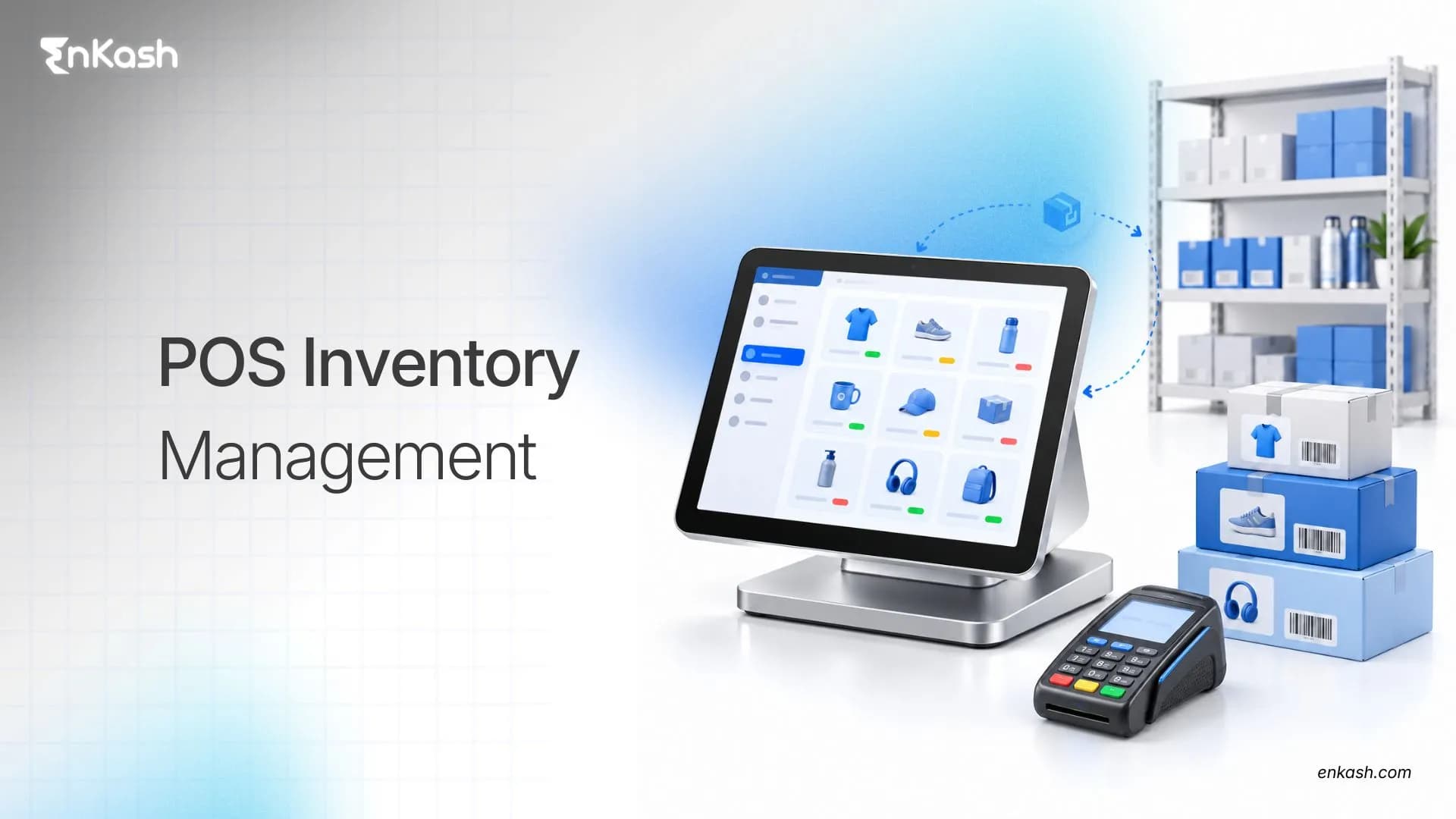
A retailer can process every checkout correctly and still have an inventory problem by closing time. The missing units may have arrived short from a supplier, moved to another branch without a completed transfer, or come back from a customer in unsellable condition. Stock accuracy depends on recording receiving, transfers, returns, damage, and other inventory movements as consistently as sales at checkout. POS Inventory management connects sales activity with the wider inventory record, giving retailers a clearer view of what came in, what moved, what left, and what remains available. This article follows that stock movement from product setup and receiving through sales, returns, counts, replenishment, locations, reporting, and software selection.
What is POS Inventory Management
POS Inventory management connects point-of-sale transactions with the inventory records used to track products across a retail operation. A completed sale can reduce the quantity at the selling location, receiving can add accepted units, and an authorized correction can account for damage, loss, or a verified stock difference.
Accuracy improves when each movement is recorded against the correct item and location. When those records are maintained consistently, employees can work from a current stock position without rebuilding the day from bills, handwritten notes, transfer slips, or separate spreadsheets.
Which Inventory States Should a POS Track
A store may physically hold ten units and have only six available for another customer. POS Inventory Management can show several stock states for the same SKU, and each one answers a different operating question.
The exact names and calculations vary by platform, but many retail systems distinguish between states such as on-hand, available, committed, incoming, and unavailable inventory.
| Inventory State | What the Number Means |
|---|
| On-hand stock | Units recorded as physically present at the location, including stock that may not all be available for sale |
| Available stock | Units currently available for sale or fulfilment after applicable reservations or restrictions |
| Committed stock | Units reserved against existing orders |
| Incoming stock | Units expected from a supplier, warehouse, store transfer or other recorded inbound movement |
| Unavailable stock | Units recorded but blocked from sale |
How Should Products Be Set Up Before Inventory Tracking Begins
Inventory errors often begin inside the product record. A wrong SKU or barcode can distort every movement that follows. Each stocked item needs an unambiguous identity. The setup should cover the details employees rely on throughout the stock cycle.
Build a Reliable Item Record
Use the fields the retailer needs, including name, category, unit, price, tax setup, tracking status, and location.
Keep Variants Separate
Sizes, colors, pack sizes, and similar variants need separate identities when they are stocked independently.
Give Each Item a Stable SKU
A stable SKU should identify the same stocked item or variant consistently across purchasing, receiving, sales, transfers, and adjustments.
Link Barcodes Carefully
Every scan should open the intended item or variant consistently.
How Do Purchase Orders and Stock Receiving Work
The purchase order records what the retailer expects to receive. The receiving record shows what actually came through the door.
The two records need separate jobs because ordered and delivered quantities can differ.
Purchase Orders Capture Buying Intent
The order can carry supplier, products, quantities, delivery expectations, and commercial details. It does not confirm physical stock.
Receiving Confirms Actual Arrival
Only units physically received should be recorded as received, and units should become sellable inventory only after the retailer's acceptance or quality rules are satisfied.
Delivery Problems Stay Visible
Short shipments, wrong products, and damaged goods should remain visible until resolved.
How Does a POS Sale Update Inventory
A normal in-store sale typically affects inventory as follows.
A normal checkout moves through these stock events:
- The cashier identifies the correct product or variant.
- The transaction is attached to the selling location.
- The system records the quantity being sold.
- The sale reaches its completed transaction state.
- POS inventory management reduces the relevant stock quantity.
- The updated quantity is then reflected in the connected inventory views and locations supported by the system.
A wrong barcode can still send a valid sale to the wrong stock record.
How Should Customer Returns Affect Inventory
A refund settles the money side of a return. Inventory still needs a decision about the product. The condition of the returned unit decides what happens next.
Sellable Returns
A product in acceptable condition can re-enter eligible stock after inspection.
Damaged or Unsellable Returns
Damaged, expired, opened, incomplete, or inspection-pending goods may need to remain in a non-sellable or quarantine status rather than returning directly to available stock.
Partial Returns
Only the quantity physically accepted back should change inventory.
How Should Damage, Loss, Theft and Corrections Be Recorded
Breakage, theft, loss, write-offs, and discovered recording errors need an adjustment that explains why quantity changed. The record should preserve the old quantity, corrected quantity, difference, date, reference, and responsible user where supported.
Why Are Physical Stock Counts Still Needed
Software records what the business believes should be present. A count checks what is actually on shelves, in stockrooms, and inside warehouses. A full count covers all tracked inventory at a location. Cycle counting checks selected SKUs or categories on a schedule. Any variance should be investigated before an authorized correction is posted.
How Does Reordering Work in a POS Inventory System
Reordering should begin before an empty shelf forces the decision. A reorder point gives the retailer an earlier signal. Sales pace, supplier lead time, expected demand, and incoming stock can change the urgency. The result may become a low-stock alert or purchase requirement. Retailers may also use safety stock, minimum/maximum levels, order multiples, or seasonal forecasts depending on the category and system.
How Is Inventory Managed Across Multiple Stores and Warehouses
A retailer can own plenty of a product and still have none in the branch where the customer is standing. POS inventory management needs location-level quantities because a company total cannot show where stock is available. Stock movement between sites needs its own record.
Keep Locations Separate
Every store or warehouse needs its own quantity view.
Record Transfers Clearly
A transfer should show source, destination, items, quantity, and receipt status.
Recognize Stock in Transit
Moving units should not appear available at both locations.
How Is Inventory Synchronized Across Store and Online Sales Channels
A product can be stored in one warehouse while being offered through a store, website, and marketplace. Retailers may share one stock pool or allocate quantities by channel and fulfillment location. Reservations, confirmed orders, cancellations, and completed sales should update available inventory quickly enough to reduce the risk of the same unit being promised through multiple channels.
What Happens to Inventory When the POS Is Offline
Offline billing can keep a counter running during a connection problem, but the central stock picture may temporarily lag behind the local transaction record. Other counters or online channels may work from an older quantity until synchronization finishes. Retailers need to understand when pending data is sent and how conflicts are handled after reconnection.
When Do Retailers Need Serial, Batch and Expiry Tracking
Standard SKU tracking answers how many units are recorded. Some categories need deeper traceability because the exact unit, lot, or expiry date affects handling. The required depth depends on the merchandise being sold.
| Tracking Method | What It Identifies | Typical Retail Use |
|---|
| SKU-level tracking | Product or variant quantity | General retail |
| Serial tracking | Individual physical unit | Electronics and warranty goods |
| Batch tracking | Related production or receipt lot | Food and pharmaceuticals |
| Expiry tracking | Shelf-life deadline | Perishable or regulated products |
Which POS Inventory Reports Should Retailers Track
A report earns its place when someone can act on it. POS inventory management reporting should answer questions about movement, location, age, replenishment, variance, and value. The strongest reports connect directly with a retail decision.
| Business Question | Useful Report |
|---|
| What stock is recorded now? | Inventory summary |
| Where is each quantity held? | Location-wise inventory |
| Which products are moving? | Sales and movement report |
| Which products are ageing? | Inventory aging report |
| What may need replenishment? | Low-stock or reorder view |
| Where did counts differ? | Variance and adjustment history |
| What is the stock worth? | Inventory valuation |
POS Inventory Capability vs Inventory Software, WMS and ERP
Retail software labels overlap enough to confuse buyers. The useful comparison is the job each system performs inside the operation. The scopes differ considerably once the retailer moves beyond checkout.
| System | Main Operating Scope |
|---|
| POS inventory capability | Checkout-linked stock movement |
| Inventory management system | Broader stock, purchasing, and location control |
| Warehouse management system | Detailed warehouse storage and movement |
| ERP | Wider finance, procurement, inventory, and operations |
How to Choose a POS System With Inventory Management
Start software evaluation with the workflows staff perform on a normal trading day. POS inventory management requirements become visible when staff walk through the work they actually perform. A useful evaluation follows the stock through normal operations.
Start With Inventory Complexity
SKU count, variants, locations, channels, and return volume shape the system depth required.
Walk Through Everyday Stock Work
Test receiving, checkout, returns, counts, reordering, transfers, and reporting against the real process.
Check Specialized Tracking Early
Serial numbers, batches, expiry dates, kits, and bundles should be reviewed where merchandise needs them.
Review Connectivity and Controls
Offline behavior, e-commerce connections, permissions, and change history can affect stock reliability.
Which POS and Inventory Management Software Should Retailers Consider?
Retail software becomes easier to compare once the retailer looks past the feature count. A grocery store managing batches and expiry dates has different requirements from an apparel chain moving stock between outlets, while a business selling both online and in-store needs dependable channel synchronization. A useful shortlist should reflect those operating requirements rather than feature count alone.
- Zoho POS covers centralized inventory, serial and batch tracking, reorder points, inventory adjustments, and stock movement across stores and warehouses. It is worth considering when the retailer wants billing and detailed stock control to work inside the same operating environment.
- Gofrugal is built around retail operations that may span several outlets and inventory-heavy categories. Its current offering includes centralized stock visibility, multi-outlet control, and expiry-oriented inventory handling, which can be relevant for grocery, pharmacy, and similar retail formats.
- Ginesys goes deeper into larger retail networks where store inventory, warehouses, e-commerce orders, and ERP records need to work together. It supports inventory transfers, serialization, batch management, expiry tracking, and synchronization between POS and wider retail operations.
- Shopify POS is useful when physical stores and online commerce share the same retail operation. Shopify supports location-level inventory, quantity adjustments, and inventory transfers across its retail and ecommerce environment. Some transfer workflows inside the POS app, including fulfilment and receiving at store locations, depend on the POS plan and configuration.
- Vyapar combines billing with stock tracking for Indian businesses, including barcode management, low-stock alerts and inventory visibility across warehouses, branches or godowns. Depending on the product configuration, businesses should verify any required batch or expiry-tracking features before selection.
A retailer should test the shortlist against its actual working day. Receiving, checkout, returns, transfers, stock counts, expiry handling, and reporting expose differences that a feature checklist can easily hide.
Where Payments Fit Into the POS and Inventory Workflow
EnKash does not replace the POS or inventory system that records units moving in and out of stock. Its role starts on the payment side. Retailers can use EnKash for collections through cards, UPI, net banking, wallets, payment links, payment pages, and QR-based payments across different customer payment journeys.
This becomes relevant after the inventory system has recorded the sale. EnKash Auto Collect can automate reconciliation for supported incoming payment flows using virtual accounts and UPI identifiers, giving finance teams a clearer connection between money received and the corresponding collection records. The stock platform continues to own inventory quantities, while EnKash supports how customer payments are collected and reconciled.
What Determines POS Cost?
Total cost can include software subscriptions, locations, users, POS hardware, inventory modules, integrations, implementation and support. Payment-processing charges should be evaluated separately where the retailer also uses integrated payment acceptance.
Cost should be judged against the work the system needs to handle every day. Paying for advanced warehouse or traceability functions brings little value to a single-store retailer that will never use them, while an expanding chain can outgrow a cheaper setup if transfers, location controls, or reporting remain limited.
Making Inventory Records Match Retail Reality
Reliable POS inventory management is visible when the stock record can explain what actually happened across the trading day. Goods received should appear in the correct location, completed sales should reduce the correct item, returns should reflect their condition, and physical counts should expose differences instead of hiding them. As stores and channels increase, that record has to remain dependable across a larger number of movements. The system is working well when staff can trust the quantity shown on screen and trace the transactions or adjustments that produced it.
FAQs
Can POS inventory management prevent negative stock?
It can flag or restrict negative inventory, depending on system settings. Retailers should define how overselling, delayed synchronization, and manual adjustments are handled.
Can POS inventory management track product bundles or kits?
Yes, supported systems can link a bundle sale to its component inventory, reducing the underlying items according to the configured bundle structure.
Can different units of measure be managed in a POS inventory system?
Supported systems can track products using defined units such as pieces, boxes, kilograms, or packs, provided conversions are configured correctly.
Can POS inventory data be shared with accounting systems?
Yes. Compatible integrations can pass supported sales, tax, purchase and inventory-related data into accounting systems, reducing repeated manual entry. The exact data shared depends on the POS, accounting platform and integration.
Does POS inventory management help with GST invoicing?
Inventory capability does not determine GST compliance alone. The POS must separately support required tax configuration, invoice details, rates, and applicable GST documentation.