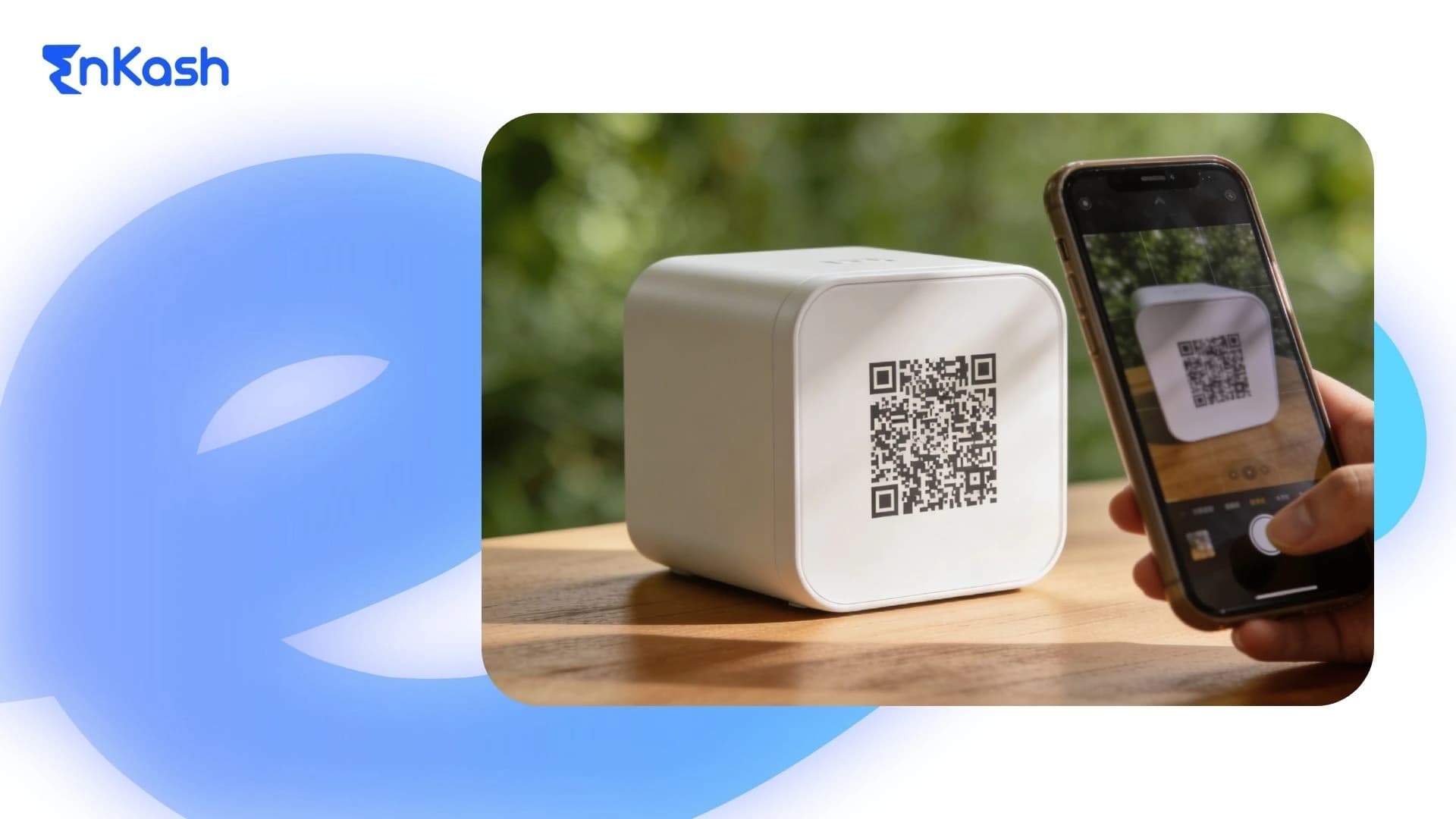
Digital payments have changed how Indian shops collect money at the counter. A merchant QR code gives a business a simple way to accept customer payments, typically through UPI-based payment systems supported by NPCI. For a small retailer, service outlet, pharmacy, salon, or neighbourhood store, this can make payment collection quicker, easier to track, and easier to manage during daily business hours.
For many shop owners, the search begins with a direct need. They want a QR code merchant setup that can be started without confusion, tied to the correct receiving account, and used smoothly in everyday transactions. Interest in merchant QR usually comes from the same concern. Merchants want to understand the account linking and payment flow before introducing it at the shop.
This blog gives you a clear view of the topic in the Indian business context. It explains what a merchant QR code is, how it works in a real payment situation, how you can access it through authorised channels, and what you should check before customers use it.
What is a Merchant QR Code
A merchant QR code is a payment identifier issued through a regulated banking or payment system that allows businesses to accept customer payments digitally.. It is used by a shop, service outlet, or commercial establishment to accept payments from customers via a scan-based payment method. The code is meant for transaction acceptance, which separates it from a standard QR code used to open a website, menu, form, or product page.
The merchant part is important here. This code is issued within a business payment setup and is linked to a merchant collection arrangement created through an authorised bank or payment service. It is built for commercial use, which means it supports customer-to-business payments rather than personal fund transfers in a casual setting.
You will generally see this type of QR code at retail counters, clinic desks, pharmacy tills, food outlets, salons, repair shops, and other businesses that accept walk-in payments. It gives the business a recognised digital payment point that customers can identify and use during a transaction.
Merchant QR Code vs Personal QR Code
A merchant QR code is designed for business collections, while a personal QR code is linked to an individual account. Merchant QR setups support structured payment tracking, settlement visibility, and business-level transaction handling. Personal QR codes are meant for individual transfers and do not offer the same level of business reporting or reconciliation.
How a Merchant QR Code Works During a Shop Payment
A shop payment through a merchant QR follows a defined transaction path. Each stage handles a specific action, from scan to confirmation, which keeps the digital collection clear for both sides.
The Customer Scans the Code
Payment begins when the customer opens a supported payment app and scans the QR code displayed at the counter. The app reads the merchant details attached to that code and opens the payment screen.
The Payment Details Appear on Screen
After the scan, the customer sees the business name and related payment information. This stage helps the payer confirm that the transaction is being directed to the intended merchant.
The Amount is Added Or Already Set
At this point, the amount is handled in one of two ways. In some setups, the customer enters it manually. In others, the amount is already attached to the transaction for faster billing.
The Customer Authorises the Payment
Once the details are checked, the customer approves the transaction inside the app. This authorisation completes the payment instruction and sends it through the UPI or linked banking payment system for processing.
Payment Confirmation is Generated
When the transaction is successful, confirmation appears on the customer side and the merchant side. This gives both parties a clear record that the payment has been completed.
The Merchant Records the Collection
After confirmation, the payment is captured under the merchant’s linked collection setup. Depending on the arrangement, the business may also view the transaction in its app, dashboard, or settlement records.
Core Functional Components of a Merchant QR Code Setup
A shop payment setup works properly when its main parts are correctly arranged. Each part has a fixed role, and together they create a usable merchant QR acceptance system.
Merchant Identity Within the Payment Setup
Every merchant QR setup is built around a business identity. This identity helps the payment system recognise who is receiving the money. It is usually created during merchant onboarding and linked with the business name, store details, or registered account information. This is what helps the payment route point to the right receiving side during a customer transaction.
Linked Receiving Account
A merchant QR setup requires a receiving account or a collection arrangement. This is the financial destination for incoming payments. The merchant should know which account is connected, because that affects settlement visibility, tracking, and day-to-day collection control. A mismatch at this stage can create unnecessary payment confusion later.
The visible QR itself is the customer-facing part of the setup. It may appear on a printed standee, sticker, countertop card, billing screen, or business app display. The format should be clear enough for customers to scan without difficulty. A poor display can interrupt payment flow even when the back-end setup is correct.
Static or Dynamic Structure
A merchant's QR setup may use a static or dynamic format. It is defined within the payment system framework (such as UPI) and determines how transaction details are passed during payment., whereas design affects only presentation. The selected format affects how the payment request is presented during the transaction. The detailed difference comes later, but the important point here is that the setup is built in one of these two forms.
Many merchant payment setups include visibility tools for the business. These may appear through an app, dashboard, settlement view, or transaction history panel. Their function is practical. They help the business review incoming payments, identify completed collections, and maintain a cleaner record of payment activity during working hours.
Physical Placement for Customer Use
In an offline shop environment, placement is part of the setup itself. A QR code that is hard to see or hard to reach creates friction at the counter. A properly placed physical display helps customers find the payment point quickly and complete the transaction without asking for repeated guidance.
How to Set Up a QR Code Merchant Solution Using a Bank QR Code Generator
Getting a shop QR ready for payments follows a formal business process. The right path begins with authorised onboarding, correct account linkage, and proper verification before public use.
Choose the Merchant Setup Route First
The first step is choosing where the QR will come from. A shop can usually apply through a bank-led merchant payment setup or through an authorised payment service platform. This choice affects onboarding, account linkage, settlement access, and support. A small business should begin with the route that fits its payment volume, operating style, and reporting needs.
Complete Merchant Onboarding
After selecting the route, the business needs to complete merchant registration. This stage usually involves basic business details, owner information, shop identity, and account-related inputs. The purpose is simple. The payment setup must identify the merchant correctly before any customer collection can begin.
Link the Receiving Account Carefully
The receiving account is a critical part of the process. The merchant should check which account will receive the collections and whether the setup is being created for routine business receipts. This is where many practical errors begin. A wrong account link can affect settlement visibility and transaction tracking from the first day itself.
Generate the QR Through the Official Channel
Once the registration and account steps are complete, the merchant can move to the QR creation stage. This usually happens within the provider app, the business dashboard, or the assisted merchant setup process. A business looking at how to generate a QR code for a bank account should understand one point clearly. Business payment QR codes should be generated only through the official channel associated with the approved payment setup.
Verify the Merchant Details Before Use
Before placing the QR at the counter, the merchant should review the visible and linked details. The business name, payment identity, and receiving arrangement should all be carefully checked. This step helps prevent customer confusion and reduces the chance of payment disputes at the point of sale.
Test the QR Before Displaying It
A live test payment should be completed before customer use begins. This confirms that the code scans properly, opens the correct payment screen, and routes the transaction through the intended setup. A test also helps the merchant confirm that payment records are visible in the linked system.
Place the QR in a Usable Customer Location
After successful testing, the QR can be placed at the billing point or service counter. Some merchants use a printed display, a sticker, a countertop stand, or a digital billing screen. The display should be clean, easy to scan, and visible during regular transactions. A working QR has limited value if customers cannot scan it without effort.
Static vs Dynamic Merchant QR Code: What Changes in Actual Use
A shop can accept digital payments through two QR formats. The right choice depends on how the bill is created, how the amount is entered, and how the business wants to manage collections.
Static QR Works With a Fixed Display
A static QR is the same code for every payment. The merchant places it at the counter, and customers scan that single code whenever they need to pay. In most cases, the customer enters the amount on the payment app before approval. This format is common in small retail settings, where billing is simple, and payment collection occurs at a single point.
Dynamic QR is Created for a Specific Payment
A dynamic QR is generated for a particular transaction. The payment request can carry the exact amount linked to that bill. This changes the payment experience because the customer no longer needs to manually enter the amount. It is more suited to places where the bill value changes from one transaction to the next.
Amount Handling is the Main Difference
The biggest gap between the two formats appears at the amount stage. With static QR, the amount is usually entered by the payer. With dynamic QR, the amount is generally attached before the code is scanned. This affects billing controls and reduces the risk of incorrect amount entry during payment.
Billing Environments Influence the Better Option
A small counter for quick purchases may work well with static QR codes. A restaurant, pharmacy, clinic desk, or service outlet with bill-based collections may prefer dynamic QR. The decision depends on how the business issues bills and the level of control it wants for each payment.
Reconciliation is Easier to Manage With More Transaction Detail
When each payment carries transaction-specific data, record matching becomes easier for the business. This is where physical QR codes serve one purpose and dynamic payment requests serve another. A physical QR is useful for visibility at the counter, but a dynamic QR is useful when the payment needs to reflect a specific bill value.
Static QR suits straightforward payment collection. Dynamic QR suits structured billing. A merchant should choose the format based on checkout flow, average ticket variation, and the level of payment control needed during the working day.
Benefits of the Merchant QR code for Indian Shops
For a shop owner, the value of a digital payment setup becomes clear during daily business. A merchant QR helps the business collect money more cleanly and practically at the counter.
Faster Payment Acceptance During Business Hours
A scan-based payment method can reduce the time spent handling each transaction. The customer scans the item, checks the details, and completes the payment on the phone. This helps the queue move more quickly, which is useful in shops that handle frequent walk-in purchases throughout the day.
Lower Dependence on Cash Handling
Cash collection brings its own workload. Notes need to be checked, counted, stored, and matched against daily sales. A merchant QR setup reduces part of that manual effort by giving the business a direct digital payment route. This can make routine collection easier to manage during busy periods.
Better Convenience for Customers
Many customers already prefer paying through a mobile payment app. A merchant QR setup directly supports that behaviour. The customer does not need to request account details, wait for a change, or go through a longer payment process. The payment point is visible and ready at the counter.
Cleaner Day-to-day Payment Records
A digital collection setup can help the business review what has been received during the day. Payment visibility through the linked merchant arrangement makes it easier to track completed collections than a fully cash-based flow. This helps small shops maintain better control over daily collections.
A merchant QR setup can work across many physical business environments. It can suit a kirana store, a pharmacy, a salon, a food outlet, a service desk, or a repair counter. The format works well in places where customers need a quick payment option without a complex checkout process.
Easier Collection in Limited-Space Counters
Many small shops work with narrow counters and fast customer movement. In that setting, a visible QR can support payment collection without adding extra hardware at the billing point. This makes it practical for compact retail spaces where simplicity of payment is important.
Better Alignment With Current Payment Behaviour
Indian retail payments have moved strongly toward scan-based collection in everyday transactions. A merchant's QR code setup aligns with that customer's habit. For a business, this means the payment method already aligns with what many buyers expect to see at the counter.
Mistakes to Avoid When Setting Up a Merchant QR Code
A payment setup can fail at the practical level even when the QR is active. A bank QR code generator or provider-issued setup should be used with care from the first step.
Using Unofficial QR Creation Routes
A business should avoid random tools or informal setup methods for customer payment collection. A merchant payment QR code works best when it comes through an authorised bank or payment provider. This helps reduce identity errors, account mismatches, and payment confusion at the counter.
Linking the Wrong Receiving Account
The receiving account needs careful checking before the QR is used in public. If the wrong account is attached, collections may route to an unintended destination or create tracking issues later. This can disrupt daily business operations and make payment verification more difficult than it should be.
Skipping the Test Payment Step
Many merchants rush from setup to display without checking how the QR performs in an actual transaction. A small test payment helps confirm that the code scans properly, opens the correct payment screen, and records the collection in the intended merchant arrangement.
A payment format should match the billing environment. A simple fixed display may work for one type of shop, while a bill-linked format may suit another. When the format does not fit the payment flow, handling amounts and enforcing collection controls can become more difficult during live transactions.
Printing a Weak or Unclear Display
A poor-quality print can affect scan speed and customer confidence. The code should be visible, readable, and placed where the customer can access it without effort. A working payment setup loses value when the display itself creates friction.
Ignoring Payment Visibility After Setup
The setup should not end with QR generation alone. A merchant also needs to check where completed transactions will appear and how collections will be reviewed later. Without that visibility, even successful payments can become difficult to track during the working day.
Security Considerations for Merchant QR Payments
Merchant QR payments are secure when used within authorised systems, but risks can arise if setup or usage is incorrect. Businesses should avoid sharing QR codes informally, ensure that only official QR codes are displayed, and regularly verify that the linked receiving account is correct. Customers should always check the merchant name before paying. NPCI also highlights that QR codes are used to send money, not receive it, and any request to scan a QR to receive funds should be treated as suspicious.
Conclusion
For an Indian business, a merchant QR code is now a practical part of day-to-day payment collection. It provides a clear digital payment point, supports faster customer transactions, and integrates well with modern retail and service environments. The right setup depends on your billing pattern, payment volume, and account arrangement.
Before you start using a QR code merchant setup, choose the issuing route carefully, verify the linked account, test the payment flow, and place the code where customers can scan it without difficulty. A properly set up merchant QR works best when the payment path is clear, the display is usable, and the collection records remain easy to track.
FAQs
1. What should a merchant verify before activating a payment code at the shop counter?Before activation, the merchant should verify the business name, the linked receiving account, scan accuracy, visible display quality, and payment confirmation path. A test transaction should also be completed. This helps confirm that customer payments will reach the intended setup and reduces avoidable payment confusion during actual billing hours at the counter.
2. How is a PhonePe QR code different from a regular shop payment display?A PhonePe QR code is issued through PhonePe’s merchant payment setup and is used for customer collections at the business end. The main difference is not the scan action itself, but the onboarding route, merchant account mapping, and transaction visibility linked to that payment arrangement.
3. What should a shop owner check before using a PhonePe merchant QR code at the counter?Before using a PhonePe merchant QR code, the shop owner should verify the displayed business name, the linked receiving account, scan accuracy, and payment confirmation path. A test transaction is also worth completing. This helps confirm that the setup is working properly before customers begin using it during regular billing hours.
4. Who may find an IPPB QR code useful for day-to-day payment collection?An IPPB QR code may suit small businesses, neighbourhood shops, service counters, and merchants looking for a bank-linked digital collection setup. The right fit depends on account arrangement, payment frequency, and how the business wants to manage incoming collections during daily operations at the counter.
5. How should a merchant handle payment confirmation before handing over goods or services?The merchant should confirm the payment status before completing delivery of goods or services. This means checking the success message, matching the amount, and ensuring the transaction belongs to the current customer. Relying only on verbal confirmation is risky, particularly in busy shop environments where several transactions happen in quick succession.
6. What should a business do if it changes the account used for incoming collections?After changing the receiving account, the business should update the payment setup through the authorised channel, review the visible merchant details, remove outdated displays, and run a fresh test transaction. This prevents old routing from being used and helps ensure that future collections reach the correct account without unnecessary tracking issues.
7. What kind of payment setup works better for businesses with changing bill amounts?Businesses with changing bill amounts usually need a setup that gives stronger amount control at the time of payment. This reduces reliance on manual entry and lowers the risk of amount mismatch. It is more useful in pharmacies, cafés, clinics, salons, and service counters where the payable amount changes from one transaction to another.
8. How can a small shop keep payment records easier to review at the end of the day?A small shop can improve record review by using one consistent collection setup, checking confirmations carefully, and monitoring transaction visibility through the linked system. Staff should avoid mixing informal payment methods during business hours. A structured collection process makes end-of-day review cleaner and reduces confusion while matching receipts against actual sales.
9. When should a merchant replace a printed display even if it still looks usable?A merchant should replace the display when scanning becomes slow, the print begins to fade, the surface is scratched, or customers need repeated attempts to complete payment. A display may still look acceptable, but perform poorly in real use. Early replacement helps maintain smooth payment acceptance and reduces friction at the counter.
10. What signs indicate that a merchant should contact the bank or provider for support?Support should be contacted when payments are not appearing in records, scan failures keep recurring, visible business details look incorrect, account updates do not reflect properly, or customers report repeated payment issues. Early support contact helps contain operational problems before they affect regular collections, billing confidence, and daily payment handling at the shop.