Key Takeaways
- Bharat Connect gives businesses access to an interoperable framework for paying supported bills through participating payment channels.
- Applicable bills are retrieved before payment begins, while prepaid services use customer-biller validation within the network.
- Business payment categories can include utilities, telecom, selected financial obligations, municipal services, and transport-related payments.
- Payment records should preserve the transaction reference, biller information, customer reference, amount, and payment date.
- Pending or failed payments need status verification before finance sends another instruction for the same bill.
- Business-to-business participation extends the network into supplier invoice exchange, payment acknowledgment, and reconciliation.
- Companies can participate as ordinary bill payers, eligible billers, or users of supported software integrations.
- Solution evaluation should consider biller coverage, payment limits, permissions, transaction records, charges, and support.
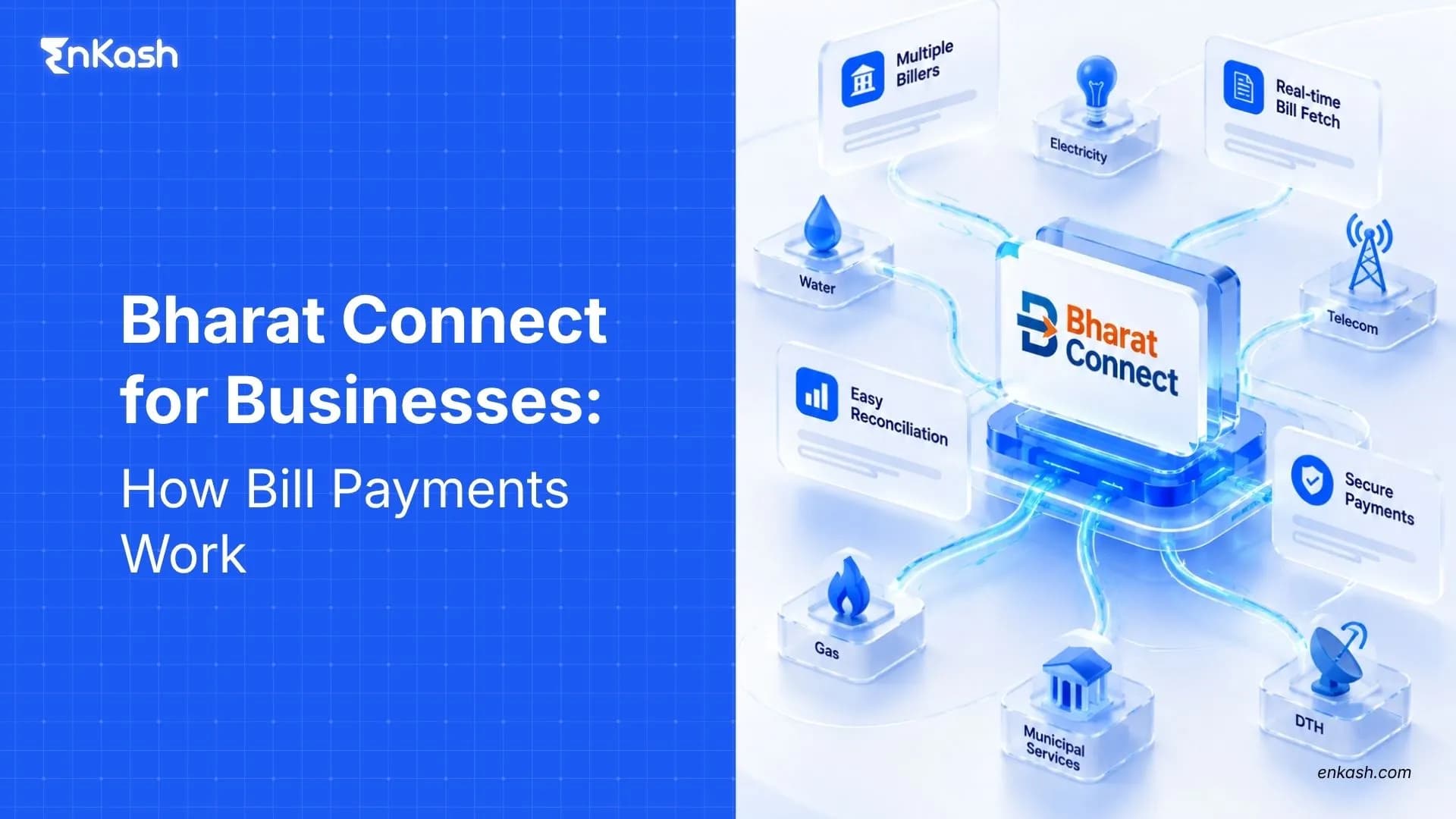
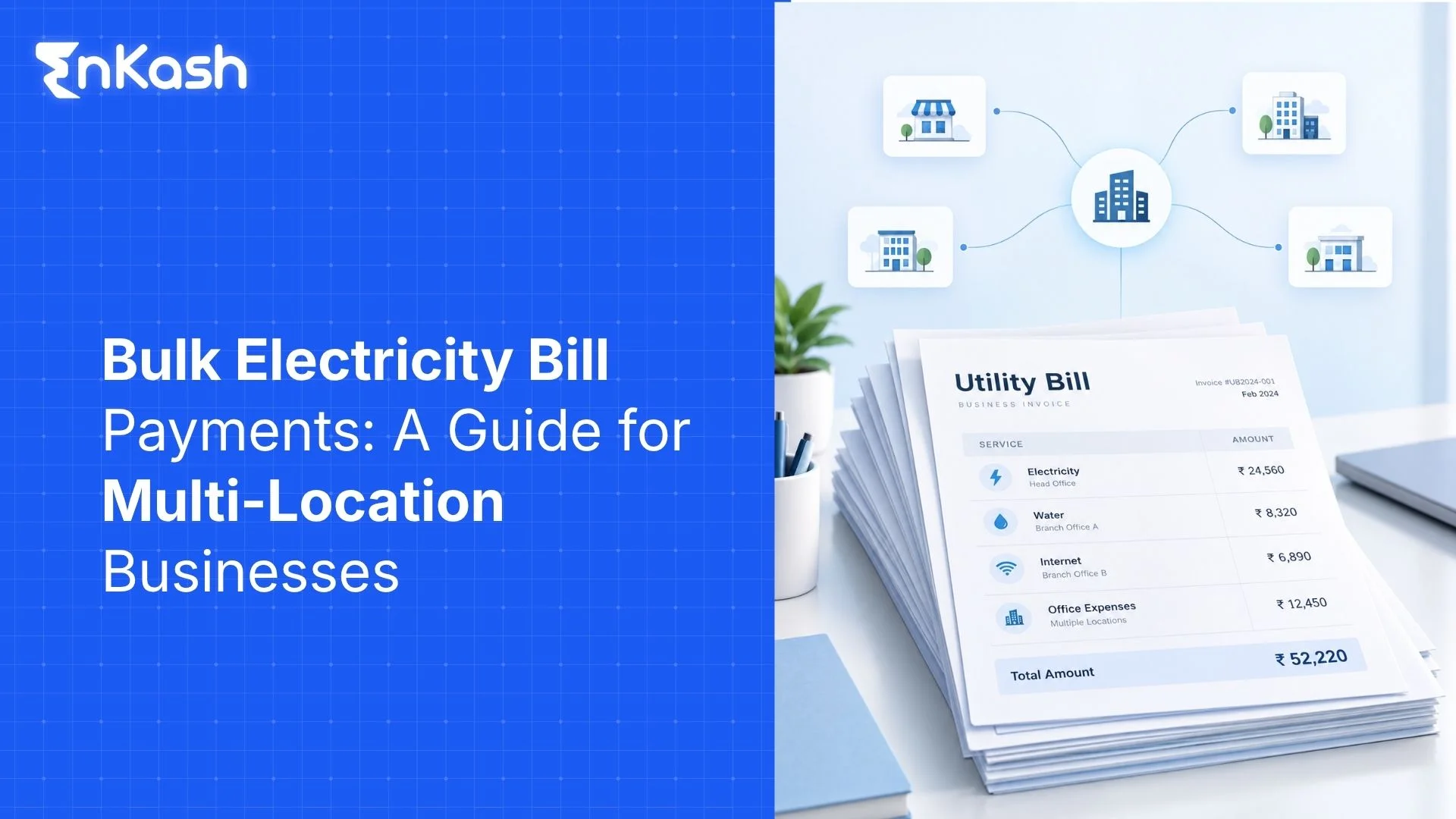
An Indian business operating across several sites can receive electricity bills, broadband charges, insurance premiums, municipal dues, and other operating bills during the same payment cycle. Paying them is only part of the finance workload. Each bill needs the correct account reference, amount, due dates, payment evidence, and final status. Bharat Connect gives supported bill payments a common interoperable framework. The sections ahead explain the network roles, bill-payment process, business categories, transaction records, failed payments, B2B invoices, access models, and selection criteria.
What is Bharat Connect for Businesses
Bharat Connect is the brand name of the Bharat Bill Payment System (BBPS), an interoperable bill-payment network operated by NPCI Bharat BillPay Limited (NBBL) under the Reserve Bank of India's regulatory framework. It connects customers and billers through participating operating units, allowing eligible bills to be accessed and paid through enabled channels.
Bharat Connect supports eligible recurring and one-time bill payments, including prepaid recharges. Under RBI's BBPS Directions, 2024, bills must be fetched through the network before payment is initiated. For prepaid services, the network instead validates the customer's relationship with the biller.
Bharat Connect supports two distinct business needs: paying eligible bills through the Bharat Bill Payment System (BBPS) and exchanging commercial invoices and payment information through Bharat Connect for Business. These services have different workflows and participation requirements.
Bharat Connect Bill Payments vs Bharat Connect for Business
| Aspect | Standard Bharat Connect bill payments | Bharat Connect for Business |
|---|
| Purpose | Paying supported bills | Exchanging commercial invoices and payment information |
| Participants | Customers, billers and participating operating units | Buyers, suppliers and participating business platforms |
| Typical use | Electricity, telecom, water, insurance and loan bills | Supplier invoices, B2B transactions and commercial receivables |
| Main process | Fetch bill, verify details, pay and track status | Register businesses, exchange invoices, accept invoices and share payment details |
| Key records | Bill details, consumer reference and BBPS transaction reference | B2B ID, invoice reference, payment details and acknowledgement |
| Business benefit | More consistent bill-payment and tracking processes | Improved communication and reconciliation between trading partners |
Who Participates in a Bharat Connect Bill Payment
Paying a bill may look straightforward, but several participants work together to process the transaction. Their responsibilities remain separate because customer access, biller connectivity, and central processing involve different functions.
The main participants are:
Business Payer
The company identifies the bill, enters the required billing reference, reviews the retrieved details, and authorizes payment through its selected interface. Finance remains responsible for matching that payment with the correct expense or liability.
Customer Operating Unit (COU)
A Customer Operating Unit (COU) provides access to Bharat Connect through supported channels such as banking apps, payment platforms, or physical collection points. It carries the payment request from the customer-facing interface into the interoperable system.
Biller Operating Unit (BOU)
The biller-side operating unit connects eligible billers with the network. Its role includes biller onboarding, required due diligence, and maintaining the connection used for billing and payment information.
Central Unit
NPCI Bharat BillPay Limited (NBBL), the Bharat BillPay Central Unit (BBPCU), sets network standards, manages clearing and settlement, and ensures that every transaction has a BBPS reference number from the payment-initiation stage. Businesses can use this reference to track transactions and raise payment-related complaints.
Biller
The biller is the service provider or eligible organisation that issues the bill. Examples include electricity distribution companies, telecom providers and insurers connected to BBPS through a BOU.
How Does a Bharat Connect Bill Payment Work
A business starts by selecting the biller and entering the consumer or account details required to retrieve the bill.
A typical bill payment involves the following steps, from selecting a biller to confirming the final transaction status:
- Select the participating biller for payment: The business finds the required biller through an enabled interface and selects the relevant service.
- Enter the required billing reference: The payer supplies the account number, customer identifier, registered mobile number, or another reference required by the biller.
- Fetch the bill or validate the prepaid account: The network retrieves the payable bill details or validates the customer's relationship with the biller for prepaid services.
- Check the presented payment details carefully: Finance reviews the biller, account reference, amount, billing period, and other information shown before authorization.
- Choose a payment method: Select a supported option, such as UPI, net banking, or a card, depending on the bill category and payment channel.
- Authorise the payment and check its status: Confirm the transaction, save the BBPS reference number, and verify whether the payment was successful, failed, or remains pending.
Which Business Bills Can Be Paid Through Bharat Connect
Bharat Connect supports several business-relevant payment categories, including utilities, telecom, insurance, loan repayments and municipal payments. Current coverage includes electricity, gas, water, telecom services, insurance, loan repayments, credit-card bills, municipal services, FASTag recharge, and other eligible categories.
| Bill Category | Business Expense Examples |
|---|
| Utilities | Electricity, water, and piped gas across offices, stores, plants, or other locations |
| Telecommunications | Broadband, landline, and eligible mobile services used for business operations |
| Financial obligations | Supported insurance premiums, loan repayments, and credit-card bills |
| Property-related payments | Eligible municipal taxes and services, and housing society maintenance charges where the biller is onboarded. |
| Transport-related payments | FASTag recharges for eligible vehicle accounts |
Bharat Connect is designed to provide interoperable access to onboarded billers. Businesses should still verify that their specific biller and account are supported through the selected payment channel. Finance should confirm the specific biller before relying on the channel for a regular payment cycle.
How Are Bharat Connect Payments Confirmed and Recorded
Finance teams need to match every successful payment to the original bill and the corresponding accounting entry. An on-screen payment confirmation is only one part of that record. Keep the following details for every bill payment:
- Save the BBPS transaction reference for tracking and dispute resolution. It identifies the payment and can support later status checks or complaints.
- Record the biller name and consumer or account reference. These details show which business account or service received the payment.
- Record the amount paid and the transaction date. Finance needs both when matching payment evidence with accounting records.
- Save the payment receipt and final transaction status.
- Link the accounting entry to the original bill and payment reference so the transaction can be traced during reconciliation.
The biller's records may take longer to reflect a successful payment. If the account still shows an outstanding amount, verify the transaction before paying again.
What Happens When a Bharat Connect Bill Payment Fails
A bank debit by itself does not establish that the bill was successfully settled. Finance needs the recorded transaction outcome before attempting another payment.
Here are some conditions that need different treatment:
| Payment status | What it means | What the business should do |
|---|
| Successful | The payment has been confirmed | Save the receipt and reconcile the payment against the original bill |
| Pending | The final outcome is not yet confirmed | Check the transaction status and avoid another payment until the original attempt is resolved |
| Failed without debit | The transaction did not complete and no money was debited | Verify the reason and retry if appropriate |
| Failed after debit | Money was debited, but the transaction was unsuccessful | Check the reversal status and raise a complaint if necessary |
| Successful but not reflected by biller | Payment is confirmed, but the biller's account has not yet been updated | Retain the reference and contact the payment provider or biller for verification |
Failed Payment Instructions
Validation or processing problems can prevent a transaction from completing. Check the final transaction status using the BBPS reference number. If the payment failed after funds were debited, track the reversal and raise a complaint through the payment provider if necessary. Eligible failed transactions are subject to the RBI's applicable turnaround-time and customer-compensation rules. The timeline and compensation eligibility depend on the payment method and the nature of the failure.
Pending Transaction Outcomes
A pending status means the final payment outcome has not yet been confirmed. Check the transaction status before trying again. Paying the bill again during this period can create a duplicate if the original instruction later succeeds.
Complaints and Dispute Resolution
Bharat Connect provides a centralised dispute-resolution framework. Businesses should raise unresolved transaction issues through the bank, app or payment provider used, quoting the BBPS reference number. Customer-side and biller-side participants support complaint handling under that process.
Refund and reversal timing can vary with the transaction condition and applicable payment-system rules. Finance should avoid assuming one refund timeline across every failure type.
How Does Bharat Connect for Business Handle Supplier Invoices
Routine bill settlement begins with an established biller relationship. Supplier payments involve more than transferring money. Buyers and suppliers must also exchange invoices, confirm their acceptance, share payment details, and reconcile outstanding amounts.
Bharat Connect for Business enables participating buyers and suppliers to exchange invoices and payment information through interoperable business platforms. Depending on the platform, supported capabilities can include invoice exchange, purchase-order sharing, payment acknowledgements and accounting-system integration. The invoice lifecycle can be viewed across the following areas:
Business Identification
Businesses register through a participating platform and obtain a B2B ID, which helps buyers and suppliers identify each other and exchange invoices and transaction information.
Invoice Exchange
The supplier shares an invoice with the buyer through a participating platform, allowing both parties to reference the same invoice details.
Invoice Acceptance
The buyer reviews the invoice and accepts or rejects it through the connected platform. Any discrepancies should be resolved before payment.
Payment Acknowledgment
After making the payment, the buyer shares the transaction details against the invoice. The supplier verifies receipt and acknowledges the payment, allowing both businesses to update their accounting records.
Bharat Connect for Business manages commercial invoice and payment-information exchange, whereas standard BBPS bill payments involve paying bills raised by onboarded billers.
How Can Businesses Access Bharat Connect Services
Bharat Connect for Business enables participating buyers and suppliers to exchange invoices and payment information through connected platforms. It helps both parties work with the same transaction references instead of relying entirely on separate emails and manual confirmations.
A typical workflow includes:
- Business registration: Buyers and suppliers register through participating platforms and obtain their B2B IDs.
- Invoice exchange: The supplier sends an invoice to the buyer through the connected platform.
- Invoice acceptance: The buyer reviews and accepts or rejects the invoice.
- Payment details: After making payment through an available payment method, the buyer shares the transaction details against the relevant invoice.
- Payment acknowledgement: The supplier verifies the received payment and acknowledges it, allowing both businesses to update their accounting records.
Depending on the connected platform, additional capabilities may include purchase-order exchange, credit notes and ERP integration.
For example, a retail business purchasing inventory from a distributor can receive the invoice through a participating platform, review it and share payment details after making the transfer. The distributor can then acknowledge receipt and match the payment to the original invoice.
Important: Sharing payment details is not the same as confirming that funds have reached the supplier. Receipt must be verified before the transaction is treated as fully reconciled.
What Should Businesses Check Before Choosing a Bharat Connect Payment Solution
A payment solution may offer network access yet fail to cover the bills a company pays every month. Start by reviewing the bills your business pays, who needs to approve them and what records the finance team needs for reconciliation.
The review should cover the following areas:
- Biller coverage should match current obligations: Check the utilities, telecom accounts, financial obligations, and other billers used by the company.
- Transaction charges should be understood early: Review applicable service charges and payment-method fees before moving regular payments onto the channel.
- Payment limits should support normal bill values: Check whether transaction limits accommodate high-value electricity, telecom or other business bills.
- User permissions should reflect finance responsibilities: Preparation, review, and payment rights should align with the company's internal control model.
- Reporting should support recordkeeping: Finance should have access to transaction references, payment history, downloadable records, and status information.
- Support should cover unresolved transactions: Clear escalation paths become important when payments remain pending, or service access is interrupted.
How EnKash Supports Bharat Connect for Businesses
EnKash helps businesses manage eligible utility bill payments through Bharat Connect, bringing bill retrieval, approvals, payments, and reconciliation into a centralised workflow.
For companies operating across multiple locations, EnKash supports:
- Automated bill retrieval: Fetch eligible utility bills and access their payment details.
- Multi-location tracking: Map bills to branches, offices and business units for centralised visibility.
- Bulk bill payments: Select and pay multiple supported bills through one controlled workflow.
- Maker-checker approvals: Define approval responsibilities before payments are released.
- Transaction tracking: Monitor paid, pending and failed payments with linked bill records.
- ERP integrations: Connect supported bill-payment data and payment records with existing finance systems.
EnKash also provides documented Bharat Connect B2B APIs for business registration, invoice exchange, purchase orders, and payment-related acknowledgements, subject to integration availability.
These capabilities help finance teams manage recurring business bills and connect transaction information with the relevant records.
Explore EnKash Business Utility Bill Payments.
Bringing Business Bill Payments Into a Clearer Process
Bharat Connect gives businesses a common framework for supported bill payments while preserving transaction references needed for records and exception handling. Standard bills and B2B invoices follow different operating models, so finance teams should identify the correct arrangement before moving payments into the network. Biller availability, payment evidence, user permissions, and treatment of unresolved transactions remain central to reliable business use.
FAQs
Can a Business Make a Partial or Excess Payment Through Bharat Connect?
Partial or excess payments are permitted only where the biller and payment channel support them. Businesses should check the amount allowed during the bill-payment process rather than assuming they can pay less or more than the billed amount. The amount accepted can depend on biller-level rules, so a business should work from the payable amount and options displayed during the bill-payment journey.
Can a Bharat Connect Bill Be Paid After the Due Date?
Payment after the due date depends on the rules configured by the biller. An overdue bill may carry a revised amount or late fee, while another biller may stop accepting payment after expiry.
What Should a Business Do if Its Biller Does Not Appear in Bharat Connect?
First confirm the biller's exact name, category and consumer details. If an onboarded biller is unavailable through the selected channel, contact the payment provider. If the biller is not onboarded, use another authorised payment method. The business should verify the biller details before using another payment method.
Are Convenience Fees Charged on Every Bharat Connect Payment?
No. Not every Bharat Connect payment attracts a convenience fee. Any applicable charges depend on the payment channel, payment method and relevant rules. Check the total payable amount before authorising payment.. Where a permitted fee applies, the amount should be presented as part of the payment information before authorization.
Is There One Maximum Amount for Every Bharat Connect Bill Payment?
Payment limits can vary by biller, payment mode, and category. There is no single maximum amount that applies to every Bharat Connect bill payment. Transaction limits can vary by biller, payment category, payment method and provider. Verify the permitted amount before making a high-value payment.
Can a Bharat Connect Bill Payment Be Cancelled After Submission?
A successfully completed Bharat Connect bill payment generally cannot be cancelled through the normal payment flow. If the wrong bill or account was paid, contact the payment provider or biller promptly to understand the applicable dispute or refund process. A payment made against the wrong account or amount may need to move through the applicable complaint, correction, refund, or biller-resolution process instead.
What Does “No Bill Due” Mean in Bharat Connect?
A “no bill due” response means the customer account can be valid even though the biller has no current payable amount for that billing period. A previous payment may have settled the outstanding obligation.
Can a Bharat Connect Payment Proceed Without Fetching the Bill First?
For standard bill payments, the current framework requires the bill to be fetched before payment initiation. Prepaid services follow a different treatment, where the customer relationship with the biller is validated through the network.
Can One Business Pay Bills for Several Consumer Accounts Through Bharat Connect?
Yes, a business can manage separate biller accounts where its payment interface supports those records. Each bill should retain the correct consumer number, account reference, bill amount, and biller information during payment.
Does Bharat Connect Automatically Pay Every Recurring Bill?
No. Automatic payments require the business to enable and authorise a supported arrangement, such as a recurring mandate or an automated bill-payment workflow. Otherwise, recurring bills must be reviewed and paid manually. Businesses can also receive recurring bills for review without enabling automatic debit, depending on the functionality available through their payment channel.