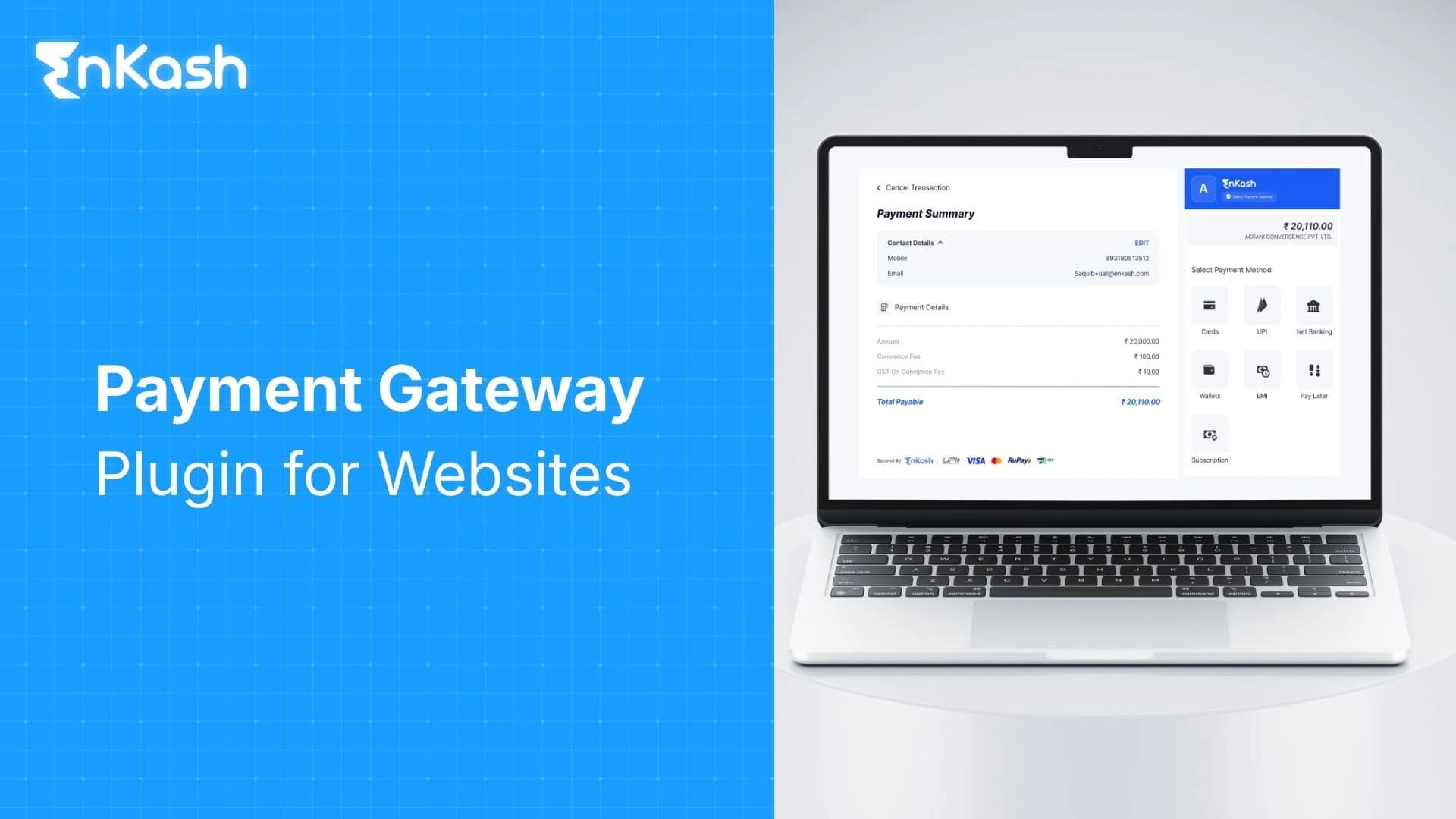
A customer who is ready to pay should not be pushed into screenshots, manual bank checks, or delayed confirmation messages. Modern website checkout needs a direct payment route that supports UPI, cards, net banking, wallets, EMI, and other approved payment methods within a clear purchase flow. Payment gateway plugins make this possible by linking the website's checkout to a licensed payment provider.
For a business, this payment layer affects sales, operations, and customer trust simultaneously. It helps the website collect money, confirm orders, record payment status, reduce back-and-forth with buyers, and keep transaction details easier to review. The sections ahead cover what these plugins are, how they function during checkout, the types of businesses that can use them, which selection features deserve attention, and why a proper setup has become essential for online selling.
What is a Payment Gateway Plugin
A payment gateway plugin is a website extension that connects an online store, service page, booking page, or content management system with a payment gateway, payment aggregator, or payment provider. The plugin enables the checkout connection, while the provider handles payment routing, authentication, authorization, status updates, and settlement, where applicable. The payment provider manages payment routing, authorization, status responses, and, where it acts as a payment aggregator or acquiring partner, settlement. The plugin brings that payment access into the website checkout, where the buyer can select a method and complete the transaction.
Based on the merchant’s approved setup, the plugin can display UPI, debit card, credit card, net banking, wallet, EMI, or other supported options. It can also send order details, receive payment status, update the order record, trigger customer confirmation, and support failed-payment or refund handling through the linked provider dashboard.
For WordPress stores, a WooCommerce payment gateway plugin connects WooCommerce checkout with approved payment methods without requiring a full custom build. The merchant still needs onboarding, API credentials, secure configuration, test transactions, and correct live activation. The plugin creates the checkout connection. The provider’s payment infrastructure manages the transaction path behind it.
How Does a Payment Gateway Plugin Work?
The Customer Reaches the Checkout Page
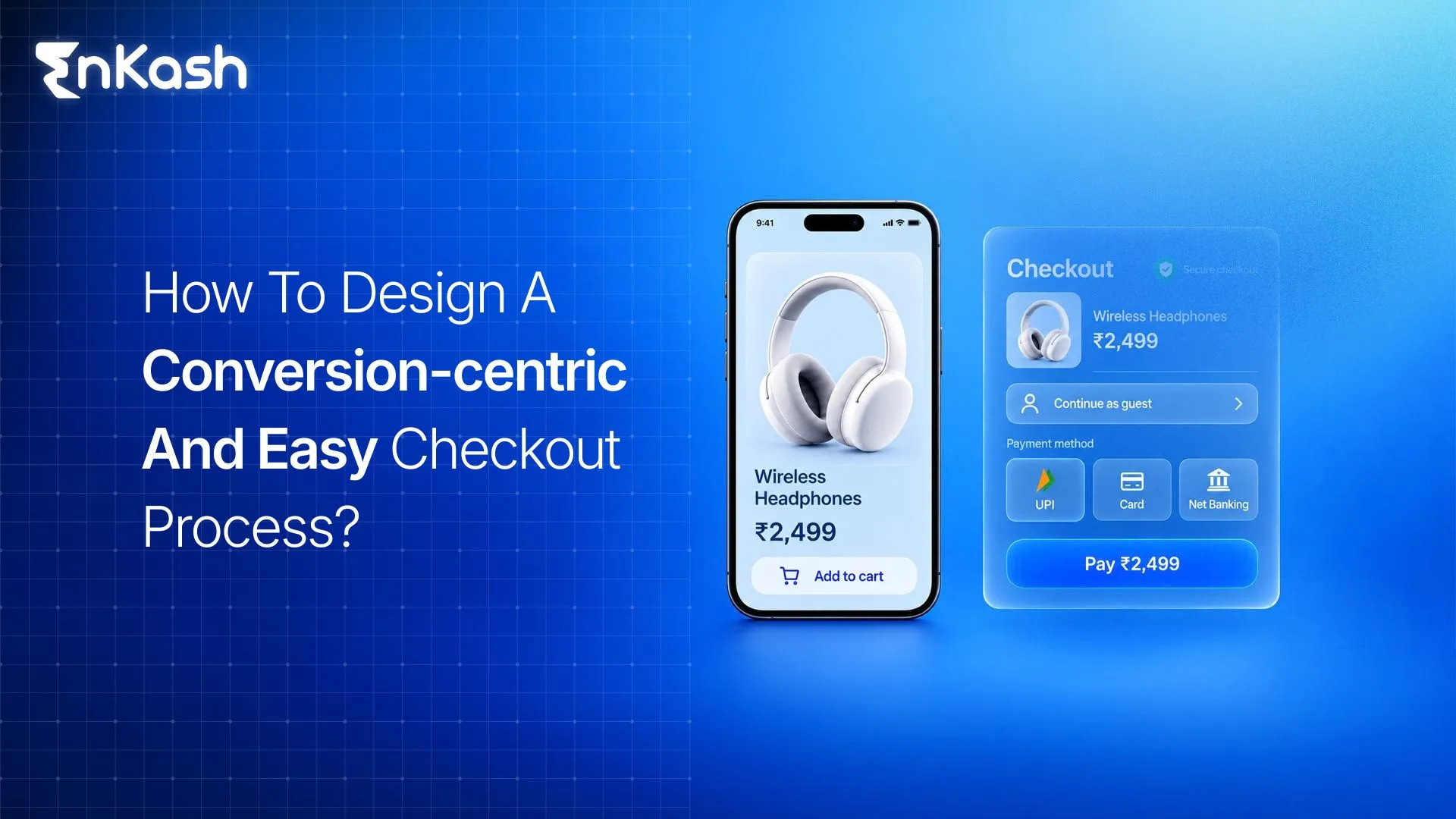
The payment journey begins after the buyer selects a product, service, booking slot, course plan, or subscription and moves to the checkout page. At this stage, the plugin displays the payment choices enabled for that merchant account. The buyer may see UPI, cards, digital wallets, net banking, EMI, or other approved payment options, depending on the business category, payment provider, and website configuration.
The Plugin Creates a Payment Request
After the buyer selects a payment method, the plugin creates a transaction request and sends it to the payment provider. This request carries details such as the order amount, order reference, merchant identifier, customer information, currency, return link, and selected payment mode. Sensitive card information should not be stored directly on the merchant website. The safer setup keeps payment data moving through secure channels managed by the authorized payment system.
The Customer Completes Authentication
The buyer then completes the authentication step linked to the selected method. UPI payments require approval through a UPI app using the customer’s UPI PIN. Card payments may require OTP verification, issuer-side authentication, or another approved authentication flow. Net banking moves through the customer’s bank login. Wallets may ask for application approval or balance confirmation.
Some merchants search for a 2D payment gateway plugin to reduce checkout steps. This needs careful handling. Domestic card payments require careful attention to authentication, risk checks, provider approval, and current payment rules. A faster checkout path cannot come at the cost of unsafe handling.
The Payment Provider Sends the Result Back
After authentication, the payment provider sends a transaction result to the website. The result may be successful, failed, pending, canceled, expired, or timed out. In redirect-based flows, the buyer returns to the website after payment. A webhook sends payment status information directly from the provider to the website server. This server-level update is important because a buyer may close the page before the final confirmation screen loads.
The Website Updates the Order Record
Once the status arrives, the website updates the order record. A paid order may move into processing. A failed payment may reopen the checkout. A pending status may wait for confirmation. The website may then trigger invoice creation, order email, stock adjustment, access approval, booking confirmation, or internal team notification. Clean mapping between payment status and order status prevents confusion after checkout.
Types of Payment Gateway Plugins
Hosted Plugins
Hosted plugins send the buyer to a secure payment page managed by the payment provider. The website starts the transaction, but the payment entry screen is handled outside the merchant’s checkout page. This model is common for smaller websites, early online stores, service firms, and businesses that need a straightforward payment setup after merchant onboarding. Hosted checkout reduces the technical load on the website owner and keeps the payment entry layer under the provider’s control.
Non-Hosted Plugins
A non-hosted plugin keeps the buyer closer to the website checkout experience. Payment fields, embedded windows, or on-page payment elements may appear within the store flow, depending on the gateway structure. This approach gives tighter control over the checkout journey, but it demands stronger website maintenance. The business must check SSL, theme behavior, mobile responsiveness, server reliability, plugin updates, and checkout testing before accepting real payments.
API-Based Plugins
An API-based plugin connects the website’s payment logic with the payment provider’s system at a deeper level. This works well for businesses that need custom checkout journeys, recurring billing, marketplace payment flows, split settlements, wallet logic, automated invoice payments, or app and website payment coordination. It requires stronger technical planning, but it gives scaling businesses greater control over how payment actions connect with internal systems.
Payment Plugin Types
| Plugin type | How it works | Best suited for |
|---|
| Hosted plugin | Redirects the customer to the provider’s secure payment page | Small websites, service firms, early-stage stores |
| Non-hosted plugin | Keeps payment elements closer to the website checkout | Brands that want more control over checkout experience |
| API-based plugin | Connects the website payment logic more deeply with the provider system | Marketplaces, subscriptions, custom checkout, split settlements |
Features to Look for in a Payment Gateway Plugin
Indian Payment Method Coverage
A useful plugin should support the payment methods buyers already use. UPI, debit cards, credit cards, net banking, wallets, EMI, Pay Later, QR payments, and recurring payment options may be relevant depending on the business model. A high-ticket service may need EMI. A quick retail checkout may depend heavily on UPI. A subscription business needs recurring payment support.
For Indian websites, payment method coverage should be checked across UPI, cards, net banking, wallets, EMI, Pay Later, QR payments, and recurring payment options where applicable. The right mix depends on the business category, average order value, customer profile, issuer behaviour, and provider approval.
Security and Compliance Readiness
Security cannot be checked after launch. The plugin should work with SSL, secure redirects, tokenized card handling, encrypted communication, webhook secrets, provider-side risk checks, and recognized payment security practices. Customer card data should not be stored directly on the merchant website. A weak setup can expose the business to failed payments, customer complaints, and avoidable operational risk.
Indian merchants should also check whether the provider supports RBI-aligned card tokenization, secure redirects, PCI DSS-aligned card data handling, webhook verification, refund tracking, and settlement reporting. The merchant website should avoid storing raw card details and should keep plugins, themes, and checkout scripts updated.
WordPress and WooCommerce Compatibility
A WordPress store owner should check plugin compatibility before activating a plugin. The plugin must work with the current WordPress and WooCommerce versions, checkout blocks, the PHP version, the theme structure, and the mobile checkout design. The best plugin for payment gateway on WordPress should be judged by real compatibility, update history, documentation quality, payment method coverage, and support response rather than name recognition alone.
Webhook and Order Status Reliability
Webhook support deserves careful review because visible checkout screens do not always tell the full payment story. A buyer may close the browser, lose mobile data, return late from a banking page, or complete UPI approval after a delay. Reliable webhook mapping helps the website receive accurate status updates and prevents paid orders from being marked as unpaid.
The plugin or the connected dashboard should provide clear visibility into refunds and settlements. Businesses should check support for full refunds, partial refunds, refund references, payment IDs, settlement reports, downloadable transaction files, and order-level records. These tools become important when finance teams need to match website orders with bank settlements, or when customer support needs payment proof.
Testing, Documentation, and Support
A strong plugin should provide test mode, sandbox credentials, live key setup, clear error messages, setup guides, webhook instructions, changelog records, and accessible merchant support. Testing helps the business detect checkout failures before customers face them. Good documentation reduces dependency on guesswork during activation, payment method setup, refund handling, and error resolution.
Benefits of Payment Gateway Plugins
Faster Payment Activation for the Website
A payment plugin shortens the route between website launch and online collection. After merchant approval, setup, and testing, the business can start accepting payments through a structured payment flow without waiting for a custom build. This helps new stores, service pages, course platforms, and booking-led websites move from inquiry-based selling to direct collection.
Easier Purchase Completion for Customers
Customers should not need separate instructions after deciding to buy. A plugin keeps the payment step connected with the order, which makes the purchase feel cleaner and easier to finish. The buyer can pick a familiar payment choice, complete the transaction, and receive confirmation without sending screenshots or waiting for manual approval.
Less Manual Payment Confirmation Work
Manual payment checks consume time across sales, support, and finance teams. Without a plugin, teams may need to verify bank credits, match UPI references, read screenshots, and update spreadsheets after every order. A plugin reduces this routine work by linking payment completion with the website order record.
Cleaner Internal Coordination
Payment-linked order data helps different teams work from the same record. Support can check whether a customer has paid. Finance can review collections against order values. Operations can process confirmed orders faster. This reduces back-and-forth across messages, emails, bank entries, and separate tracking sheets.
Better Use of Website Pages
A payment-enabled website can collect money across multiple journeys. Product pages, service booking pages, event registration pages, course pages, renewal pages, and consultation forms can all lead to direct collection. The business does not need a separate manual payment process for every new page or campaign.
Why Businesses Need a Payment Gateway Plugin
Buyer Habits Have Moved Toward Instant Payment
Customers are now comfortable paying online for products, services, classes, appointments, renewals, and everyday purchases. When a website cannot accept payment at the point of decision, the buyer has to leave the flow and take extra steps. A payment plugin helps the business meet that expectation without turning payment into a separate conversation.
A Serious Website Needs a Complete Buying Path
A website that explains an offer but cannot collect payment leaves the final action unfinished. A proper plugin turns the website from a brochure into a transaction-ready channel. This is important for businesses that want the site to handle orders, bookings, registrations, renewals, or service payments without depending on staff intervention each time.
Payment Clarity Supports Customer Confidence
Customers pay more comfortably when the final step looks clear, consistent, and reliable. Visible payment options, understandable error messages, a clear return flow after payment, and proper confirmation all influence confidence. A confusing payment step can weaken trust even when the product, pricing, and page content are strong.
Disputes Need a Reliable Transaction Trail
When a customer questions a payment, the business needs more than a verbal update. Payment references, order links, timestamps, status details, and refund records help teams respond with clarity. A plugin-backed flow keeps transaction evidence linked to the order, which makes support handling more reliable.
Weak Payment Configurations Create Avoidable Business Risk
Outdated plugins, unsupported scripts, broken redirects, and poor payment handling can damage customer experience and internal records. A business that collects online payments needs a setup that can be maintained, tested, reviewed, and updated. Payment infrastructure should be treated as part of website reliability, rather than a last-minute technical add-on.
Conclusion
A payment gateway plugin enables a website to accept and track online payments through a structured workflow. The right choice depends on the business model, customer payment habits, website platform, setup quality, support access, and reporting needs. A well-configured plugin helps the website complete the buying path, reduce manual payment checks, improve internal coordination, and give customers a clearer way to pay. For any business that depends on online inquiries, orders, bookings, renewals, or service payments, this payment layer is a practical part of digital selling.
FAQs
1. Can a payment gateway plugin work on a service website?Yes. A payment gateway plugin can work on a service website when the provider supports payment links, checkout pages, booking payments, or custom payment forms.
2. Why do WooCommerce stores need payment gateway plugins?WooCommerce stores need payment gateway plugins to connect product orders with online payment collection. The plugin lets customers pay during checkout and helps the store update order status after the transaction result is received.
3. What should a business check before installing a payment plugin?A business should check provider approval, payment method coverage, plugin updates, website compatibility, SSL readiness, webhook setup, refund controls, settlement reports, documentation, and customer support before installing a payment plugin.
4. Can payment gateway plugins reduce failed order confusion?Yes. Payment gateway plugins can reduce confusion about failed orders when webhook setup and order status mapping work correctly. They help separate paid, unpaid, failed, pending, and refunded transactions inside the website admin panel.
5. Are payment gateway plugins useful for small businesses?Yes. Payment gateway plugins are useful for small businesses because they reduce manual payment checks and make websites ready for direct collection. They help service firms, retailers, educators, consultants, and local sellers accept online payments.
6. What is the role of webhooks in payment gateway plugins?Webhooks send payment updates from the provider to the website server. They help the website receive transaction status even when the customer closes the browser or returns to a bank page later.
7. Can a payment gateway plugin help with refunds?Yes. A payment gateway plugin can help with refunds when the provider supports refund controls through the dashboard or plugin connection. Businesses can clearly track refund IDs, transaction references, and order-level refund status.
8. What makes a payment gateway plugin reliable?A reliable payment gateway plugin should include regular updates, clear documentation, secure setup, proper webhook handling, payment method coverage, refund tracking, error messages, and compatibility with the website platform and checkout structure.
9. Can one payment plugin handle different website pages?Yes. One payment plugin can handle payments across different website pages when the setup allows payments on product pages, booking forms, service pages, course pages, event registrations, and renewal pages through the same provider connection.
10. Why should businesses avoid outdated payment plugins?Outdated payment plugins can create checkout failures, broken redirects, poor compatibility, weak security, and incorrect order status updates. A payment plugin should be maintained, tested, and updated before it is used by real customers.