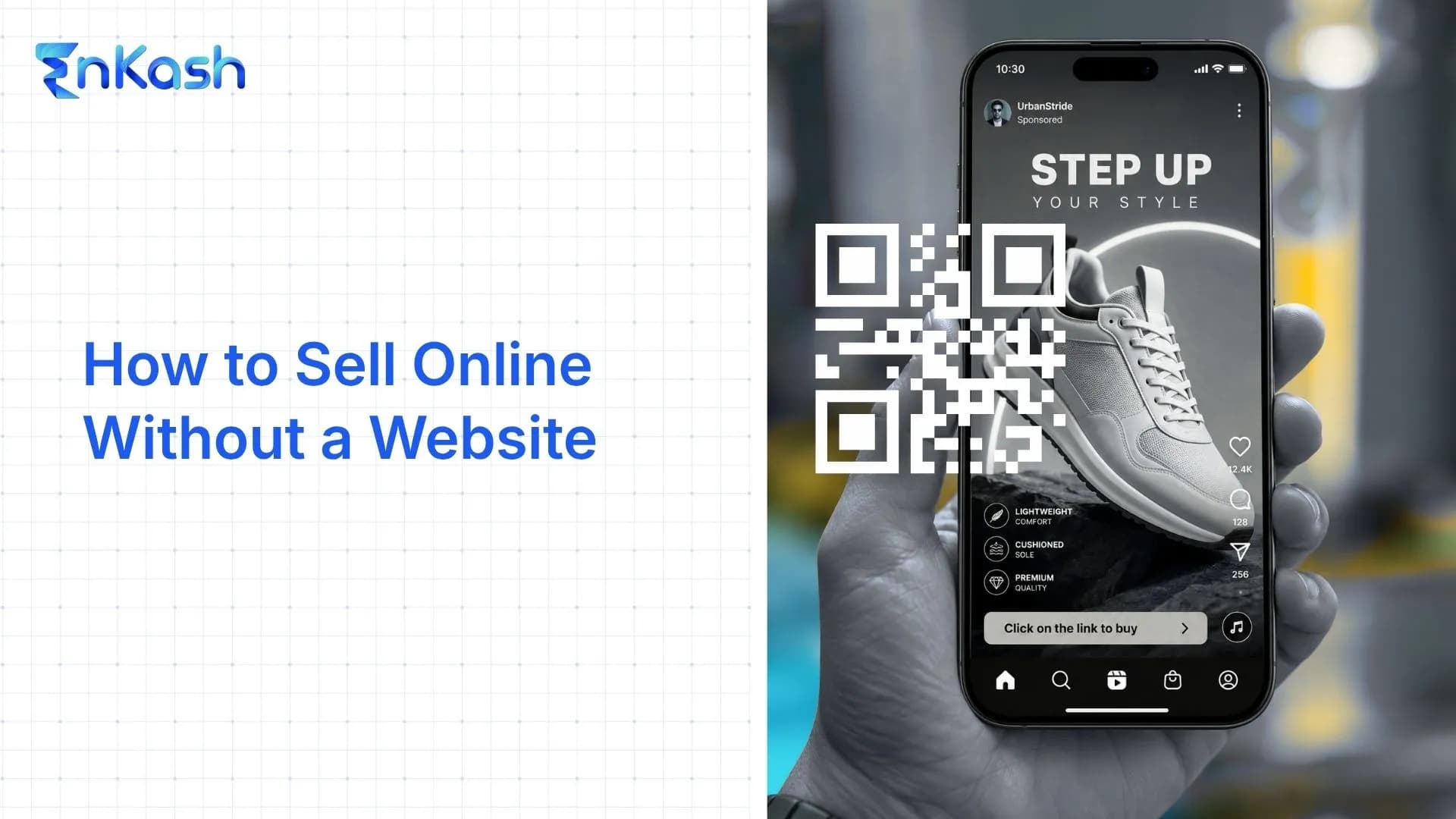
Selling online does not always require a website. If you have a small catalogue, sell a service, take bookings or are testing demand, a full ecommerce setup may be more than you need at the start.
You can use a link-in-bio store to display what you sell, a payment link to collect payment for a specific offer, and UPI to let customers pay directly from their preferred UPI app.
This gives creators and small sellers a simpler way to start selling online while keeping the buying process structured. Here’s how it works and when moving to a full website starts to make sense.
Can You Sell Online Without a Website?
Yes. You can sell online without owning an ecommerce website.
Depending on what you sell, you can use:
- Social media
- WhatsApp and other messaging apps
- Online marketplaces
- Payment links
- Hosted checkout pages
- Link-in-bio stores
Payment links, for example, allow merchants to create a hosted payment page and share it through social media, email or messages without building their own checkout page.
The right option depends on how many things you sell, how customers discover you and how much control you need over the buying experience.
What is a link-in-bio store?
A link-in-bio store is a hosted storefront linked from your social profile where customers can browse products or services and proceed to checkout. Depending on the platform, checkout may be built into the storefront or handled through an integrated payment page.
Bio-link tools originally solved a simpler problem. They gave creators one page where they could collect links to their website, social channels, videos or other content.
That format is expanding. Current link-in-bio platforms can include product listings, calls to action, lead collection, commerce features and analytics.
A useful way to think about it is as a portable storefront. The same store link can follow your audience across different channels.
Bio-link page vs link-in-bio store
| | Bio-link page | Link-in-bio store |
|---|
| Purpose | Routes people to other links | Sells directly |
| Checkout | Typically redirects to another destinationNone, sends you elsewhere | Built in |
| Payments | Handled off-page | UPI, cards on the page |
| Order details | Not captured | Captured at checkout |
| Fit | A creator sharing links | A seller taking orders |
What can you sell through a link-in-bio store?
Depending on the platform, payment provider and applicable rules, link-in-bio stores can be used to sell many physical products, digital products and services.
Physical products: A home baker sells cakes for pickup; a small label sells three T-shirt designs without opening a full store.
Digital products: A designer sells Notion templates or an ebook that delivers on payment, with no shipping to manage.
Courses and workshops: A yoga instructor sells capped seats to a weekend workshop.
Consultations and services: A tax consultant sells a paid one-hour session; a photographer sells a shoot package with a booking amount up front.
Appointments and bookings: A salon or clinic takes a slot and a deposit in one step.
Memberships and paid content: A writer charges monthly for a private community or a paid newsletter.
The seller changes, the mechanics don't. A creator sells a template, a consultant sells advice, a baker sells a cake, and all three collect payment on the same page.
How to set up a link-in-bio store without a website
The buying flow you're building is short: discovery → store → product or service → checkout → payment → confirmation. Each step below sets up one part of it.
Step 1: Decide what you want to sell
Pick a small, clear set to start. Two or three products or one service is enough. A short, well-described catalogue converts better than a long, vague one, and it's faster to test.
Step 2: Create your storefront
Choose a link-in-bio store tool and set up the page. Add your name, a short description of what you sell, and your logo or a photo. Keep the page easy to scan on a phone, especially when visitors are arriving from social media.
Step 3: Add products, prices and details
For each item, add a clear name, the price, at least one real photo, and a short description covering the obvious questions: sizes, delivery time, what's included. If a customer has to ask before buying, put that answer on the page.
Step 4: Set up payments
Connect a payment method so buyers pay on the page. For Indian customers, consider offering UPI alongside cards and netbanking so buyers can choose the payment method they prefer. This is the step that separates a real store from a page that still sends people to your DMs. Payment infrastructure like the EnKash payment gateway sits behind it, moving money and confirming it without you checking screenshots.
Step 5: Add delivery or fulfilment details
Say how the buyer receives what they bought. Shipping timelines and areas for physical goods. Automatic delivery for digital files. A confirmation and calendar step for bookings. Also state your refund and cancellation terms here, before anyone pays.
Step 6: Share your store link
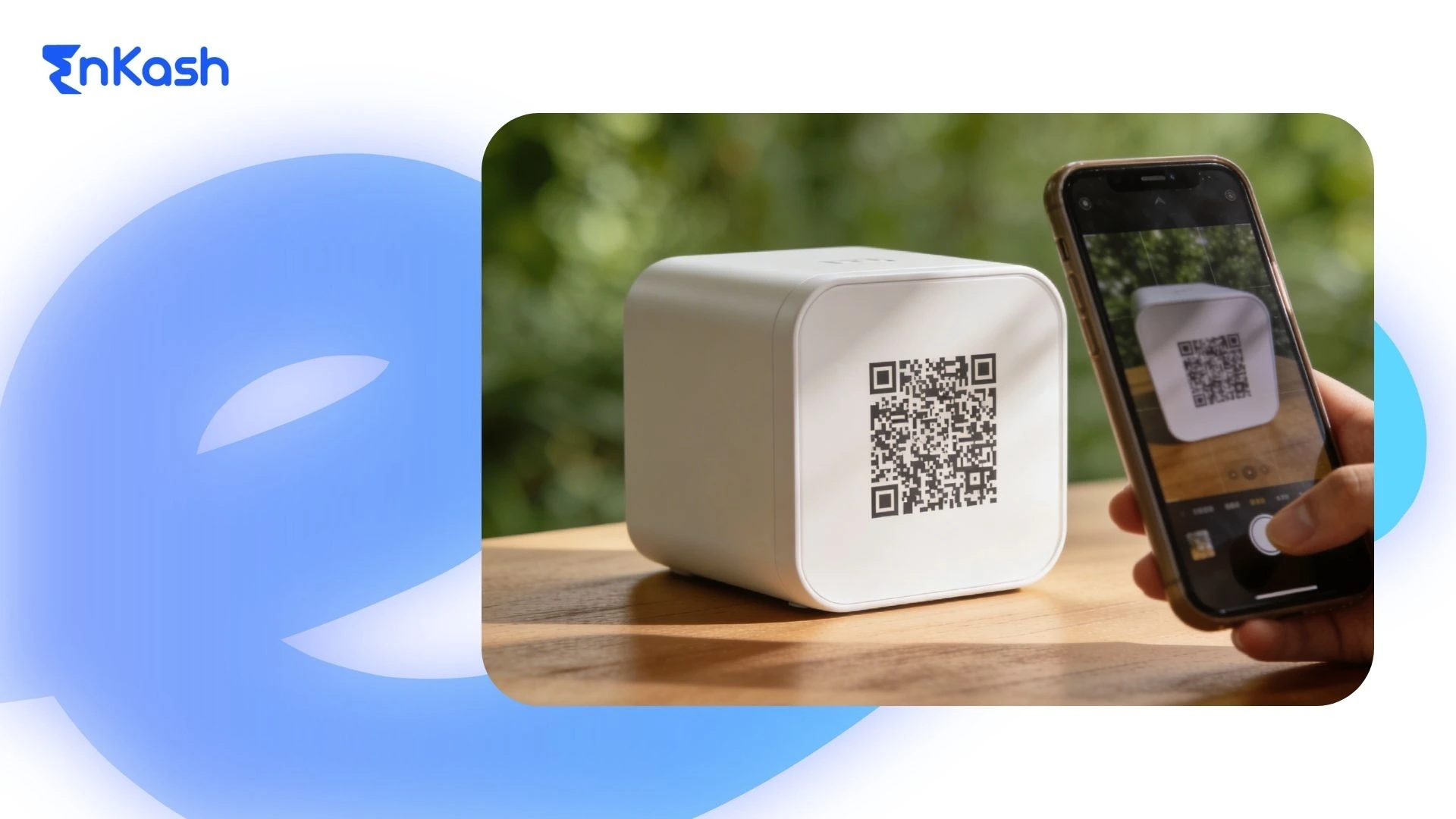
Put the link where your buyers already are. Instagram bio, WhatsApp status and chats, YouTube description, LinkedIn, X, and your email signature. A printed QR code works for a stall, a package insert, or a shopfront.
If most of your audience is on Instagram, this is how to sell on Instagram without a website: the store link goes in your bio, and stories or posts point to it. Instagram stays your discovery channel while the store handles the actual sale.
Step 7: Test the buying experience
Use the platform's test or sandbox mode if available. Before launch, also verify the complete mobile buying flow, payment confirmation and order details.
How Does UPI Work With a Link-in-Bio Store?
UPI can connect the checkout stage of a link-in-bio store with the payment apps customers already use.
A typical flow looks like this:
Customer selects product → Opens checkout → Chooses UPI → Completes payment → Seller receives payment confirmation
UPI is an instant payment system developed by NPCI and supports person-to-person and merchant payments.
For a small seller, the important part is the buying experience. The customer should be able to move from “I want this” to “I have paid” with as little friction as possible.
UPI ID vs payment link vs link-in-bio store
Pick based on how much you're selling, not on which feels newest.
| Option | Best when |
|---|
| UPI ID / QR | You occasionally collect simple direct payments |
| Payment link | You need to collect payment for one specific product or service |
| Link-in-bio store | You have several things to sell and want them in one place |
A UPI ID is fine for the odd payment. A payment link is right when there's exactly one thing to pay for. Once you're selling more than one item on repeat, a store stops you from rebuilding the sale every time.
Why DMs and UPI Screenshots Become Difficult as Orders Grow
Many small sellers begin with a perfectly workable process:
“Send ₹799 to this UPI ID and WhatsApp me the screenshot.”
For five orders, that may be manageable.
For fifty orders, the seller starts asking different questions.
Who made this ₹799 payment? Which colour did they order? Did this customer already pay? Was that screenshot for yesterday's order? Has the refund been processed?
The problem is less about accepting the money and more about connecting payment, customer and order information.
As order volume grows, relying entirely on chats and screenshots can lead to:
- Manual payment matching
- Customer details scattered across conversations
- Incorrect payment amounts
- Repeated payment confirmation
- Harder order tracking
- Manual refund follow-ups
- Poor payment records
A more structured checkout gives each transaction more context.
What should you look for in a link-in-bio store?
The store should let a stranger buy without messaging you. Judge it against that.
Look for clear product information and visible pricing, not "DM for price." Real images. UPI plus card and netbanking. Automatic payment confirmation to both sides. Customer and order details captured at checkout, not chased afterwards. A checkout that works smoothly on mobile, especially for traffic coming from social platforms. Basic analytics on views and sales. Enough branding control that the page looks like yours. And a clear place for refund and cancellation terms.
Link-in-bio store vs marketplace vs website: which one do you need?
| Factor | Link-in-bio store | Marketplace | Own website |
|---|
| Initial setup | Usually simpler | Usually simpler | Varies by platform |
| Traffic source | Primarily your audience | Marketplace + your own traffic | Primarily your own acquisition |
| Brand control | Limited to moderate | Limited | Highest |
| Customer-data access | Depends on provider | Usually platform-controlled | Usually greater direct control |
| Payment/transaction fees | Depends on provider | Depends on marketplace | Depends on gateway/platform |
| SEO control | Limited | Marketplace-controlled | Highest |
| Best suited for | Focused social selling | Marketplace discovery | Greater control and long-term organic presence |
Match the channel to your stage. Here's how the three compare on what usually decides it.A marketplace is worth it when you want reach and can accept a commission and less control over the buyer relationship. A link-in-bio store fits when you're starting, or when you sell a focused range and want the customer to stay yours.
A website earns its cost later, once specific pressures show up. Your catalogue has grown beyond what the storefront can organise and manage efficiently. You want full control over design, SEO, and the buying flow. You're spending on ads and need landing pages and tracking built your way. Or the brand has grown to where a rented page undersells it.
Until one of those is true, a website is effort spent ahead of need. Start where selling is fastest, and let the website be a decision you grow into, not the thing that delays your first sale.
Collect Payments Without a Website With EnKash Payment Links
If you have already agreed on the product, service or amount with the customer, you do not necessarily need to build a checkout page to collect the payment.
EnKash Payment Links let you generate a secure payment link and share it through WhatsApp, SMS, email or social media. Customers can open the link and pay using UPI, credit or debit cards, net banking, wallets and other supported payment methods. EnKash supports 100+ payment options through Payment Links.
The process is simple:
Create the link → Share it with the customer → Customer pays → Track the payment in real time
Merchants can generate Payment Links through the EnKash dashboard or APIs, while instant payment notifications help confirm when a payment has been completed. This makes them useful for invoice payments, course or registration fees, services, online orders and other cases where the customer already knows what they need to pay for.
For a seller who does not need a full storefront, a payment link can keep the last step of the sale simple: share the amount, collect the payment and track it without building a website or app.
Common Mistakes When Selling Without a Website
A simpler setup still needs to feel complete.
Avoid these common mistakes:
- Making customers DM you for basic product information
- Hiding prices
- Sending buyers through several disconnected links
- Depending entirely on screenshots for payment confirmation
- Adding unnecessary steps before checkout
- Leaving out delivery, refund or cancellation information
- Ignoring the mobile experience
- Failing to test the complete buying flow yourself
The easier it is for a customer to understand the offer and complete the purchase, the less work you have to do manually.
Conclusion
You don't need a website to start selling. You need a page where someone can see what you're selling, trust it enough to buy, and pay you without messaging back and forth. A link-in-bio store with UPI checkout does that today, at a fraction of the effort. Start selling, and let the website wait until your catalogue or your ad spend actually forces the question.
FAQs
Can you sell online without a website?
Yes. Instagram, WhatsApp, marketplaces, payment links and link-in-bio stores all work without one. The store gets you closest to a real shop, because people can browse and pay on the same page instead of messaging you to place an order.
How can I sell on Instagram without a website?
Put a link-in-bio store link in your bio and send people to it from posts and stories. Instagram does what it's good at, getting you found, while the store handles the browsing and the payment.
Can I accept UPI payments without a website?
Yes. You can accept UPI without building a website through options such as UPI QR codes or payment links from providers that support UPI. Some link-in-bio storefronts can also offer UPI when their connected payment provider supports it
What's the difference between a payment link and a link-in-bio store?
A payment link is for one thing at a time: one item, one amount. A store holds your whole range in one place with a checkout, so you're not generating a fresh link every time someone wants to buy something different.
Can I sell products through WhatsApp without a website?
Yes, and you're better off sharing a store link on WhatsApp than running the sale inside the chat. Chat scatters orders, amounts and addresses across messages; a store keeps them together.
Is a link-in-bio store better than a website?
A link-in-bio store can be a better starting option when you have a focused catalogue, and most of your customers come from social or messaging channels. A website becomes more useful when you need stronger SEO, deeper customisation, more integrations, or greater control over the buying experience.
Do I need an ecommerce website to start selling online?
No. Start with a link-in-bio store and UPI, make some sales, and build the website when your catalogue size or growth calls for it, not before.