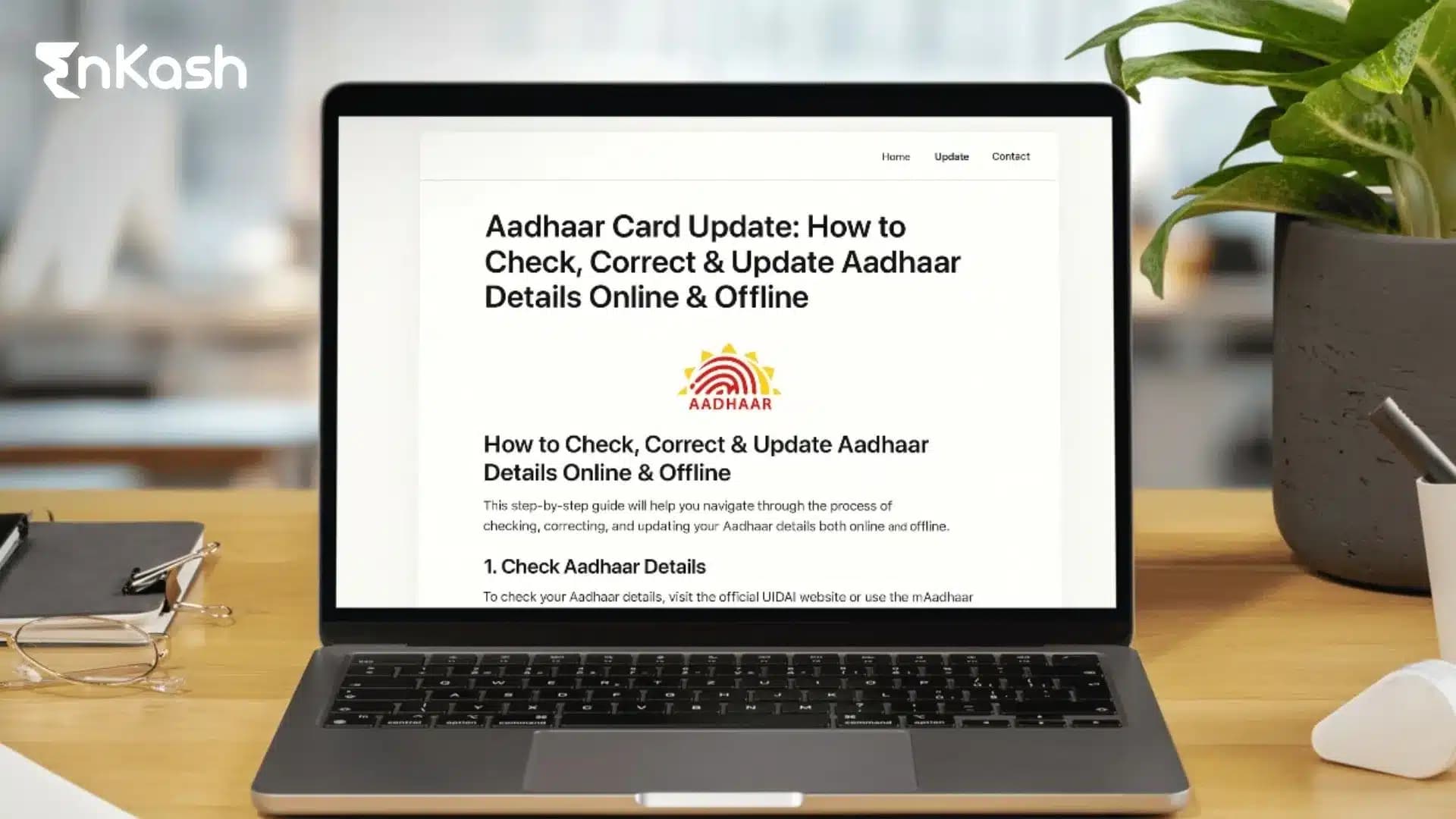
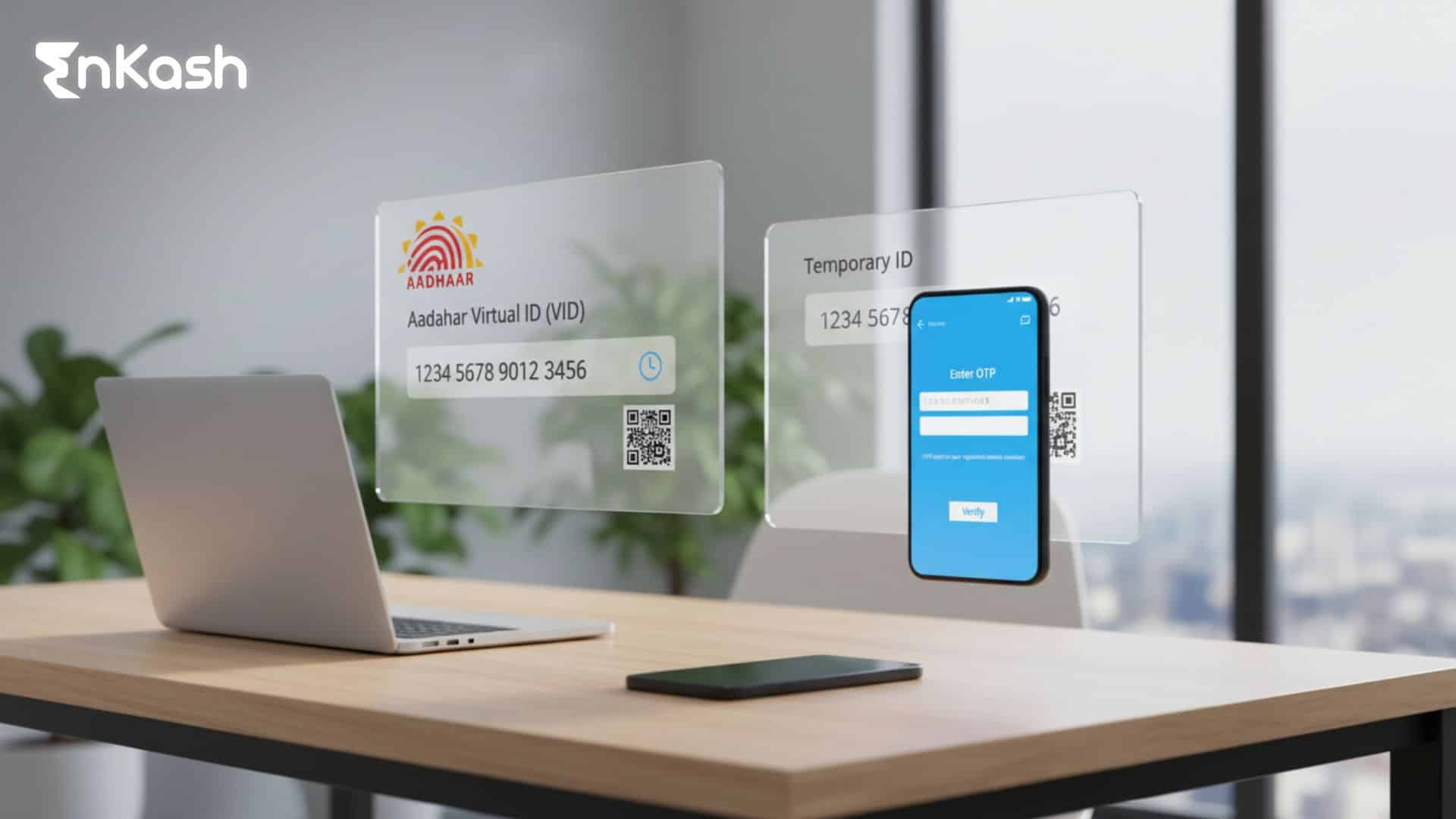
Aadhaar shapes much of daily life in India, and its value becomes clear each time a service asks for identity proof. People use it for banking checks, mobile connections, travel entries and different public services that rely on clear records. When any detail shifts, even something simple like a new address or a name correction, the need for accuracy grows stronger, and updating Aadhaar ensures your identity records remain accurate.
A smooth update process matters because it reduces confusion for residents who want clarity rather than long trails of paperwork. Digital steps support those who prefer quick access, and in-person guidance helps people who trust face-to-face support. The journey feels manageable when users sign in, upload the required documents, submit their request, and later review the Aadhaar card status to see how far the update has progressed.
myAadhaar: Overview
The myAadhaar platform gives residents a simple way to view and manage their Aadhaar details without heavy steps or long waits. Every section inside the portal guides users through tasks that support identity checks, from basic profile reviews to more detailed updates that influence how banks, telecom operators and service providers verify information. The portal provides a guided and structured user experience, which helps people trust the flow even when they are handling sensitive changes.
Users can download their Aadhaar letter, track authentication history, request corrections and review past submissions with clear sections that help users navigate updates easily. The structure feels familiar after a single visit, and that helps people who want steady access rather than scattered instructions. This environment supports smoother decisions whenever someone plans an Aadhaar card update, submits documents, or checks the Aadhaar card status for confirmation.
What is Aadhaar Card Update and Why It Matters
An Aadhaar card update helps residents correct details that no longer match their current records, and the process feels far more useful when people understand what it actually covers. The update system manages both simple and detailed changes, allowing users to keep their identity information aligned with official documents used across banks, mobile operators and public services. A shift in address, a change in spelling, a corrected date of birth or a refreshed photograph can influence everyday verification, so timely updates create a sense of stability.
The system supports digital submissions for straightforward changes, and it guides residents toward an Aadhaar centre when a task requires biometric checks or deeper review. Each request follows a structured path that blends personal data, document checks and status tracking. This mix helps people know what to expect before they start, which reduces confusion when they submit forms or later track the Aadhaar update status through the portal. Every stage aims to keep information accurate so future checks feel clear rather than uncertain.
Read More: How to Download Aadhaar Card?
Details You Can Change in Aadhaar in 2025
Aadhaar supports structured changes that help maintain accurate identification, and the following list highlights what users can update in 2025:
Name Update
People update their names when documents reflect a revised spelling or an approved legal change. This correction supports identity checks across services.
Address Update
Users shift their address details when they relocate or need records that match valid proof of residence. This update supports delivery, banking and verification needs.
Date of Birth Update
Residents correct their date of birth when older documents carry inaccurate information. This step influences financial eligibility checks and service verification.
Gender Update
Gender details can be updated to reflect accurate documentation presented during verification.
Mobile Number and Email Update
Users revise contact information to ensure they receive timely authentication messages and alerts linked to their Aadhaar profile.
Biometric Update
Fingerprints, iris scans and photographs are refreshed through authorised centres. These updates strengthen identity checks where physical confirmation is required.
Read more: What is NPCI? Services of the National Payments Corporation of India
How to Update Aadhaar Online?
People can complete address and document updates through the myAadhaar portal, and the steps below show how the digital process works:
- Sign in to the Portal
Users visit the myAadhaar website, enter their Aadhaar number, and receive a secure one-time password that allows access to the dashboard. The layout introduces each service with clear labels that help people choose the right update section.
- Select the Update Service
The update menu displays options for address and document-related changes. For other demographic details such as name, date of birth or gender, users are guided to visit an authorised Aadhaar centre.
- Upload Supporting Documents
Users submit scanned copies of proof that matches the update they are requesting. The portal accepts clean, legible files, and the preview feature helps people verify clarity before moving ahead. This step plays a key role in processing changes such as an Aadhaar card address change online or any other address-related update. .
- Submit the Request and Save the Update Number
After reviewing the information, users submit the form and receive a reference number (such as a URN or SRN). This number helps them return later and check progress through the Aadhaar update status page.
How to Update Aadhaar Offline?
People who want in-person assistance can complete their updates through an authorised Aadhaar centre, and the steps below outline how the offline process works:
Locate the Nearest Centre
Residents can use the official locator to find the nearest Aadhaar centre, which lists authorised centres across cities and rural areas. The map helps users choose a centre that feels convenient, and each location follows a standard process for identity updates.
Staff members guide visitors through the updated form that matches their request. People submit documents that support changes such as name corrections, address shifts or contact updates. Clear paperwork helps the system verify information without unnecessary delays.
Complete Biometric Updates When Needed
Some updates require fingerprints, iris scans or a fresh photograph. These tasks happen at the Aadhaar centre, where trained operators capture details with certified equipment. This step supports verification for changes that rely on accurate physical records.
Submit the Request and Keep the Reference Slip
After completing the form and biometric checks, residents receive a reference slip with their updated number. This slip helps them track progress and later review their submission through the Aadhaar card status section on the portal.
Read more: What is Udyam Registration? Eligibility and Step-by-Step Process for MSMEs
How to Check Aadhaar Card Update Status?
A simple tracking path helps users monitor their request, and the sections below describe how to check Aadhaar status at any stage:
Track Using the Update Number
Users enter their reference number on the tracking page and receive a clear view of the Aadhaar card status linked to their request. The panel displays messages that guide them through each stage, which turns a quiet wait into a more predictable experience. People return to this page whenever they want to check Aadhaar status or look for fresh updates.
Use the Service Number When Provided
Some online update requests generate an SRN (Service Request Number), which can also be used for tracking along with the URN. Residents enter the digits on the portal, and the screen reveals whether their submission has moved into review or reached a later phase of verification. This path helps people who want to check Aadhaar updates without relying on a single reference slip.
Understand the Status Messages
The portal displays simple messages that reflect progress, such as received, under review, processed, or rejected, depending on the update stage. Each message helps users decide when to revisit the page to check Aadhaar update status, which keeps expectations grounded.
Steps to Take When the Status Stalls
There are moments when a request stays in review for longer than expected. Residents wait a little, revisit the tracking page, and look for fresh movement. If the message does not shift, users contact the support team listed on the official portal. This helps them understand what slowed the Aadhaar update status, and the guidance they receive usually clears the path.
Aadhaar Address Change: Rules and Document Requirements
An address update becomes necessary when someone moves to a new place, and the sections below show who can apply and which documents support the request:
Who Can Change the Address
People request a change when they shift homes, take a rented space or need records that match recognised proof. The system accepts requests from residents with a linked mobile number and valid evidence of residence, which supports smooth verification across services.
Documents Required for Address Change
Users submit clear proof such as a bank statement, a recognised government document, a verified rental agreement, or a utility bill that reflects their current location. The portal also supports a validation route for those who rely on an address verifier, which helps them complete the Aadhaar card address update without confusion.
How to Find an Aadhaar Centre Near You?
People who want guided support search for a nearby location, and the following steps show how to identify an authorised centre with ease:
Residents enter their district or postal details on the search page to find the nearest Aadhaar center. The list displays active locations along with a map view that helps users understand distance before planning the visit.
Check Centre Services and Timings
Each listing shows available update services, timings and capacity markers, which help residents choose the right Aadhaar centre for their requirements.
Verify Identity Requirements Before the Visit
The portal highlights required documents, and residents review the list before travelling, which helps them complete updates without repeat visits.
Also read: What is Risk-Based Authentication and How Does It Work
Aadhaar Update Processing Time and Validity
An update feels easier to manage when people understand the timing, and this section explains how the process usually moves.
Most demographic updates move through the system in a short review period. The portal shows progress through clear messages, and these messages help residents understand each step without stress. Some requests finish faster when documents are clear and easy to verify. Other requests take a little more time when the system needs extra checks.
Biometric updates take longer because they require in-person capture and additional backend verification. The system reviews these details with care, and each scan must match the resident’s records before the update moves forward.
Updated information is shared with banks, telecom operators, and other services after UIDAI completes verification. These services reflect changes based on their own update cycles. People return to the portal to check their Aadhaar update status and use the updated details once the request is marked as ‘processed’.
In Summary
Aadhaar works smoothly when personal details stay accurate, and this makes each update worth completing with care. People choose the online path or visit a centre based on what feels easier, submit clear documents, and follow the steps at a steady pace. Each request moves through checks that protect identity records, and residents return to the portal to view their progress through the Aadhaar card status page. This approach creates a reliable way to complete an Aadhaar card update, maintain correct information, and support everyday verification across different services.
FAQs for Aadhaar Update
1. Can I update Aadhaar details if my mobile number is inactive?Yes, you can update your details, but the method changes. The online route requires an active number for portal access. If the number is inactive, residents visit an authorised centre, complete verification and then track the request through the Aadhaar card status page.
2. How can I check if my Aadhaar update reached the review stage?Residents open the tracking page on the portal and enter their reference number. The screen displays simple messages that show whether the request has moved into review or remains under submission. This helps people understand progress before the final Aadhaar update status appears.
3. What should I do if my Aadhaar update gets rejected repeatedly?Repeated rejections usually point to document issues or mismatched information. Residents review their proof, match spellings and ensure clarity in scanned copies. If the problem continues, visiting the Aadhaar centre helps, as staff members guide users through the correct format and verify details in person.
4. Can I update my Aadhaar details when I am temporarily living at another address?Yes, residents can update their address when staying at a different location, as long as they hold valid proof that supports the request. People who rely on someone else for verification may also use the validation option provided on the portal for a smooth Aadhaar card update.
5. Does an Aadhaar update affect linked bank or telecom services right away?The update does not reflect instantly. Banks and telecom operators receive the revised information after the system completes its internal sync. Residents can return to the portal, check their Aadhaar card status, and wait for confirmation that the new details are ready for verification across services.
6. How can I confirm that my biometric update has been accepted?Biometric updates take longer to review since they rely on precise identity checks. After completing the process at a centre, residents track the request through the portal. The Aadhaar update status message will show when the scan has been approved and is ready for use.
7. Can I complete an Aadhaar update for a family member?Adults complete their own updates since the system verifies personal information directly with the resident. For children, parents guide the process at the Aadhaar centre, submit the required proof and follow the same tracking steps to review progress through the Aadhaar card status page.