There's a reason crochet process videos get watched on loop: the steady hook, the yarn looping into neat stitches, a flat circle slowly becoming a tiny frog. They're calm, hypnotic, and just a little bit magical. But filming your own hands for hours, in good light, from a good angle, is a lot to ask in the middle of a project.
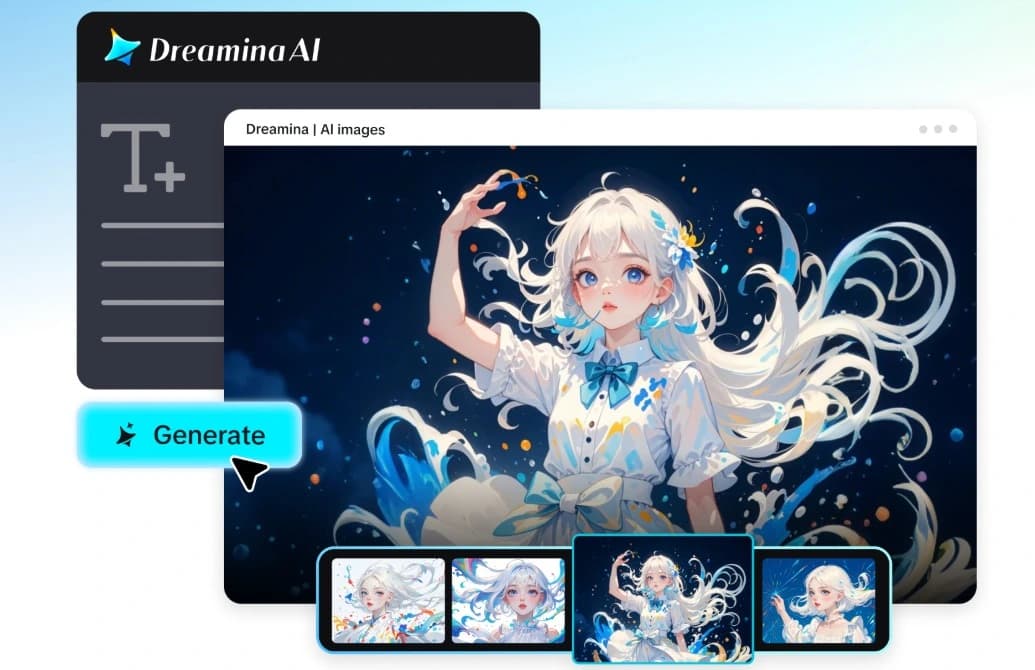
With image to video by Dreamina, you can turn photos of your work into short, satisfying process clips. Dreamina with Seedance 2.5 brings movement, and you control the mood.
Here's how to photograph your stages, write the prompt, and assemble a reel that crafters will save.
Why process videos soothe people
Watching someone make something is relaxing because the outcome is certain and the steps are small. The same rhythm repeats, and your brain relaxes into it. Add soft lighting, gentle sound, and close-ups of texture, and you get a clip that feels like a deep breath. For makers, these reels also build trust. They show the time and skill behind each piece, which helps explain why handmade work is worth what it costs. Short clips also work beautifully as looping backgrounds.
Photographing each stage
Take a photo at a few key moments in the project:
- The beginning: yarn, hook, and a first few stitches
- The foundation: the first rounds taking shape
- The shaping: the piece becoming recognizable
- The finishing touches: eyes, details, or edging
- The finished piece: styled in a pretty setting
Use the same angle and background for each photo so the clips match
Stitch the reel in three Dreamina steps
Step 1: Add the reference image and create the prompt
Log into Dreamina, click on the AI Video tab, and click "Add reference image," then add one of your stage images. Write the description for motion and things to include.
One of the assignments to do for 30 seconds could be: Bring the picture of crochet that was uploaded to life in a 30-second video. Preserve the soft green thread, half-made crocodile, and cream-colored linen background in their original positions as they appear in the image. The hook passes the yarn through the loop in a rhythmical way, the material stretches slightly, the window light changes, and the camera slowly zooms in. Make sure that the prompt contains only one action.
Step 2: Make the video
Launch Seedance 2.5, set up the duration of the video and select aspect ratio 16:9 for YouTube or 9:16 for TikTok. Press Dreamina's icon and wait till it is processed completely. Vertical format is suitable for craft reels since all viewers use mobile phones to watch videos.
Step 3: Refine and export
Refine the video using the editing instruments provided by Dreamina. There are two useful options: the upscale option and the soundtrack option. Export and share your video clip. Follow these steps for all the stage photos, and then arrange the clips in order. If the texture is too smooth, point out the fluffy cotton texture.
What Seedance 2.5 does for yarn and hands
Crochet is pure texture and small movements, and some improvements in Seedance 2.5 will be useful.
Texture that feels physical
The reduced artificial look helps yarn fibers and stitches look soft and tactile instead of smooth and plastic. That softness is what makes viewers want to touch the screen.
Hands with guided motion
References using green screen and block-out techniques can help to indicate where the hands will come into contact with the object.
Steady frames from start to finish
Better consistency keeps the piece's shape and color stable across a clip.
Subtitles and random music are excluded from this production, allowing you to include sounds such as that of the hook clicking.
Describing hands and yarn
Keep the movement small and repetitive because that’s the reason the video is so pleasurable. Refer to the pull, loop, and rhythm, "steady, gentle pull, " "yarn looping smoothly, " and "slow and even pace." Don't include quick or complicated hand movements because it distorts the clip. Indicate the yarn type and texture to ensure they are maintained by the model.
Building a process arc
A good process reel tells a tiny story: start, middle, finish. Use your stage photos in order, and give each clip about five to eight seconds. Match the lighting and framing across them so the clips look like they belong together. End with the finished piece in a pretty setting, perhaps with a gentle zoom out. Keep the soundtrack soft and steady. The rhythm of the edit should feel as calm as the craft. Try labelling each stage with a tiny caption.
Be honest about the process
If you sell your work, be clear about what's real. Label animated clips as stylized, and share genuine photos and videos of your actual work, too. Don't use generated footage to suggest techniques or materials you didn't use. Customers value honesty, and handmade work is built on trust. Enjoy the creative freedom, but keep the facts accurate whenever money is involved. A short note in the caption is enough.
Let your stitches move
Process reels turn quiet craft into something people love to watch. A few photos you already have can gain rhythm, and Dreamina with Seedance 2.5 makes the whole thing quick. Pick one stage of your current project, upload it, and write a gentle prompt. Your next piece might be watched by thousands.
Disclaimer: This article is a guest contribution. The opinions and views expressed are solely those of the author and do not necessarily reflect the views, policies, or position of
EnKash.