What Is a Utility Bill in India and What Does It Include
A utility bill is a record of the services a household or workplace uses during a billing cycle. It helps you understand what you consumed, how much you owe, and when the payment is due. People who ask what is utility bill payment is? usually want clarity on the role these bills play in daily routines. The idea is simple once you break it down.
Each service provider shares a monthly statement. This may be your electricity board, water department, piped gas company, broadband service, or your mobile postpaid operator. Every bill carries details that help the system identify your account. The utility bill includes information such as your consumer number, billing period, connection type, breakdown of charges, current reading, previous reading, and the total amount payable. These details help you verify the accuracy of the charges before you complete the payment.
A recent utility bill is usually needed when you pay online because it shows the correct amount and confirms your account identification. Most digital wallets fetch the bill automatically once you enter your consumer number. This reduces errors and saves time. It also helps keep payments smooth, as the app displays the exact dues for the current cycle.
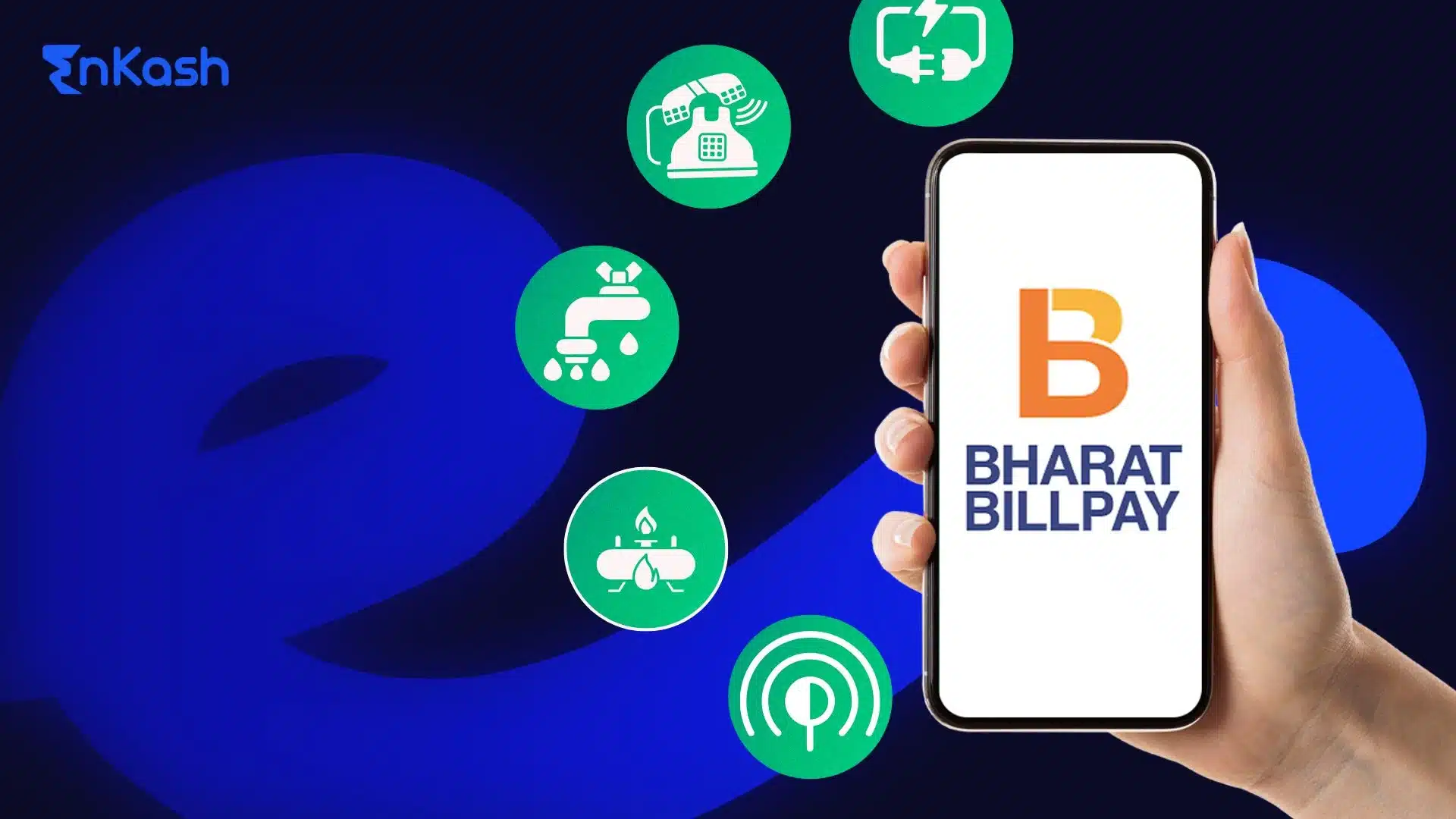
The list of utility bills in India covers services that most homes rely on. Electricity charges from state boards, water charges from municipal bodies, piped gas readings in cities, broadband renewals, and television subscriptions all fall under utility expenses. These bills support everyday life and remain essential for running a home or a workplace without interruptions.
Understanding the structure of a bill helps you manage it with confidence. Once you recognise the layout and details, paying through a wallet feels straightforward. It also becomes easier to track your expenses across months.
Pay Utility BillWhich Utility Bills Can You Pay Online in India
People pay several monthly charges to keep their homes running. Digital platforms bring all of these into one place, which lets you manage every utility bill without stress. The experience feels smoother because the app fetches your details, shows the amount due, and records every payment in a neat timeline. Below are the services that can be settled online.
Electricity Bills
An electricity utility bill can be paid online through almost every major digital wallet. You enter your consumer number, the app retrieves the dues, and you complete the payment within a few steps. This removes any confusion around dates or readings because the platform shows the exact amount drawn from the provider’s system.
Water Supply Bills
Homes that receive piped water from the local department can clear their charges online. The app displays the bill period and total amount, allowing you to pay without depending on physical documents. This also helps when your recent utility bill is not easily available.
Piped Gas Bills
Cities with piped gas networks allow residents to settle their bills digitally. Once your account number is added, the app fetches the current cycle’s charge and updates your payment history automatically.
Broadband and Internet Bills
Most broadband operators support digital payments for their monthly plans. This keeps your internet active without any delay, and the wallet records each cycle, which helps you track usage and spending.
Television and Digital Cable Bills
Cable and direct-to-home services appear under utility categories in many wallet apps. You can renew your subscription in a few steps and avoid interruptions in service.
Mobile Postpaid Bills
Mobile postpaid accounts can be added in the same app you use for utility bill payments. This brings all your monthly expenses together, making it easier to plan your budget and avoid missed due dates.
Why Digital Wallets Are Becoming a Preferred Way to Pay
Utility Bills in India
Digital wallets changed the way people manage utility bills in India. They make the process clear, quick, and reliable. Each advantage plays a role in helping families and individuals shift away from cash counters and paper slips. The reasons below explain this change in a structured way.
Convenience for Everyday Payments
The layout of wallet apps feels simple. You can settle an electricity utility bill, a water connection charge, or an internet renewal from the same screen. The app lists every supported service, which saves time and reduces confusion. This matters for people who handle multiple utility bill payments every month.
Secure Transactions and Instant Confirmation
Security is a major reason people trust wallets. Every payment requires a secure code, and an instant message confirms the transaction. This creates a clean record for recurring bills and removes stress around missed payments. It also helps when you rely on a wallet to manage your recent utility bill.
Automatic Fetching of Bill Details
Once your account number is added, the app retrieves the amount for the next cycle. This helps users who want a smooth and predictable experience. The platform displays the billing period, total due, and service provider details, which makes how to pay utility bills online feel simple.
Rewards and Practical Benefits
Many platforms offer small reward points or credits when you pay utility bills with a wallet. These benefits apply to payments you make regularly, which encourages continued use and builds a habit around digital transactions.
Easy Learning Curve for New Users
People who are new to online payments adjust quickly. The steps stay similar across all bill types, so the process remains easy to remember. This helps anyone who wants clarity about what is utility bill payment is without dealing with complex steps.
What You Need From a Recent Utility Bill Before Paying Online
A recent utility bill helps you complete your payment without errors. It shows all the details needed by digital platforms to identify your account and pull the correct amount due. Keeping it ready makes the experience smoother and more predictable.
Below are the details you check before starting the payment:
- Consumer or account number
This number appears on every utility bill. It links your connection to the provider’s system and helps the app fetch your dues.
- Billing periodThis section shows the dates for which the charge was calculated. It helps you confirm that the amount fetched by the wallet matches the current cycle of your utility bill payments.
- Total payable amount
This is the amount you must clear for the present cycle. The app should display the same figure that appears on your physical or digital bill.
- Due date
This helps you avoid late charges and plan your payment before the deadline.
- Reading or usage details
Some bills show current and previous readings. These help you verify that the charge is accurate.
- Service provider name
It confirms that the bill belongs to the correct board, department, or company.
- Name and address
These details help you confirm that the bill is assigned to the correct property.
What Wallet Setup and Security Steps Are Required Before
Making Utility Bill Payments
Digital wallets help people settle a utility bill safely and without extra effort. The setup process is simple when you follow the steps in order. Each part builds a secure base for future payments and keeps your information protected.
Creating Your Wallet Profile
The first step is setting up your profile with accurate personal details. Your mobile number, identity information, and name must be correct. A complete profile helps the platform confirm your identity and prepare the account for smooth utility bill payments.
Completing the Verification Process
The verification flow inside the wallet unlocks all features needed for bill payments. Once your identity is confirmed, the app allows you to add payment methods and continue with services linked to your home or workplace.
Adding Your Payment Sources
You can link your bank account or add a balance to the wallet. Both options make it easy to pay utility bills with a wallet whenever a new bill arrives. The payment method you choose depends on your comfort and the type of bill you manage every month.
Setting Up Security Controls
Security settings protect every transaction. You create a personal code to approve payments, and the app sends alerts after each transaction. These alerts help you review your activity and confirm that your recent utility bill was settled correctly.
Checking Your Wallet History
Most wallets show a detailed record of past payments. This helps you track expenses, understand patterns, and learn how the platform handles each step. The history also guides new users who want clarity around what utility bill payment means and how the system stores every transaction.
How to Pay a Utility Bill Online Using a Digital Wallet
Paying a utility bill through a digital wallet is a simple process when you follow each step carefully. The flow stays almost the same across electricity, water, gas, broadband, and television services. The steps below help you understand how to pay utility bills online without confusion.
Open the Wallet App and Select the Bill Payment Section
Begin by opening your wallet app. Look for the section that handles utility bill payments. This section usually lists different services such as electricity, water, gas, internet, and television. The categories are displayed clearly so you can pick the one linked to your home.
Choose the Service You Want to Pay For
Select the correct category. If you need to clear an electricity utility bill, tap on the electricity option. If you want to settle your internet or water charges, pick the matching service. This step helps the app connect with the provider responsible for your bill.
Enter Your Consumer or Account Number
Type the number shown on your recent utility bill. This number is unique to your connection. Once entered, the app fetches your current dues. The amount displayed should match the bill you have. This helps you confirm that you are paying for the correct account.
Review the Amount and Billing Details
Check the total amount, billing period, and provider name. This quick review helps you ensure everything is accurate. These details also guide users who want clarity around what is utility bill payment is and how the digital system pulls billing information.
Choose Your Payment Method
You can complete the payment through your linked bank account, wallet balance, or saved card. When you pay a utility bill with a wallet, the process feels quick because the app takes you straight to the confirmation screen.
Approve the Payment Securely
Enter your secure code to finish the transaction. The app sends a confirmation message once the payment is complete. This message tells you the payment was successful and stores the receipt automatically for future reference.
Save the Biller for Future Payments
Most wallets let you save the biller. This helps you clear future dues without entering details again. It also reduces the chance of mistakes and makes every cycle simple to manage.
How to Pay a Utility Bill With a Credit Card Through a Digital Wallet
Some people prefer using a credit card for monthly expenses because it gives flexibility. Digital wallets make this easy by letting you settle a utility bill through the card you already use. The process is simple when you follow each step carefully.
- Add Your Credit Card to the Wallet
The first thing you do is add your card details inside the wallet. This connects the card to your account and prepares it for future utility bill payments. The details remain protected behind secure authentication, so you can pay without hesitation.
- Select the Utility Service You Want to Pay For
Choose the service linked to your home or workplace. If the payment is for an electricity utility bill, tap the electricity category. If it is for water, gas, broadband, or television, pick the matching service. The wallet then reaches your provider and shows your current dues.
- Enter Your Consumer Details and Verify the Amount
Type the consumer or account number from your recent utility bill. This helps the wallet fetch the correct amount from the provider. Check the total displayed before moving ahead.
- Choose the Credit Card as Your Payment Option
Select your credit card on the payment screen. This step completes the requirement to pay utility bills with a credit card through your wallet. The wallet shows the final payable figure before you approve it.
- Confirm the Payment and Save the Receipt
Approve the transaction using the secure code linked to your card. The wallet instantly shares a success message and stores the receipt. This record helps you track your card expenses and maintains clarity for the next cycle.
How Wallet Apps Help You Automate Utility Bill Payments and
Track Billing History
Digital wallets make it easy to manage every utility bill you handle each month. The features inside these apps help you stay ahead of due dates, reduce mistakes, and maintain clear records. These tools guide you through each cycle without effort and keep your bill information neatly organised.
Setting Up Bill Reminders for Every Cycle
Wallet apps allow you to turn on reminders for all your monthly bills. Once the reminder is active, the app sends a message before the due date. This helps you stay updated and prevents delays when handling utility bill payments.
Using Auto Pay to Clear Bills on Time
Some wallets offer an auto-pay feature. When this is enabled, the app clears your dues automatically as soon as the amount appears for your connection. This helps users who want a smooth process and do not want to check their recent utility bill manually each month.
Saving Multiple Billers in One Place
You can save all your service providers inside the wallet. This removes the need to re-enter account numbers every time. It also helps when you handle electricity, water, gas, internet, and television bills together.
Viewing Your Complete Payment History
Wallet apps maintain a clean record of all past payments. This includes the date, amount, and service provider. These entries help you review your expenses and understand how each utility bill was handled across different months.
Conclusion
Managing a utility bill from home has become a simple experience for most people in India. Digital wallets allow you to view charges, confirm details, and clear the amount in a few steps. The process removes confusion and brings clarity to every cycle. When you understand what is utility bill payment, the steps feel even easier because the app shows the amount due, the billing period, and the service provider in one place.
People can settle different utility services without moving between platforms. Electricity, water, gas, internet, and television payments all stay organised under one screen. This structure makes utility bill payments predictable and gives you a clean record for future reference. You can review your recent utility bill, choose your payment method, and complete the transaction without stress.
Digital wallets continue to grow because they support daily routines and reduce the effort needed to handle monthly expenses. With each cycle, the experience becomes smoother, and the platform guides you with reminders, clear receipts, and secure approval steps. Paying a utility bill online now feels natural for families, individuals, and small offices across the country.
FAQs
1. What is utility bill payment in India?A utility bill payment covers charges for services used in a home or workplace. It includes electricity, water supply, piped gas, internet, mobile postpaid, and television. When you pay digitally, the wallet displays the amount due, the billing period, and the service provider so the entire process stays clear and easy to understand.
2. How to pay utility bills online using a digital wallet in India?You can complete a utility bill payment online by opening your wallet app, choosing the service you want to pay, and entering the consumer number shown on your recent utility bill. The app fetches the dues and lets you confirm the payment through your preferred method. The receipt appears instantly after approval.
3. Can I pay my electricity utility bill through a digital wallet?Yes. Every major wallet app in India allows you to settle an electricity utility bill. You select the electricity category, enter your consumer number, check the displayed amount, and complete the transaction. The wallet records the payment and stores a receipt for future reference, which helps keep your monthly expenses organised.
4. What does a utility bill include and why is it important?A utility bill includes details such as account number, billing dates, usage readings, total amount, due date, and service provider information. This layout helps you confirm that every charge is correct before paying. These details also guide digital platforms when they fetch the right amount during utility bill payments.
5. Can I pay utility bills with a credit card through a wallet app?Yes. Many platforms allow you to pay utility bills with a credit card after adding your card inside the app. You select the bill, enter your consumer number, and choose the card as the payment option. The wallet completes the transaction securely and stores the receipt for your records.
6. How does a wallet fetch my utility bill amount automatically?Digital wallets connect with service providers through verified channels. When you enter the account number from your utility bill, the app identifies your connection and retrieves the current dues. This reduces errors and helps users who want a simple way to check their amount before paying.
7. Is it safe to pay utility bills through a digital wallet in India?Yes. Wallet apps follow strict security steps to protect every utility bill transaction. You approve payments through a secure code, and the app sends alerts after each transaction. These steps create a solid record and help you track your monthly expenses without worrying about safety.
8. Why did my digital utility bill payment fail?A payment may fail if the consumer number is incorrect, the network is unstable, or the payment method does not have enough balance. When this happens, the wallet usually reverses the amount automatically. You can check your recent utility bill again and start a fresh attempt once the issue is resolved.
9. What types of utility bills can be paid online in India?Digital wallet apps support a wide list of utility bills, including electricity, water, piped gas, broadband, mobile postpaid, and television. Each service appears in a separate category so you can find your provider easily. This brings all household payments into one organised platform.
10. How can I download a receipt for my completed utility bill payment?After you finish a utility bill payment, the app stores a digital receipt inside the history section. You can download it as a file or keep it saved inside the app. These receipts help you track your payments, verify past entries, and maintain clear financial records throughout the year.