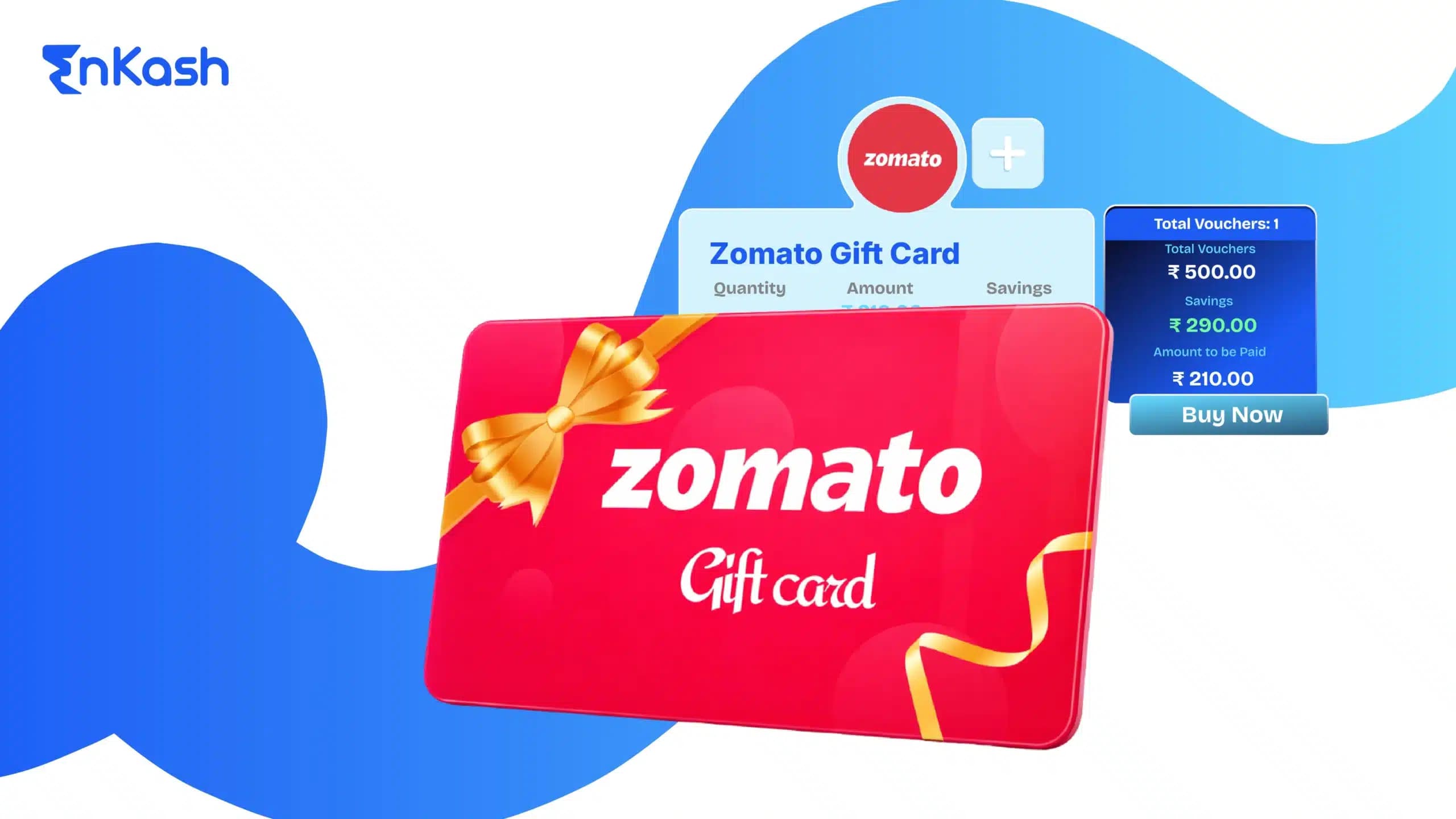
Zomato gift cards are commonly used across India for food delivery and dining payments. However, the steps involved in purchasing, adding, and using them are not always clear. Users often face questions around where the balance gets added, how the redemption flow works, and how gift cards apply alongside other payment methods. This blog covers the complete flow, including how to buy a Zomato gift card, add it to your account, and redeem the balance correctly on the Zomato app.
What is a Zomato Gift Card
Zomato gift cards come in various denominations and are primarily purchased online through authorised digital platforms. They offer a convenient way to pay for food orders and in-restaurant dining on the Zomato platform.
Before Redeeming a Zomato Gift Card:
Ensure you have the gift card details: You'll need the 16-digit gift card code and the corresponding PIN to redeem it. This information is usually printed on the physical card or sent electronically if purchased online.Download or update the Zomato app: Redeeming your gift card requires the Zomato app, available for both Android and iOS devices. Make sure you have the latest version installed for a smooth experience.Create a Zomato account (if you haven't already): To redeem your gift card and enjoy its benefits, you'll need a registered Zomato account. Sign up for a free account if you haven't already.What is Zomato Money
Zomato Money is the balance stored in your Zomato account and used during checkout for eligible orders. When you redeem a Zomato gift card or Zomato gift voucher, the amount is credited to this balance. In some legacy sections of the Zomato app, this balance may still be referred to as Zomato Credits, but it is primarily shown as Zomato Money. Zomato Money can be applied to food delivery or dining payments, either fully or along with another payment method if the order value exceeds the available balance. It is account-linked and cannot be transferred or withdrawn as cash.
How to Add a Gift Card to the Zomato Wallet
To use a Zomato gift card, it must first be added to your Zomato wallet. This step credits the gift card value to your account balance.
- Open the Zomato app and log in to your account.
- Go to your profile section from the top menu.
- Select the “Claim Gift Card” option.
- Enter the Zomato code and the PIN exactly as provided.
- Tap “Claim” to add the balance to your account.
Once added successfully, the gift card amount is credited to your Zomato Money balance and is available for use on eligible orders.
How to Redeem Your Zomato Gift Card
Once a Zomato gift card has been added to your wallet, the balance can be redeemed while placing an order.
- Open the Zomato app and select a restaurant or dining option.
- Add items to your cart and proceed to checkout.
- On the payment screen, choose Zomato Money as the payment option.
- The available balance is applied to your order total automatically.
- If the order value exceeds the available balance, pay the remaining amount using another payment method.
The gift card balance is deducted only after the order is successfully placed.
How to Buy Zomato Vouchers Using EnKash
Zomato vouchers purchased through EnKash are delivered digitally as an instant voucher and can be claimed in the Zomato app without delay. This makes them suitable for personal use, gifting, and business use cases such as employee rewards or customer incentives. EnKash allows users to select voucher denominations, complete payment securely, and receive the Zomato voucher code without delays.
Step 1: Visit the EnKash Website
Start by visiting the official EnKash website (www.enkash.com) on your web browser. EnKash provides a user-friendly interface that simplifies the process of buying digital vouchers.Step 2: Sign Up or Log In
If you’re a new user, you’ll need to sign up for an EnKash account. Provide the required details to create your account. If you’re an existing user, simply log in using your credentials.Step 3: Navigate to the Brand Vouchers Section
Once you’re logged in to your EnKash account, navigate to the “Brand Vouchers” section. Here, you’ll find a list of available vouchers for various brands and services, including Zomato.Step 4: Select Zomato Voucher
In the vouchers section, locate the Zomato voucher from the list of available options. EnKash offers different denominations for Zomato vouchers, allowing you to choose the amount that suits your needs.Step 5: Add to Cart and Checkout
After selecting the desired Zomato voucher, add it to your cart. Review your cart to ensure you have the correct voucher and quantity. Proceed to checkout when you’re ready to make the purchase.Step 6: Make Payment
During the checkout process, EnKash provides multiple payment options for your convenience. You can choose to pay using various payment methods.Step 7: Receive Digital Voucher
Once your payment is processed successfully, you’ll receive the Zomato voucher code and pin in your EnKash account. EnKash also sends a confirmation email with details of your purchase and instructions on how to redeem the voucher.Once the purchase is completed, the Zomato voucher code and PIN can be claimed directly in the Zomato app. The balance is added to the Zomato wallet and can be applied during checkout on eligible food delivery or dining orders.
Additional Points to Remember:
Validity: Zomato gift cards have a validity period of 1 year from the date of purchase. Ensure you redeem your gift card within this timeframe to avoid it expiring.Partial payments: You can combine your Zomato credits with other payment methods to cover the cost of your order. This allows you to stretch your credits further and enjoy a wider variety of dishes.No cash redemption: Zomato gift cards cannot be redeemed for cash or used to purchase anything other than food orders and dining payments on the Zomato platform.Multiple gift cards: You can claim multiple gift cards to your Zomato account and use them cumulatively for future orders.Conclusion
So now you have understood what Zomato gift vouchers are and how they are used across the Zomato app. Once a voucher is purchased and claimed, the balance is credited to the account and applied during checkout on eligible food delivery or dining orders.
Explore the wide range of vouchers available on EnKash and treat yourself to delicious meals with savings. Happy dining!
FAQs
Is a Zomato gift card the same as a Zomato voucher?Yes. Zomato gift cards and Zomato vouchers are used in the same way. Both are redeemed by entering a code and PIN in the Zomato app and the value is added to the account balance.
Where does the Zomato gift card balance get added?After claiming the code, the amount is credited to Zomato Money in your account. This balance is then available during checkout for eligible orders.
Can I use multiple Zomato gift cards in one account?Yes. You can add multiple Zomato gift cards to the same account. The balances are combined and used together when placing orders.
Can Zomato gift cards be used with other payment methods?Yes. If the order value exceeds the available Zomato Money balance, the remaining amount can be paid using another payment method.
What happens if a Zomato gift card expires?If a Zomato gift card is not redeemed within its validity period, it expires and cannot be used. Expired gift cards are not refundable or extendable.
Can Zomato gift cards be refunded or converted to cash?No. Zomato gift cards cannot be refunded, transferred, or redeemed for cash. They can only be used for eligible food delivery or dining payments on Zomato.
Where can I buy Zomato gift cards online?Zomato gift cards can be purchased directly on Zomato or through authorised platforms such as EnKash, which provides digital delivery of voucher codes.