You can check and pay your water bill online through your water authority’s official website or a bank/payment app that supports your biller. Keep your consumer number or connection ID ready, retrieve the bill, check the account details and amount, and complete payment using an available method. Save the payment confirmation for your records.
The required identifier, supported payment methods and time taken to update your utility account vary by provider. Start by identifying the authority named on your latest water bill.
What Do You Need to Pay Your Water Bill Online?
Keep the following details ready:
- Your water authority’s name: Select the organisation that issued the bill.
- Your consumer number or connection identifier: Copy the identifier exactly as printed on your bill.
- Access to your registered mobile number: Some portals require an OTP.
- Your latest bill: Use it to compare the account, billing period, charges and due date.
- A supported payment method: Check the options available for your biller before proceeding.
Where Can You Find Your Water Bill Consumer Number?
Look at the account-details section of a previous bill or e-bill. The identifier may be labelled consumer number, connection number, customer ID, KNO, CAN or RR number, depending on the authority.
For example, Delhi Jal Board uses a KNO, while the BWSSB app supports bill payments using an RR number. These identifiers are specific to the utility; they are not interchangeable.
If you cannot find the number, check your registered utility account or contact the issuing authority. For a rented property or shared connection, ask the landlord or society office which account applies.
Official Water Bill Payment Portals in India
Choose your portal based on the authority printed on your bill. The same city or region can have more than one billing authority.
| City or service area | Water authority | Official starting point | Details to keep ready |
|---|
| Delhi Jal Board service areas | Delhi Jal Board (DJB) | DJB bill payment | KNO; registered mobile access for services requiring OTP |
| Mumbai connections billed by BMC/MCGM | Brihanmumbai Municipal Corporation | BMC Aqua consumer portal | CCN shown on the water bill |
| Connections billed by HSVP in Haryana | Haryana Shahari Vikas Pradhikaran | HSVP water-bill payment | Site code and consumer number |
| Pimpri-Chinchwad connections billed by PCMC | Pimpri Chinchwad Municipal Corporation | PCMC water-bill payment | Consumer number and registered mobile access |
| Navi Mumbai connections billed by NMMC | Navi Mumbai Municipal Corporation | NMMC water-tax service | Latest bill and account details requested by the portal |
| Hyderabad-area connections billed by HMWSSB | Hyderabad Metropolitan Water Supply and Sewerage Board | HMWSSB customer services | CAN shown on the bill |
| Connections billed by Kerala Water Authority | Kerala Water Authority (KWA) | KWA Quick Pay | Consumer ID |
| Bengaluru connections billed by BWSSB | Bangalore Water Supply and Sewerage Board | BWSSB’s official Android app | RR number |
How to Check Your Water Bill Online
1. Open the Official Utility Portal
Use the relevant link above or the website printed on your bill. Look for a service such as bill enquiry, view bill, consumer services or water-bill payment.
2. Enter the Required Identifier
Enter your consumer number, connection ID or other requested details. Complete any CAPTCHA, login or OTP verification shown.
Do not substitute your electricity consumer number or property-tax number unless the water portal specifically requests that identifier.
3. Review the Bill Details
Before paying, compare:
- Account holder and service address.
- Billing period and bill date.
- Current charges and previous outstanding amounts.
- Adjustments or penalties, where shown.
- Total amount payable and due date.
If the returned account does not match your connection, stop and check the identifier.
4. Download the Bill Where Available
Use the portal’s download, view or print option. A payment app may display the amount due without providing the complete utility-issued bill.
How to Pay Your Water Bill Online Through the Official Website
- Retrieve your bill. Open the authority’s payment service and enter the required account details.
- Verify the connection. Match the returned name and address to your bill.
- Check the payable amount. Review the billing period, arrears, adjustments and any payment charges.
- Select an available method. Depending on the portal, options may include UPI, cards, net banking or a specified bank-transfer route.
- Complete authentication. Follow your bank or payment app’s instructions.
- Return to the confirmation screen. Check the displayed result rather than relying only on a bank-debit alert.
- Save the confirmation. Retain the amount, payment date and transaction or receipt reference.
Use bank-transfer details only from the authority’s current official instructions. Avoid copying account details from old articles, forwarded messages or unverified support contacts.
How to Pay a Water Bill Through a Bank or Payment App
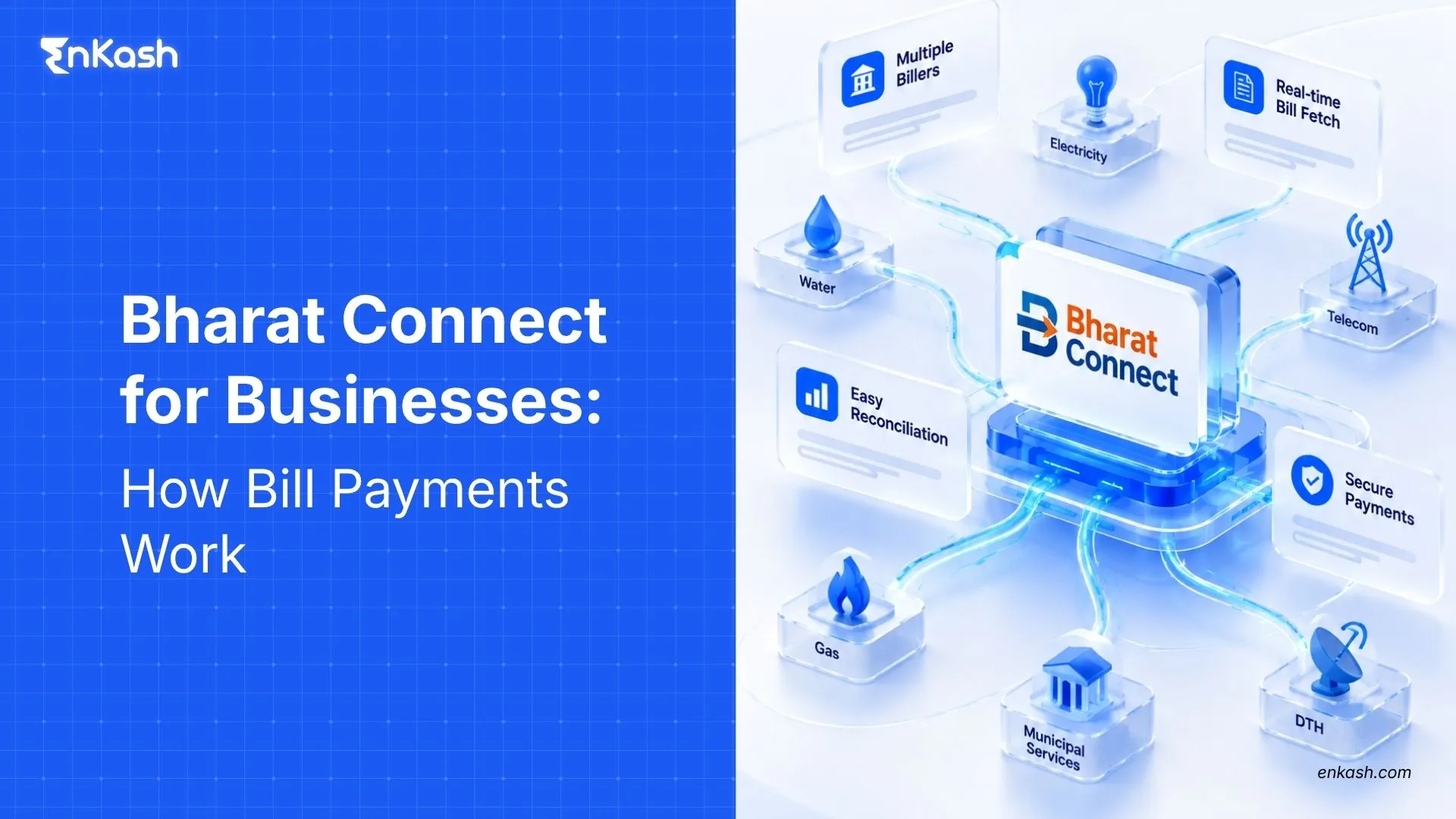
Participating bank and payment apps can support utility payments through Bharat Connect, also known by its earlier BBPS/Bharat BillPay name. Availability depends on the channel and biller.
The general process is:
- Open the app’s bill-payment section.
- Choose water and select the exact water authority.
- Enter the identifier requested for that biller.
- Retrieve the bill or follow the biller’s supported payment flow.
- Review the connection details, amount and displayed fees.
- Authorise payment and save the confirmation.
Paying a Water Bill on Google Pay
Open Google Pay, select Pay Bills, search for your water authority and follow the instructions to link or select your biller account. Review the bill, choose a supported payment method and complete payment.
How to Download Your Water Bill and Payment Receipt
A water bill records charges for a billing period. A payment receipt records a payment against an account. Keep both when you need a complete record.
To retrieve them:
- Open your utility account or the service used for payment.
- Look for bill history, payment history, transactions or receipts.
- Select the relevant billing period or transaction.
- Download the available document or use its print option.
- Check that the document matches the intended connection and payment.
Your app confirmation and the utility’s receipt may carry different references. Save both when available.
Read More: What a utility bill is and how online utility payments work.
Payment Charges and Processing Times
Is Online Water Bill Payment Free?
It depends on the channel and payment method. Review the final amount for any convenience fee, platform fee or other disclosed charge before authorising payment.
A transaction confirmation and an updated utility balance are separate records. The payment service may confirm the transaction before the utility account reflects it.
Check the update window shown for your specific payment. Pay ahead of the deadline where possible, particularly when using a channel for the first time.
Common Water Bill Payment Problems and What to Do
| Problem | What to check | Suggested next step |
|---|
| Bill not found | Authority name, consumer number, site code and other required fields | Compare against the latest bill, then try the official utility portal |
| Account details do not match | Consumer name and connection address | Stop before paying and verify the identifier |
| Paper bill and app show different amounts | Bill dates, arrears and recent adjustments | Ask the utility to confirm the current payable amount |
| OTP does not arrive | Registered mobile number and the portal’s current instructions | Use the authority’s official mobile-update or support process |
| Bank debited but transaction status is unclear | Payment history, bank statement and transaction reference | Check the existing payment before retrying; contact the payment channel |
| Payment successful but bill still appears unpaid | The stated update window and utility payment history | Raise a payment-status enquiry if the window has passed |
| Bill paid twice | Both payment confirmations and the account ledger | Ask the authority/payment channel whether an adjustment or refund applies |
| Receipt cannot be downloaded | Utility payment history and app transaction history | Request assistance using the account and payment references |
Details to Keep Ready for a Payment Complaint
Provide your biller name, consumer identifier, amount, payment date, transaction reference and a description of the issue. Retain any complaint number for follow-up.
Never include an OTP, UPI PIN, password or full card details in a complaint.
Water Bill Waivers, Rebates and Late Fees
Rebates and waivers depend on the water authority’s rules and any active scheme. Online payment alone does not establish eligibility.
Before relying on a concession, check the official notification for:
- Eligible consumers and connection categories.
- Covered charges: principal dues, interest or penalties.
- Application and payment deadlines.
- Required documents or registration.
- Whether the adjustment appears in your account.
Likewise, check the authority’s rules for overdue payments. Do not assume every provider applies the same penalty or disconnection process.
Managing Business Water and Electricity Bills Across Locations
For a business with branches, stores or offices, paying a bill is only part of the process. Finance teams also need to identify the connection, check the charges, obtain approval and retain the payment record.
A practical control is to maintain a connection register:
| Field | Why it matters |
|---|
| Location and biller | Identifies the site and issuing authority |
| Consumer/connection identifier | Helps prevent payment against the wrong account |
| Billing period and due date | Supports timely review |
| Amount and approval record | Records what was authorised |
| Transaction reference and receipt | Supports payment follow-up and reconciliation |
For example A finance team reviewing a branch’s water bill can match the consumer number to its connection register, compare the billing period and outstanding amount, approve payment and store the receipt against that location. This makes the record easier to retrieve when a branch reports an unpaid balance.
EnKash’s business utility-payment platform brings supported water, electricity and other utility bills into a central workflow. Businesses can manage locations, review bills, make single or bulk payments, and track payment records for reconciliation.
FAQs
Can I Check My Water Bill Without a Consumer Number?
It depends on the utility. Some provide account-recovery or alternative lookup options; others require the connection identifier. Check a previous bill, your registered account or the authority’s official support service.
Can I Pay My Water Bill Using UPI?
Yes, where the utility and selected payment channel support it. Check the available options for your biller; provider-specific restrictions can apply.
Can I Pay a Water Bill Using a Credit Card?
Some payment channels accept credit cards. Check availability for your biller and review the final charges before proceeding.
Can I Pay Without Registering on the Water Board Website?
Some portals offer quick payment, while others require login or OTP verification. Follow the current requirements shown by your authority.
Can I Download Previous Water Bills Online?
Where the utility provides bill history, select the required period and download the available document. Registration may be required, and the accessible history varies by provider.
What Should I Do If Money Is Debited but Payment Fails?
Check the transaction status and the refund timeline displayed by your payment channel. Monitor your bank statement and contact that channel if the stated period passes without resolution. Keep the payment reference.
What If My Bill Still Shows Due After a Successful Payment?
Compare the utility record with your payment confirmation and check the stated update window. If it has passed, raise a payment-status enquiry with the channel and utility rather than immediately paying again.
Can I Pay Someone Else’s Water Bill?
Bharat Connect supports payments on behalf of others. You need the correct biller and account details. Confirm the connection before authorising payment.
Can I Pay an Overdue Water Bill Online?
Check the current amount and payment eligibility on the authority’s portal. Penalties or further action depend on the utility’s rules and account status.
Can I Pay Water and Electricity Bills Through the Same App?
Many participating bill-payment channels support both categories, but the water authority and electricity provider must each be available. Add and verify each account separately.
Can Businesses Manage Bills for Multiple Locations?
Yes. A business utility-payment platform can help organise supported connections, review bills and retain payment records across locations. Confirm biller coverage and the required approval workflow before onboarding.