In the digital age, gift cards have become a widely accepted form of gift-giving, combining convenience with the personal choice of the recipient. Among these, Amazon gift cards stand out due to their versatility and the wide range of products available on Amazon.
Whether you’re celebrating a birthday, expressing gratitude, or rewarding an employee, understanding how to buy an Amazon gift card is essential. This guide will navigate you through the process, including a special mention on purchasing through the EnKash platform.
What is an Amazon Gift Card?
An Amazon gift card is a prepaid digital or physical voucher that lets the recipient shop for millions of products available on Amazon. It works like a stored-value card where the balance on the card can be used to pay for items across categories such as electronics, fashion, home essentials, books, groceries, and more.
Since it is not restricted to any specific product category, the recipient enjoys complete freedom to choose what they want.
Amazon gift cards come in different formats, including physical cards, e-gift cards, and digital codes sent through email or SMS. They are simple to use, widely accepted on Amazon, and make for a thoughtful gifting option for personal occasions as well as corporate rewards.
How to Purchase an Amazon Gift Card
Buying an Amazon gift card is easy and can be done online in just a few steps.
- Open the Amazon app or go to the Amazon website.
- Search for “Amazon Gift Card” in the search bar.
- Select the type of card you want (e-gift, physical, or code).
- Choose the amount and design.
- Enter the recipient’s details for digital cards.
- Add to cart and proceed to checkout.
- Complete the payment using your preferred method.
Once the payment is done, digital gift cards are delivered instantly through email or SMS, while physical gift cards are shipped to the selected address.
How to Redeem an Amazon Gift Card
Redeeming an Amazon gift card is easy and takes only a minute. Once you receive your gift card code by email, SMS, or on a physical card, follow these steps to add it to your Amazon account:
- Open the Amazon app or go to the Amazon website.
- Log in to your Amazon account.
- Navigate to Your Account and select Gift Cards.
- Click on Redeem a Gift Card.
- Enter the claim code shown on your card or email.
- Hit Apply to Your Balance.
The gift card value will reflect instantly in your Amazon Pay balance. During checkout, this balance is automatically used for your purchase.
For physical cards, scratch the panel on the back to reveal the code. It is always a good idea to redeem your gift card as soon as you get it, so the balance stays securely stored in your Amazon account.
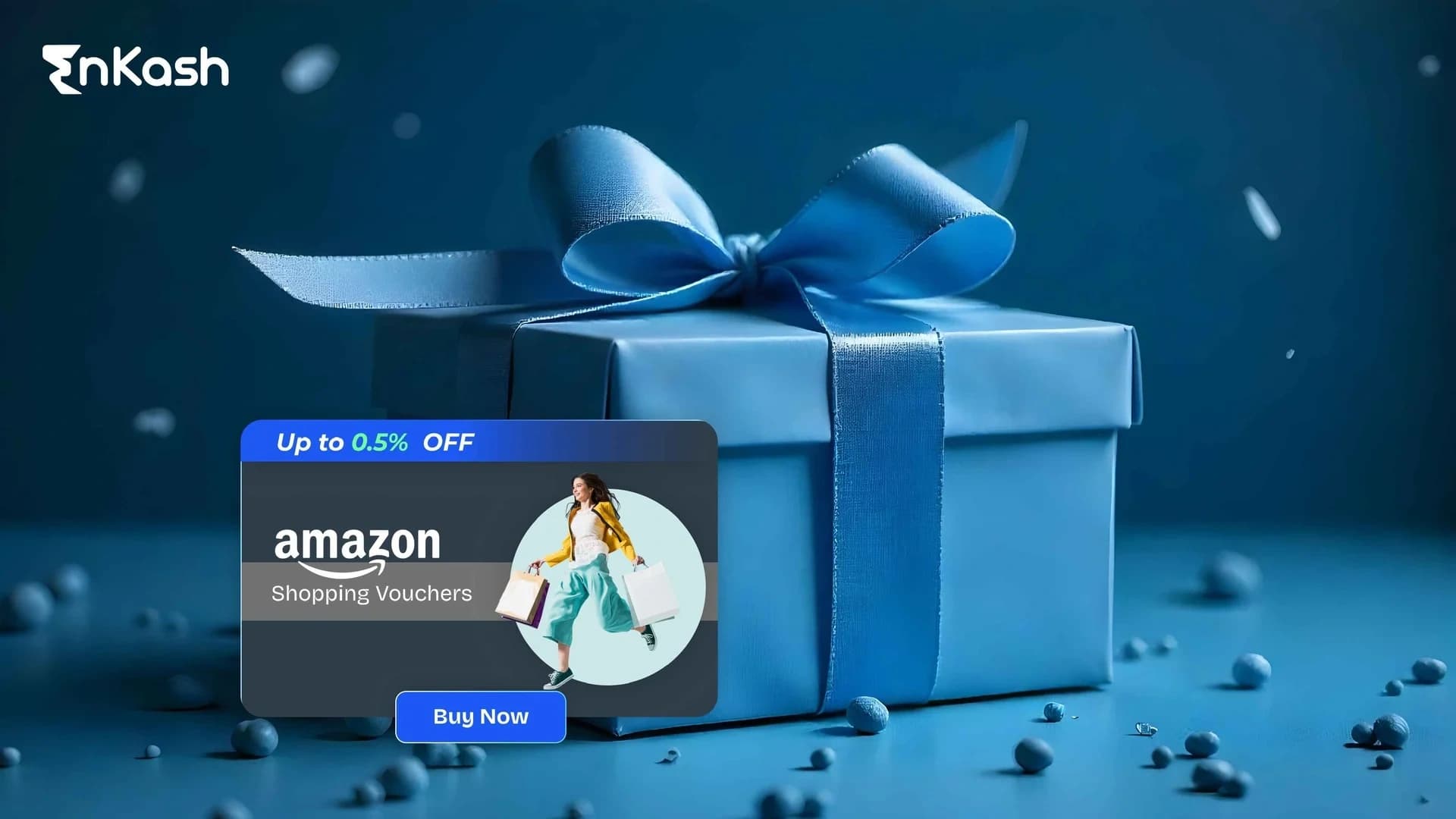
For businesses looking to reward employees or for anyone purchasing in bulk, the EnKash platform offers a simple and efficient way to buy Amazon gift cards. You can explore Amazon Shopping vouchers, Amazon Prime vouchers, Amazon Pay vouchers, and other Amazon category cards along with 400+ popular brands across retail, e-commerce, fashion, food, travel, and more.
Here’s how to buy an Amazon gift card on EnKash:- Visit EnKash.com and go to the Product section.
- Log in to your account and search for an Amazon Gift Card.
- Select the voucher type, denomination, and quantity you want.
- Add your selection to the cart and proceed to checkout.
- Complete the payment using your preferred method.
- Receive your Amazon gift card instantly on your registered email and WhatsApp.
Buying through EnKash makes bulk gifting easier and will help you get an exclusive discount and save a decent amount, making it a reliable choice for companies and organizations.
Conclusion
Buying an Amazon gift card is a straightforward process that offers a flexible and appreciated gift option for any occasion. Purchasing through EnKash for bulk orders will help you get an exclusive discount and save a decent amount. Always remember to consider the recipient’s preferences and the most suitable delivery method to ensure your gift is both meaningful and timely.
With the vast array of products available on Amazon, gift cards serve as the perfect way to grant your recipients the freedom to choose exactly what they want. By following this guide, you can easily navigate the process of purchasing Amazon gift cards, making your next gifting occasion a breeze.
Frequently Asked Questions
1. How do I use my Amazon gift card balance?Once you redeem your gift card, the amount is added to your Amazon Pay balance. This balance is automatically used during checkout. If your order amount is higher than your balance, you can pay the remaining amount using any other payment method.
2. Do Amazon gift cards expire?Amazon gift cards in India come with a validity period (for example, 1 year from the date of issuance). Always check the exact expiry date and terms mentioned on the card, email, or SMS.
3. How do I check my Amazon gift card balance?Go to Your Account → Gift Cards on the Amazon app or website to see your current balance and redemption history.
4. Can I use my Amazon gift card balance for all products?Most products are eligible, but some categories, like subscriptions, digital services, or other gift cards, may not allow payment via gift card balance.
5. Can I transfer my Amazon gift card balance to a bank account or UPI?No. Gift card balance cannot be transferred or withdrawn. It can only be used for shopping on Amazon.
6. Can I use Amazon gift cards bought from EnKash on Amazon?Yes, Amazon gift cards purchased from EnKash are valid vouchers that can be redeemed directly on Amazon, in as with the terms shared with you at the time of purchase.
7. Can I buy Amazon gift cards in bulk through EnKash?Yes. EnKash allows you to purchase Amazon gift cards in bulk with flexible denominations, making it ideal for corporate gifting, incentives, and employee rewards.